Scan enterprise file storage to find identical file copies and list them centrally.
Use manual file management options to delete duplicate files with precision.
Remove unneeded copies of files to optimize space in primary storage devices.
Scan Windows file servers, failover clusters, and workgroup servers to locate duplicated files and list them in consolidated reports.
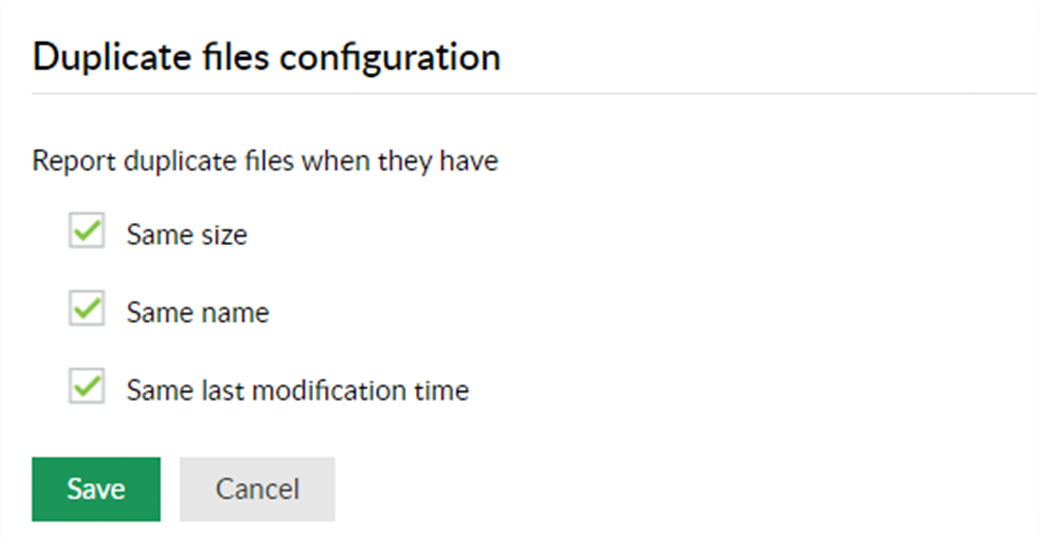
Compare file names, sizes, and modification times to spot redundant file copies with targeted precision, and reduce false positives.
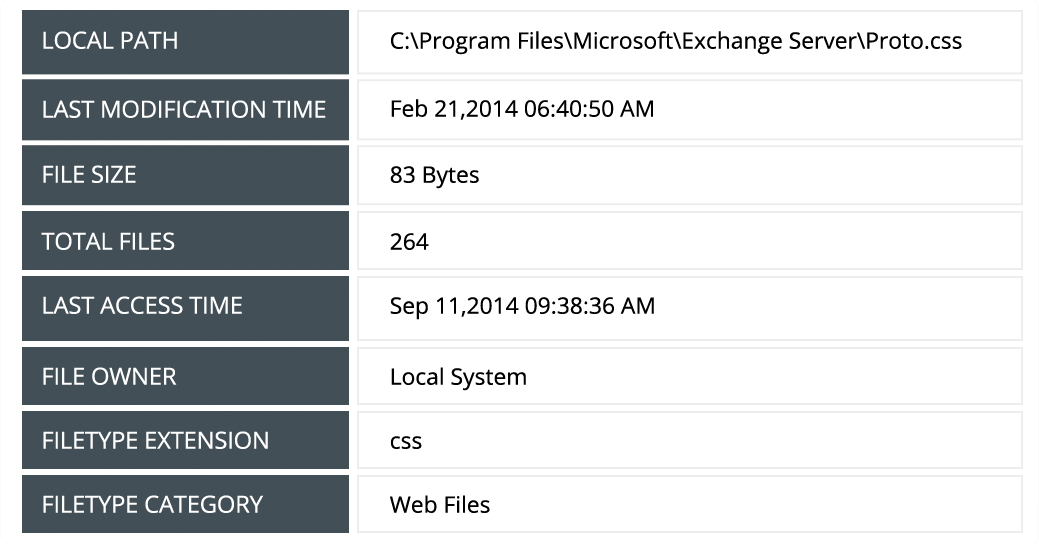
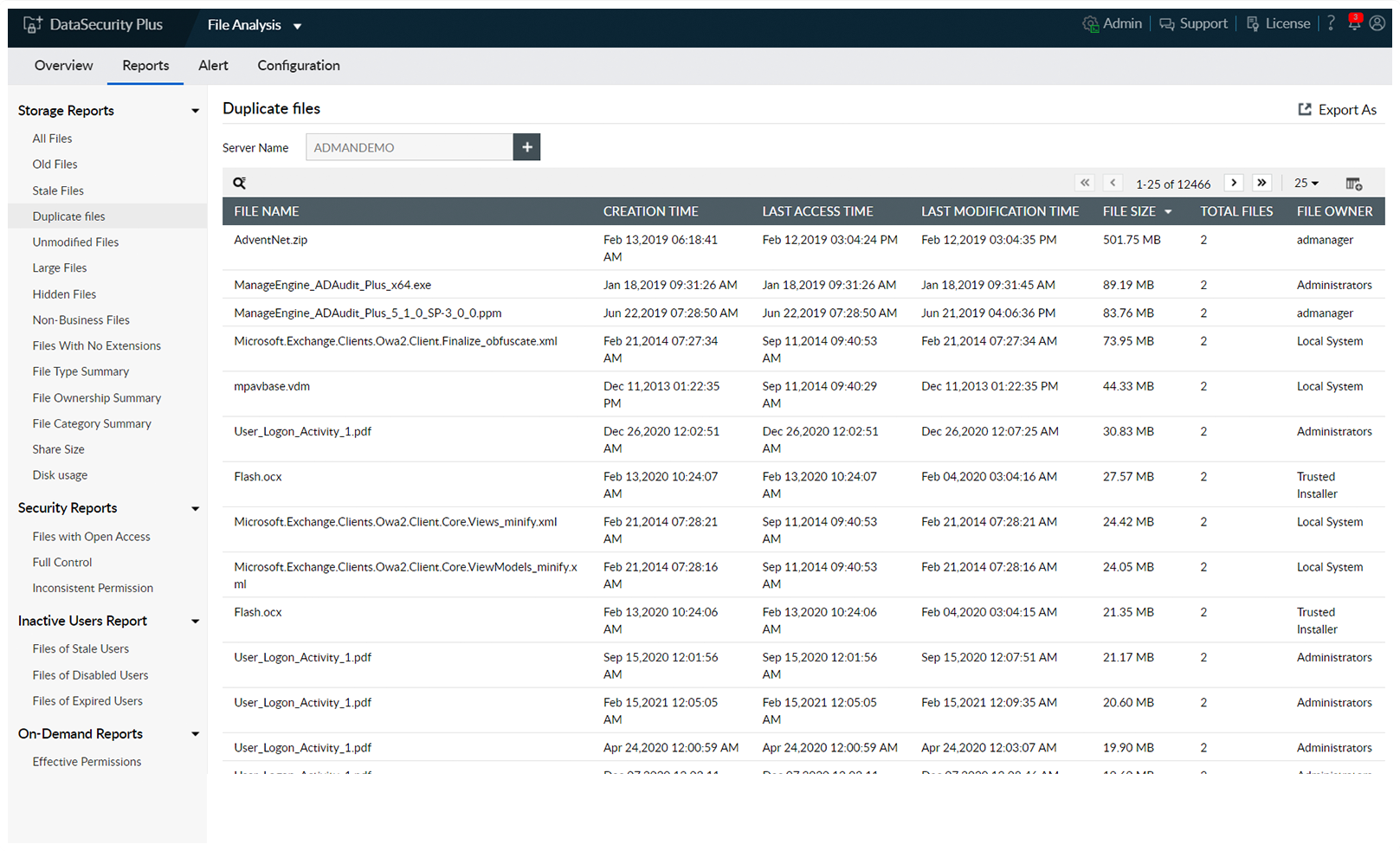
Get in-depth details on every duplicated file, such as the number of copies; their location, size, and owners; when they were last accessed; and more.
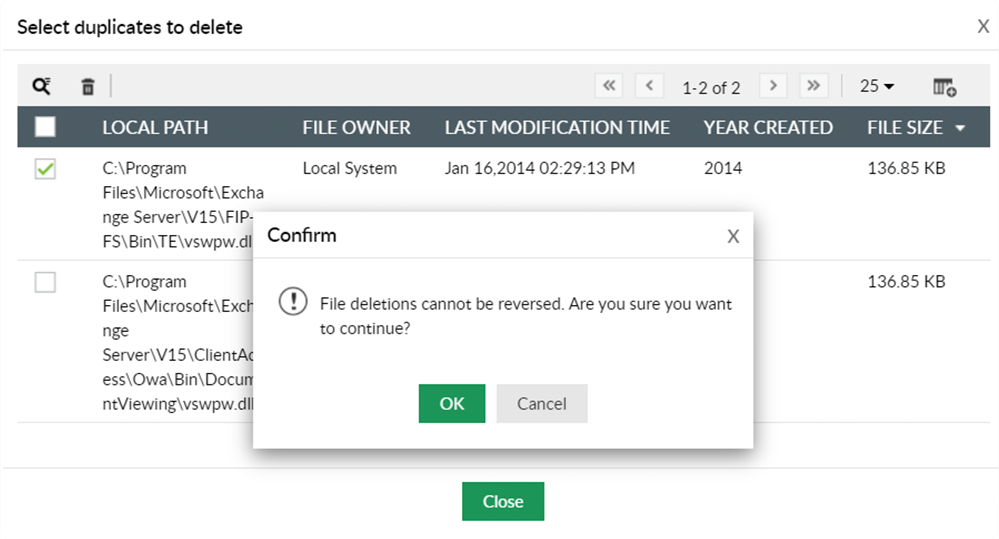
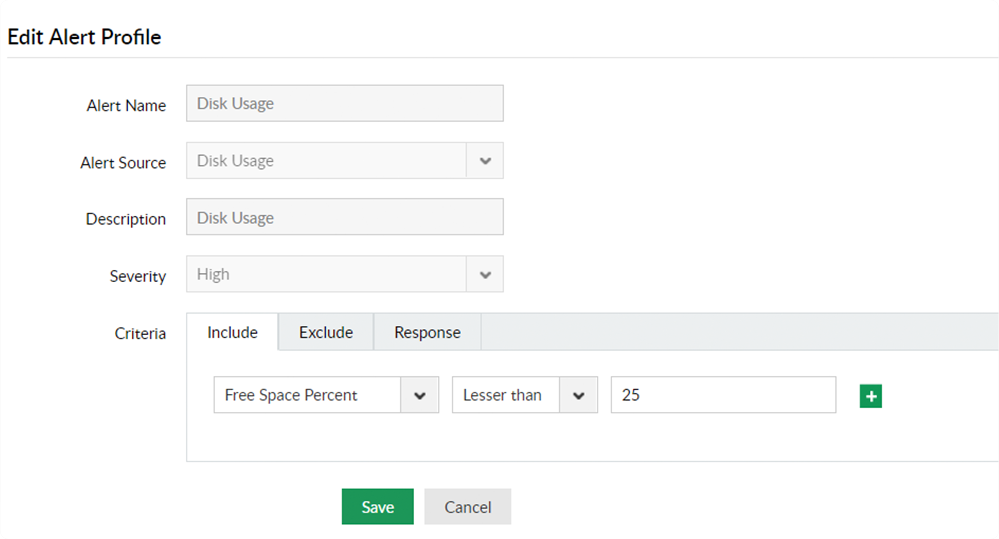
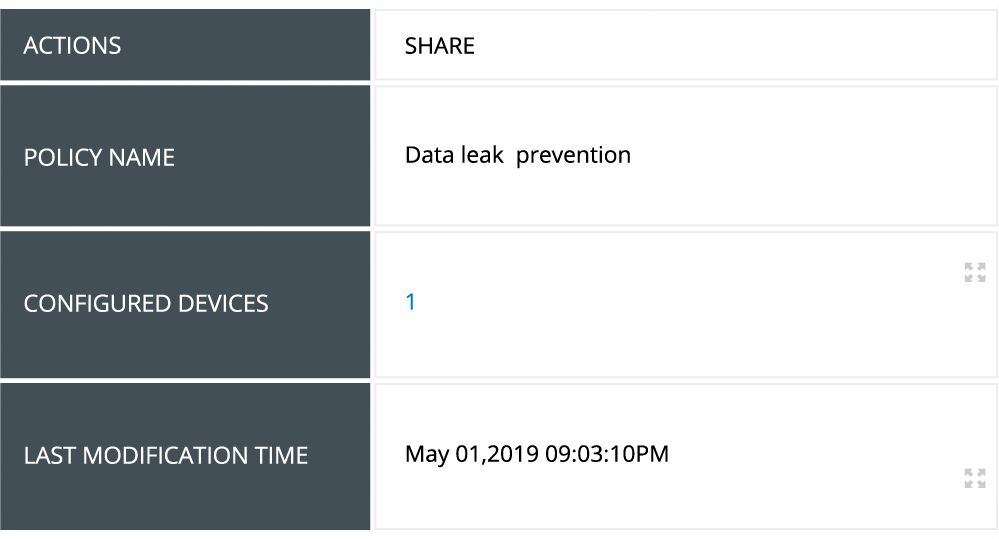
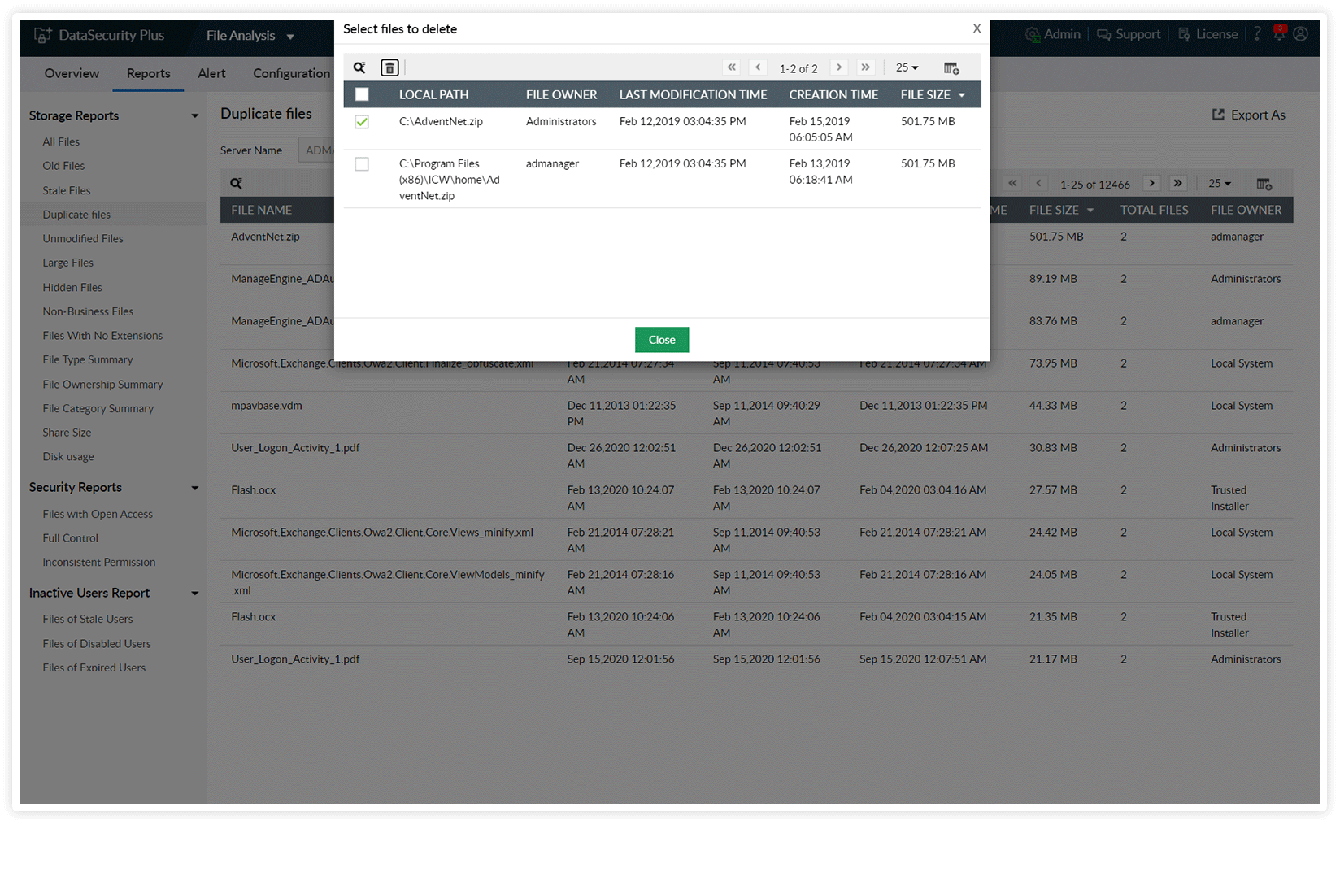
Select the file with redundant copies, choose which instance to delete, and carry out the deletion right from the UI to easily reclaim disk space.
Cross-verify the time of creation of each copy of a file to identify the potential master file. This gives you more context on which copies can be safely deleted.
Monitor users who delete redundant files using DataSecurity Plus, when they performed the action, and from where by auditing technicians' duplicate deletion activities.
DataSecurity Plus' duplicate file management feature helps you optimize disk usage
and maximize storage performance.
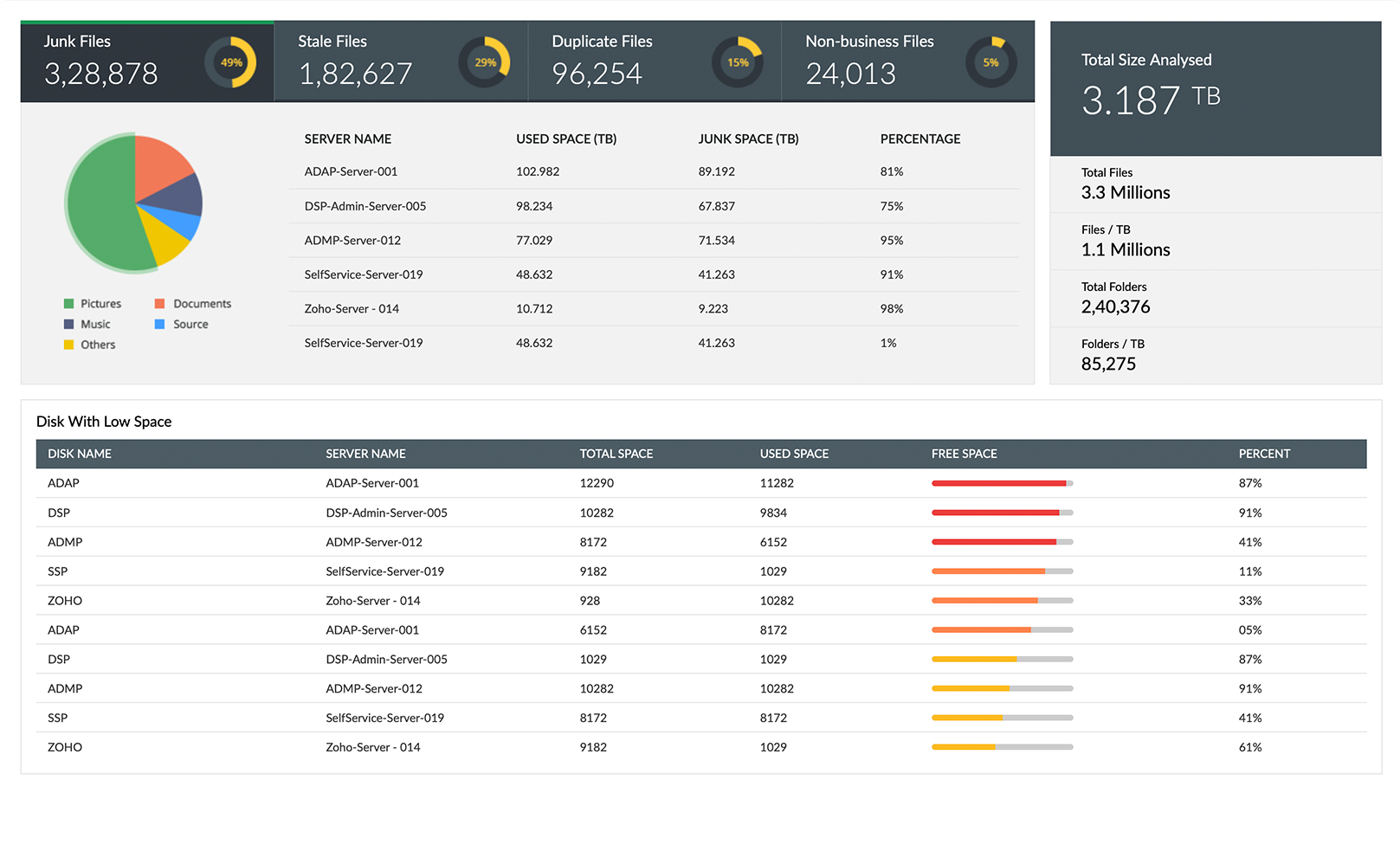
With DataSecurity Plus' file analysis capability, get useful breakdowns on the ratio of junk files in enterprise storage.
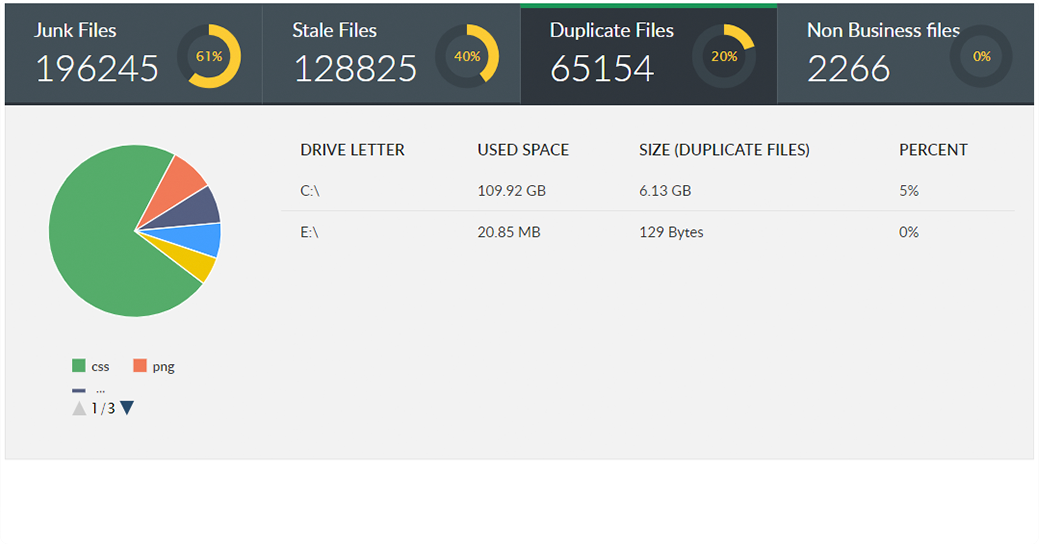
Know how much disk space and what percentage of total storage is taken up by duplicate files in each server.
Receive detailed reports on duplicate files, with information on their location, last modification time, size, and more.
You can also locate other junk files, such as old, stale, temporary, unmodified, and non-business files.
View the owners of each copy of a file and hold them accountable to conduct better data storage practices on enterprise devices.
Simplify file deduplication by selectively removing only those copies that you want to delete.
Locate PII and ePHI, and maintain an inventory of the personal data you store.
Leverage automatic and manual classification capabilities to sort files with sensitive data.
Scan for sensitive business data and protect it from leaking via USBs or Outlook emails.
Find redundant, obsolete, and trivial data like duplicate and non-business files, and set up policies to manage data like this.
Identify overexposed files and broken inheritances, analyze file ownership and permissions, and more.
Gain insight into disk usage patterns by analyzing storage growth and receiving alerts on low disk space.

