DDI Central 6.2: Now with GSS TSIG authentication, LDAP and LDAPS user provisioning, and Native Windows scavenging
DDI Central version 6.1 introduced significant enhancements to the IPAM section, bringing a segmented view for sites, clusters, and supernets, along with multiple display options: table, tree, and card views. The release also added trusted feed configurations, root hint templates, and unmapped subnet monitoring, giving network admins greater flexibility and control over their DNS and DHCP resources.
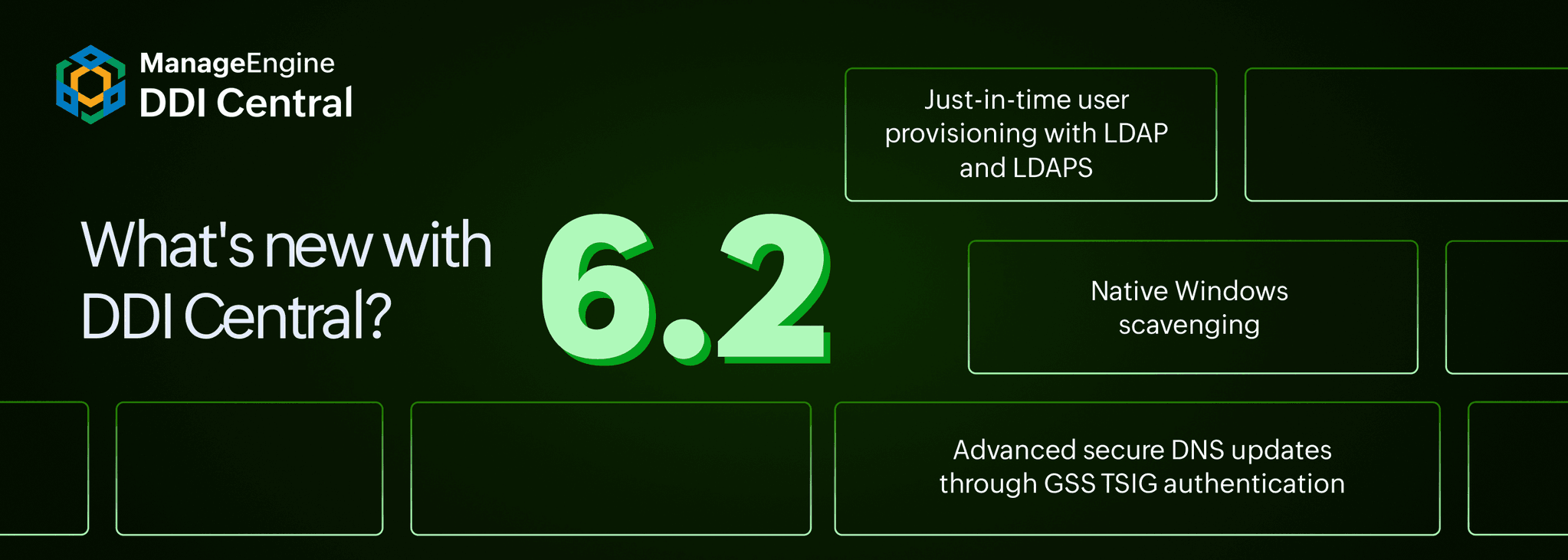
Building on that foundation, DDI Central version 6.2 delivers another set of meaningful enhancements, including: Generic Security Service Algorithm for Secret Key Transaction (GSS-TSIG) authentication for secure dynamic DNS updates, just-in-time (JIT) user provisioning via LDAP and LDAPS, and support native scavenging for stale Windows AD-integrated and DDNS domains. Together, these additions strengthen how network admins manage DNS updates, domain hygiene, and user access across their network.
Here's a detailed look at everything DDI Central version 6.2 has to offer.
What's new in DDI Central 6.2?
1. Just-in-time user provisioning with LDAP and LDAPS
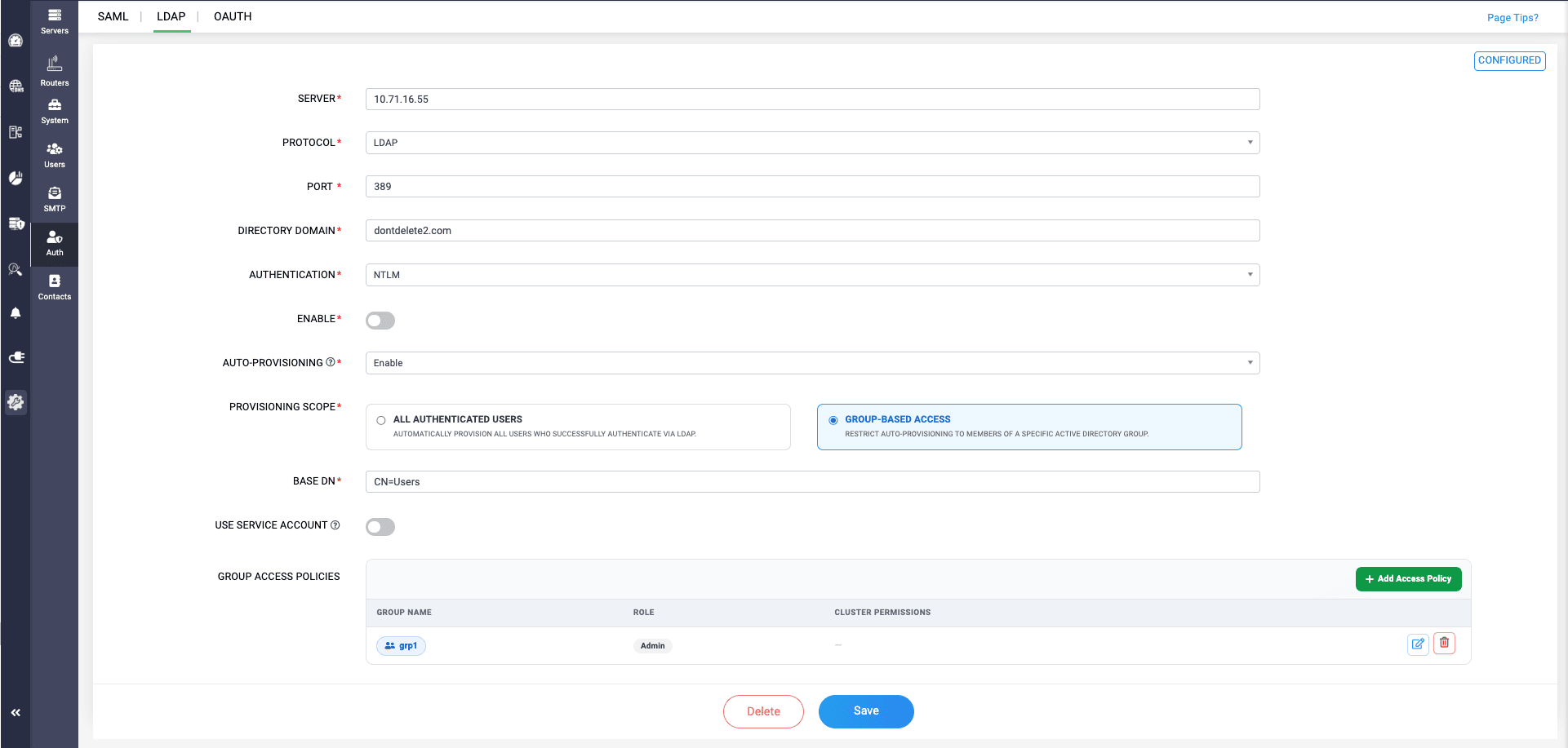
DDI Central 6.2 introduces automated user provisioning through LDAP and LDAPS, eliminating the need for admins to manually create user accounts in the application one by one. Once configured, DDI Central fetches user credentials directly from the LDAP server and automatically creates users through JIT provisioning, so when LDAP users access the application for the first time, they are immediately identified and permitted without any manual intervention.
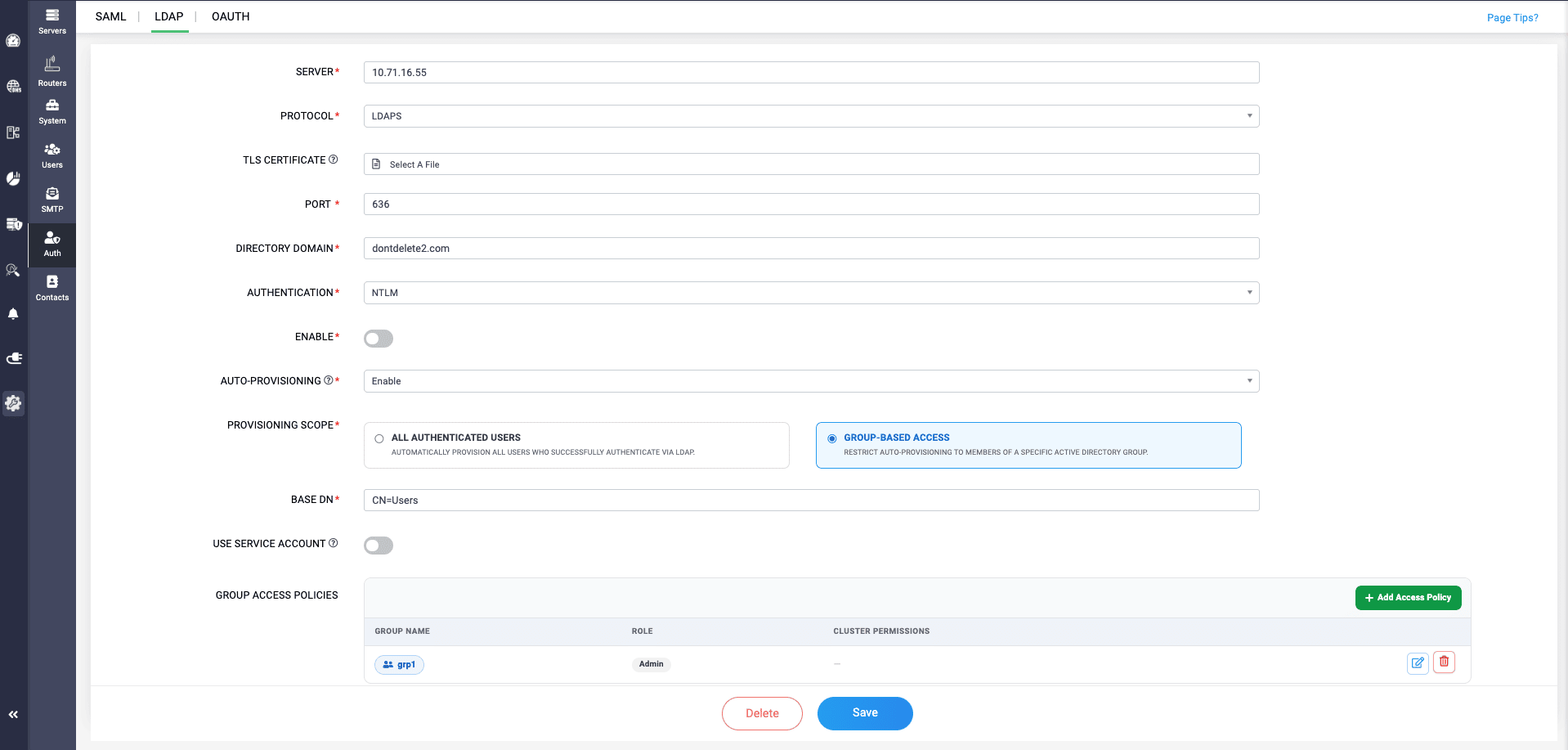
Admins can define the provisioning scope to control how roles are assigned during user creation—either applying a single role to all authenticated users, or using group-based access to provision only specific AD user groups with tailored permissions.
2. Native Windows scavenging
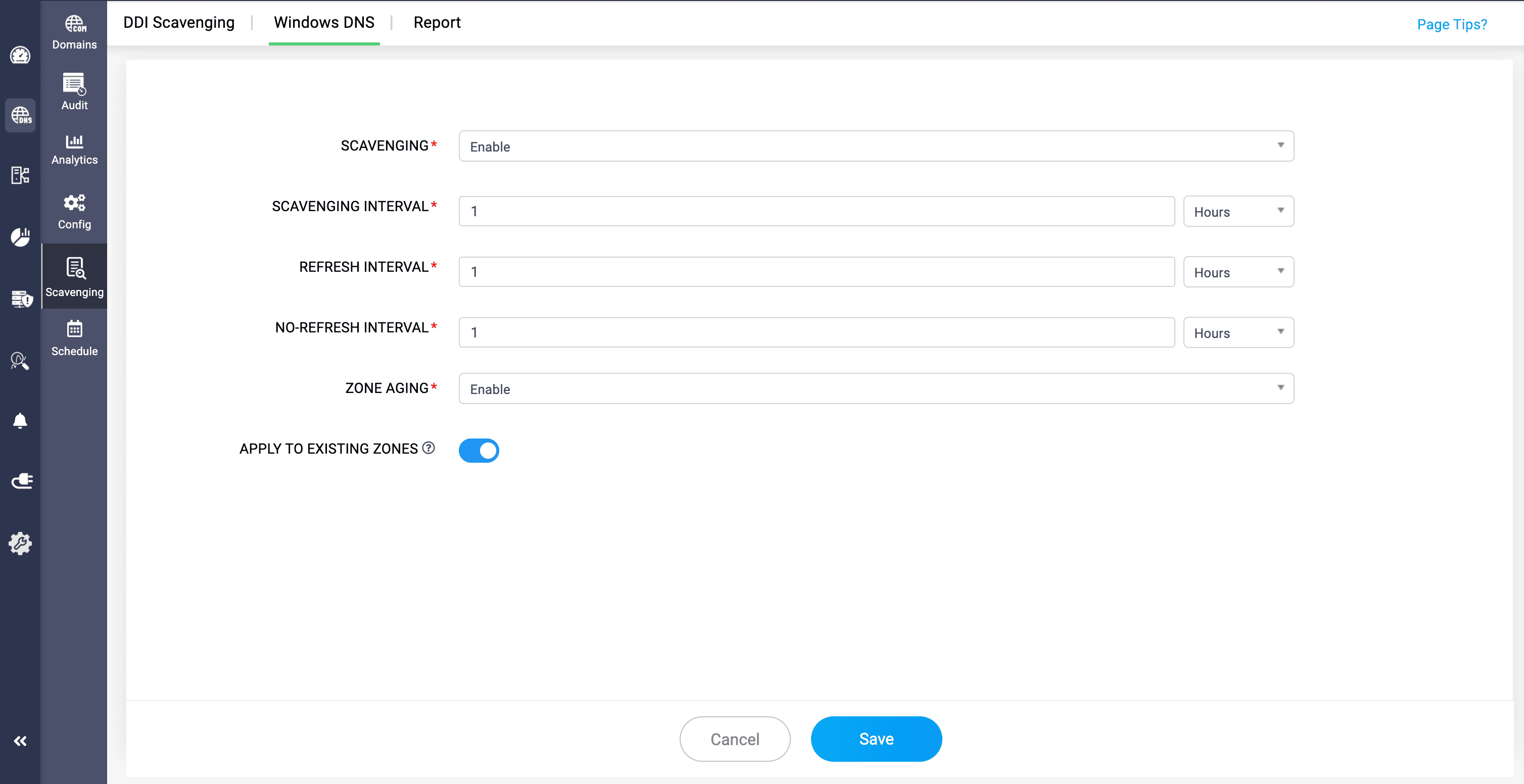
DDI Central 6.2 extends its domain scavenging support for native Windows AD-integrated and DDNS-enabled domains, allowing network admins to automate the identification and removal of stale DNS records without manual intervention. Admins can configure scavenging intervals, refresh intervals, and no-refresh intervals per domain, and enable zone aging to determine when DNS records are marked as stale and eligible for scavenging.
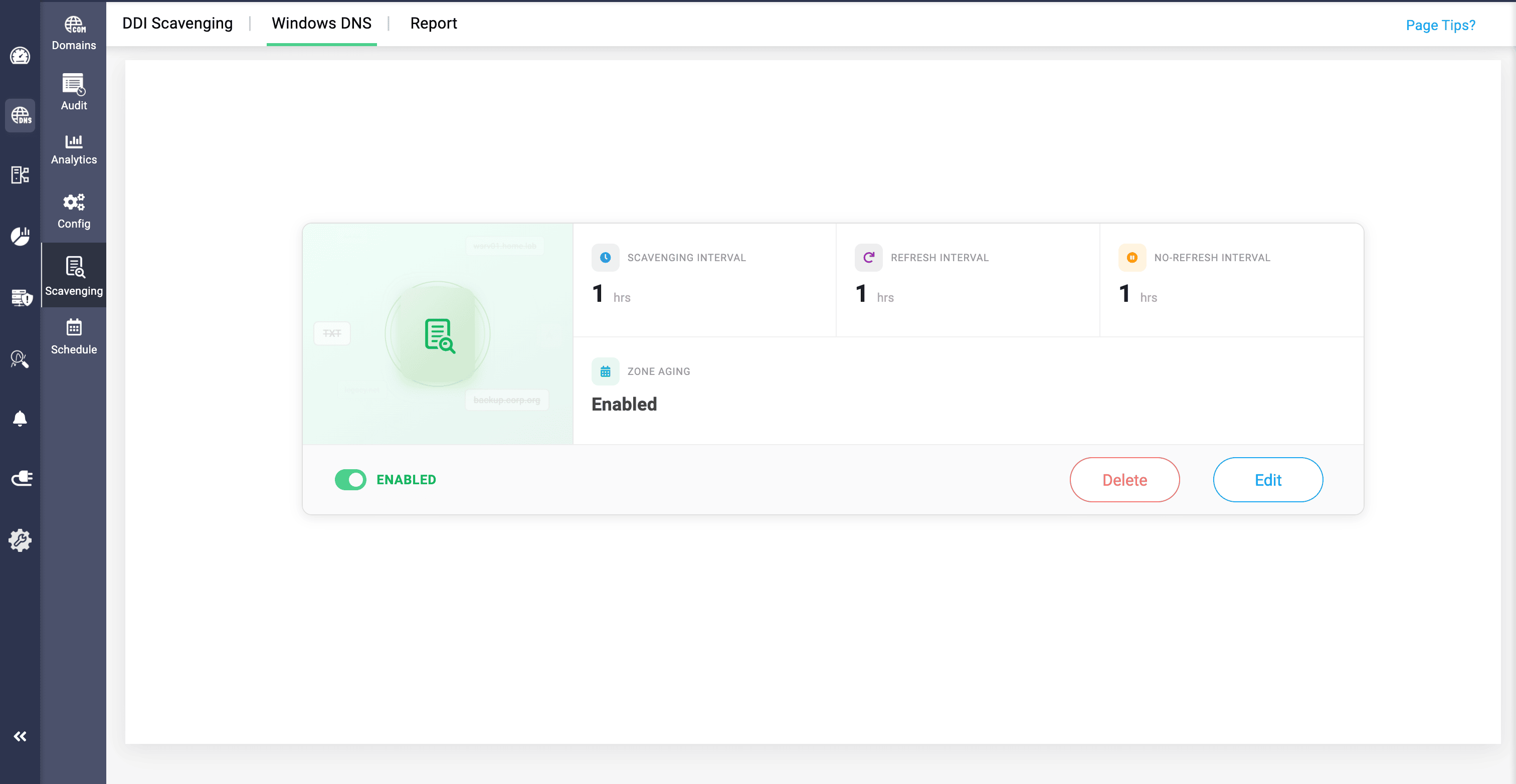
DDI Central provides separate visibility for standard domains and DDNS and AD-configured domains within the Windows cluster, giving admins more granular control over stale record management across different domain types.
3. Advanced secure DNS updates through GSS TSIG authentication
Finally, GSS-TSIG authentication brings a more secure and scalable approach to dynamic DNS updates, alongside the traditional shared-key TSIG method with Kerberos-based authentication, which is the same identity infrastructure already trusted by Microsoft AD.
GSS-TSIG establishes trust through Kerberos tickets issued by AD, ensuring only verified, domain-joined machines can update DNS records in BIND 9, with no shared keys distributed or rotated. With this, network admins can implement cross-communication from Windows AD server with any Linux BIND 9 servers for dynamic DNS updates.
Ready to implement new DDI Central 6.2 for enhanced supervision over your network?
DDI Central 6.2 simplifies user provisioning, DNS scavenging, and server authentication for dynamic DNS updates, reducing the need for manual intervention across all three. Network admins no longer need to manually create and verify user accounts in the application, rely on traditional shared-key TSIG authentication, or manage DNS scavenging processes by hand.
Upgrade to 6.2 today or start your 30-day free trial to see how DDI Central 6.2 can bring greater efficiency and security to your organization's network administration.