Java agent auto installation and troubleshooting
Install Operation
Syntax: java -jar apminsight-javaagent.jar [OPTIONS]
Note
Install operation can only be performed for standalone servers. Servers currently supported are Tomcat, JBOSS AS, JBOSS EAP, Wildfly & Jetty.
Place the agent jar and its conf files inside app server home directory and run the install command OR Use the '-p' key to provide the app server home directory path.
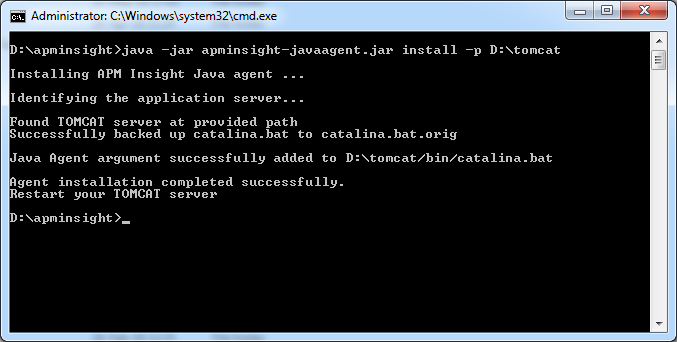
List of options available
The commands that you can use along with Install are given below.
| Option | Argument | Description | Usage |
| -h,--help | Prints all the options and its description. | java -jar apminsight-javaagent.jar -h | |
| -v, --version | Prints agent version. | java -jar apminsight-javaagent,jar -v | |
| Install | Searches for app server files in current directory and installs the agent. | java -jar apminsight-javaagent.jar install | |
| -h | Prints the install options and its description | java -jar apminsight-javaagent.jar install -h | |
| -k <license_key> |
|
java -jar apminsight-javaagent.jar install -k 1234567890qwertyuiop | |
| -p <appserver_path> | java -jar apminsight-javaagent.jar install -p /usr/home/tomcat | ||
For troubleshooting operation please refer to our KBase article on the same.
-
On this page
- Install Operation
- List of options available