Transform the way you manage your Apple devices
- Seamless device management
- Enhanced security and compliance
- Efficient app management and deployment
- Robust analytics and reporting
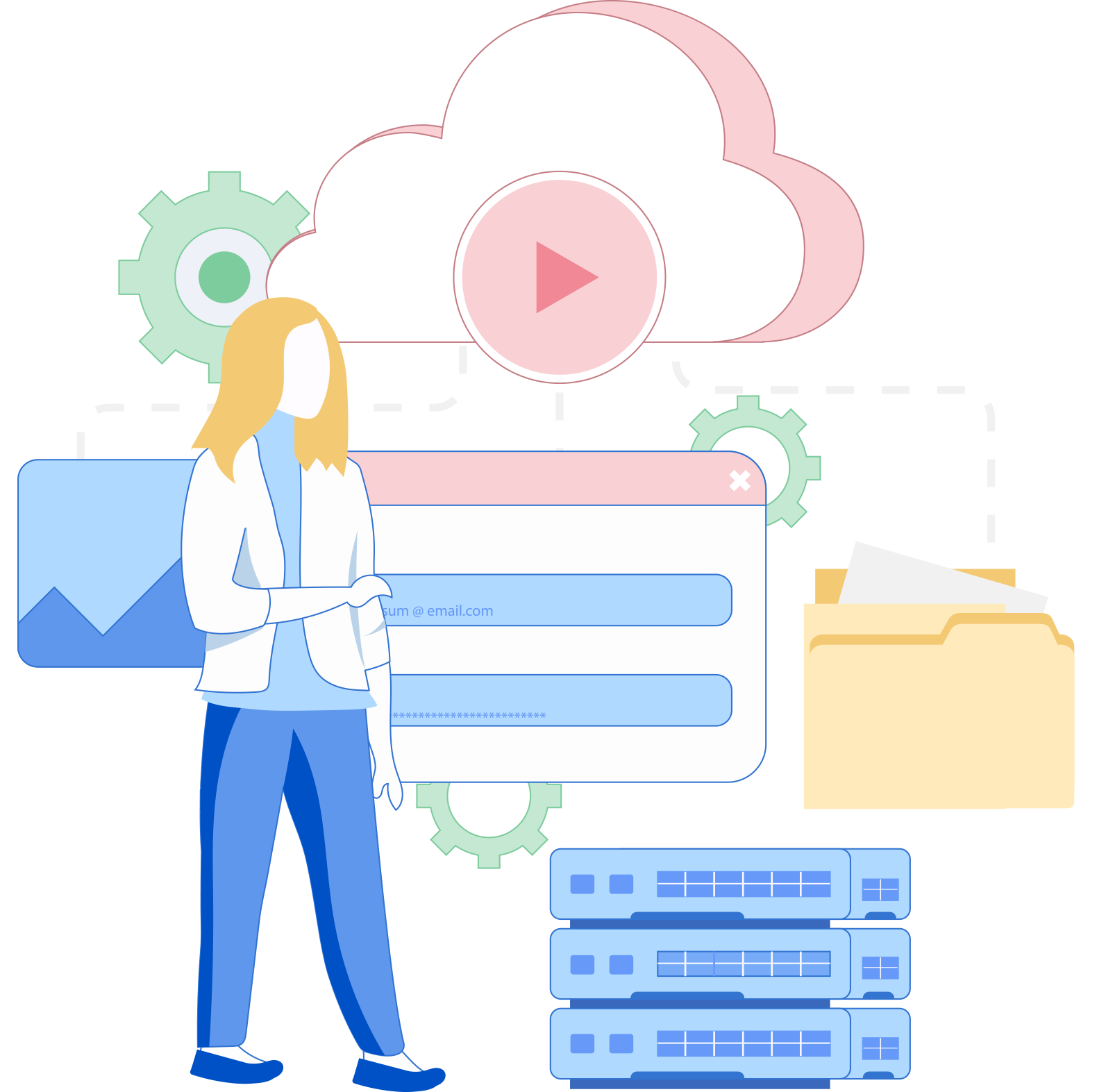
- Centralized device control Simplify device management with a centralized touch. Take charge of your Apple devices effortlessly from one intuitive dashboard. Customize settings, deploy apps, and reinforce security policies across your entire fleet, ensuring seamless device management.
- Automated enrollment Simplify bulk device onboarding with automated enrollment options. Leverage Apple Business Manager (ABM) to streamline the device setup process over-the-air, saving you time and manual efforts.
- Bring your own device (BYOD) A secure and seamless BYOD program that enables employees to connect their personal Apple devices to the corporate network while maintaining data privacy and security. Leverage mobile device management (MDM) solutions to establish containerization, separating personal and work-related data on the device.
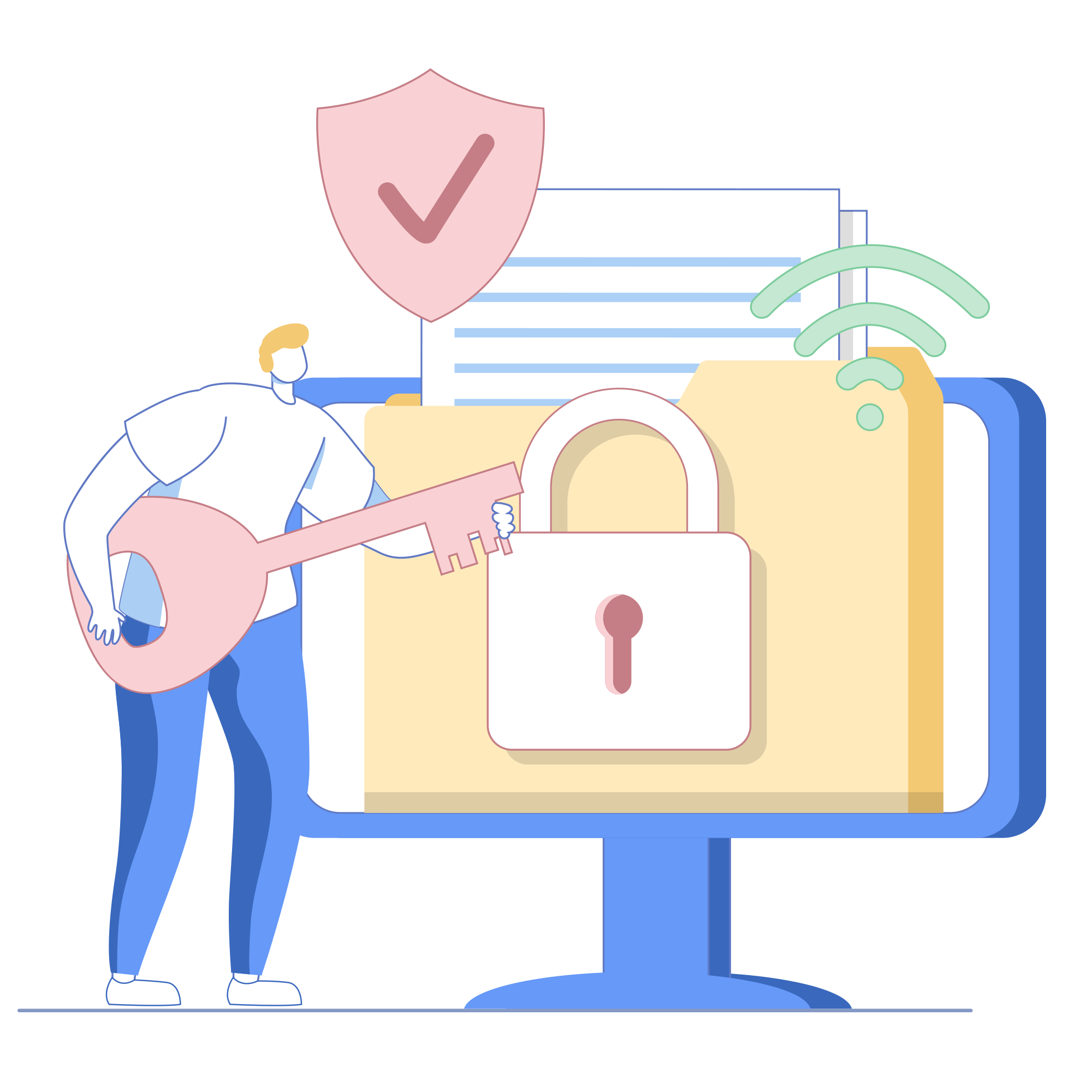
- Secure app distribution Ensure apps are distributed securely, preventing unauthorized installations and reducing potential security risks. Control app installation permissions, whitelist/blocklist apps, and leverage Apple's App Store or in-house app deployment options for comprehensive Apple app management.
- Data protection With robust encryption, the ability to enforce security policies, remotely wipe devices, and manage access, you have complete control over safeguarding your valuable corporate information on Apple devices.
- Compliance monitoring Comply with organizational and industry regulations effortlessly by monitoring devices and enforcing compliance standards through in-depth security policies, tracking devices' locations, and automated insightful reports for audit purposes.
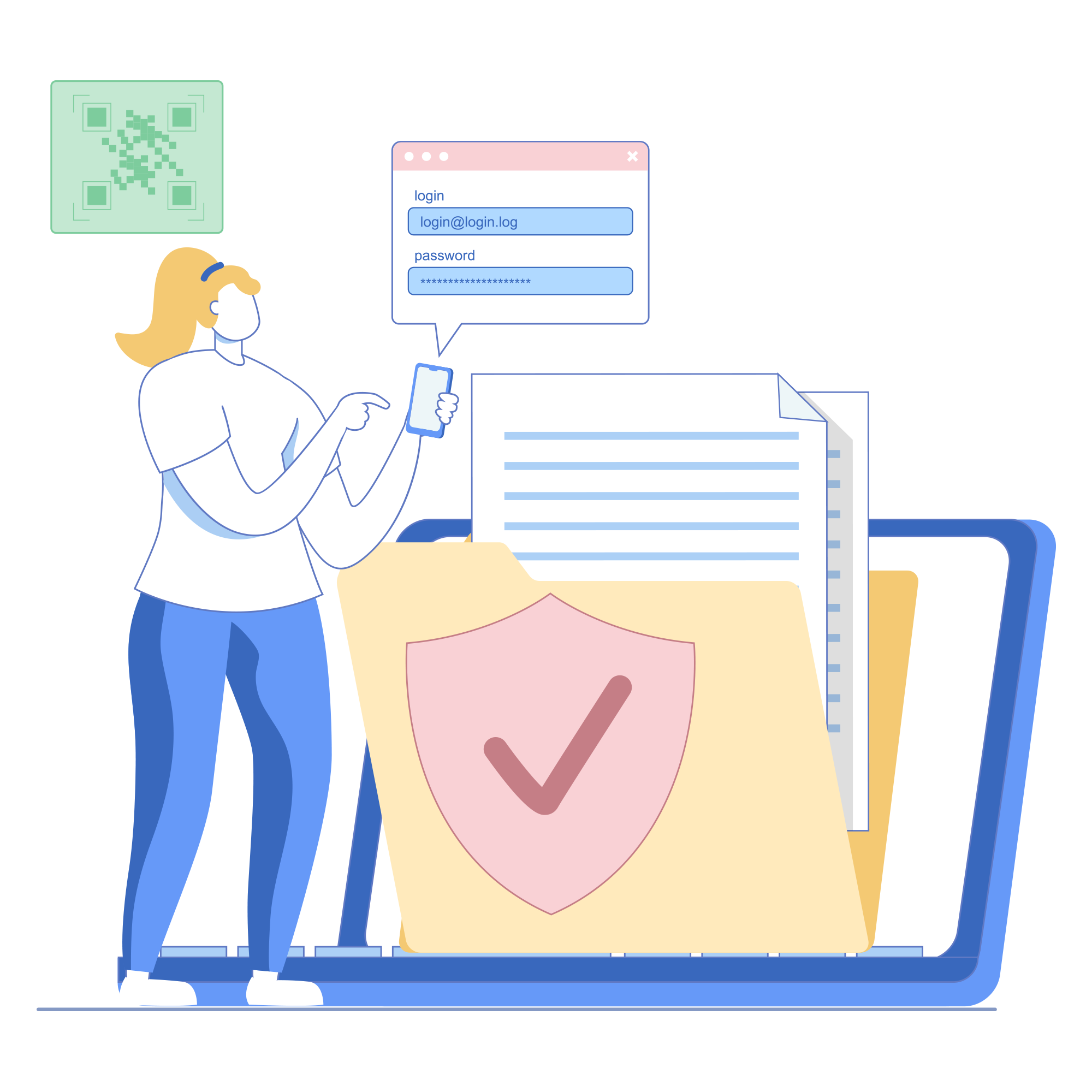
- App distribution Effortlessly distribute and manage apps across your organization. Mobile Device Manager Plus simplifies the process of deploying both in-house and App Store apps, ensuring that the right tools are in the hands of your employees when they need them. Save time and eliminate manual app installations.
- App version control Easily distribute updates, manage licenses, and control app availability to ensure all devices are running the latest, secure, and compatible versions.
- App configuration Customize app settings and configurations without the hassle. With Apple MDM, you can remotely configure apps to suit your organization's requirements. Whether it's email settings, VPN configurations, or specific app restrictions, streamline your workflows and ensure consistency across devices. Remotely configure apps with custom settings and policies, providing a consistent experience across devices.

- Optimize efficiency with actionable insights Gain valuable insights into your device fleet with comprehensive analytics and reporting. Monitor device usage, app adoption, and security compliance, enabling data-driven decision-making. Identify trends, optimize resources, and enhance operational efficiency.
Optimize apple endpoint management with essential Features

Apple Business Manager
Simplify device deployment and management with Apple Business Manager. Streamline workflows and enhance productivity within your organization.

User-based management
Customize policies and configurations based on user roles for simplified device management and consistent user experiences across all devices.

IoT Device management
Take control of your IoT infrastructure by managing and monitoring smart devices, including smart TVs and digital signage devices.
Device restrictions
Enact full control over Apple devices by applying precise restrictions on features like Siri, iCloud, App Store, and the camera. Customize device usage according to your organization's specific requirements.
Passcode policy management
Enhance data security by defining and enforcing passcode policies for Apple devices. Set requirements for passcode length, complexity, and expiration to protect valuable information.

Content filtering
Implement robust content filtering policies to restrict access to inappropriate websites and ensure compliance with acceptable use policies on Apple devices.

App catalog
Easily create and manage a catalog of in-house and App Store apps. Administrators can seamlessly publish, update, and distribute apps to Apple devices.

Content management
Securely distribute and make content available for employee access.

Email configuration
Effortlessly configure and manage email settings for Apple devices, including Exchange ActiveSync, IMAP, and POP3. Ensure secure and efficient email access for all users.

Remote troubleshooting
Diagnose and resolve device issues remotely, eliminating the need for physical access and minimizing downtime.

Location tracking
Keep tabs on the real-time location of enrolled devices, allowing you to monitor device whereabouts and ensure efficient asset management.
Remote lock and wipe
Safeguard sensitive information by remotely locking or wiping data from lost or stolen Apple devices. Prevent unauthorized access and maintain data security.
Trusted by leading brands across industry verticals








See why your peers prefer Mobile Device Manager Plus for managing their devices
We just recently upgraded about 100 devices, and the fact that you can set groups and policies and push content and apps to the devices automatically reduced 80% of the migration time, where it would have taken weeks to complete this task without an MDM. The geofencing and location tracking are also bonuses.
LJ H.Operations assistant, Construction
I really like how easy it is to deploy and have devices set up and ready for users. I can have a new phone set up for a user in under seven minutes, and most of that time is me having to get all the apps set up to work with our systems.
Josh M.IT specialist, Business supplies and equipment
Start managing your mobile devices in minutes with a free 30-day trial!
Standard edition
- Device enrollmentAll Zero touch and BYOD enrollment methods
- Device provisioning- essentialsWi-Fi, VPN, kiosk management, restrictions, SSO, certificates and more
- App managementStore and custom-app distribution, app configuration and permission management, updates, blocklisting
- Security management- essentialsPasscode settings, remote commands like alarm, locate, lock and wipe
- Asset management- essentialsLocation and battery level tracking, announcements, reports
Professional edition
- Everything in standard edition +
- Device management- advancedCustom configuration and Homescreen layout customization
- App only managementOffice 365 MAM policies
- Conditional accessMicrosoft Exchange and M365 apps
- Security management- advancedOS update management and FileVault
- Asset management- advancedLocation history, geofencing, remote control
- Content managementDistribute, secure, update and revoke.
Free edition
- Fully featured professional edition for managing up to 25 devices.