

Windows logon type 2
What is logon type 2?
Logon type 2, or interactive logon, is a logon that occurs when a user logs on physically at the machine’s console, such as by typing credentials into the sign-in screen of a Windows workstation or server. This is one of the most common logon types and indicates direct user access at the local keyboard.
Common scenarios for logon type 2 (interactive logon)
- Workstation login: A user logs on at their assigned desktop or laptop.
- Server console access: An administrator accesses a server physically in a data center or via a virtual console in a hypervisor.
- Kiosk mode devices: Systems that allow users to interact directly, like check-in terminals or POS systems.
How to spot logon type 2
In the Event Viewer, under Windows Logs > Security, check for:
- Event ID: 4624
- Logon Type: 2
- Account Name (under New Logon): The user who logged in
- Account Domain: Whether it was a domain or local account

While 4624 is the main Event ID for successful logons, the following Event IDs provide additional context around interactive logon activity.
Related event IDs:
| Event ID | Description | Relevance |
|---|---|---|
| 4625 | Failed logon attempt. | Useful to identify failed interactive login attempts, e.g., incorrect passwords. |
| 4672 | Special privileges assigned to new logon. | Logged if the user has admin-level privileges. |
| 4647 | User initiated logoff. | Indicates when the interactive session ended. |
| 4800 | The workstation was locked. | Helpful for tracking when the session became inactive. |
| 4801 | The workstation was unlocked. | Indicates user returned and resumed activity. |
Why should logon type 2 events be monitored?
Monitoring interactive logons is key to ensuring endpoint security and verifying that users are physically present when accessing sensitive systems. Here’s why tracking logon type 2 events is critical:
- Detect unauthorized access: Frequent or after-hours logon attempts may indicate physical tampering or insider threats. Pairing this with Event ID 4625 helps uncover failed logon attempts, which could signal brute-force password attacks or credential misuse at the console.
- Monitor admin activity: Know when and where privileged users are logging in directly.
- Help with compliance: Logon records support mandates in regulations such as HIPAA, the PCI DSS, and SOX.
- Incident response and forensics: In case of a breach, tracing interactive logons helps pinpoint who was accessing the system and when.
Note: You can filter Event ID 4625 by Logon Type 2 in the Event Viewer to focus specifically on failed interactive logons and ignore remote or background service attempts.
How ADAudit Plus helps monitor logon type 2 activity
ManageEngine ADAudit Plus offers real-time visibility into interactive logon activity across your Windows environment:
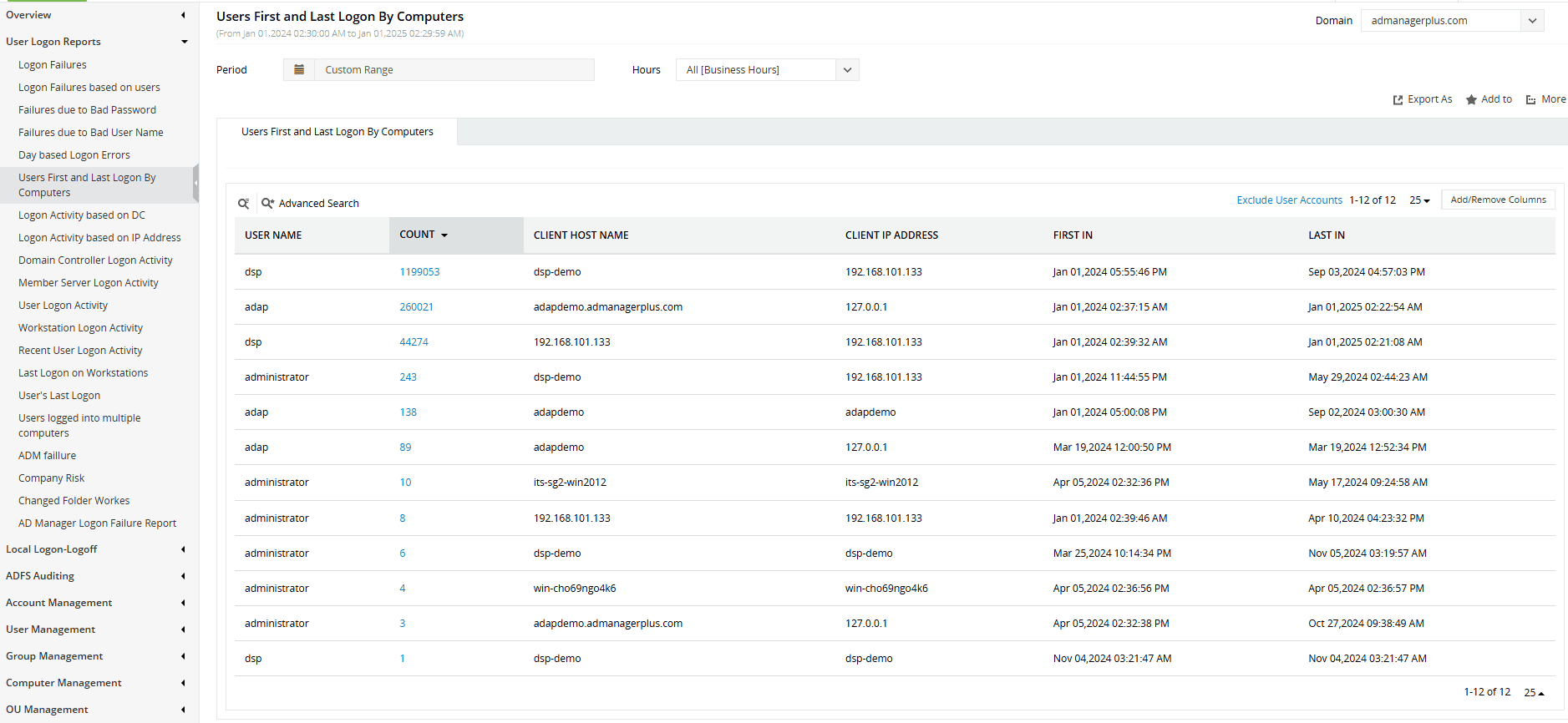
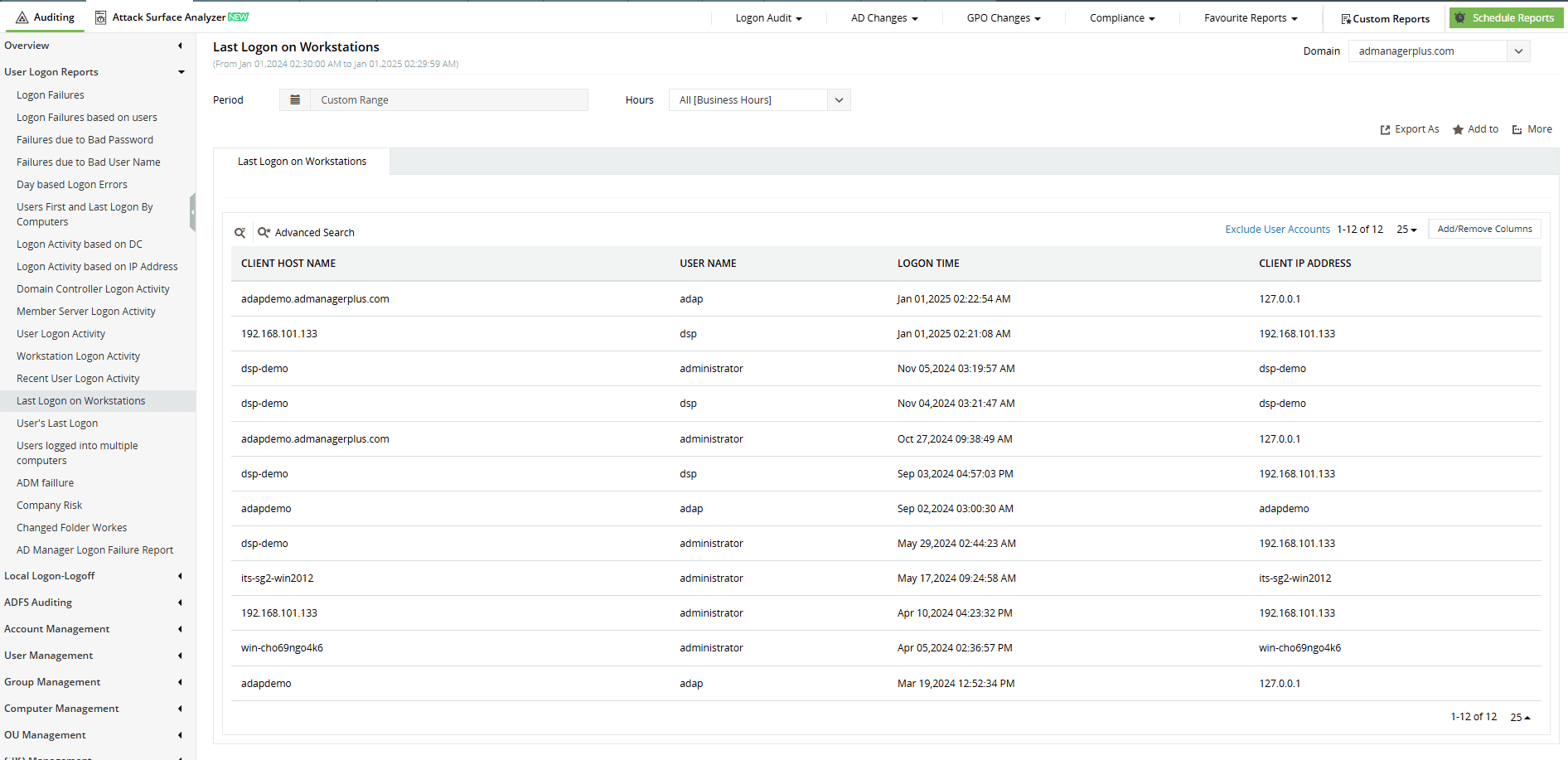
- Track all interactive logons: ADAudit Plus reports on each successful or failed interactive logon attempt with relevant details like username, time, machine name, and the logon status, allowing you to detect anomalies easily.
- Correlate with privileged access: By combining logon type 2 tracking with Event ID 4672, ADAudit Plus helps you flag interactive logons with elevated privileges, ideal for monitoring domain admins and sensitive accounts.
- Instant alerts on suspicious activity: Powered by user behavior analytics, ADAudit Plus detects and notifies you instantly when interactive logons occur during odd hours or from unexpected systems enabling rapid threat response.
- Compliance-ready reports: ADAudit Plus can be configured to generate scheduled reports on interactive logon activity to maintain a continuous audit trail, supporting internal audits and external regulatory compliance.
Stay informed about interactive logon activity across your network
Try all these features and more for free in a 30-day trial. Alternatively, get on a call with our technical experts to see how ADAudit Plus can help you.
Don't wait for your annual compliance audit.
- Audit your AD and Azure
- Monitor user logon
- Troubleshoot AD lockouts
Thanks!
Please check your inbox for demo details.









