How to change the interface name?
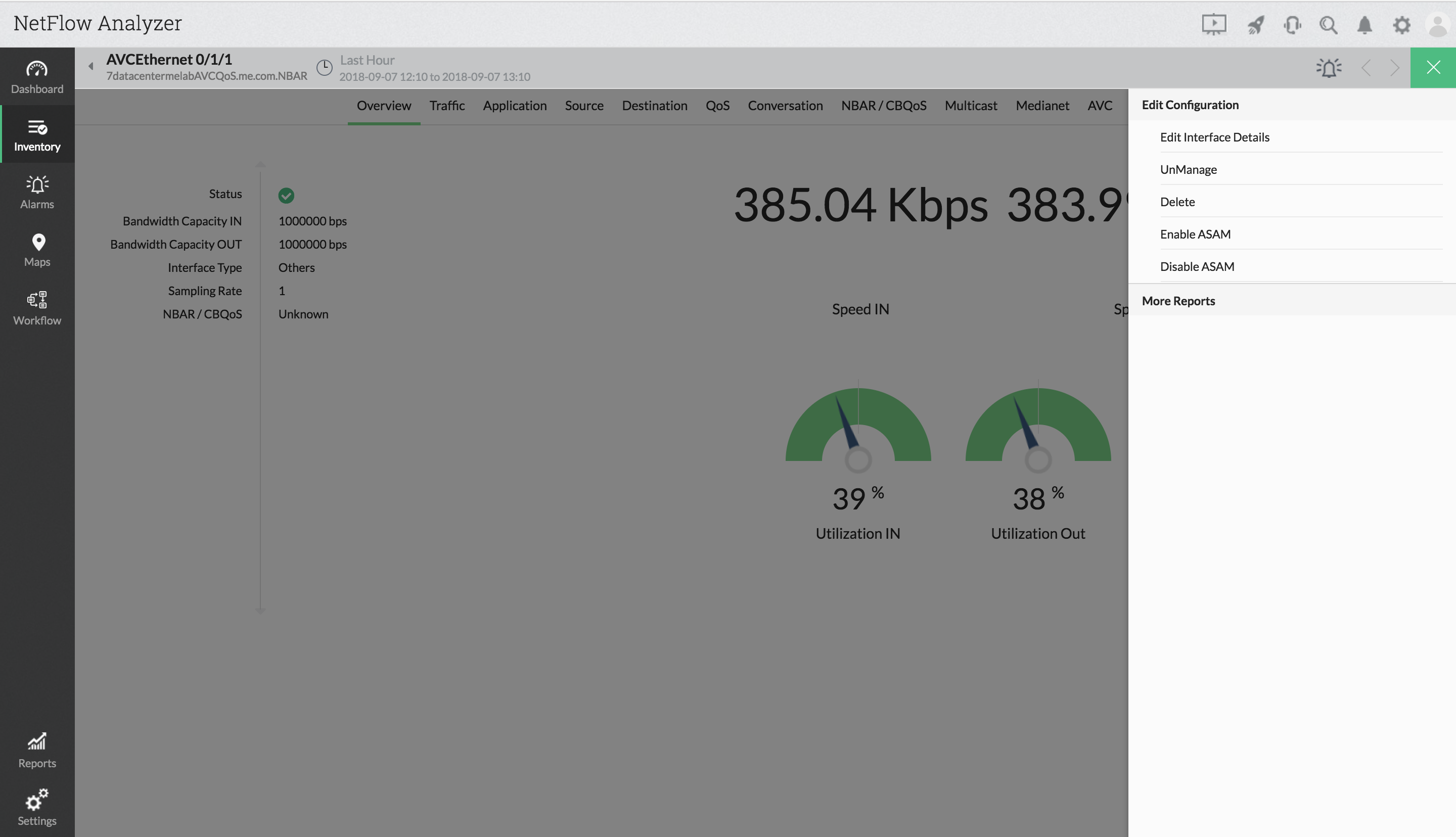
- Navigate to Inventory > Interfaces > Interface Snapshot
- Click on menu icon (green square on top right) and click on "Edit Interface Details"
- Enter the new interface name
- Click Save
How to set bandwidth capacity for IN & OUT?
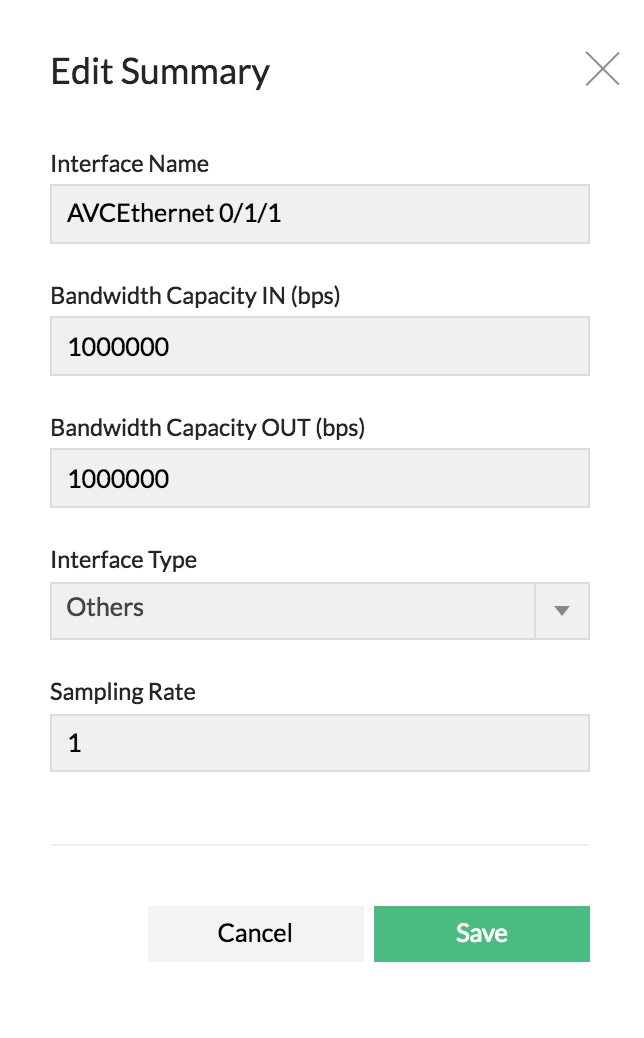
- Navigate to Inventory > interfaces > Interface Snapshot
- Click on menu icon (green square on top right) and click on "Edit Interface Details"
- Enter the Bandwidth Capacity IN (bps)
- Enter the Bandwidth Capacity OUT (bps)
- Click Save
How to set interface type?
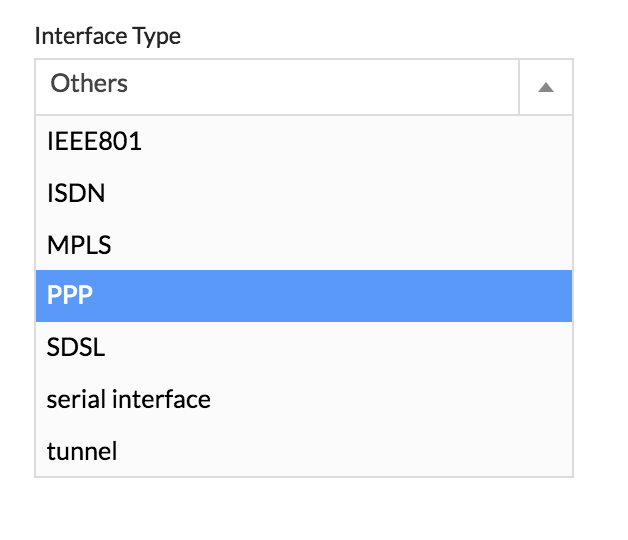
- Navigate to Inventory > Interfaces > Interface Snapshot
- Click on menu icon (green square on top right) and click on "Edit Interface Details"
- Select interface type from list available
- Click Save
How to set the sampling rate?
- Navigate to Inventory > Interfaces > Interface Snapshot
- Click on menu icon (green square on top right) and click on "Edit Interface Details"
- Enter the Sampling Rate
- Click Save