How to generate a protocol distribution report?
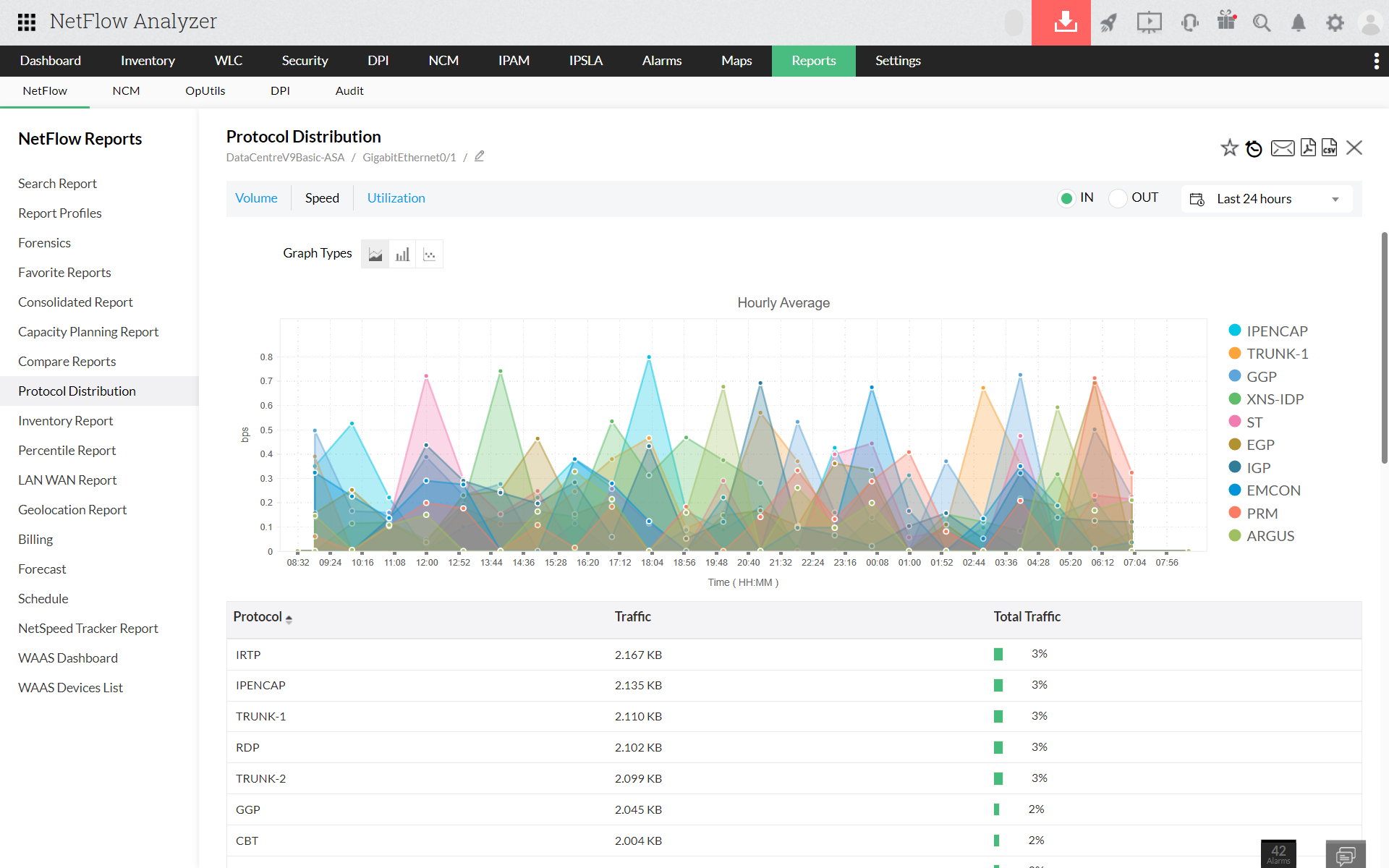
    Protocol Distribution

    1. Navigate to Reports > protocol distribution
    2. Select source as Interface / IP group / Interface group
    3. Select traffic type (Speed / Volume / Utilization), time period and flow type
    4. Click on Generate report

    Thank you for your feedback!

    Was this content helpful?

    We are sorry. Help us improve this page.

    How can we improve this page?
    Do you need assistance with this topic?
    By clicking "Submit", you agree to processing of personal data according to the Privacy Policy.