 Free Edition
Self Service privileges of ADSelfService Plus aim at reducing administrator workload and also improve employee efficiency. With options to Reset password, Unlock Account, Change Password and Personal Information Update, employees no longer have to depend on someone to get these tasks effected. However, not all users in a domain would need to be given similar self service permissions/restrictions. This is when the OU based Self Service Policy Configuration option comes handy.
Configuring policies for users' self service options might often be a puzzle for Active Directory administrators. Using the Policy Configuration options of ADSelfService Plus, administrators can now associate users in selective OUs with specific self service permissions. Individual OUs can now be associated with specific policy configurations within seconds. Using the Policy Configuration wizard, you can define Secret Question & Answer settings like the number of questions, the character length of answers, user defined questions,etc. Administrators can also grant permissions for users of specific OUs, to define their own secret questions.
OU based Policy Configuration for Self Service options can easily be done with ManageEngine ADSelfService Plus. The Policy Configuration Wizard of the software allows Active Directory administrators to associate users with selective permissions. Using the Policy Configuration wizard AD administrators can quickly configure:
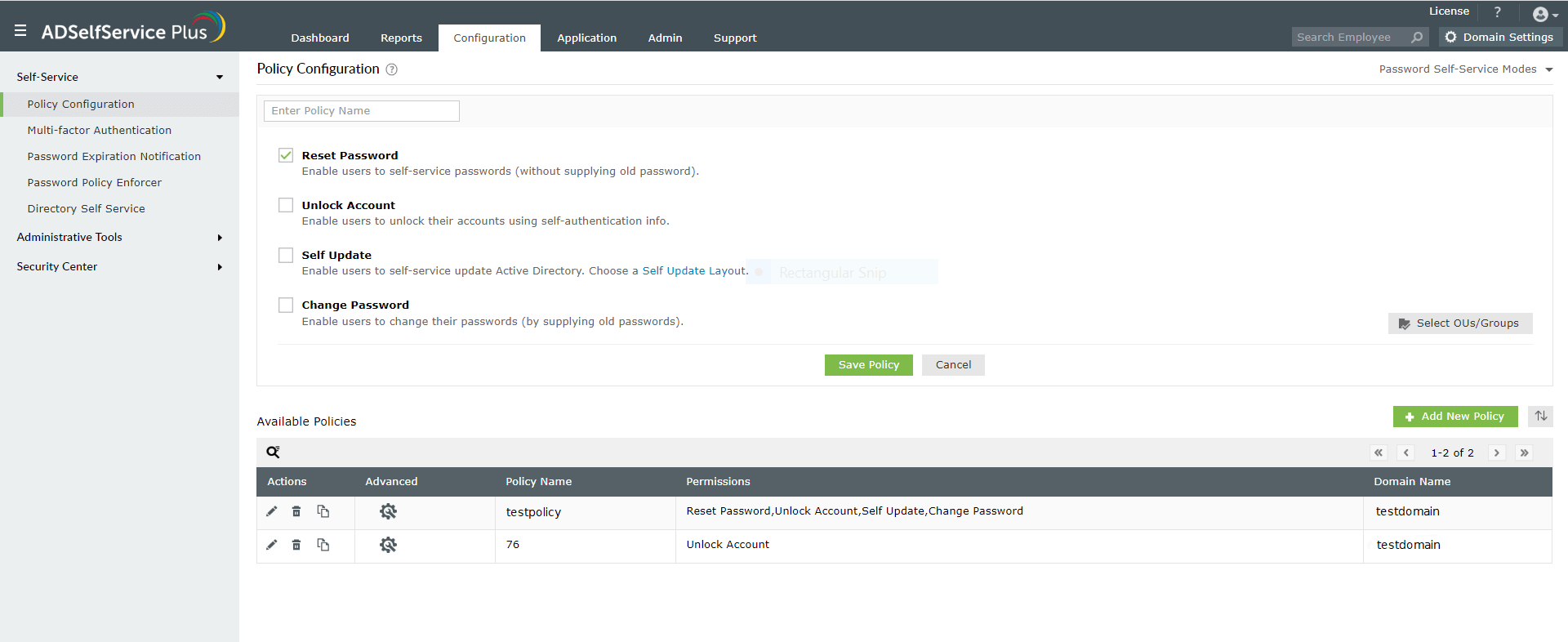
As an administrator, you can configure the Reset Password options for users in a domain. There are two ways by which the password can be reset. The Allow Self Reset Password option allows end-users to reset their password after answering the secret questions. The Automatic Reset Password option can be enabled to automatically reset the passwords of domain users as and when they get expired.
Learn More on Reset Password...
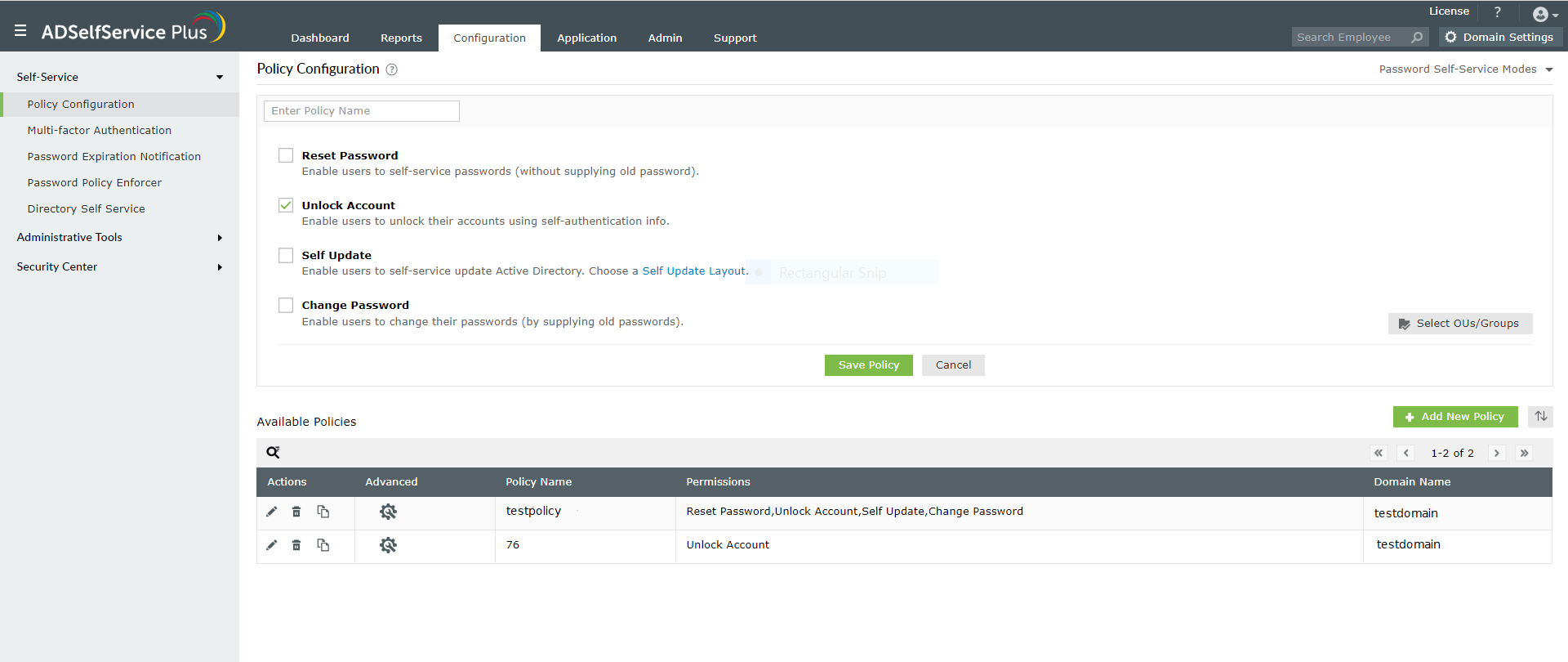
Likewise, you can configure the Account Lockout options for users in the domain. Same as the Reset Password feature, there are two options to unlock user accounts viz, grant the self unlock account option or set an automatic account unlock. With the automatic account unlock, the ADSelfService Plus application checks for Locked out accounts on a routine basis and if this option is enabled then automatically unlocks the locked out user accounts.
Learn More on Unlock Account...
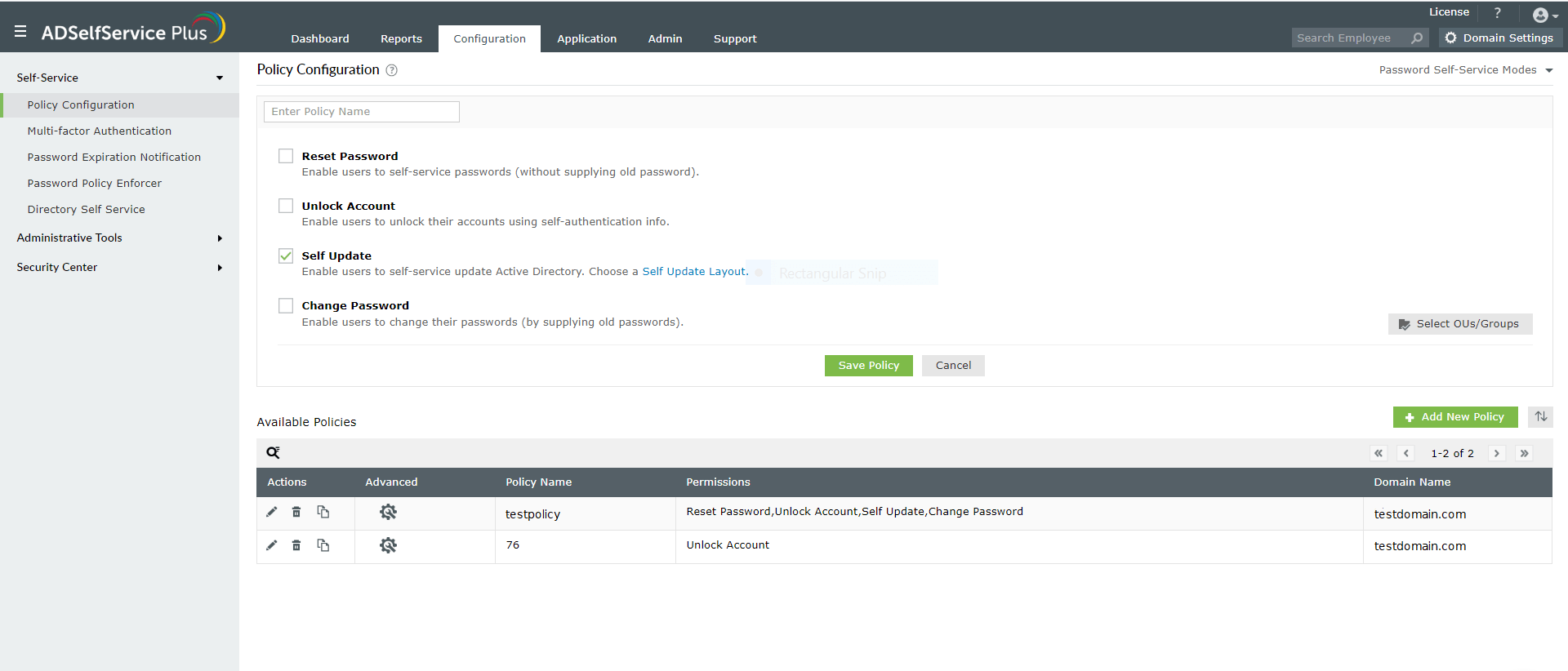
Active Directory Administrators can enable the Self Update option to allow AD users to self update certain information. The Active Directory Attributes that a user can modify or update can also be configured using this option.
Learn more on Active Directory Self Update...
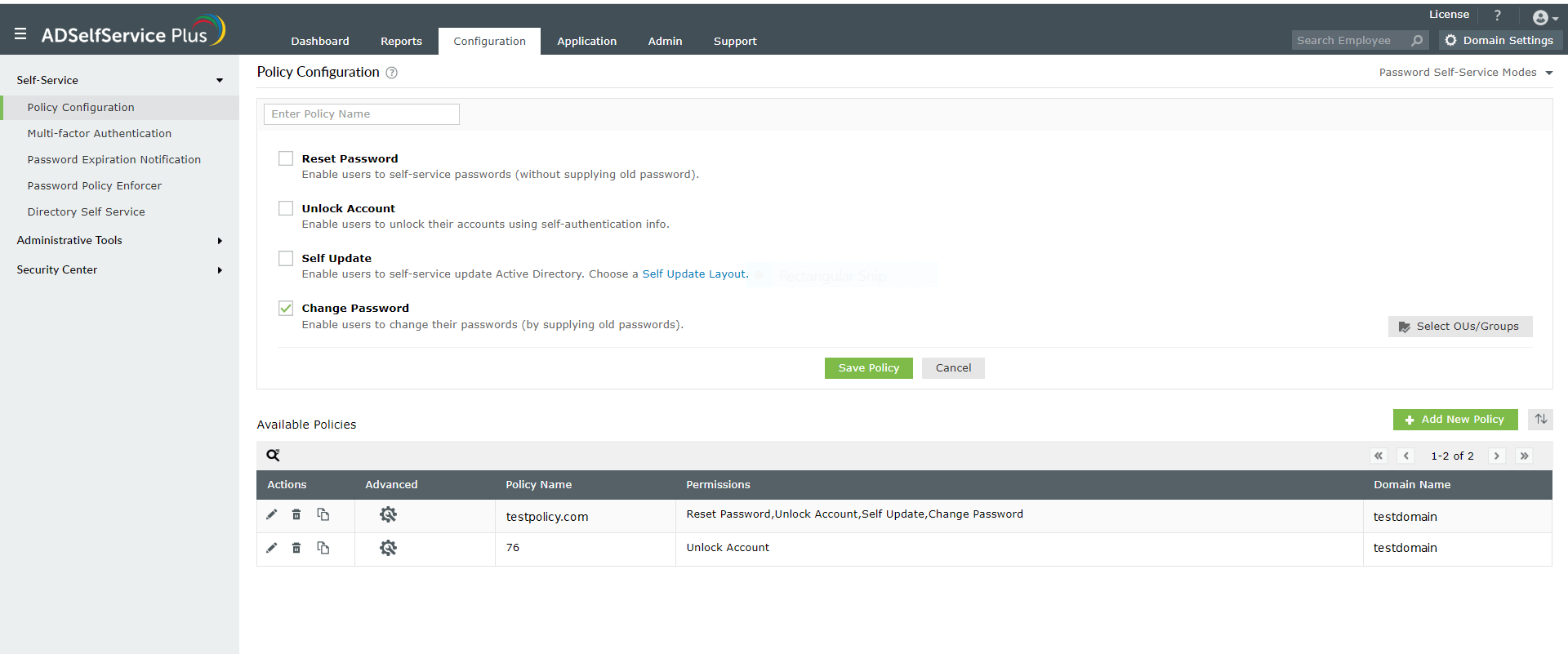
Sometimes it becomes essential to change passwords on a routine with an intention to enforce security. Users are generally notified via email to change their login passwords. Administrators can enable this option under Policy Configuration of ADSelfService Plus to grant Change Password facility to users in specific OU of Active Directory Domains.
Learn more on Change Password...
Some other benefits of ADSelfService Plus - Self Service Reset Password Management
Free Active Directory users from attending lengthy help desk calls by allowing them to self-service their password resets/ account unlock tasks. Hassle-free password change for Active Directory users with ADSelfService Plus ‘Change Password’ console.
Get seamless one-click access to 100+ cloud applications. With enterprise single sign-on, users can access all their cloud applications with their Active Directory credentials. Thanks to ADSelfService Plus!
Intimate Active Directory users of their impending password/account expiry by mailing them these password/account expiry notifications.
Synchronize Windows Active Directory user password/account changes across multiple systems, automatically, including Office 365, G Suite, IBM iSeries and more.
Ensure strong user passwords that resist various hacking threats with ADSelfService Plus by enforcing Active Directory users to adhere to compliant passwords via displaying password complexity requirements.
Portal that lets Active Directory users update their latest information and a quick search facility to scout for information about peers by using search keys, like contact number, of the personality being searched.










