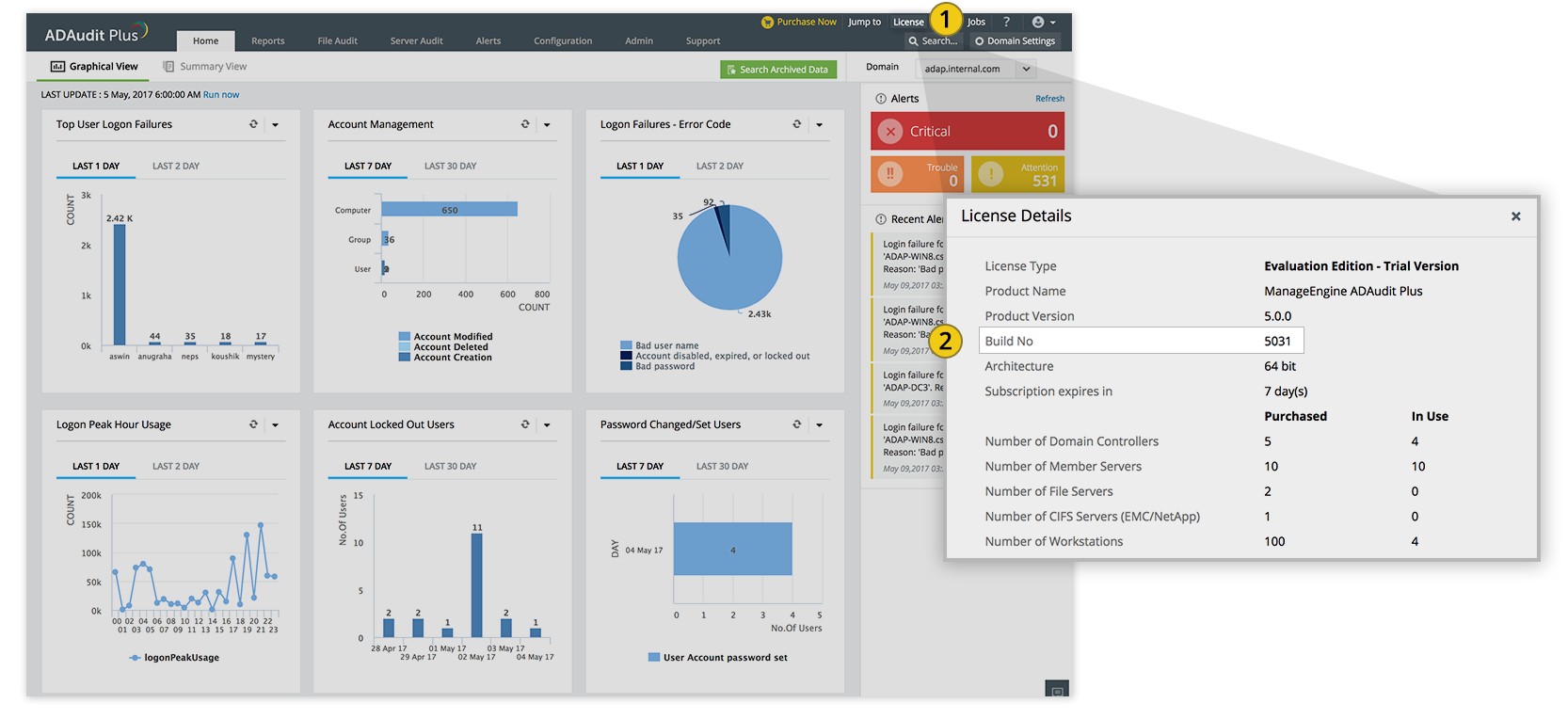
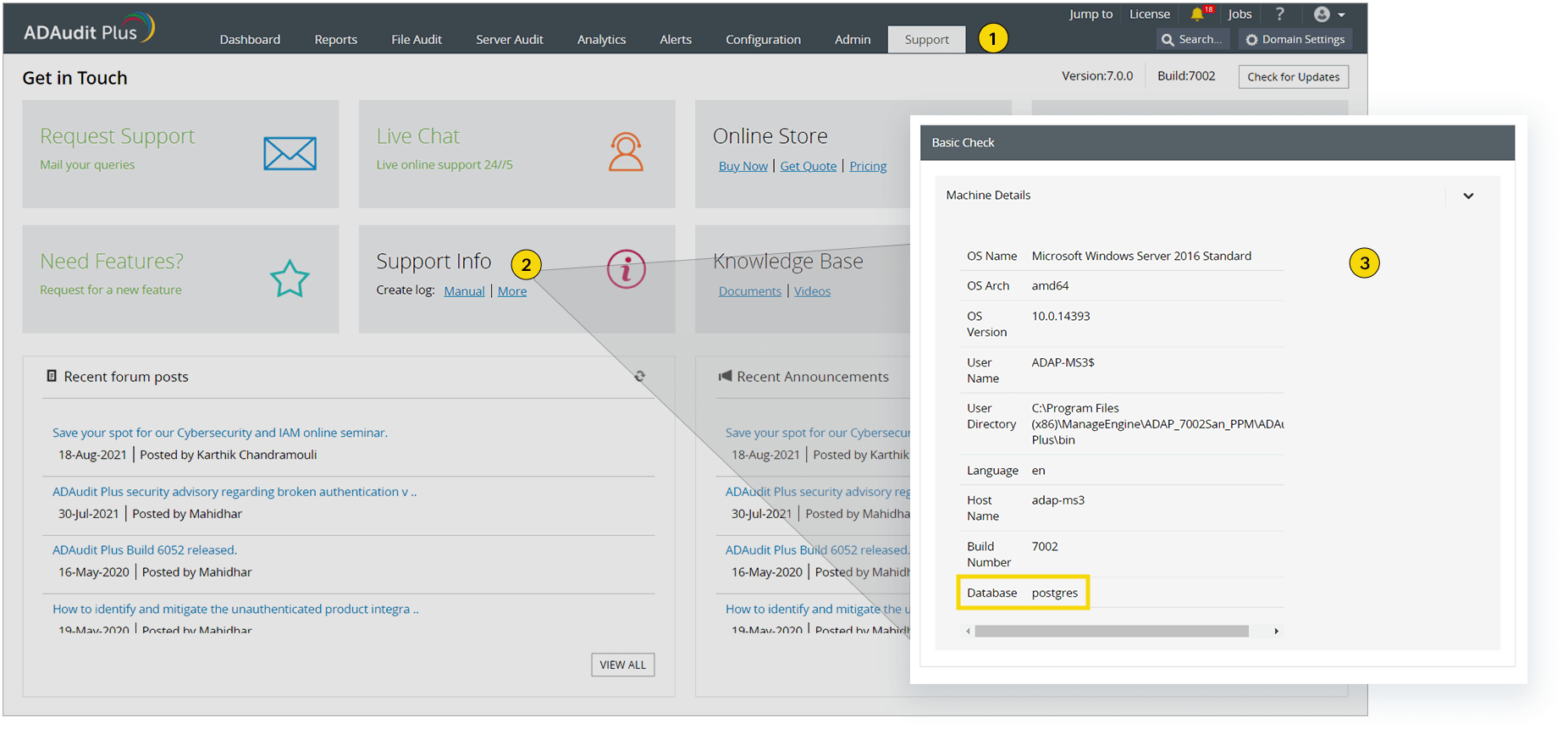
-
Stop the ADAudit Plus server (Start > Run. Type services.msc and stop ManageEngine ADAudit Plus).
-
Back up the existing ADAudit Plus installation by following any one of the three methods given below:
-
Take a snapshot of the computer on which ADAudit Plus is installed.
-
Zip the entire product installation folder, i.e.:
<Installation_folder>\ManageEngine\ADAudit Plus -
Make a backup of the database: Go to
<Installation_folder>\ManageEngine\ADAudit Plus\binand executebackupDB.batin the Command Prompt.
-
-
Go to
<Installation_folder>\ManageEngine\ADAudit Plus\bin, open the Command Prompt using Run as administrator, and then executeUpdateManager.bat. -
Click Browse and select the downloaded PPM file.
-
Click Install to start the installation process. If you are upgrading to build 7051 or later, the Import Certificate dialog box appears, as shown below:
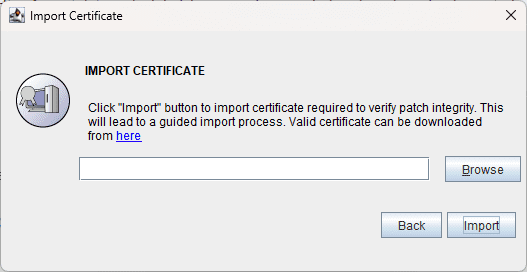
- If you are applying the service pack to upgrade to build 7051 up to and including build 8712, click here to download the certificate.
- If you are applying the service pack to upgrade to build 9000 or later, click here to download the certificate.
-
Click Browse and locate the certificate.
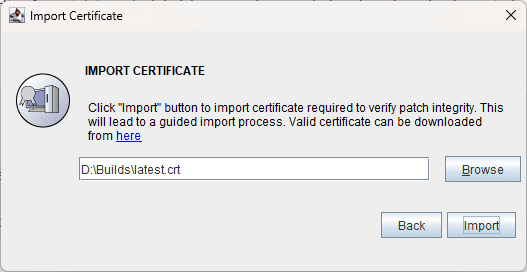
-
Click Import. Follow the on-screen instructions and continue the upgrade process.