BYOD solutions

  • Visibility
  • Data containerization and security
  • Secure access to business apps
  • Restrictions
  • Privacy
  • Data wipe

Visibility

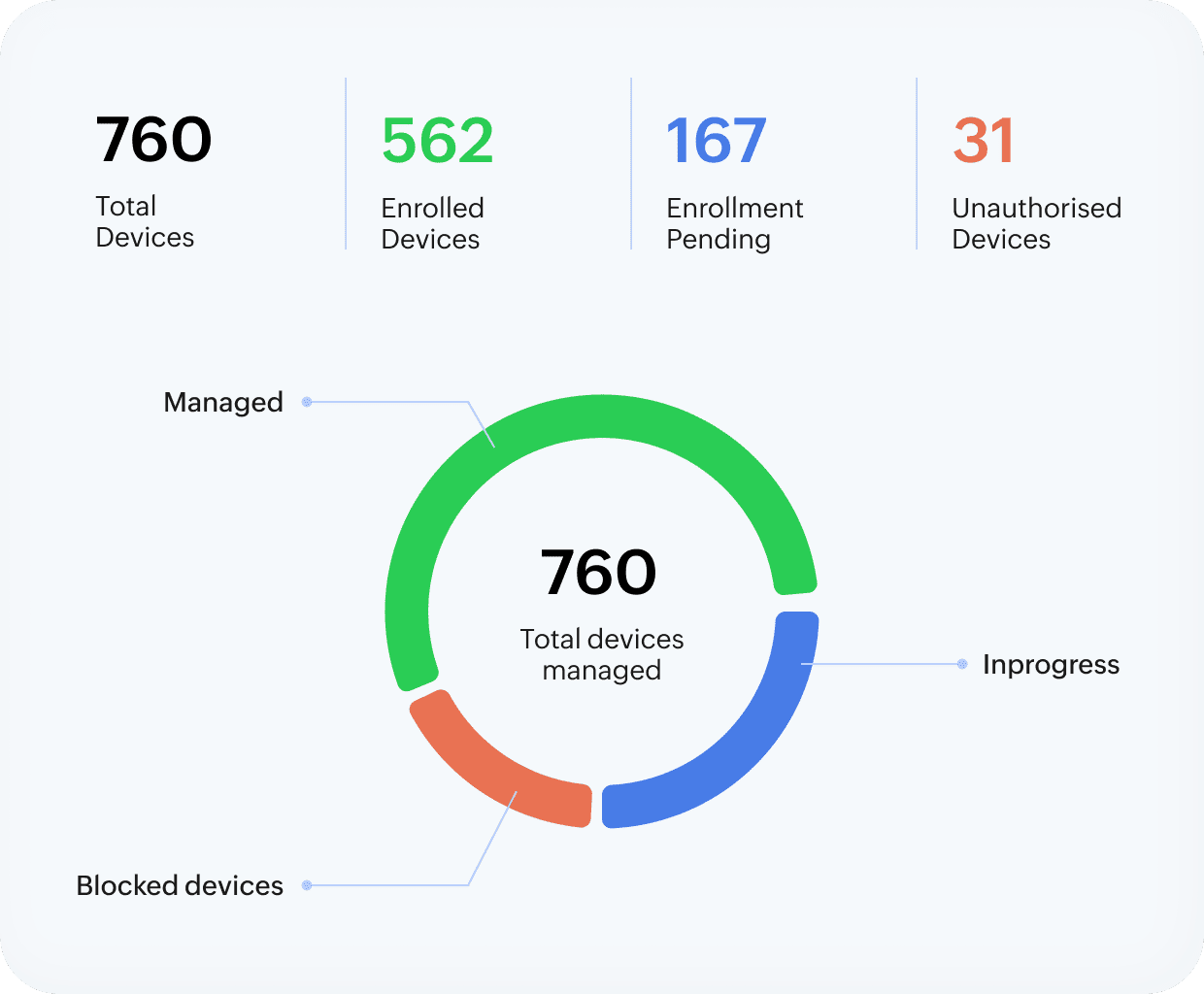
  • See how many personal devices are being used for work related apps with an extensive device inventory.
  • Manage licenses for business apps in BYOD and distribute them to work profiles.
  • Audit and block-list unauthorized and malicious apps within the work profile.
vulnerability

Data containerization and security

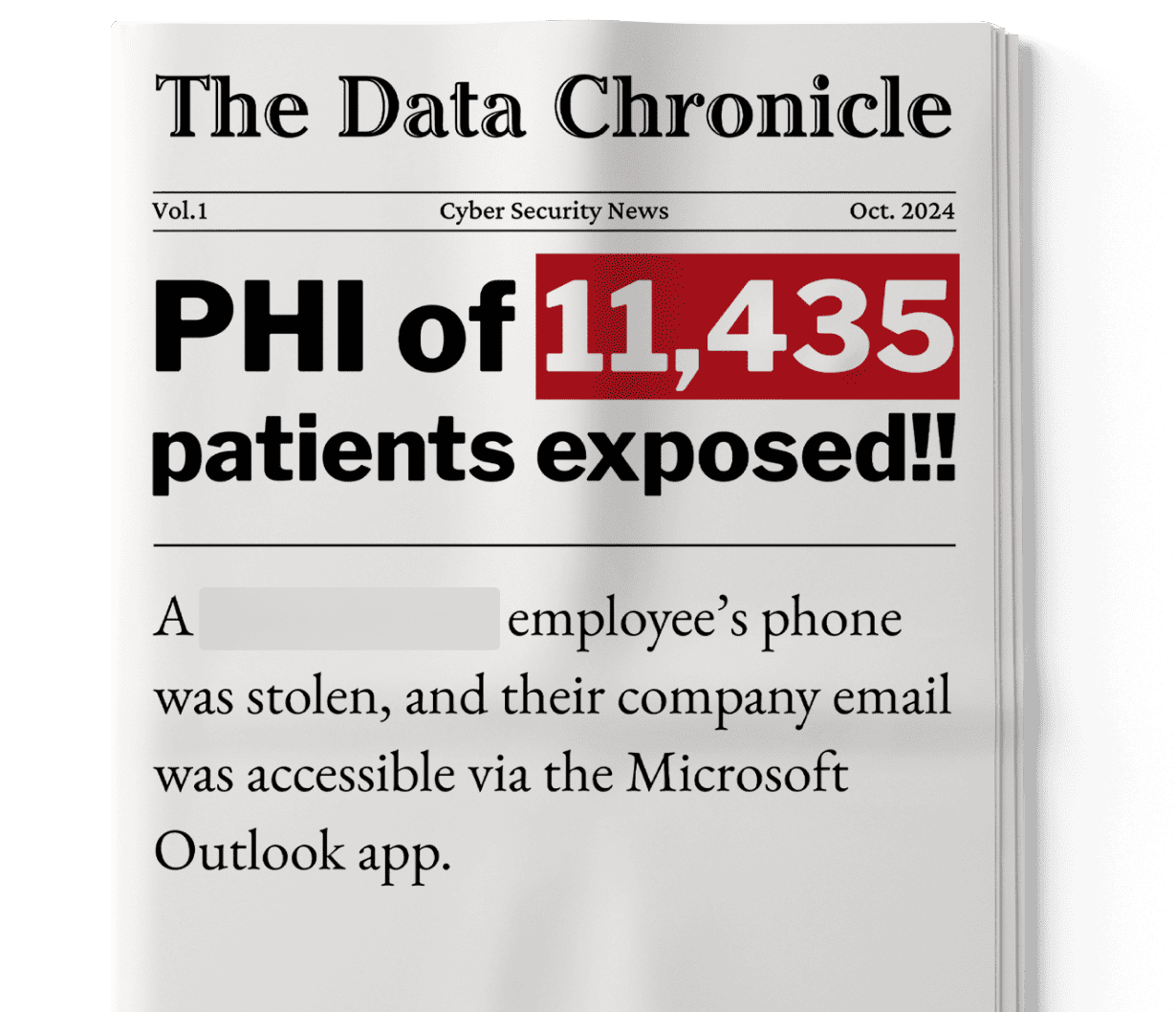
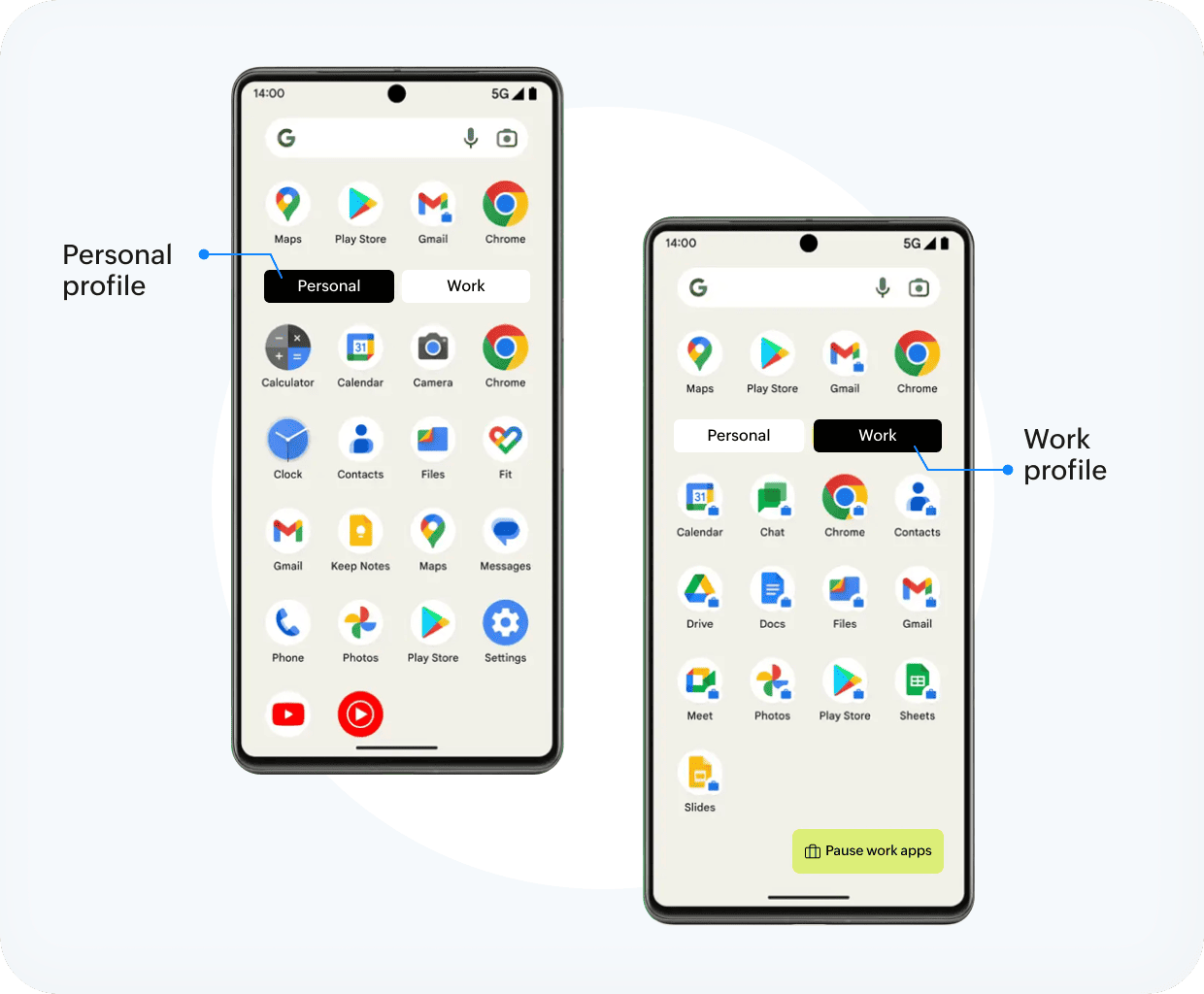
  • Work profiles that ensure that work and personal data stay separate, ensuring privacy isn't tampered while ensuring security for PHI and business apps.
  • Enforce strong passcode policies for work profiles to eliminate the chances of brute force attack in case of stolen devices.
  • Prevent automatic sync of data from work-profile apps on your personal drives and iCloud.
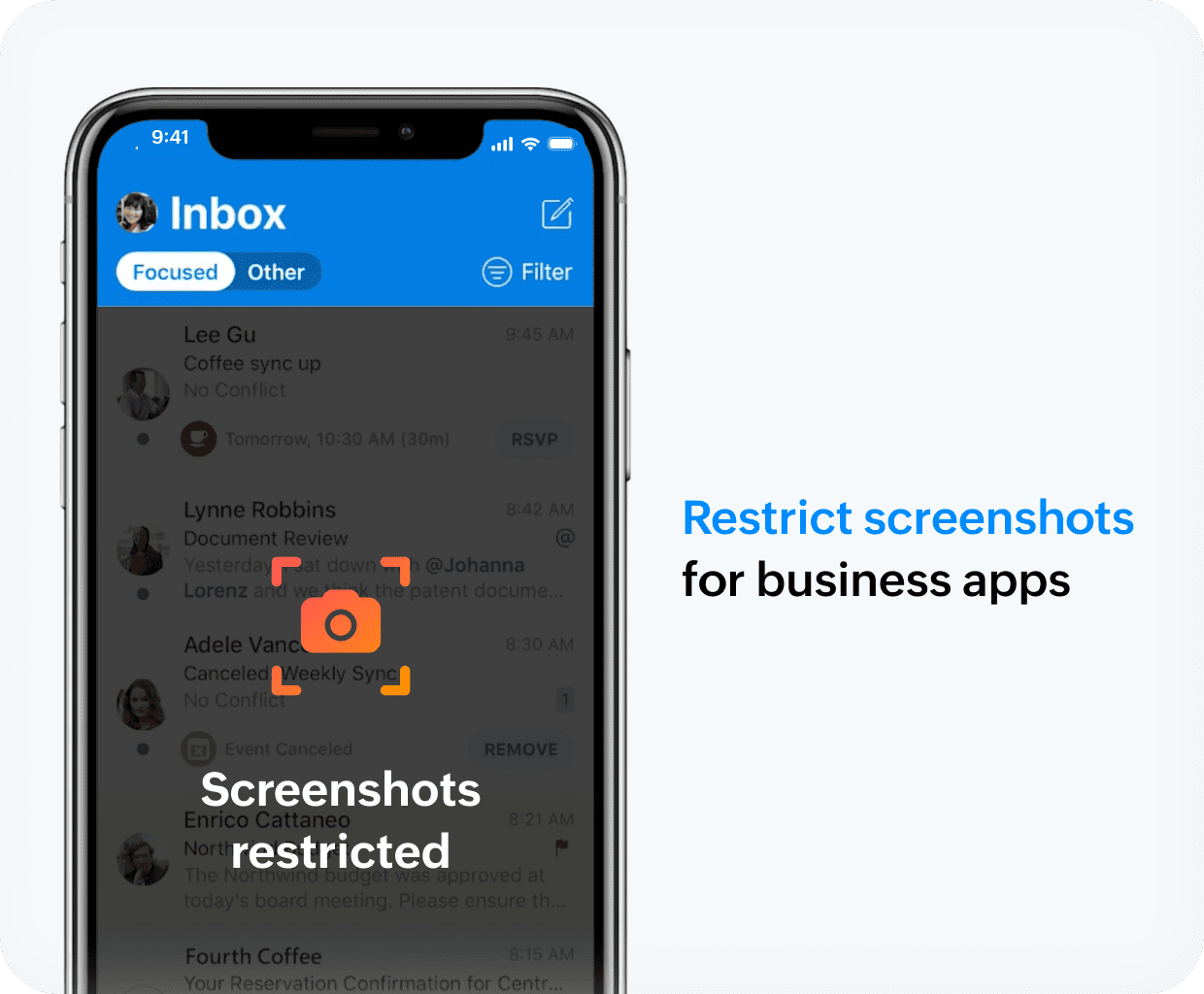
  • Distribute sensitive content securely with screen shot and clipboard restrictions via MDM.
multi-os

Secure access to business apps

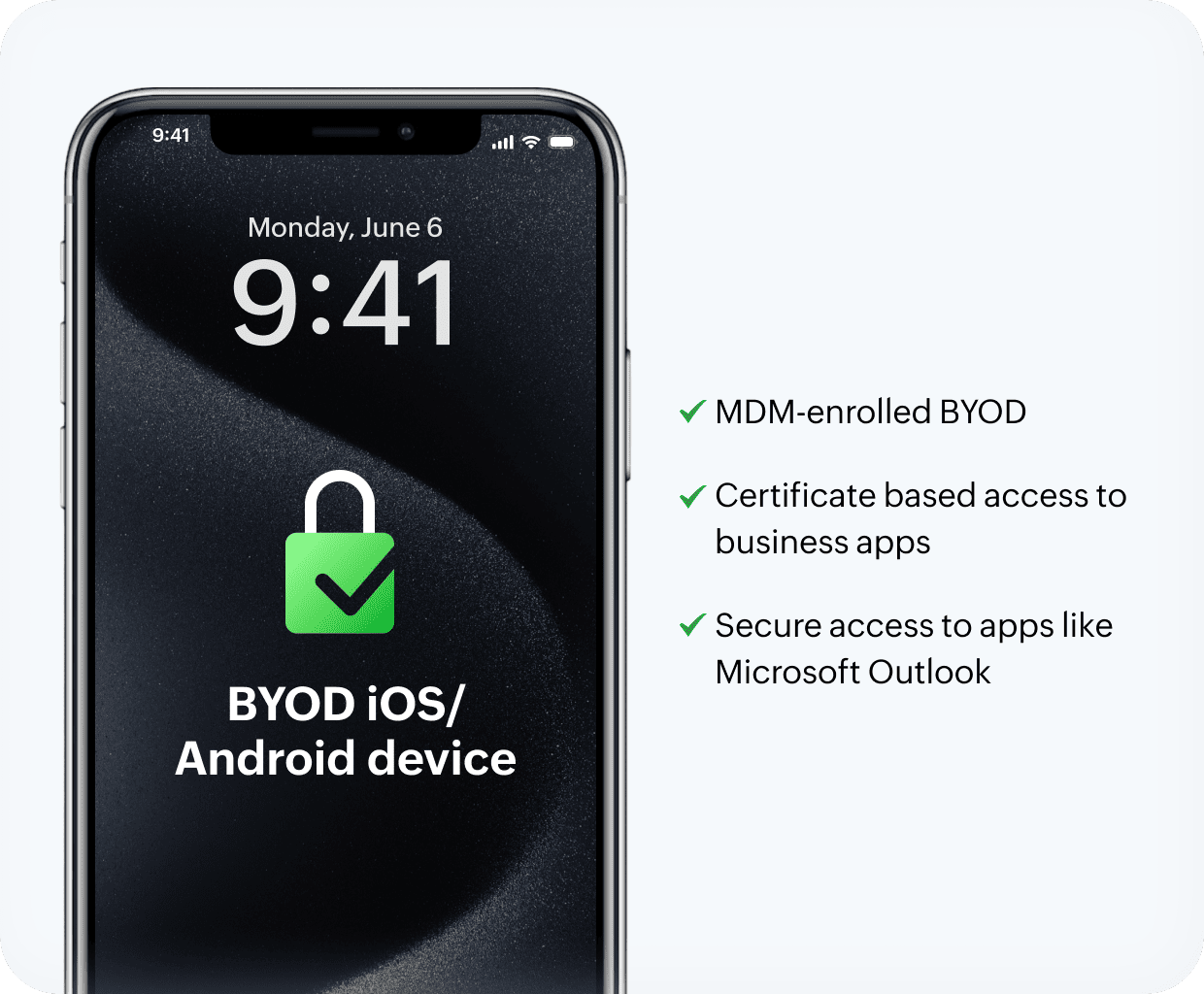
  • Restrict access to business apps like Outlook and Office 365 for only MDM-registered BYODs.
  • Remove access to business apps from rooted and jailbroken devices.
  • Ensure version control for OS to ensure that devices with outdated OSes do not access business apps.
  • Enable certificate-based sign ins for apps like Epic Haiku and Canto, by distributing certificates via MDM.
test

Restrictions

  • Enforce restrictions for clinical apps, like disabling screenshots, clipboard isolation, enforcing  encryption, and requiring per‑app VPN for PHI access.
  • Automatically lock devices when they go beyond your trusted location boundaries
automation

Privacy

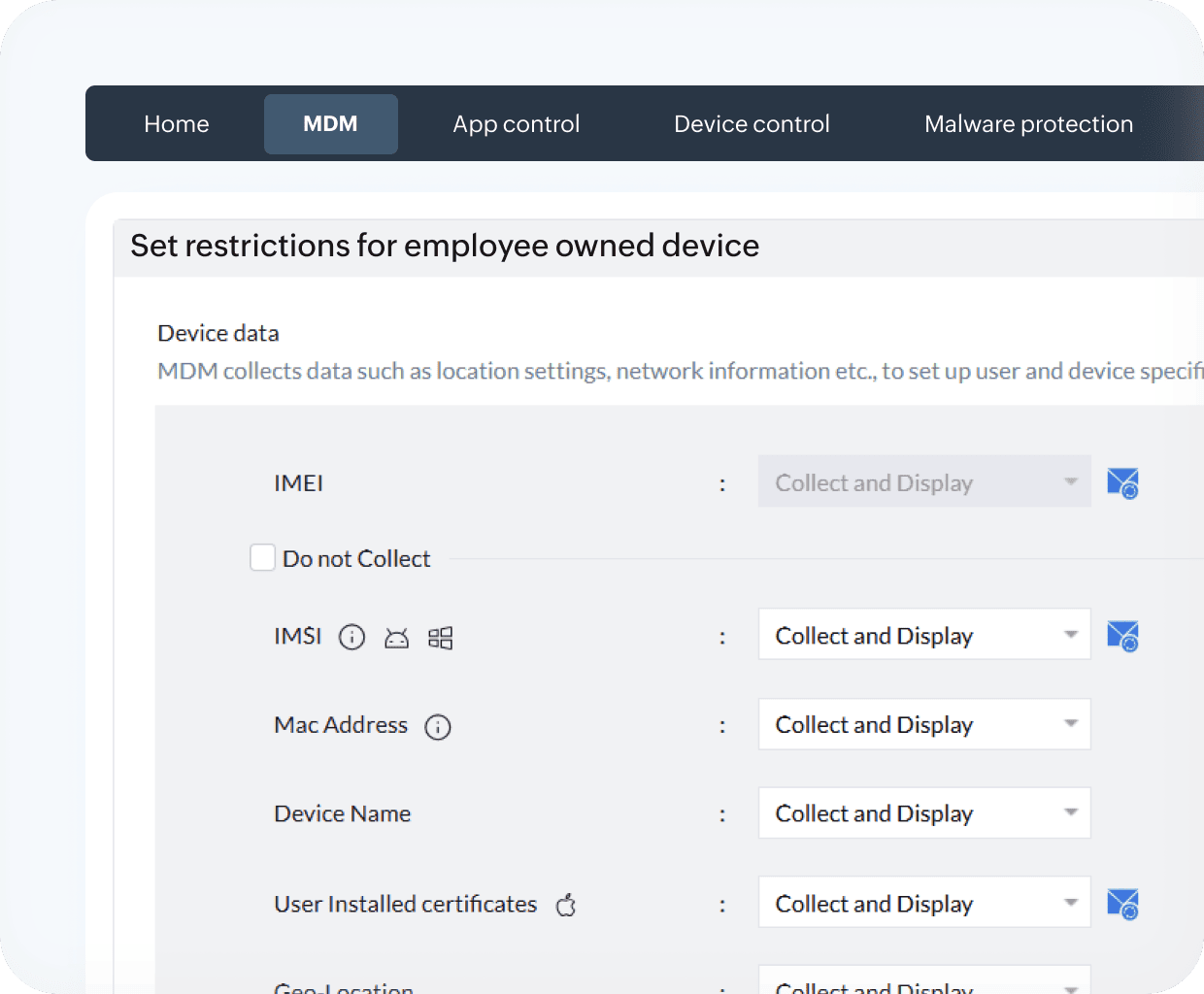
  • Set restrictions on what information can be collected from personal devices, and keep the healthcare practitioner informed about them by publishing the privacy policy to their devices.
change

Data wipe

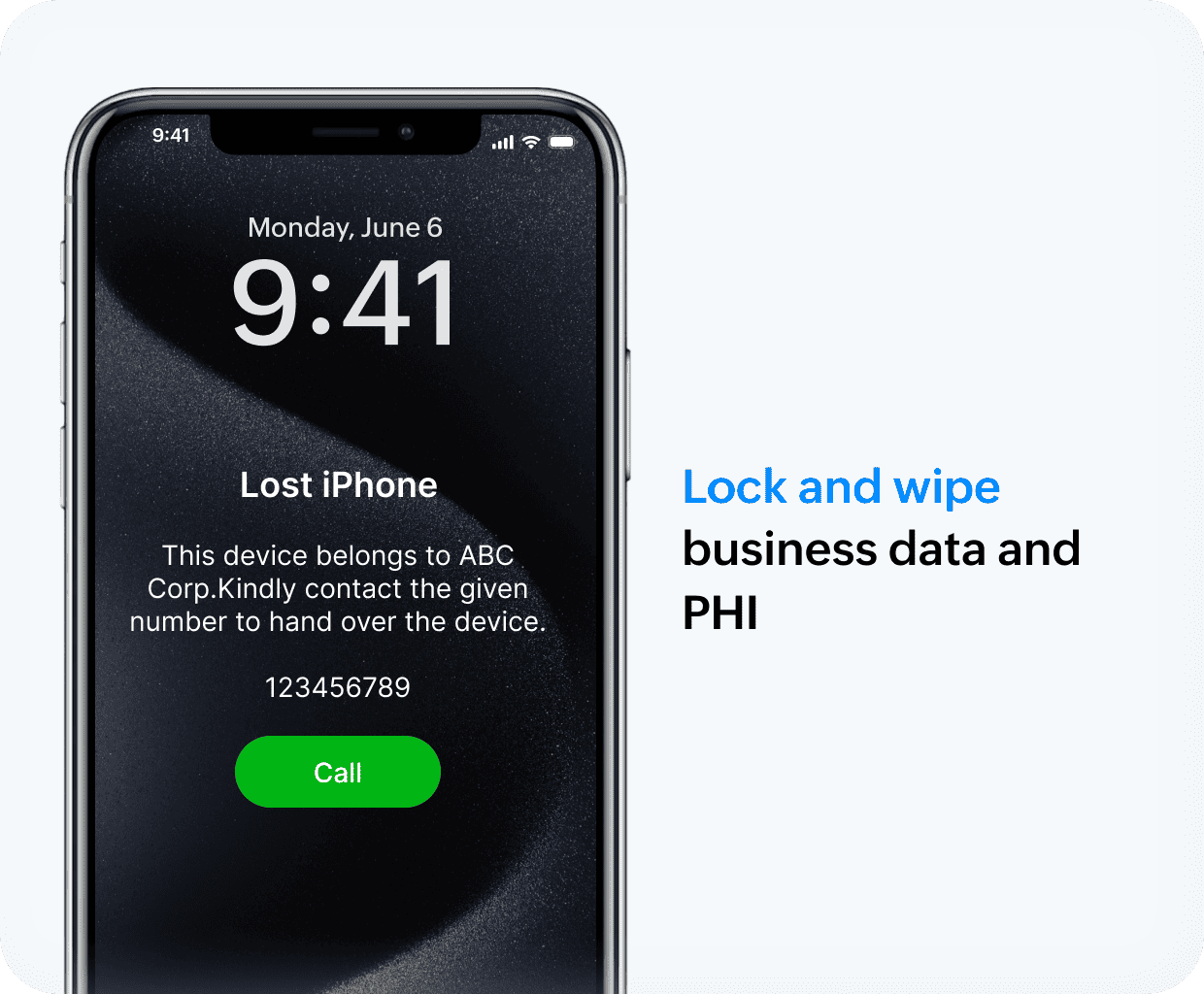
  • Lock devices and remove business app access and PHI when devices are lost.
  • Wipe devices when affiliate hospitals leave your organization due to bankruptcy and contract expiry.
  • Audit and block-list unauthorized and malicious apps within the work profile.
change

Hear from your peers

“We do our best to train clinicians to take pictures from within Haiku because it doesn't store anything on the device. But this doesn’t prevent them from doing it. Previously, my biggest concern was not being able to wipe everything work related from their phone once they’ve permanently left the organization, and having that workspace container is great for that.”

- Network system administrator,

Port Townsend-based healthcare, Washington, U.S.

"With ManageEngine's mobile device management, we could set up all the devices to have the right information and the right apps locked down. Going forward, when residents say they want a new app, we can just click a few buttons, and it’s delivered to them. We don't have to worry about keeping them updated because ManageEngine does all that for us and reports on it."

- Shawn Parker,

IT director, Elder Outreach

"When subsidiaries exit our organization—whether due to bankruptcy or contract expiration—there’s a real risk that company devices won’t be returned. In such cases, our only viable option is to perform a bulk wipe and effectively brick these devices to protect our data and assets."

- IT infrastructure manager,

Philadephia-based public health institute, U.S.

Take a guided demo with a product expert

Explore more use cases

Don't feel pressurized. If you're early in your journey and would like to explore our solution for other healthcare endpoint management challenges, explore our resources section.

thumbnail-ebook-playbook

BYOD in healthcare: Risks and physician concerns IT directors should be aware of

Read more
 
thumbnail-ebook-playbook

Device privacy document for MDM

Read more
 
thumbnail-ebook-playbook

Digital Health Most Wired Survey: Management Consideration for BYOD in the Infrastructure Segment

Read more
 
Unified Endpoint Management and Security Solution