Resolve incidents remotely,
right from your phone.
Manage, monitor and troubleshoot endpoints from anywhere with the Endpoint Central mobile app. Gain real-time visibility, one-tap actions and secure remote control, so your team resolves incidents before they become outages.


Scan the QR
code to download
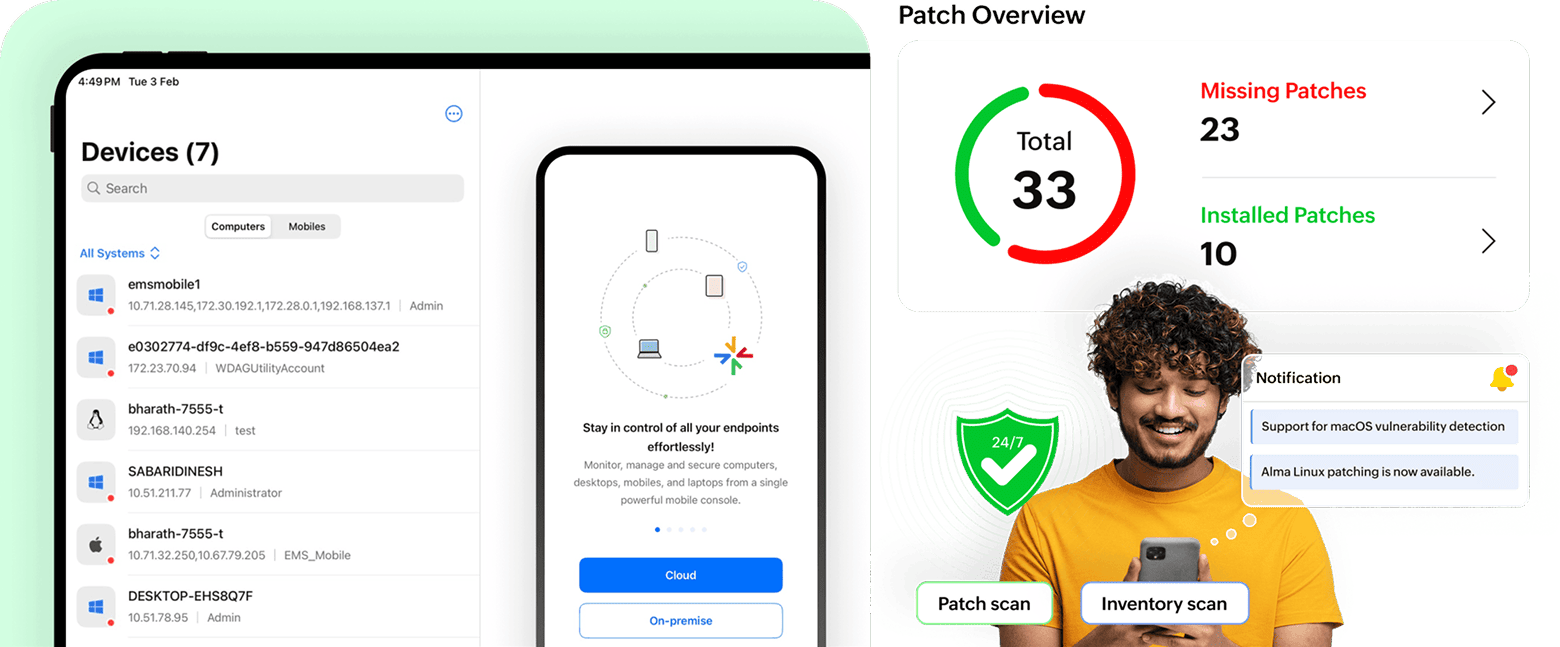
Why Endpoint Central mobile application?
Your endpoints are everywhere. Your admins can't always be at the console. Every minute of delay is a security risk, a compliance gap and a frustrated user. With the Endpoint Central mobile app, your team can monitor assets, approve patches, and take device actions instantly, wherever they are.
Manage from Anywhere
- Respond to IT issues instantly, no laptop required.
- Access your entire endpoint network right from your phone, ensuring continuous control wherever you are.
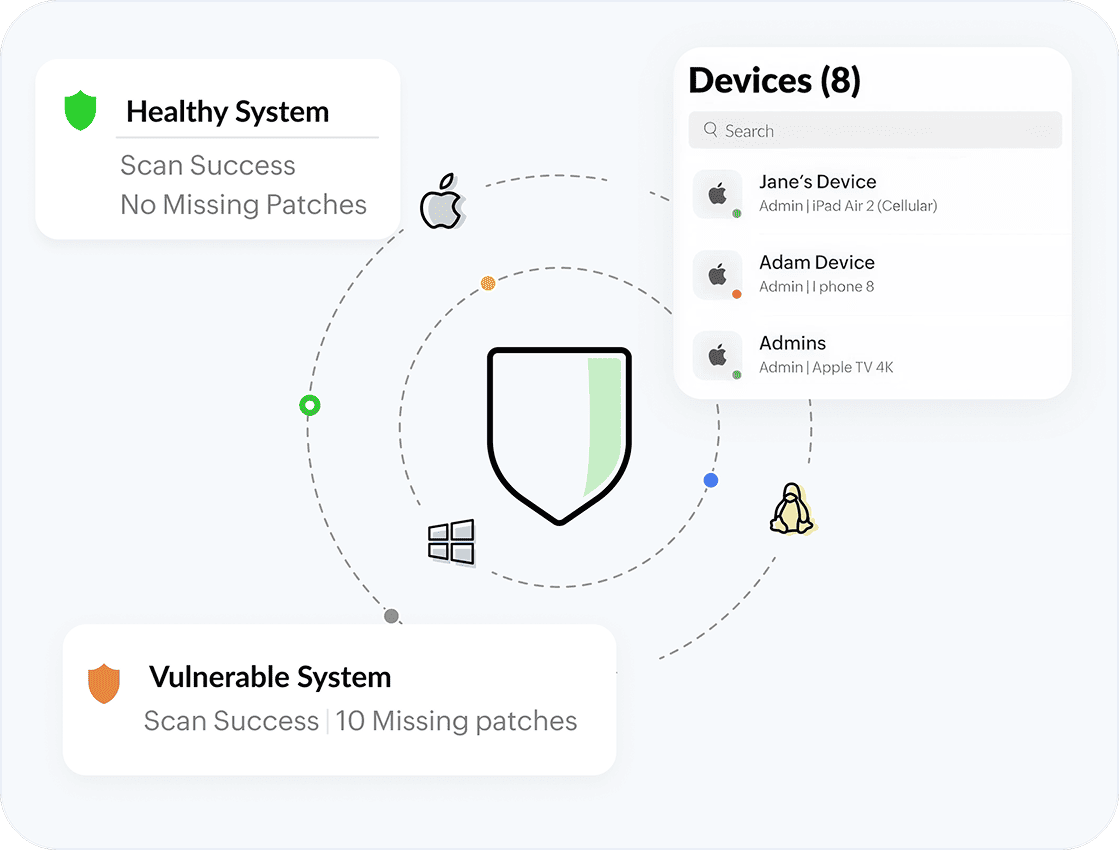
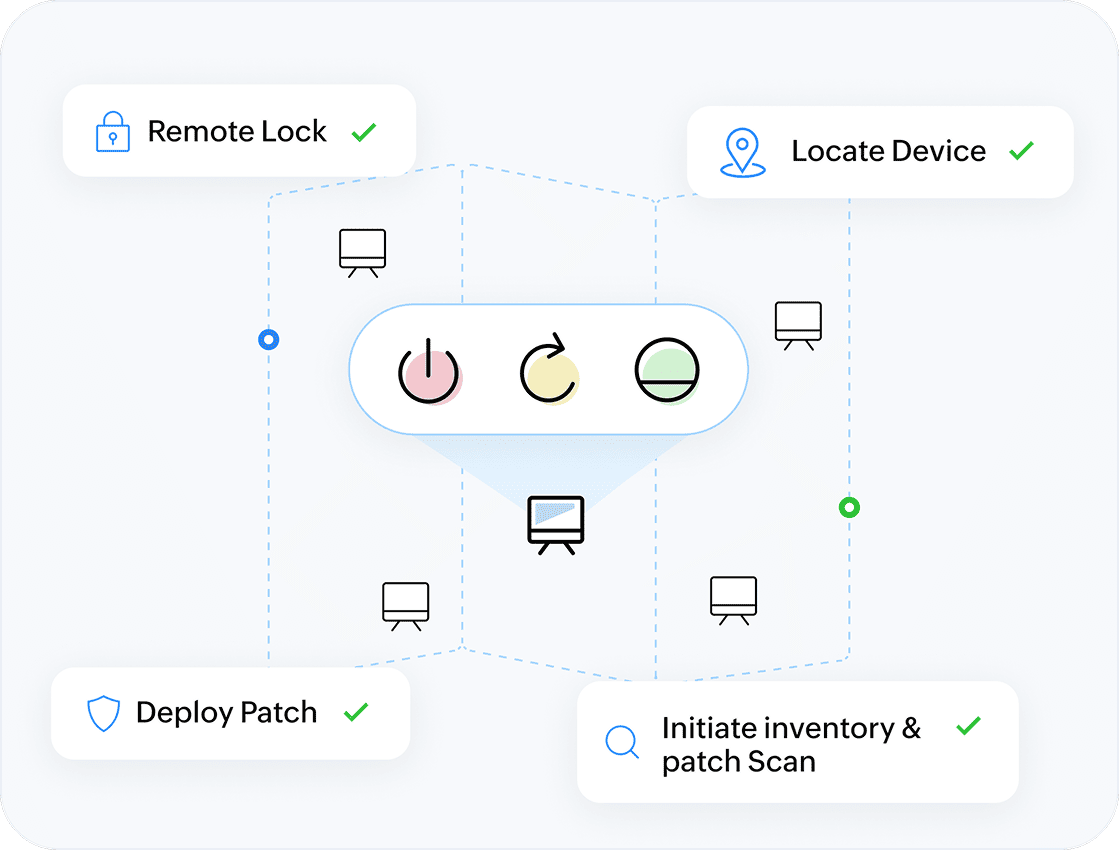
Instant Device Actions
- Lock, wipe or restart devices remotely.
- Access Command prompt/terminal (Windows and Linux).
- Perform quick scans or trigger Wake-on-LAN.
- Save valuable time during urgent situations or field operations.
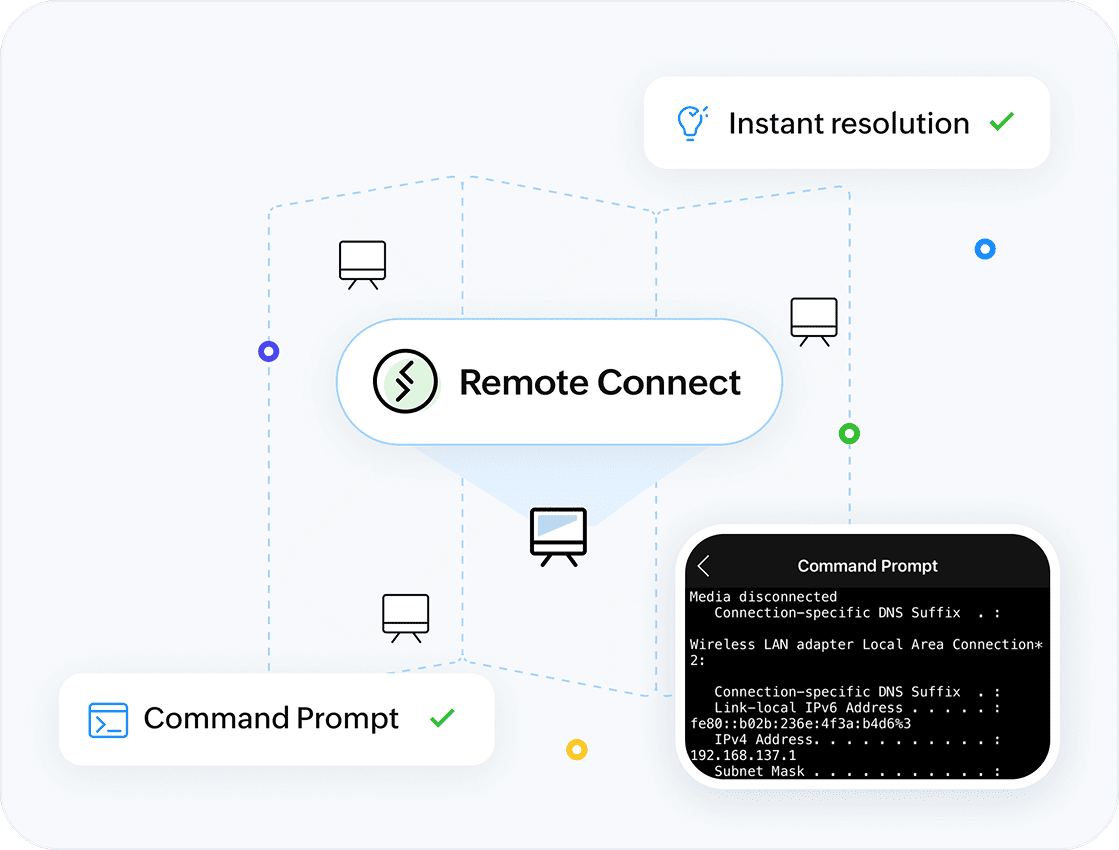
Seamless Remote Troubleshooting
- Resolve issues without being tethered to your desk.
- Use remote control and screen sharing (for supported OS) directly from the app to guide users and fix problems on the go.
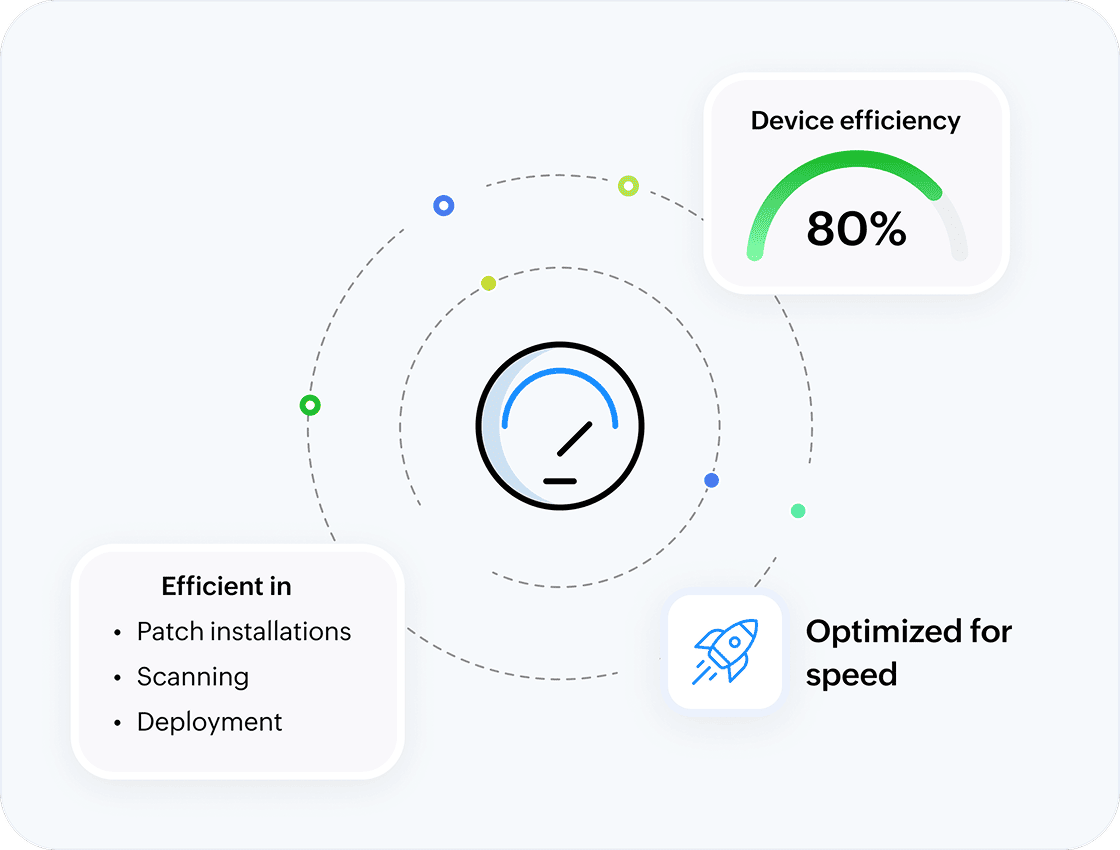
Designed for Speed
- Streamline high-frequency admin tasks with clutter-free screens.
- Access fast, reliable experience optimized for smaller screens.
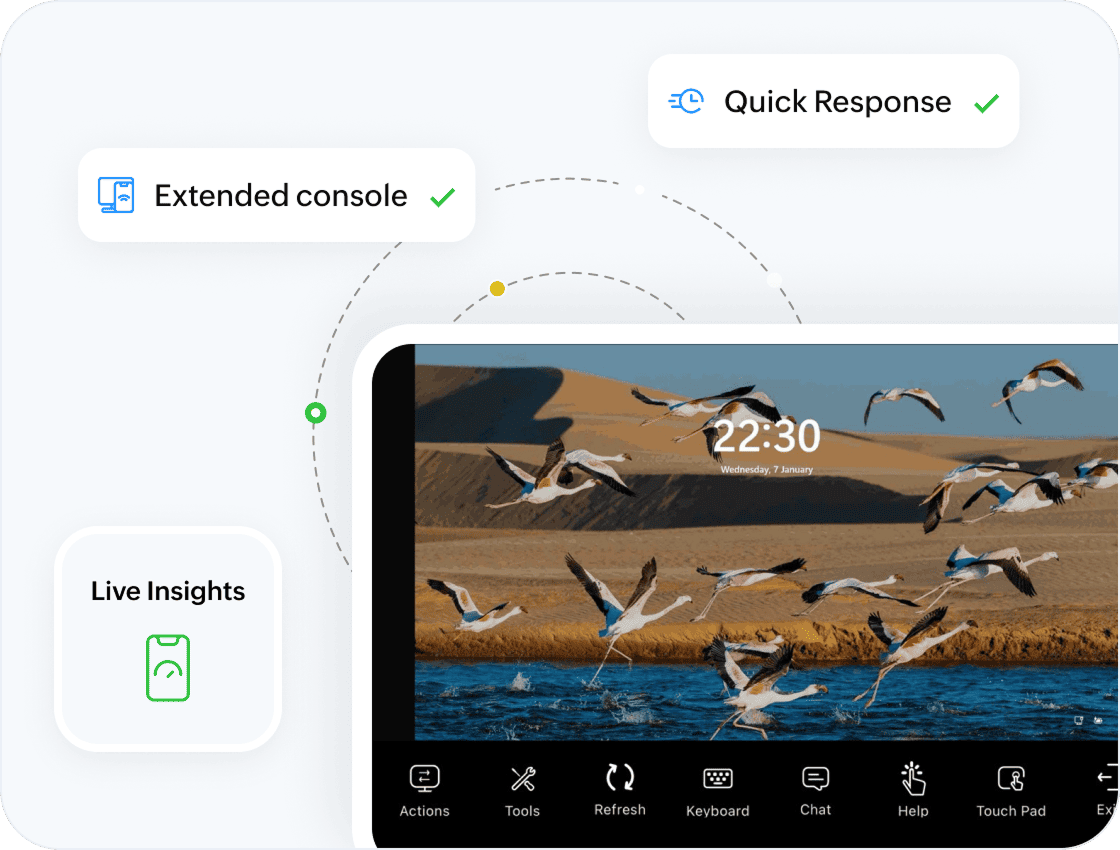
Perfect Companion to the Web Console
- The mobile app extends your web console, not replacing it.
- Use the web for configuration, deployment and reporting while use the mobile app for real-time monitoring and instant response.
Key capabilities
Take full control of system operations, device management, day-to-day IT tasks—and more
System Operations & Management
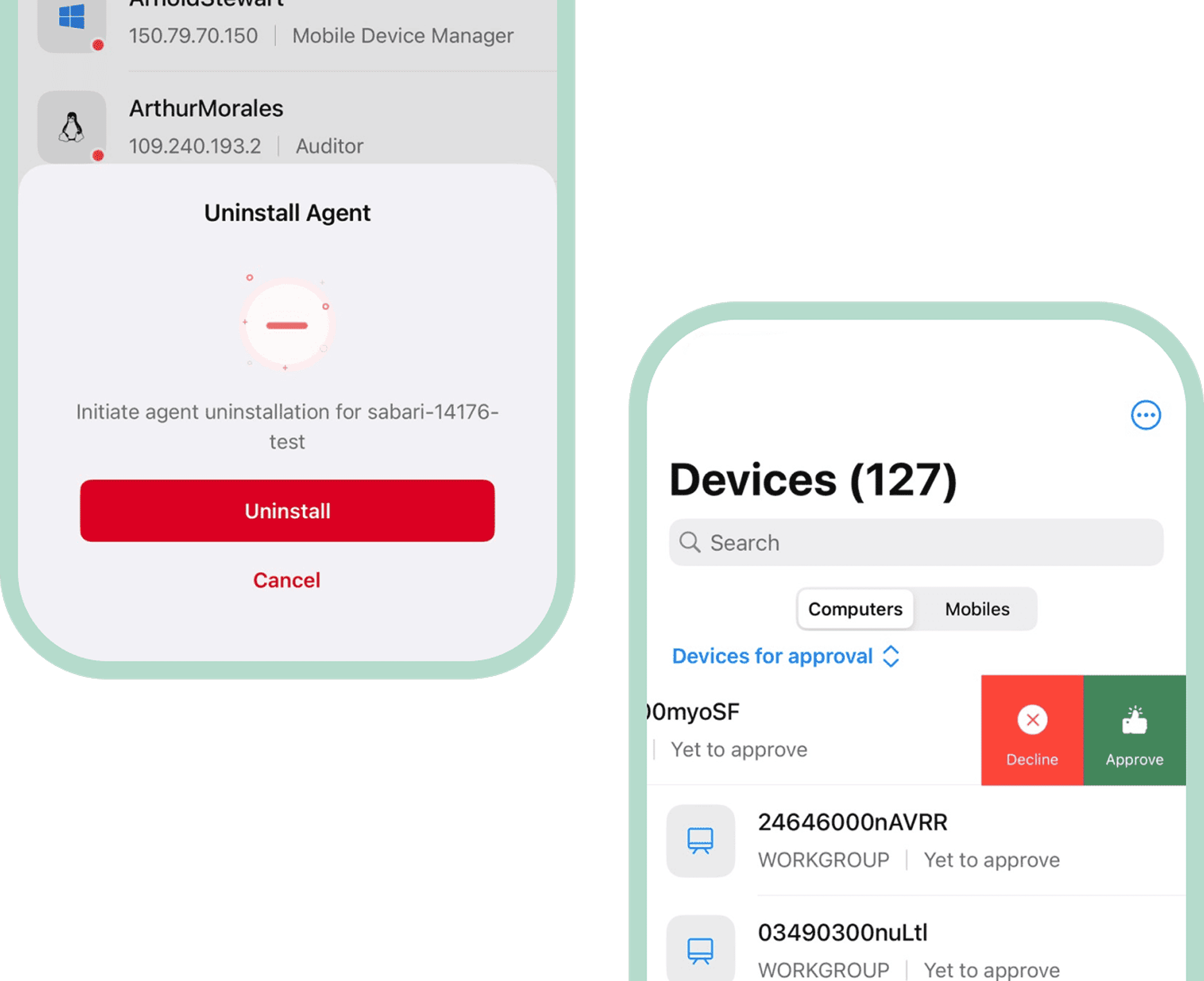
- Install or uninstall agents
- Approve or decline devices
- Generate uninstall OTPs
Tools
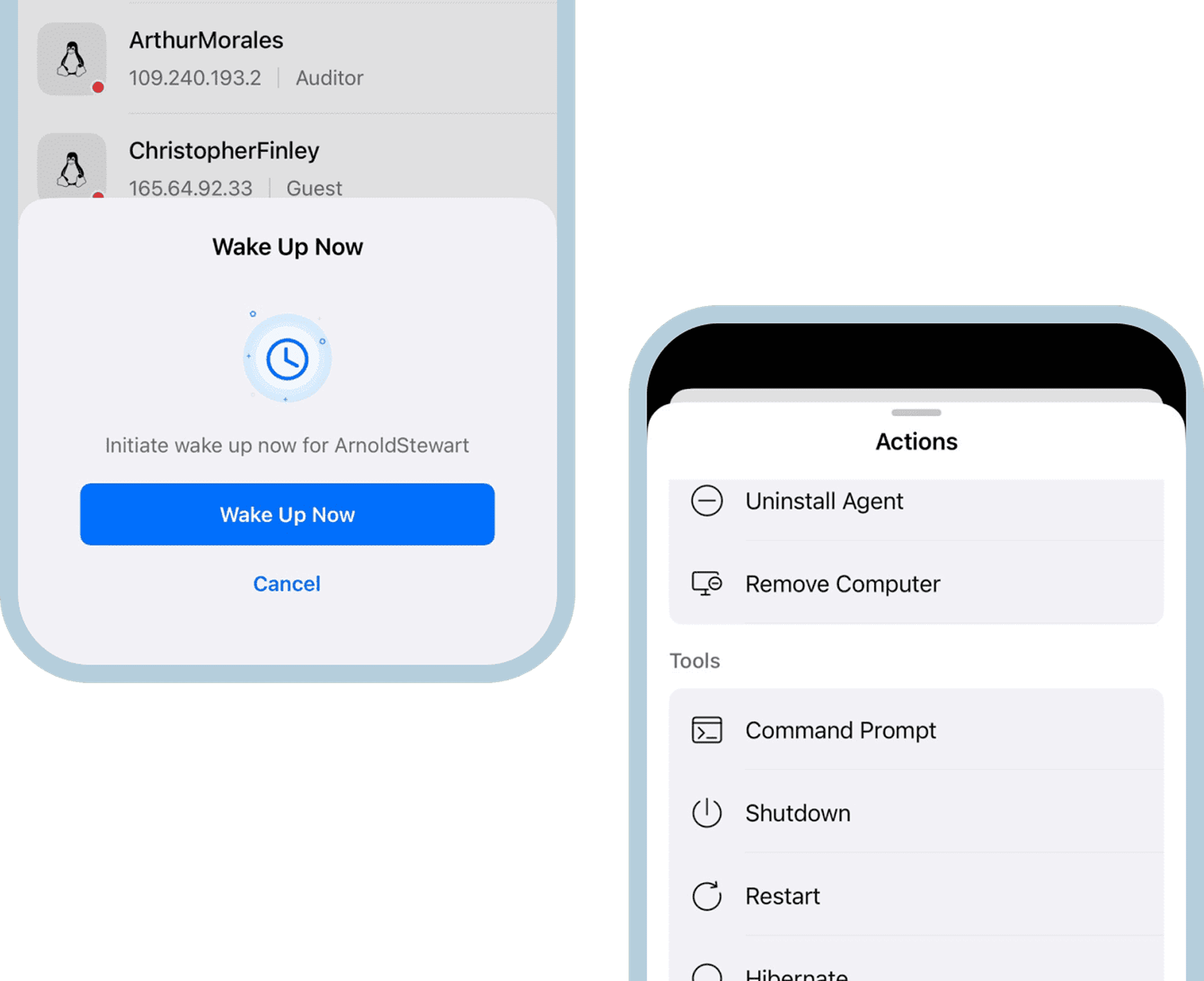
- Advanced remote control for managed devices
- Command prompt / terminal access (Windows & Linux)
- Remote operations: shutdown, restart, wake-on-LAN
Patch Management
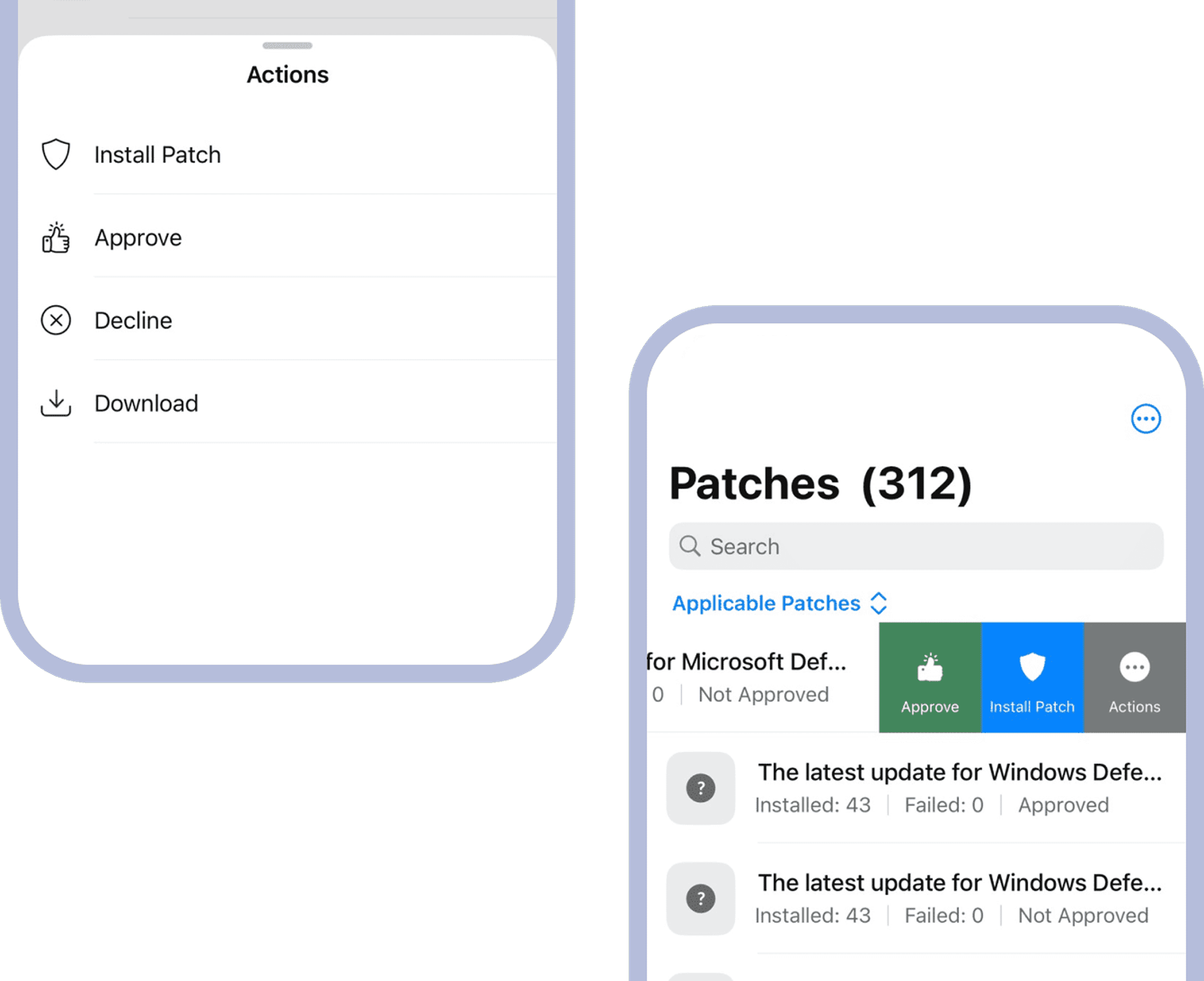
- Install missing patches
- View patch details and approval status
- Run patch scans, approve/unapprove or decline patches
- Download patches (on-premise setup)
MDM Actions
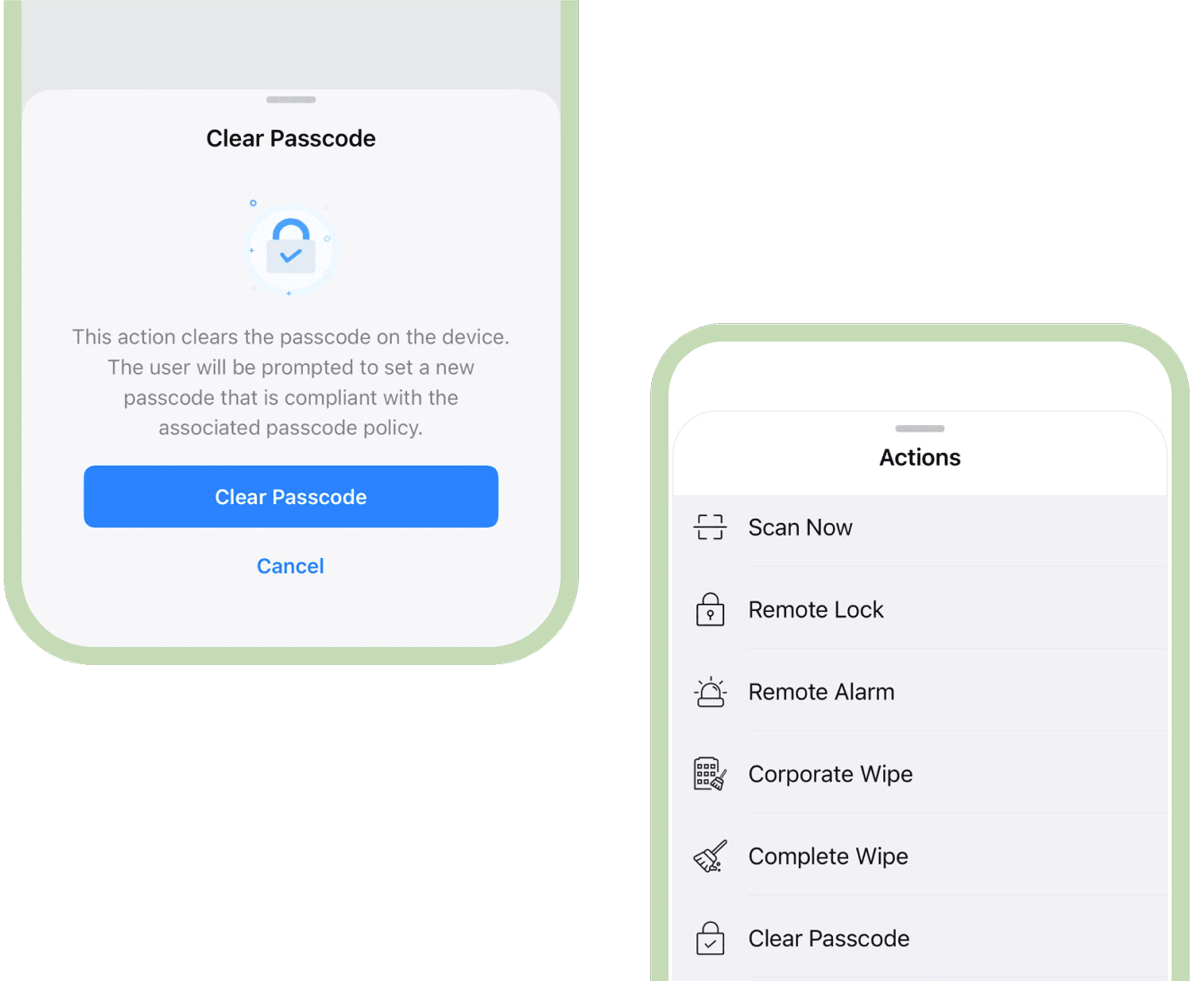
- Inventory actions including scan, remote alarm, clear/reset passcode
- Locate device, enable lost mode, deprovision, remote lock & view.
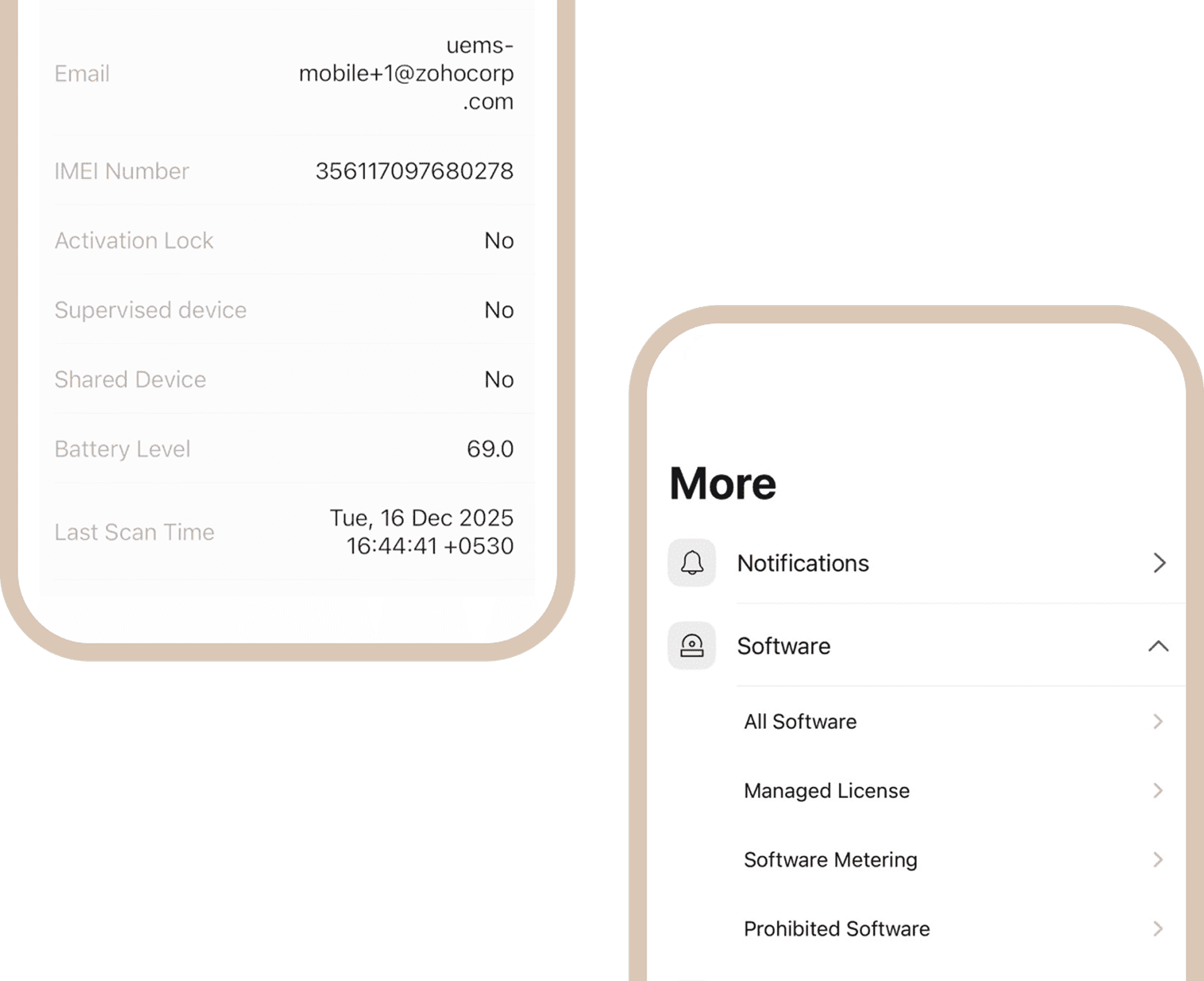
Software Management
- Initiate system scans
- View detailed software inventory
- Manage licenses and prohibited applications
Try the mobile app today
Scan the QR
code to download