Mobile Device Management
Mobile device management (MDM) is the practice of provisioning, configuring, securing and managing smartphones, tablets and other mobile endpoints across an enterprise. Endpoint Central brings corporate-owned and personal devices under centralized control across Android, iOS, iPadOS, macOS, Windows, ChromeOS and tvOS. Mobile endpoints are managed from the same console as desktops and laptops, eliminating the need for a separate management tool. The following capabilities give you granular control over the entire mobile device management process and enable you to keep your endpoints secure and compliant:
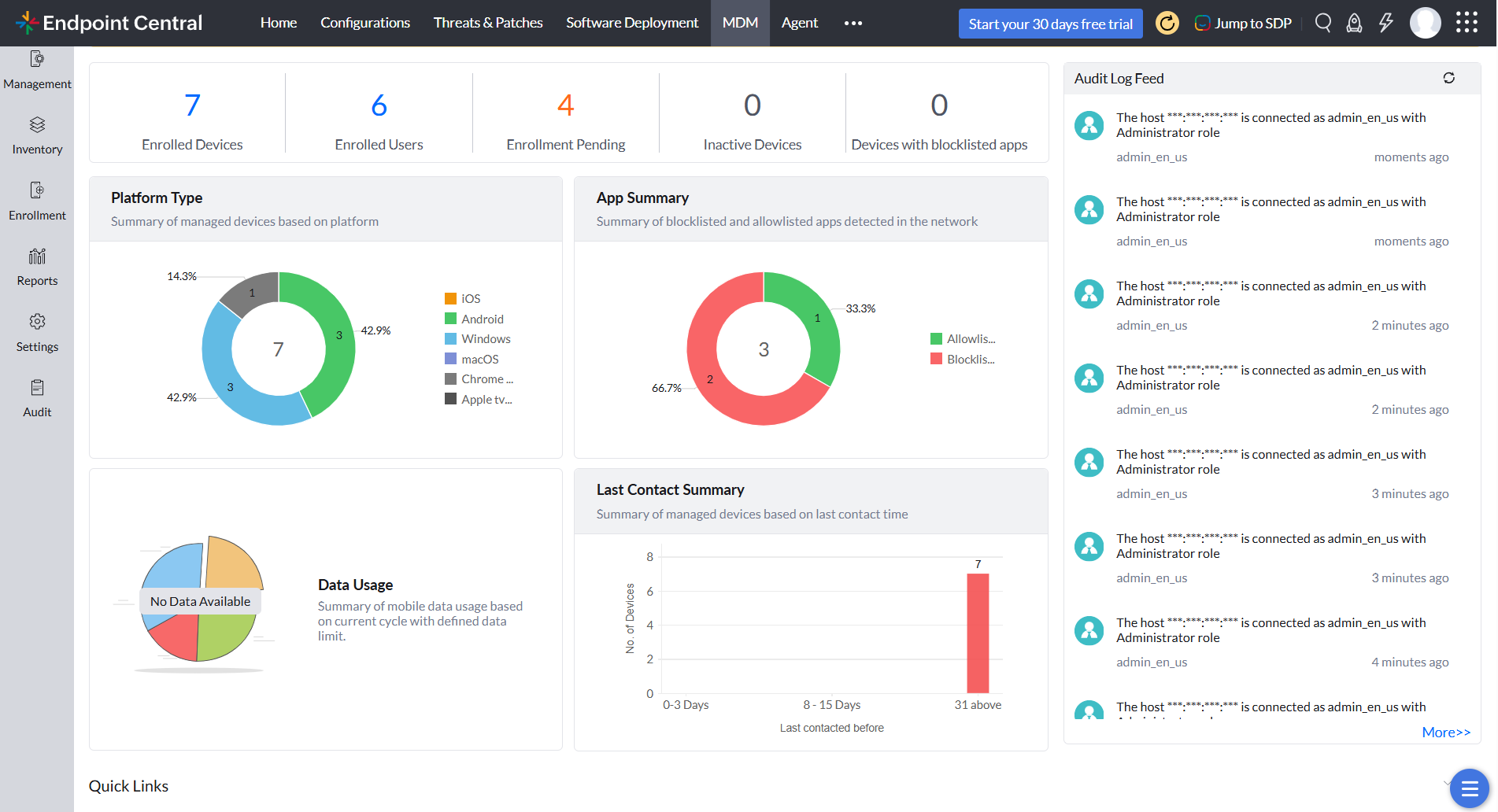
Mobile device management dashboard
Why mobile device management matters
Employees now perform critical business functions on smartphones and tablets, from any location and at any time. Without MDM, that mobility introduces significant risk.
Without centralized management, an organization is exposed on several fronts:
- Security gaps: Mobile devices carry the same corporate data as laptops with a fraction of the protection, which is why attackers increasingly target them.
- Zero visibility: IT teams cannot determine how many devices are on the network, which applications are installed or which devices are non compliant.
- Compliance exposure: Regulations like HIPAA, GDPR and PCI DSS apply to mobile devices too, and proving compliance without centralized management is nearly impossible.
- Rising support costs: Managing devices individually consumes IT resources with repetitive manual work and reactive incident response.
MDM as a pillar of unified endpoint management
MDM is an integral part of href="https://www.manageengine.com/products/desktop-central/what-is-uem.html" target="_blank">unified endpoint management. Smartphones, tablets, laptops, desktops, TVs and rugged devices share one console, one set of policies and one compliance report, and threats on any device can be locked, wiped or isolated immediately.
Device enrollment
Manual enrollment does not scale beyond a pilot batch. Endpoint Central automates onboarding across ownership models and operating systems.
- Corporate enrollment: Automate out-of-the-box onboarding through Apple Business Manager, Apple School Manager, Android Zero-touch, Samsung Knox Mobile Enrollment, Windows Autopilot and native Google enrollment for ChromeOS.
- BYOD enrollment: Let users self-enroll personal devices or onboard through email and SMS invites, with CSV-based bulk enrollment for large batches.
- Secure onboarding: Authenticate every enrollment with two-factor authentication and auto-assign devices to groups so profiles, apps and accounts are provisioned without manual intervention.
Asset management
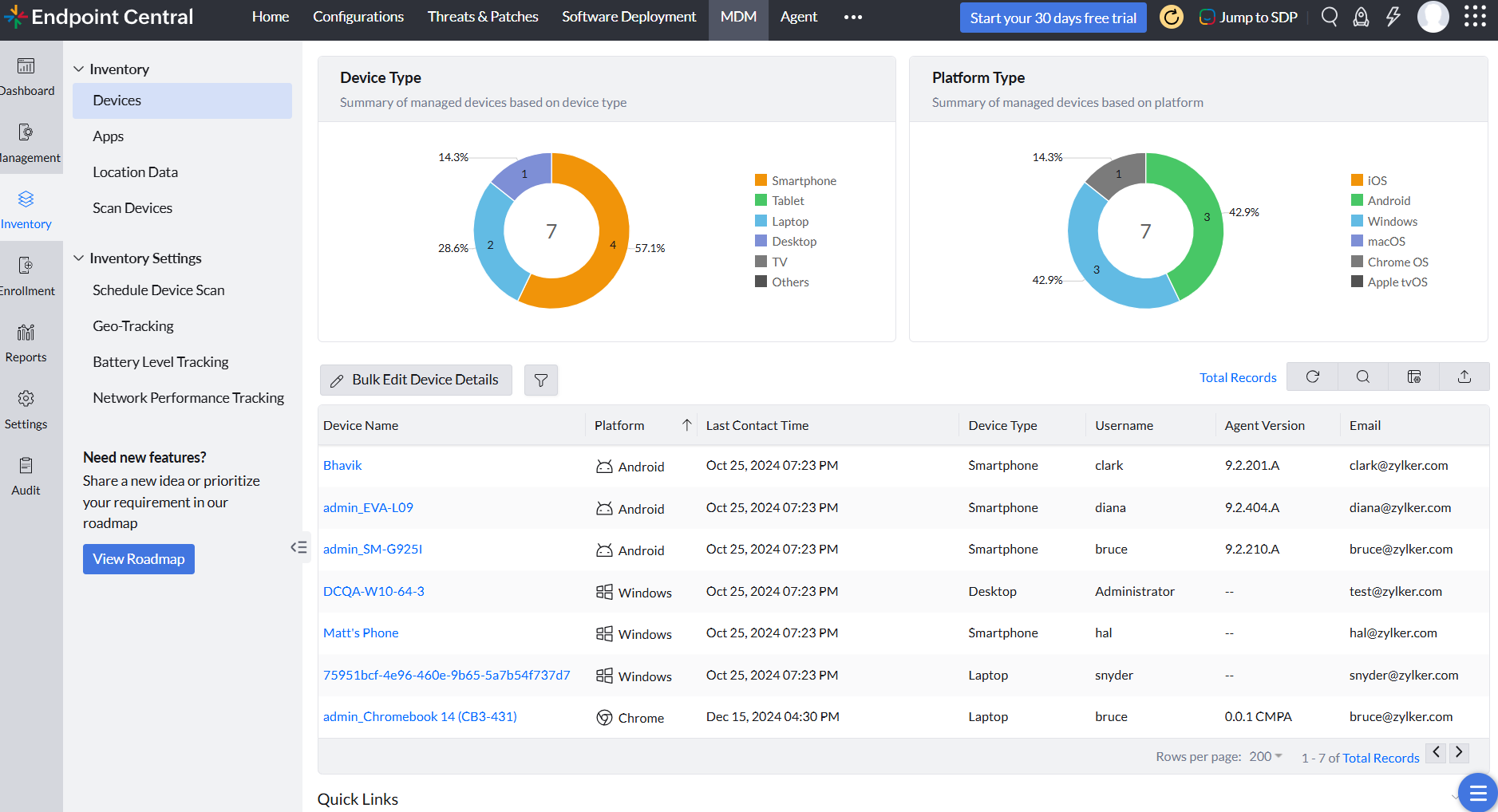
Effective mobile device management depends on an accurate, up-to-date inventory.
- Live inventory: Periodic scans keep a current record of every device, down to installed apps, certificates, restrictions, IMEI and serial numbers.
- Privacy-aware exports: Export device details as CSV and mask personally identifiable information on every export.
- Theft response: Track locations in real time, pull location history, and lock, reset or wipe lost devices.
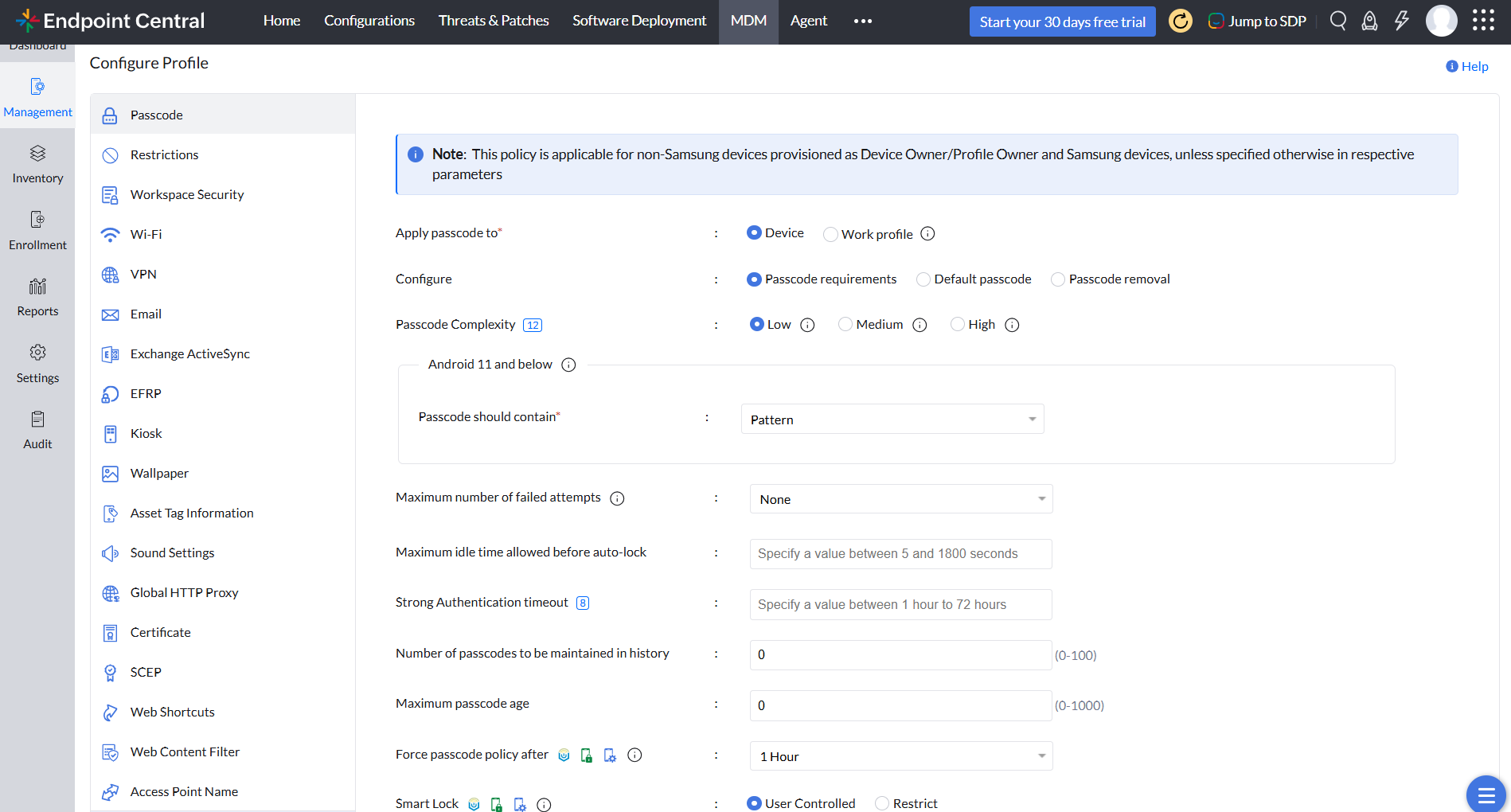
Profile management
Relying on end users to configure their own devices results in inconsistent security baselines.
- Connectivity from day one: Push Wi-Fi, VPN, APN, proxy and certificate profiles over the air so devices connect out of the box.
- Security baselines: Enforce passcode policies, restrict functions like the camera and screen recording, and filter web content with allowlists and blocklists.
- DLP configurations: Disable copy-paste, screenshots and cloud syncing device-wide or between personal and corporate spaces.
- Policy at scale: Import departments from directory services and apply department-specific baselines automatically.
Mobile application management
Applications drive productivity on mobile devices, and they are also the most common source of data leaks and shadow IT.
- Silent distribution: Bulk deploy store and in-house apps in IPA, APK, MSIX and other formats through Google Play, Apple Business Manager, Microsoft Store and the Chrome Web Store.
- Configuration and control: Pre-configure settings and permissions users cannot modify, verify stability in test channels, block risky apps and mandate critical ones.
- Managed updates: Silently update apps at scheduled times so fleets run only approved versions.
Mobile security management
Endpoint Central enforces security across devices, apps, data and networks so protection never depends on user behavior.
- Attack surface reduction: Block untrustworthy websites, sideloaded apps, USB connections and unapproved Wi-Fi, Bluetooth and VPN connections.
- Compromise fail-safe: Detect jailbroken or rooted devices and cut their access to corporate data.
- Conditional access: Ensure only compliant devices reach Exchange email and workspace apps.
Containerization for BYOD
BYOD programs typically fail at one of two extremes: restricting the entire personal device, or leaving corporate data unprotected alongside personal applications.
- Encrypted work container: Separate and encrypt corporate apps, email and files in an isolated space, with admin rights limited to the work side only.
- Data flow control: Block unauthorized data movement between work and personal spaces, including copy-paste via clipboard.
- Corporate wipe: When employees leave, erase only work data while personal files remain intact.
Email management
Email is the most widely used corporate application on mobile devices, and one of the most common channels for data leakage.
- Over-the-air provisioning: Configure Outlook, Gmail, Apple Mail, Samsung Email and Zoho Mail at scale, loading variables like usernames from directory services.
- Email security: Restrict forwarding, attachment sharing and personal account additions, and encrypt messages with SSL/TLS and S/MIME.
- Access governance: Block unmanaged devices from Exchange and Microsoft 365 servers and wipe email configurations from lost or retired devices.
Mobile content management
Distributing business-critical content across thousands of devices, and keeping every copy current, requires dedicated content management.
- Distribution at scale: Push documents, media and presentations by department, with instant sync when files change on the console.
- Content security: Keep files inside a built-in secure viewer and block sharing via USB, AirDrop, screenshots and third-party cloud services.
- Lifecycle control: Update or remove content everywhere simultaneously and revoke access for retired, lost or compromised devices.
Kiosk mode
Purpose-built devices such as check-in tablets and handheld scanners are deployed for a single function, and every additional application on them is a security liability.
- Flexible lockdown: Lock devices to a single app, app sets or web kiosks across Android, iOS, iPadOS, Windows, macOS, ChromeOS and Apple TV.
- Kiosk automation: Schedule lockdown around shifts, run background dependencies like VPNs, and silently install and update provisioned apps.
- Security and recovery: Allow only approved websites and track moving kiosk devices with geofence and low-battery alerts.
Rugged device management
Rugged handhelds power warehouse, manufacturing and field operations, and many operate without Google Play Services.
- Nontraditional onboarding: Enroll OEM vendor and AOSP devices with zero-touch, QR code and NFC methods.
- Hardware-level control: Apply OEMConfig profiles from over 22 manufacturers including Samsung, Honeywell and Datalogic, and schedule firmware-over-the-air updates outside shifts.
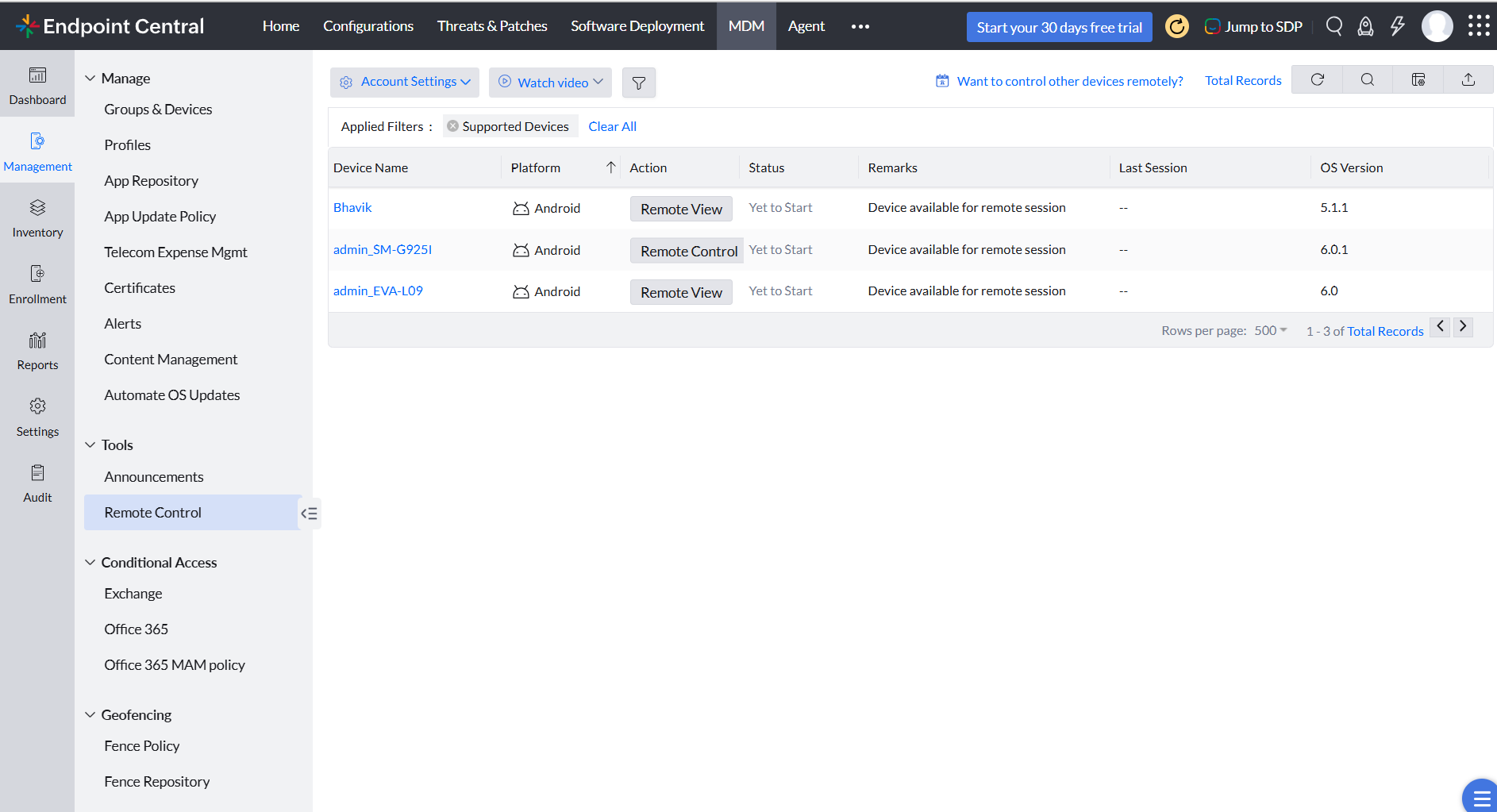
- Field support: Remotely control device screens, manage shared devices and lock down lost hardware completely.
Remote troubleshooting
Unresolved device issues in the field translate directly into lost productivity and revenue.
- Fleet-wide remote access: Control device screens across more than 25 OEM brands, view iPhone and iPad screens, and take unattended control of POS devices, signage and kiosks.
- Faster resolution: Chat with users mid-session, transfer files and run shortcut commands for common fixes.
- Secure by design: Sessions run with AES-256 encryption.
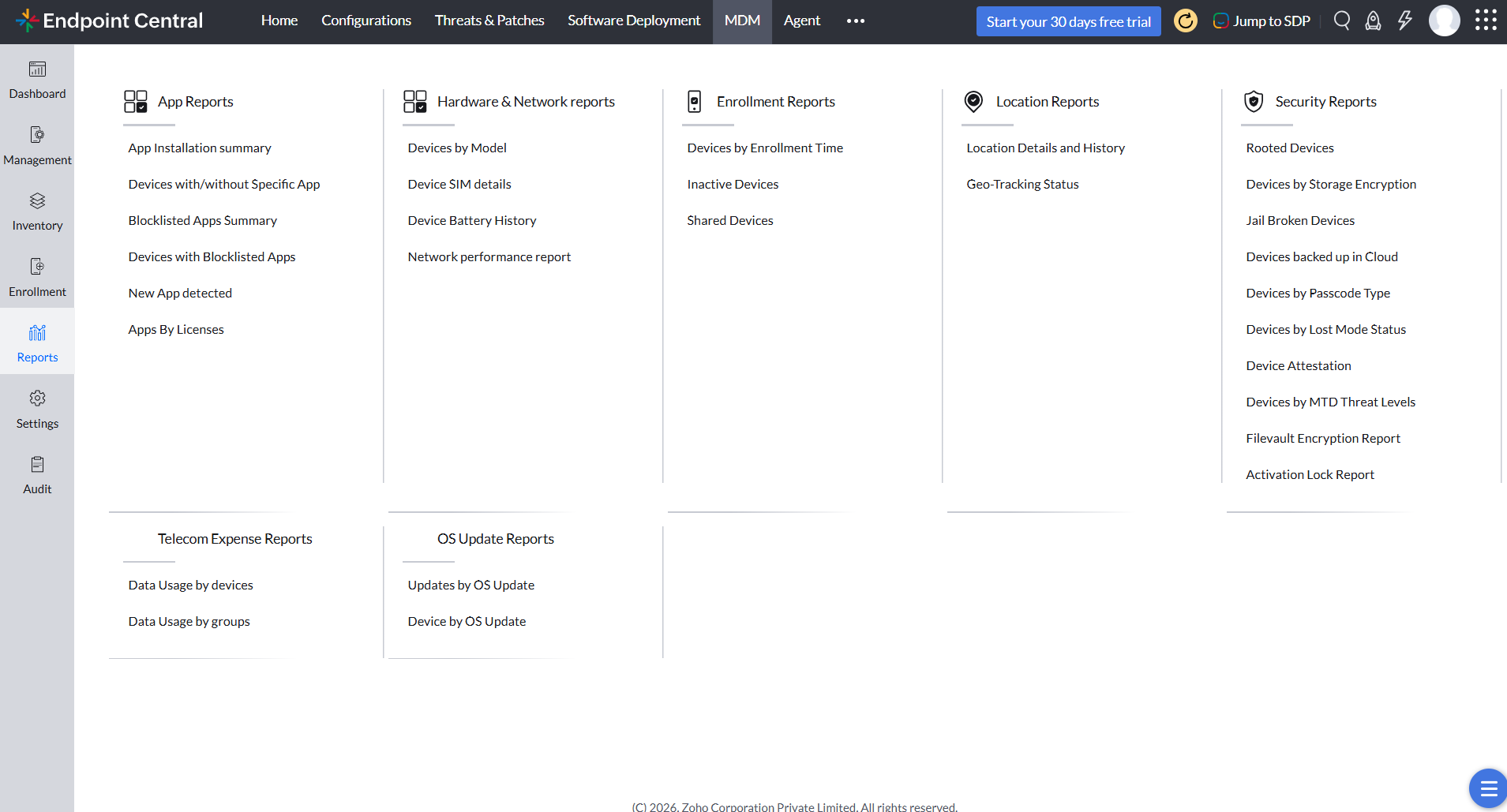
Audits and reports
Compliance audits depend on documented evidence, not just documented policies.
- Real-time visibility: Interactive dashboards drill down from fleet summaries to device-level data.
- Flexible reporting: Generate canned or drag-and-drop custom reports and schedule delivery in PDF, CSV or XLS.
- Audit trail: Log every admin action and delegate responsibilities through role-based permissions so no single administrator holds unrestricted access.
Integrations across the IT ecosystem
Endpoint Central's MDM connects with ManageEngine ServiceDesk Plus and other ITSM tools so lock, locate and wipe run from the ticketing console. Directory integrations with Active Directory, Microsoft Entra ID, Okta, Google Workspace and Zoho Directory drive identity-based policy assignment, and public REST APIs support custom workflows.
Mobile device management using the Endpoint Central mobile app
The Endpoint Central mobile app for iOS and Android extends console access beyond the desk. IT teams can monitor device health and compliance, lock or wipe devices, enable lost mode, control kiosks and troubleshoot devices remotely from anywhere. App permissions mirror each administrator's console role.
Looking for an MDM solution? Choose Endpoint Central MDM
Enroll, secure, and support every smartphone and tablet from one console.
Know more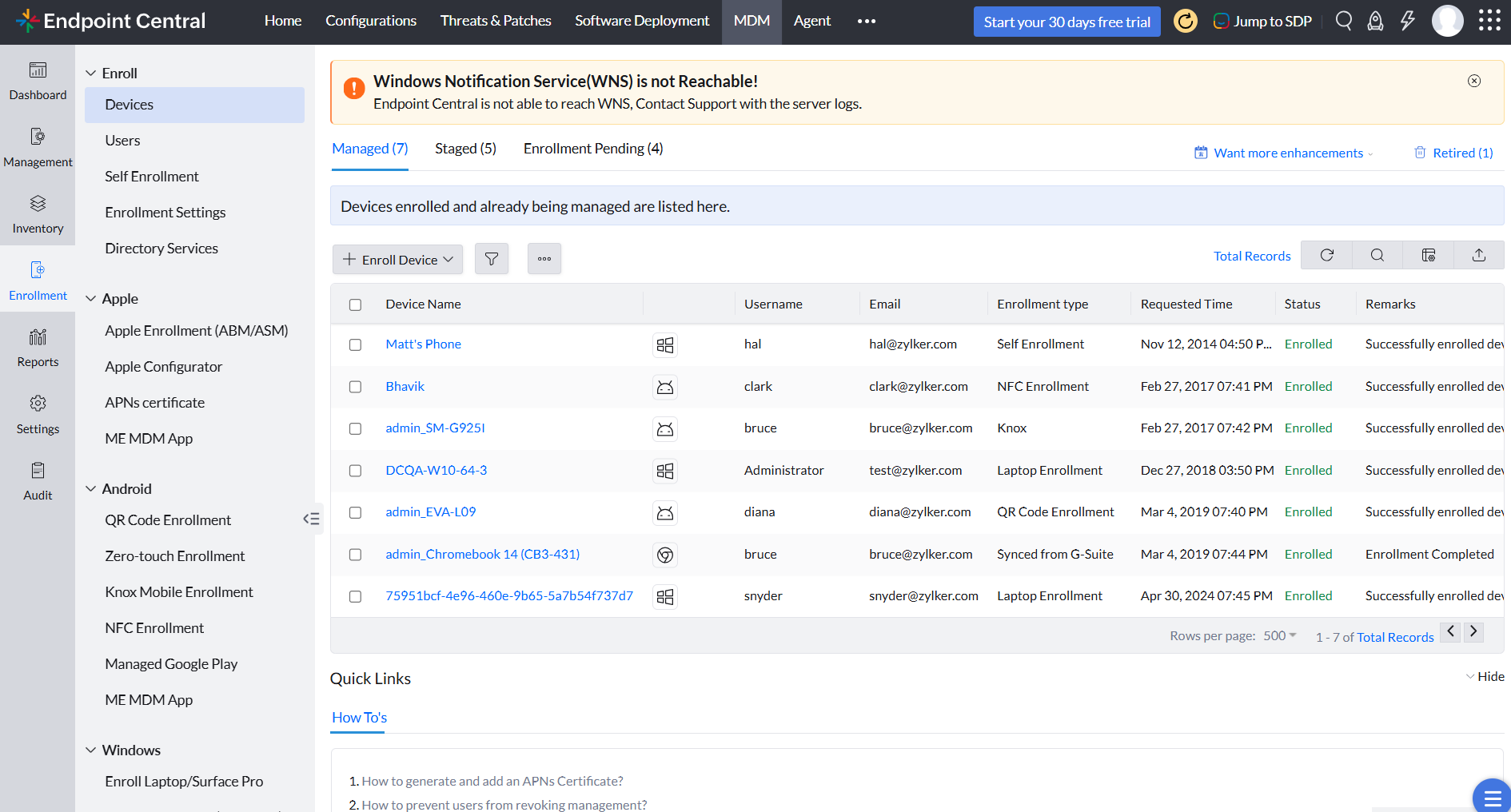




"I have been using DC for over a year now to manage over 200 computers and over 25 mobile devices. I can't tell you the time and effort it has taken off my plate to manage computers on our network. We don't have to leave our chair to deploy patches, install software or remotely manage a machine and troubleshoot an issue. Our MDM gives us the ability to push out applications to all of our iPhone's and iPads. We are also able to setup profiles on each of these devices so we can securely use them out in the field."
Andy Mack,
Director of Information Technology, The Arc of Ventura County, C.A., USA