Security Analytics in NetFlow Analyzer
The Security Analytics module in NetFlow Analyzer brings advanced, flow-based Network Detection and Response (NDR) capabilities to your network. Built with machine learning and aligned with the MITRE ATT&CK framework, this feature enables intelligent threat detection using adaptive learning, asset behavior profiling, and contextual scoring.
Note: This feature is available as a beta in the Professional and Enterprise editions. It is not included in the Standard edition.
System Requirements
| Rate of flow/Second | Processor | RAM | Disk space |
| 0 - 10k | 8 cores/16 threads or higher. 3.5GHz or above. | 24GB | 150GB/day |
| 10 - 25k | 8 cores/16 threads or higher. 3.5GHz or above. | 24GB | 400GB/day |
| 25k - 50k | 8 cores/16 threads or higher. 3.5GHz or above. | 32GB | 750GB/day |
How to configure Security Analytics for new users
Note: These steps apply only to new users on build 12.8.611 and above.
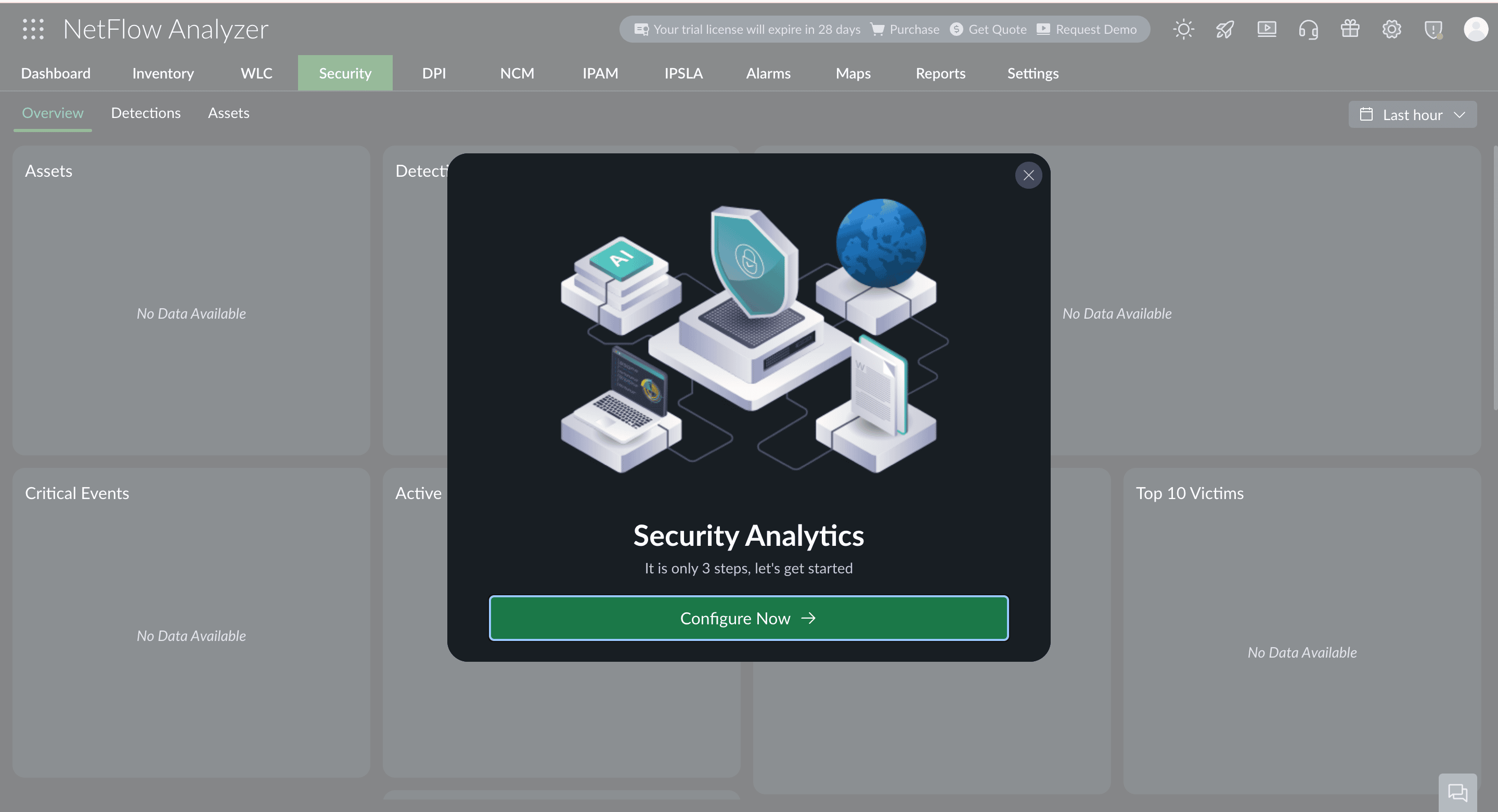
- Go to the Security tab, and a pop-up will appear. Click "Configure now" to proceed.
- To finish the setup, follow these three steps:

- Enable HighPerf Data Storage (Mandatory)
HighPerf Data Storage is required for Security Analytics to work efficiently. It ensures faster access to large volumes of data, low latencies, and supports real-time analysis by handling heavy data loads smoothly. Click here to enable HighPerf Data Storage. - Configure DHCP Syslog (Mandatory)
DHCP Syslog is needed to map IP addresses to hostname of the devices in your network. It logs IP assignments from your DHCP server, making it easier to trace devices on the network and troubleshoot issues. Click here to configure DHCP Syslog. - Configure Active Directory (Optional)
Active Directory (AD) is used to map IP addresses to host names of the devices in your network. It helps identify systems more easily. Click here to configure AD.
The system will automatically begin discovering assets and learning behavioral patterns using the flow-based rule engine.