Uncertainties in traffic monitoring: A guide to accelerate troubleshooting with NetFlow Analyzer
A population of network admins have embarked on a IT transformation journey in an attempt to manage customer expectations and technological adoption. As this huge shift begins, the demand for an all-in-one solution is attracting enterprises. However, these monolithic solutions often fall short of offering integration, setup flexibility, and analytical capabilities. Therefore, IT operators get locked up in the traditional web that they want to get out of. Troubleshooting a network requires a tool that shows the length and breadth of the data flow, but also pins down the statistics and faulty endpoints as and when needed.
NetFlow Analyzer's key features to ease your troubleshooting
ManageEngine NetFlow Analyzer is a bandwidth usage monitoring and reporting tool that provides holistic visibility into your cloud and hybrid network environments to eradicate traffic management issues. Our traffic monitoring software encompasses a rich set of capabilities like multi-vendor support, an easy to use interface, and configurable traffic trends reports, while providing extensive, real-time visibility as an uncompromised entity.
Configurable dashboards
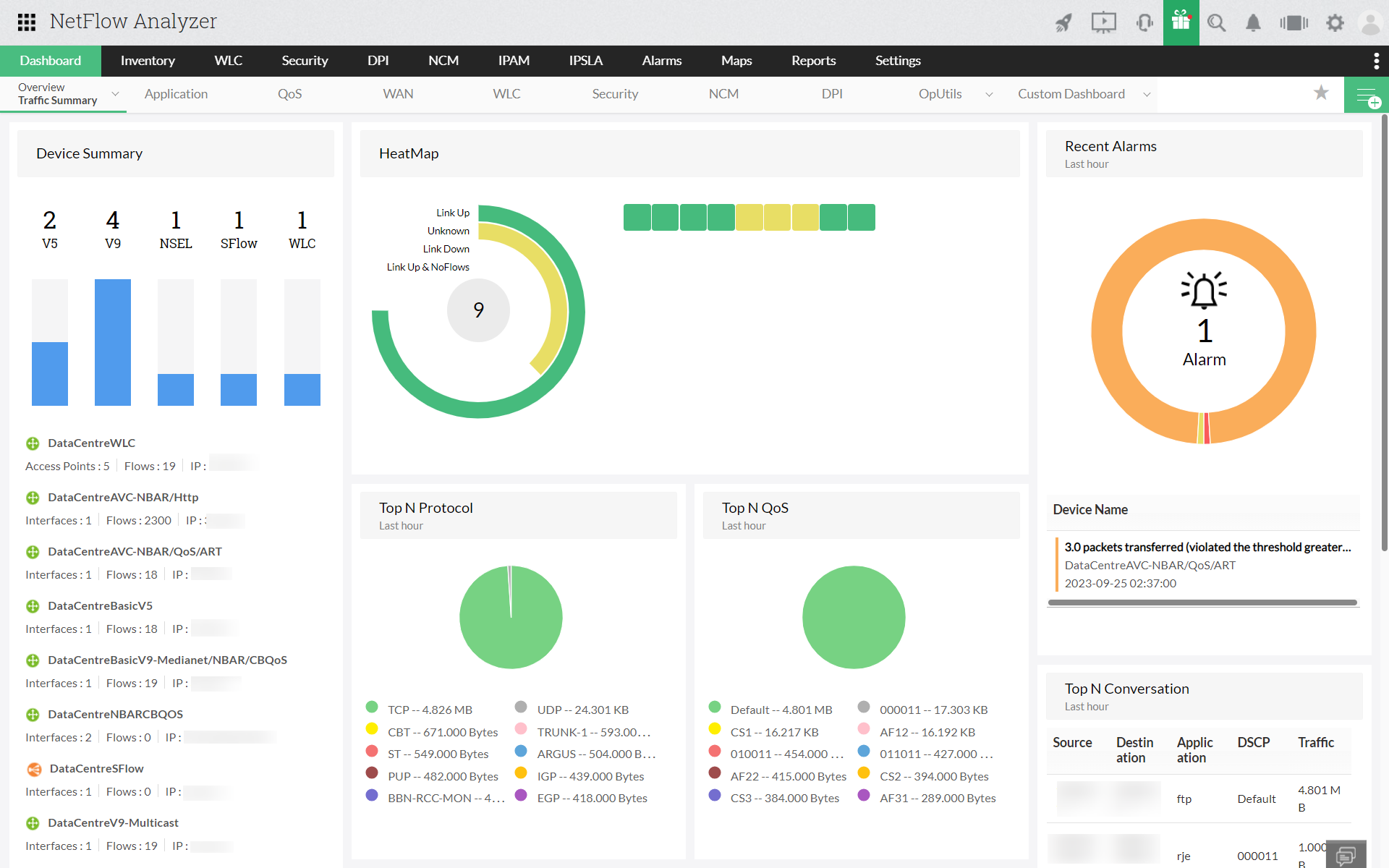
NetFlow Analyzer offers real-time traffic snapshot view of both wired and wireless networks by interfaces, QoS, WAN, application, access points, SSIDs, etc. You can utilize the NOC view of the bandwidth monitoring tool to show you the refreshed bandwidth usage values for configured time intervals and stay ahead of the issues. You can create various dashboards, and assign a user and configure accessibility to secure sensitive data insights while also delegating them to other network operators for easier management.
Traffic pattern analysis
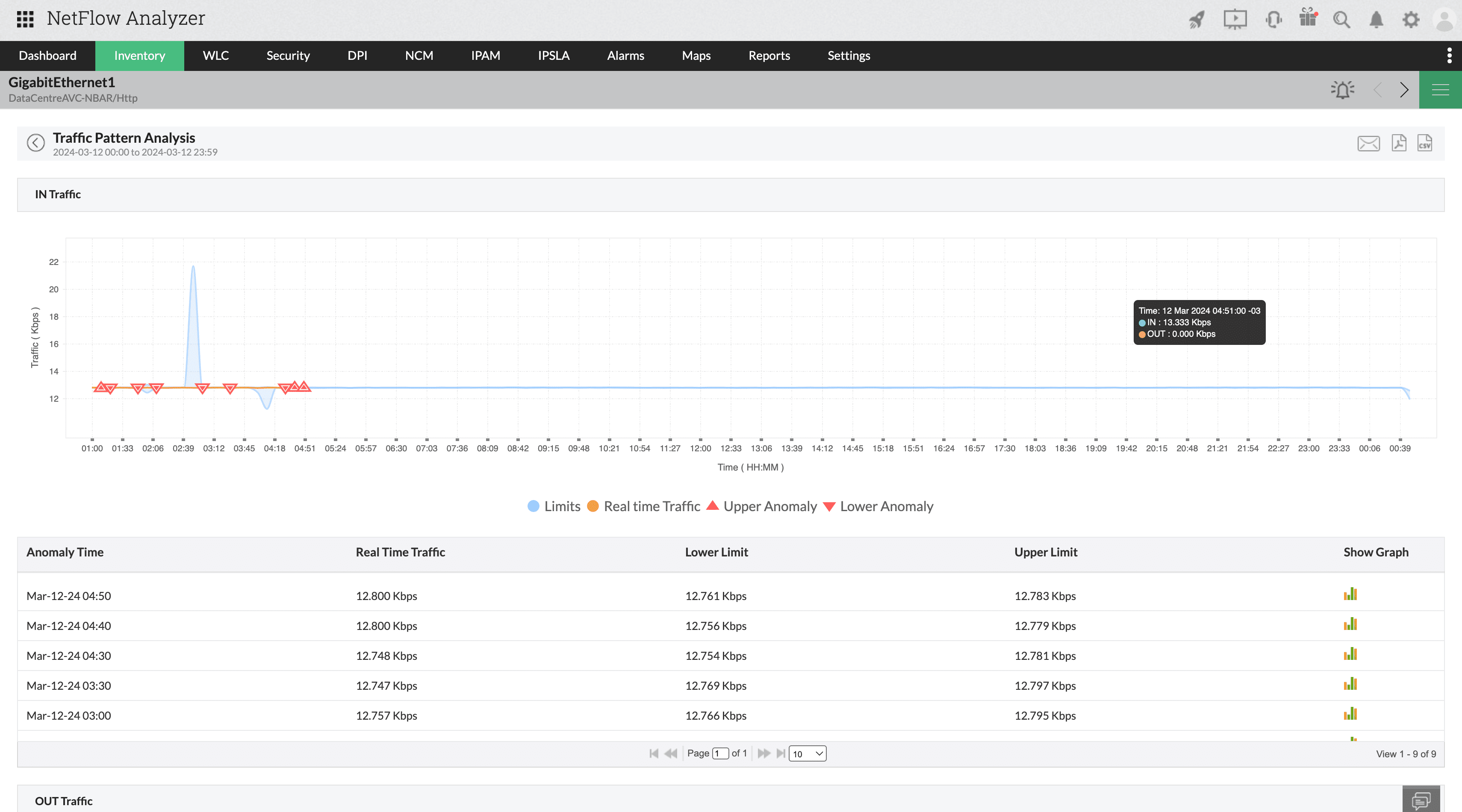
Businesses face more challenges when their monitoring doesn't match scalability. Tools in the market will not have enough capability to handle the growing traffic data, and the generated traffic flows are nothing but a "data lake". This is where NetFlow Analyzer's ML-based Traffic Pattern Analysis helps you. It adopts your growing infrastructure's data models and processes these flows to predict when there will be upper or lower anomalies based on the deviation values you have configured. You will be notified alerts when there is any irregular traffic behavior, and you can take informed decisions.
Network forensics
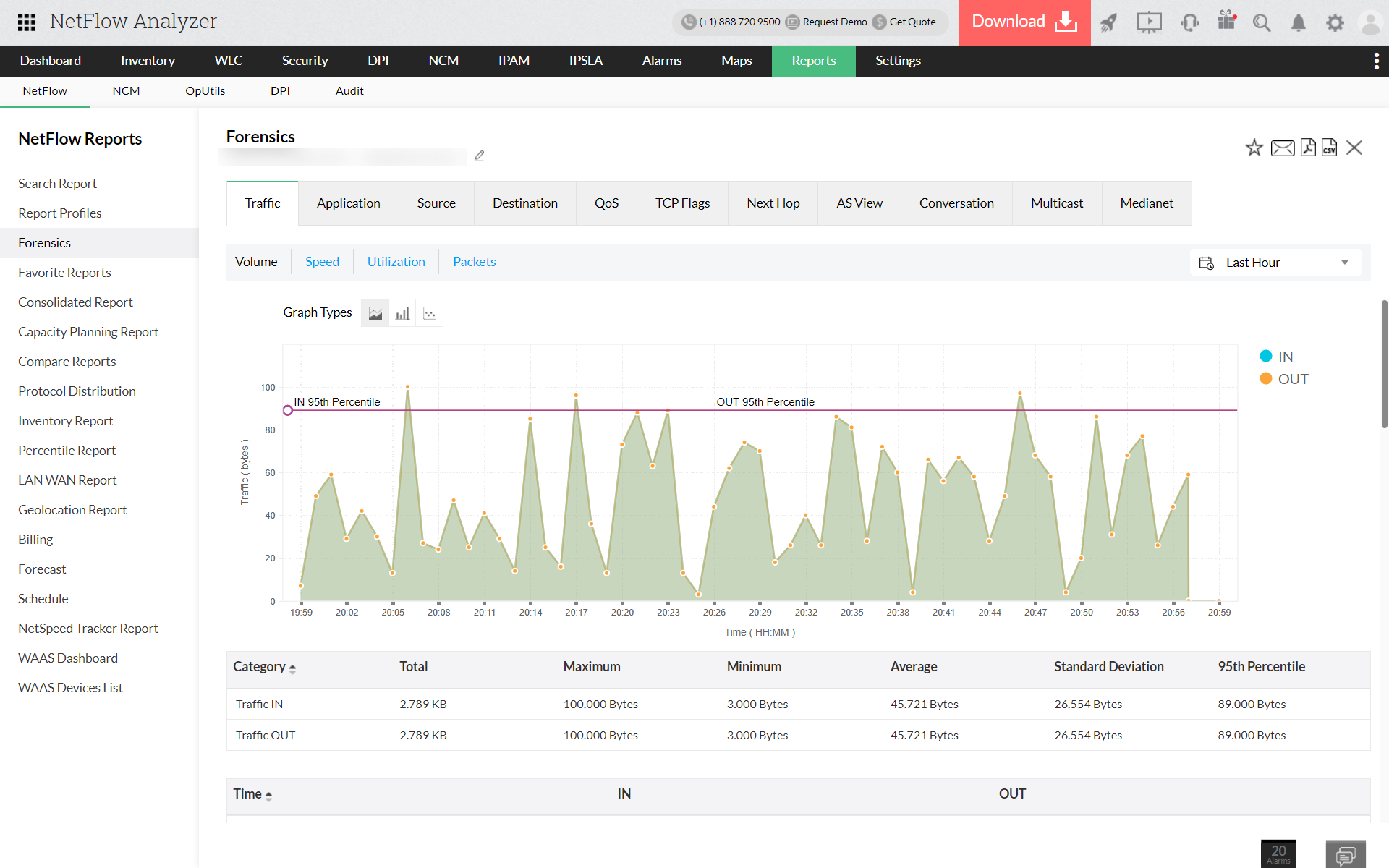
Monitoring with only real-time data can be a challenge when you need to arrive at a conclusion for a recurring bandwidth issue. The focus on real-time data is detecting top talkers or any performance fluctuation issues. On the other hand, statistical information can only give metadata. What about the persisting issue? Pinpointing the origin of the issue requires detailed history on the data packets. NetFlow Analyzer's network forensics will help you find which endpoints are affected, how long this problem has been persisting, and the occasions during which this problem has occurred with raw data. With months of historical data, you can figure out the frequency of an issue, and if it is a security concern or the occasional traffic spikes are mere overused networks.
Security analytics
The Security module was developed to show you the source, destinations, and ports to detect suspicious and unauthentic IP addresses or the number of requests to conclude on the context of the the anomalies or traffic spikes. With behavior anomaly detection, it groups the similar symptoms of an attack and alerts you when the events match with the algorithm. You can also recognize rogue access points or unauthorized users trying to intrude into your network with NetFlow Analyzer, and restrict some traffic with policies or access control lists.

Threshold-based alarms
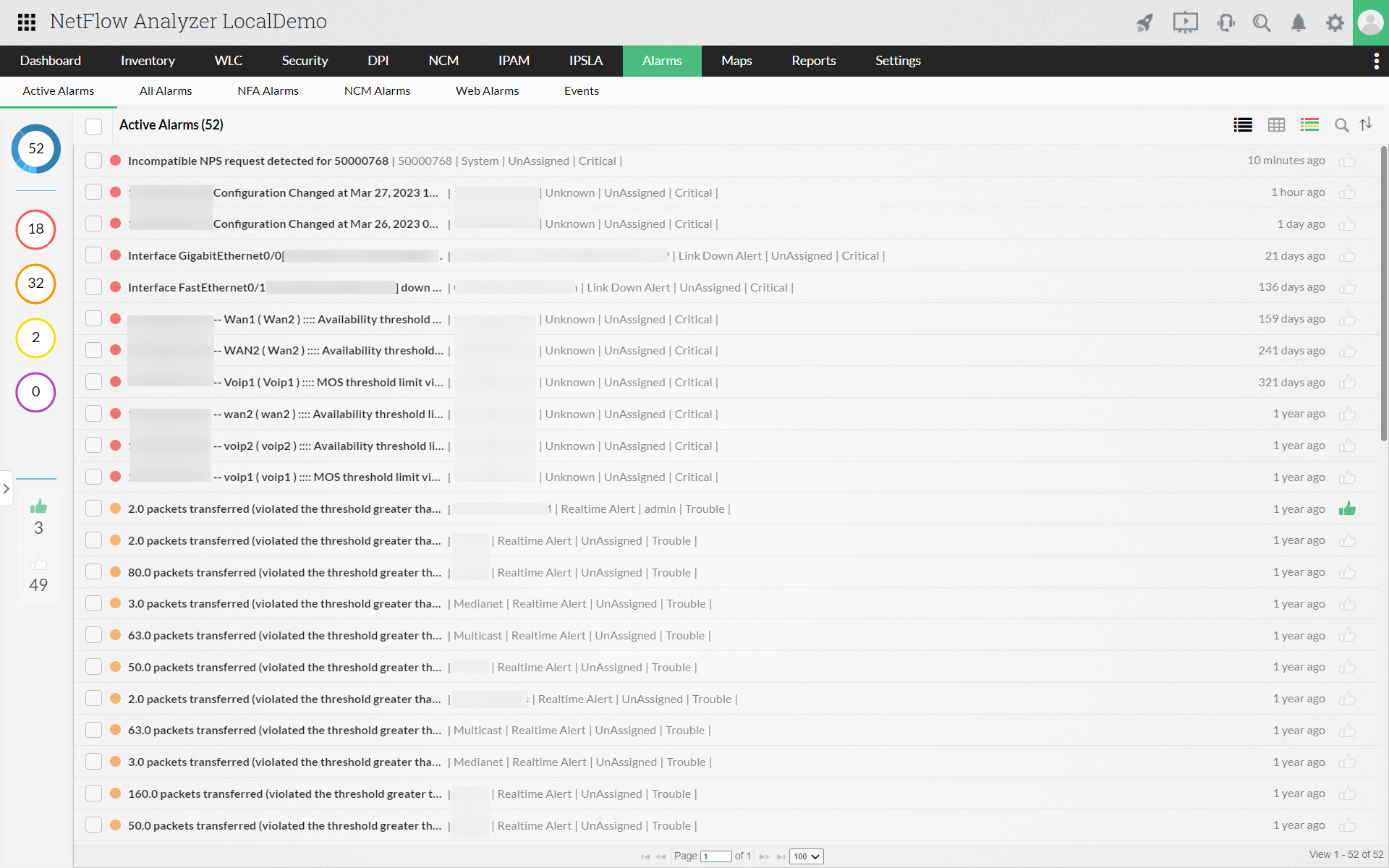
Keeping the concern for eliminating network mishaps at the front and center, we have real-time and aggregated alert profiles. You can add an alarm profile that can include anything from notifying you on less speed to downtime-resulting utilization and make informed decisions. For instance, when the access point in a finance department has to handle huge loads of volume, but the speed is not quite there to streamline operations. Configuring an aggregated alert will help you know the frequency of recurring low-speed issues and shows how severe they are with different levels of attention and notifies through various templates. On the other hand, real-time alert lets you know as and when any node's behavior doesn't match or exceeds the baseline behavior.
How you strategize your monitoring to adapt to the ever-evolving tech landscape can save you days of juggling between tools and empty-handed insights. Opt for a solution with deep tech to support and make your monitoring routine a cake walk. NetFlow Analyzer brings every metric that matters to keep your performance and security in check under a single console. Therefore, you can concentrate on user experience and save big with investment.