
Troubleshoot reports:
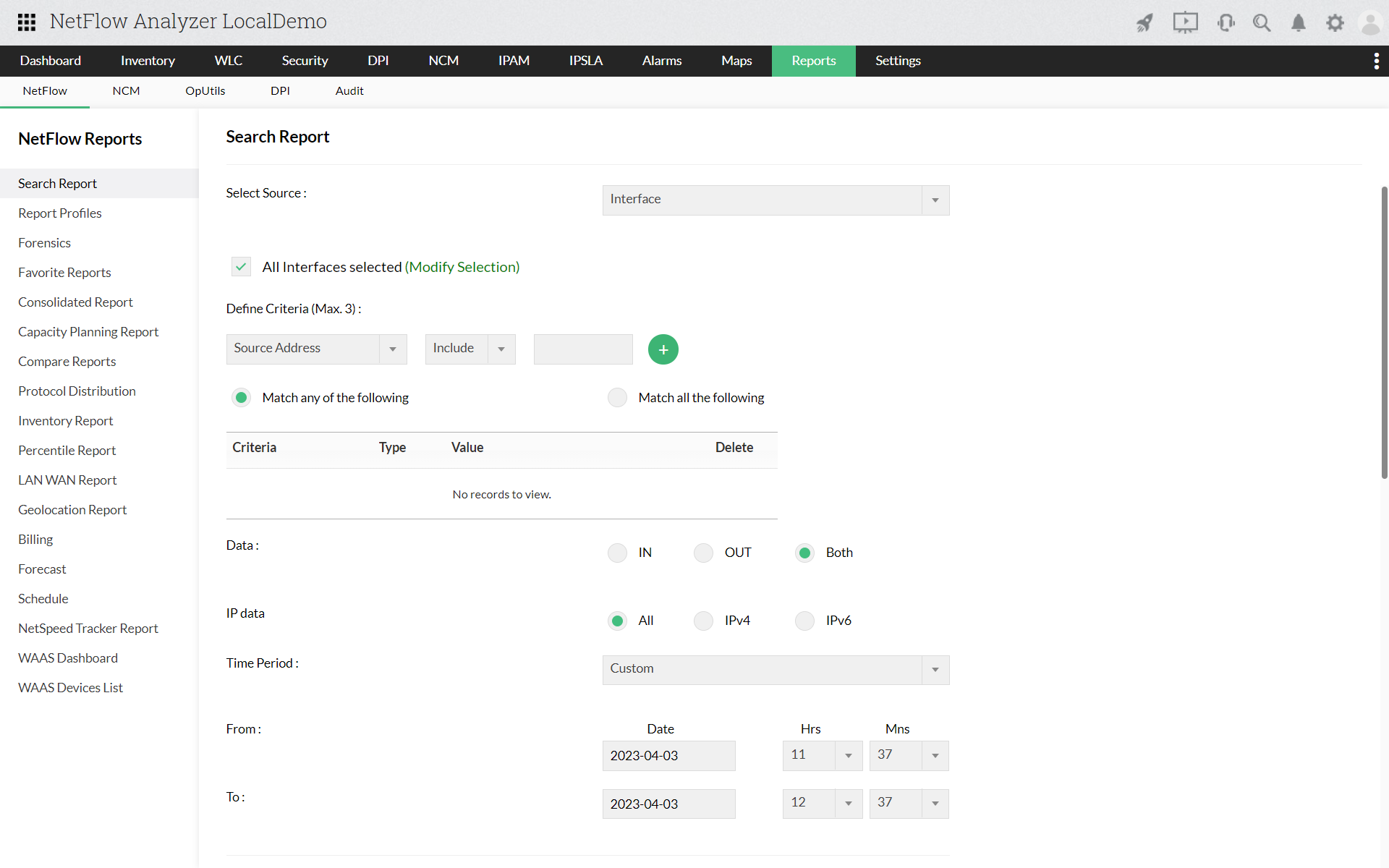
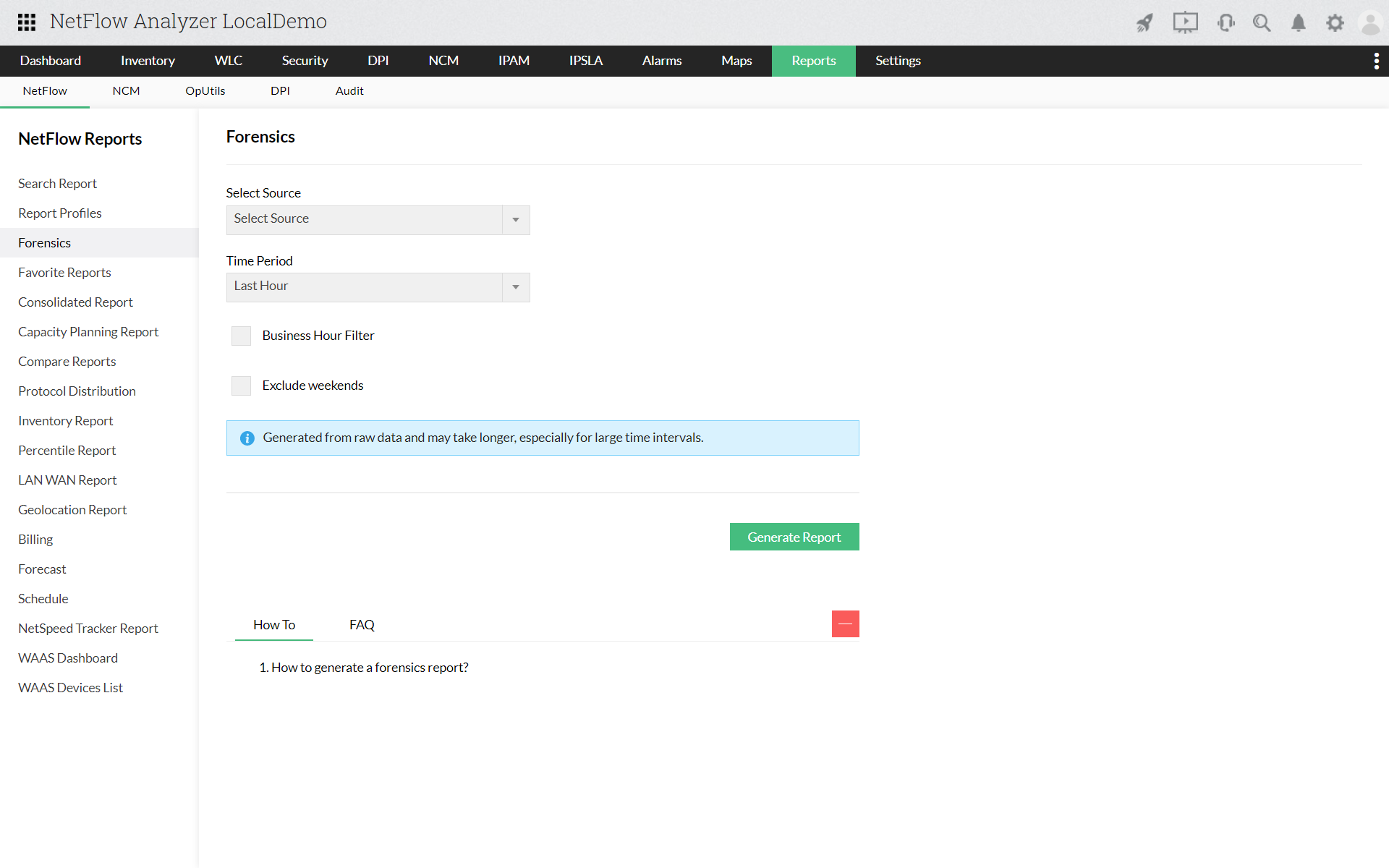
This network troubleshooting report helps you, as the name suggests, troubleshoot network incidents faster. The report lets you select different criteria by which you can generate this particular report. This report is taken from the raw data, which means each and every flow can be viewed for pre defined time period. The dropdown allows ease of selecting the criteria and you can even select either "match one of the following" or "match all of the following". Read more...
Search/ Custom reports:
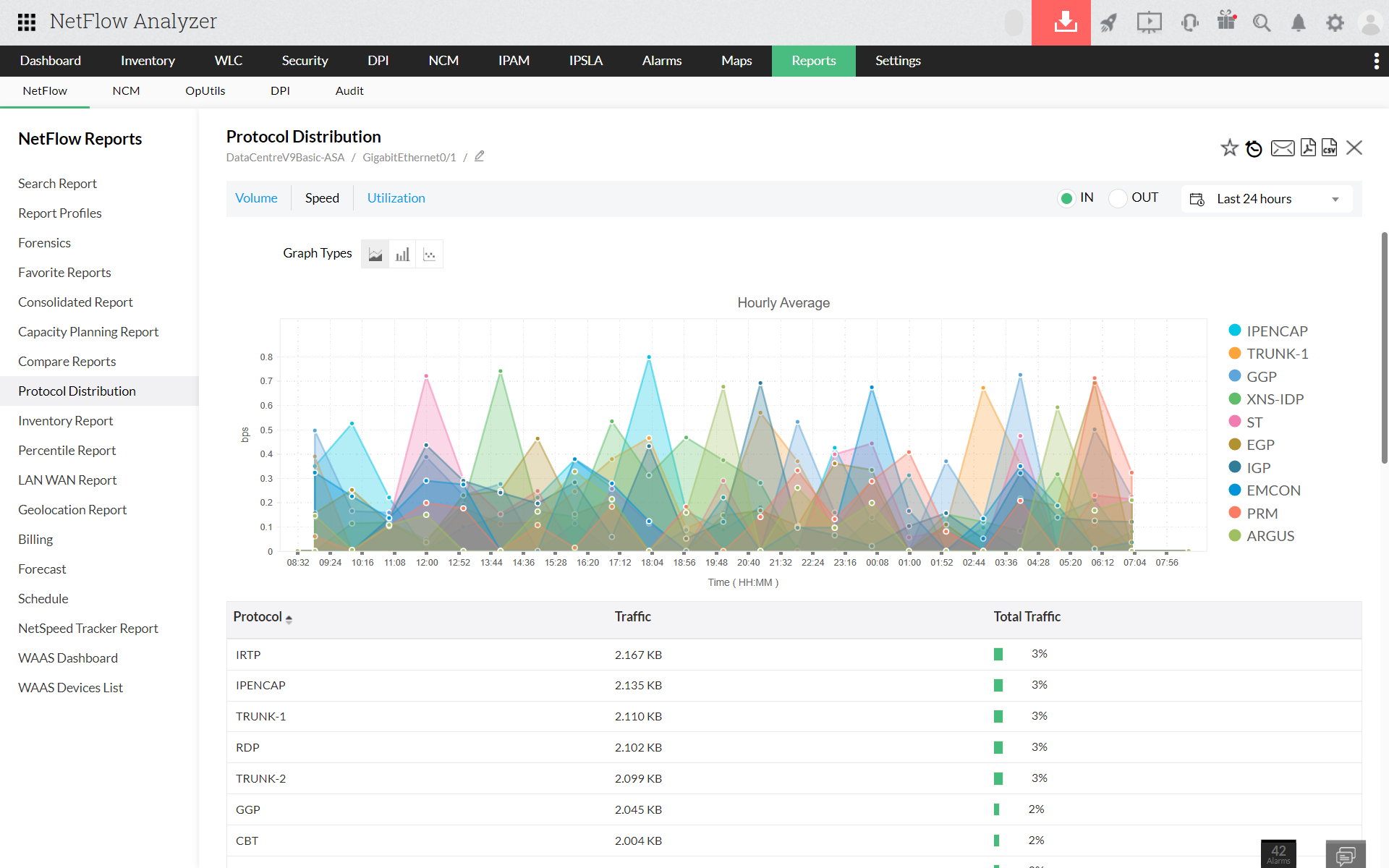
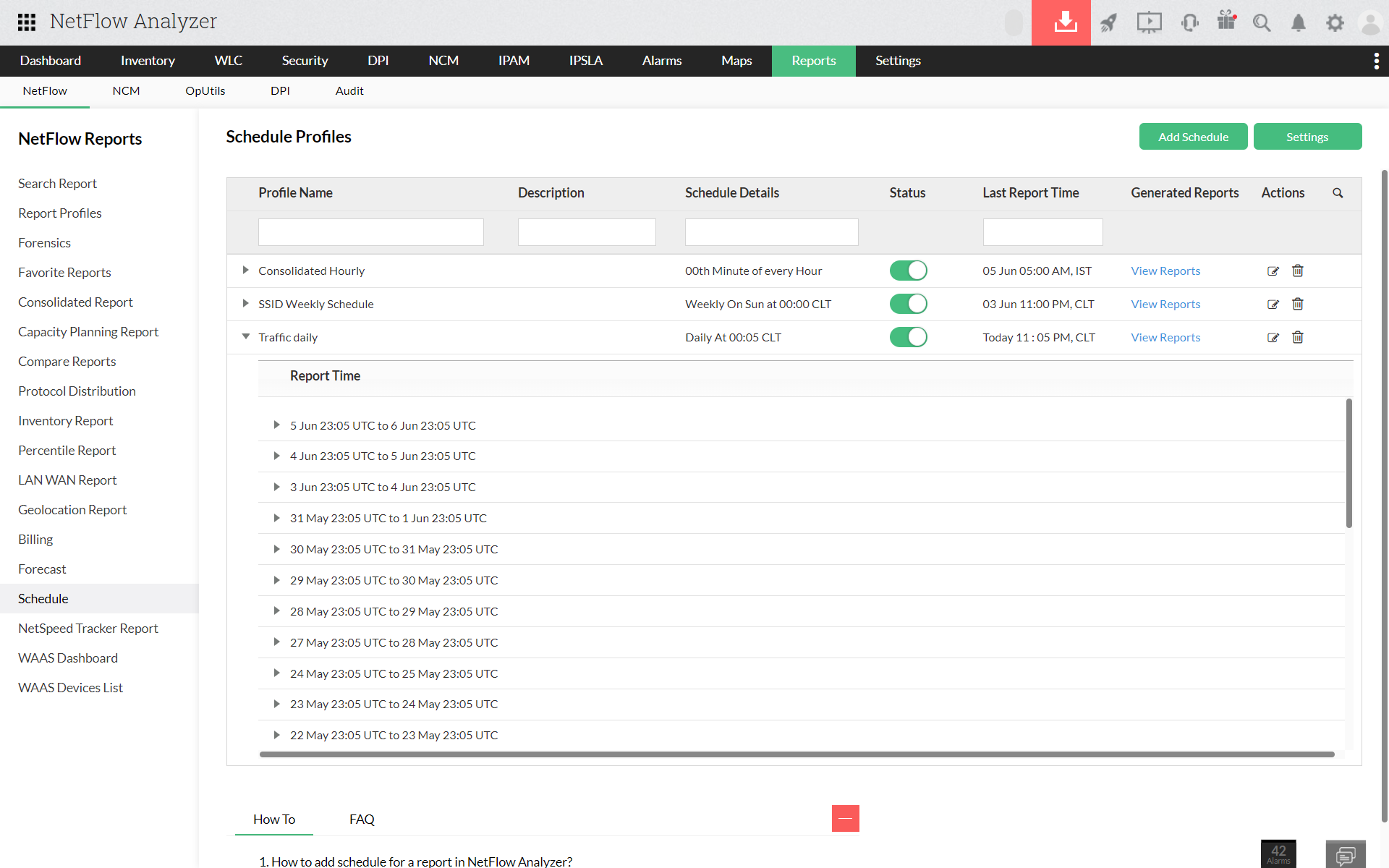
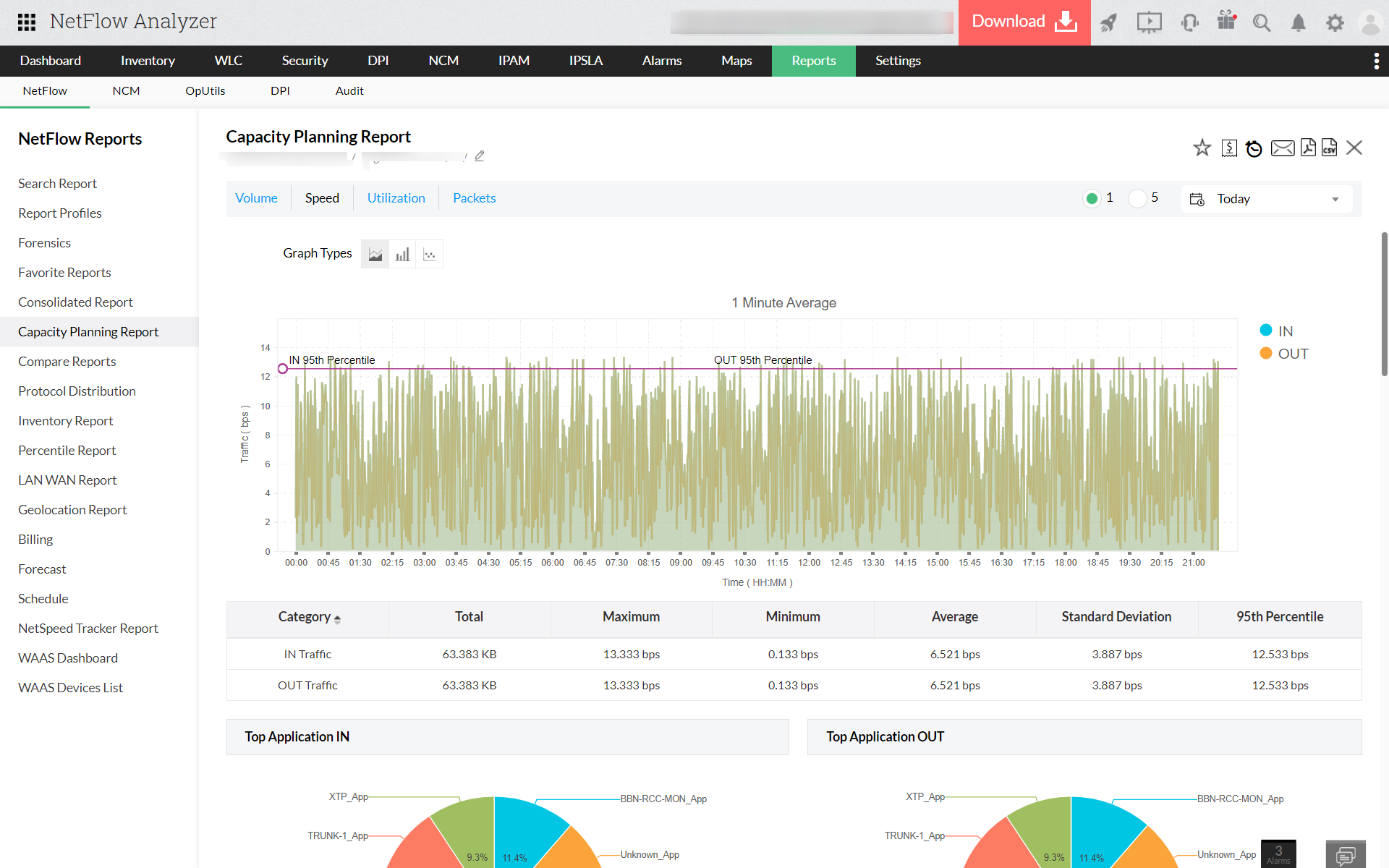
Search reports helps the user to search your network traffic for a particular sort of traffic, which can be defined by the user. The user can select any three of the below given ten criteria and generate a report, according to the user's need:

Learn how to troubleshoot network issues faster with our customizable reports.
Register for a free, personalized demo now!
Compare reports:
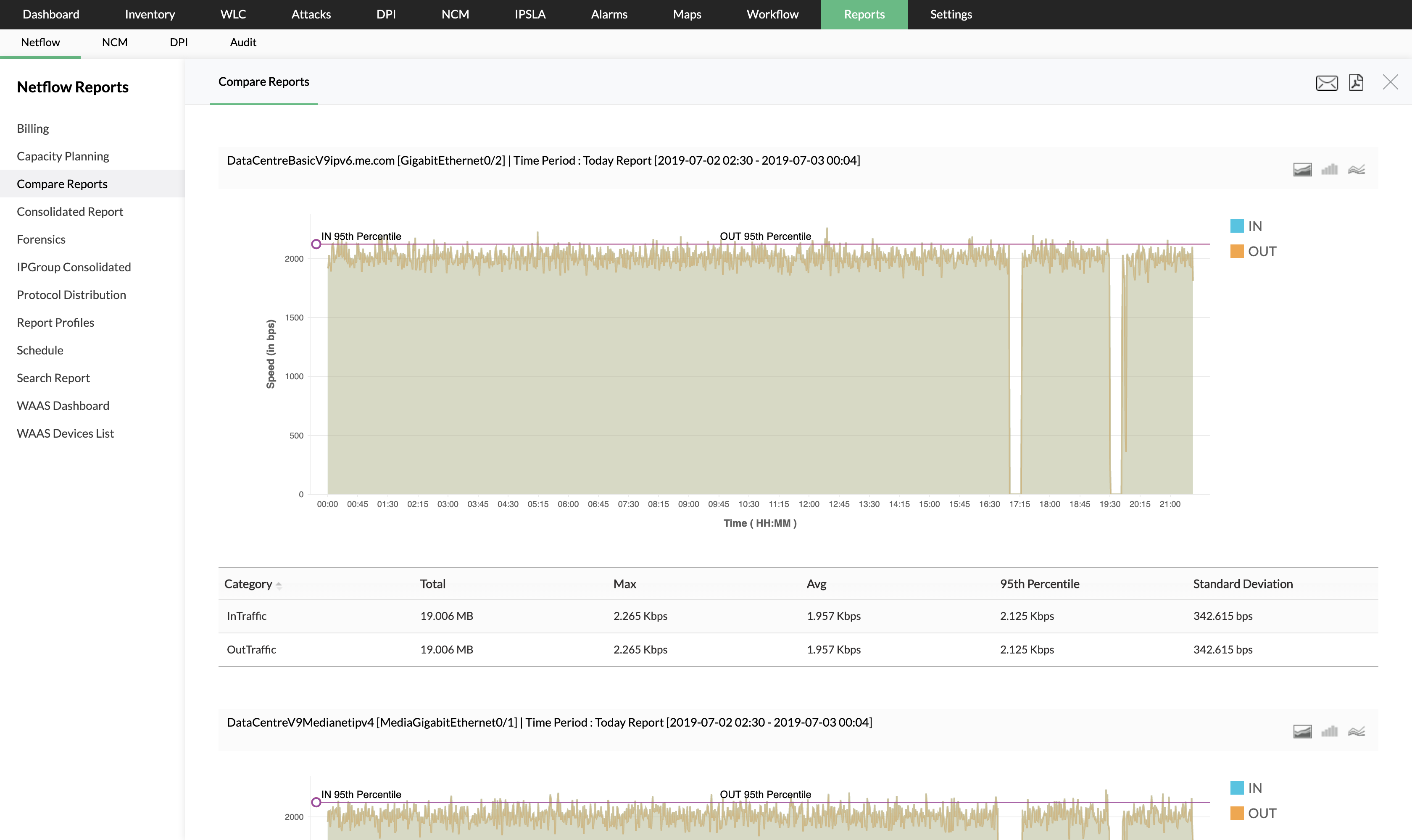
Comparison is the key to measuring performance. The 'Compare reports' facilitate comparing multiple devices at a given point of time. This enables measuring how different devices perform for the same amount of time. The 'Compare reports' feature also allows comparison based on time. The same device can perform differently at different time periods. Traffic patterns are not the same on a given network all the time. There are certain critical hours when the traffic is at the peak. This would have a direct impact on the devices critical to the network. It becomes important to monitor the same device at different points of time depending on the traffic patterns. The 'Compare reports' help in analyzing these critical parameters.
Consolidated reports:
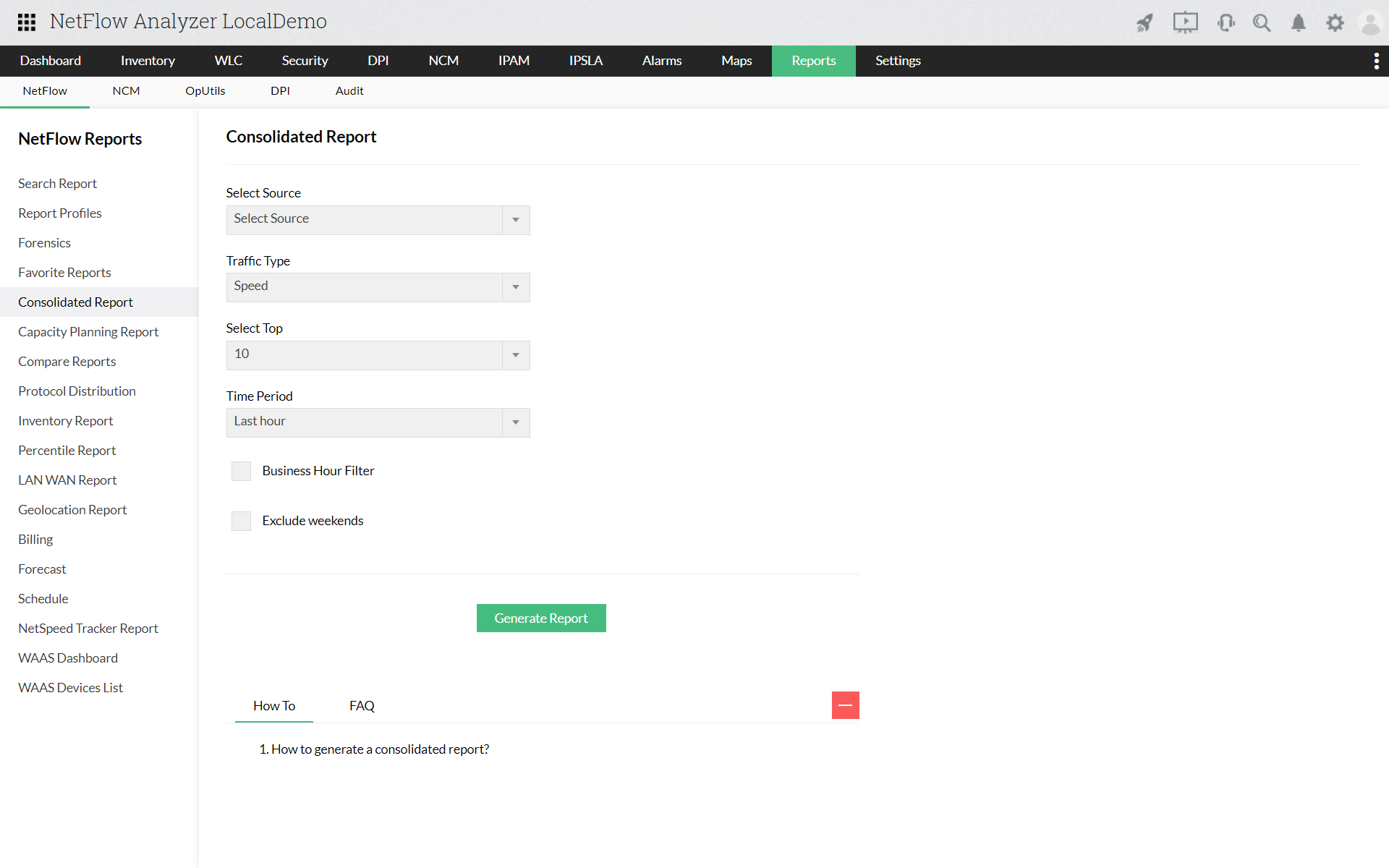
All the traffic information pertaining to a particular device or interface can be seen in the 'Consolidated reports' section. This would give you vital information like Volume, Utilization and speed. The reports could be exported in pdf and csv formats. These reports offer a high degree of flexibility as far as time periods is concerned. You have the option to choose the time period for which you would like to monitor these parameters.
NetFlow Analyzer is a NetFlow, sFlow, JFLow (and more) collector and analyzing engine integrated together. NetFlow analyzer does not require any harware probes and can be downloaded, used in your network environment and can be evaluated for 30 days. Go through the following useful links for better understanding of how NetFlow Analyzer can help you in understanding your network traffic and bandwidth utilization.
- Garry Crothers
Network Engineer in Queen’s University Belfast