
As an organization administrator in Log360 Cloud, you have complete control over team management. Administrators can create new teams and edit team details, such as team name and logo, from the Manage Team page. Admins can also be a part of multiple teams and directly join teams, whereas organization users have to request to join a team.
Listed below are some of the various administrative functions available to organization administrators.
An organization admin can create a new team with the following steps:


Note: By clicking Proceed, you are agreeing to creating a separate space within your current organization and purchasing a separate license for the team.


Note: An organization can add up to five teams to their account. If they want to add another team, they will have to terminate an existing team to do so.

An organization admin can edit or modify a team with the following steps:


An organization admin can join all the available teams in the organization using the following steps:

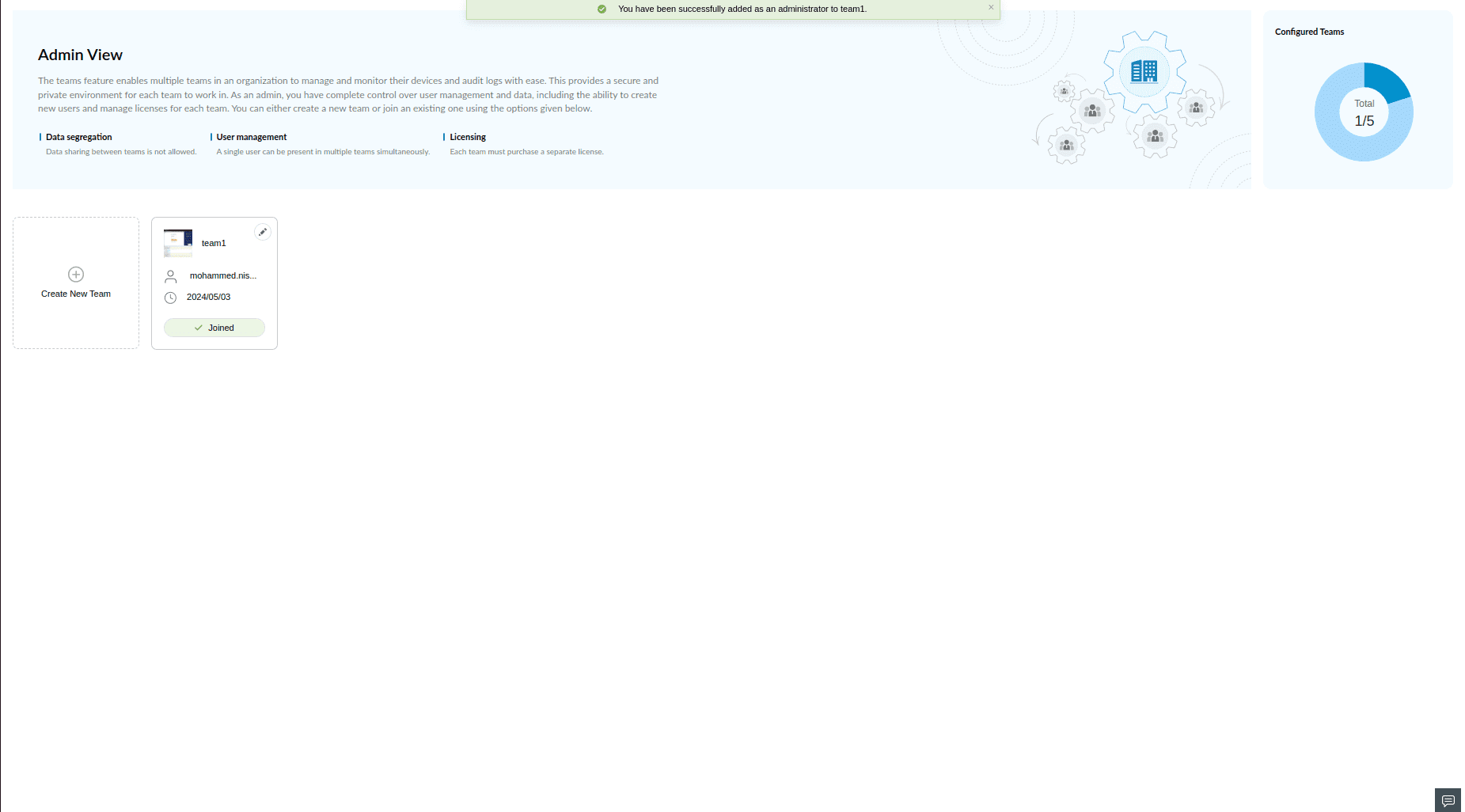
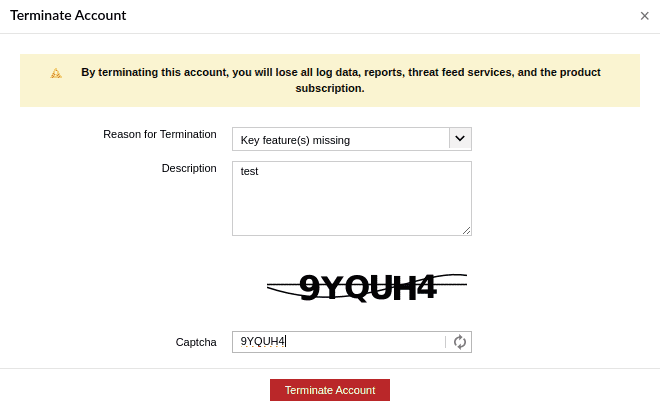
An organization admin can delete or terminate a team with the following steps:




As an organization user in Log360 Cloud, you can be a part of multiple teams simultaneously, allowing for diverse contributions across the organization.

Listed below are some of the various functions available to organization users.
An organization user can join all the available teams in the organization using the following steps:
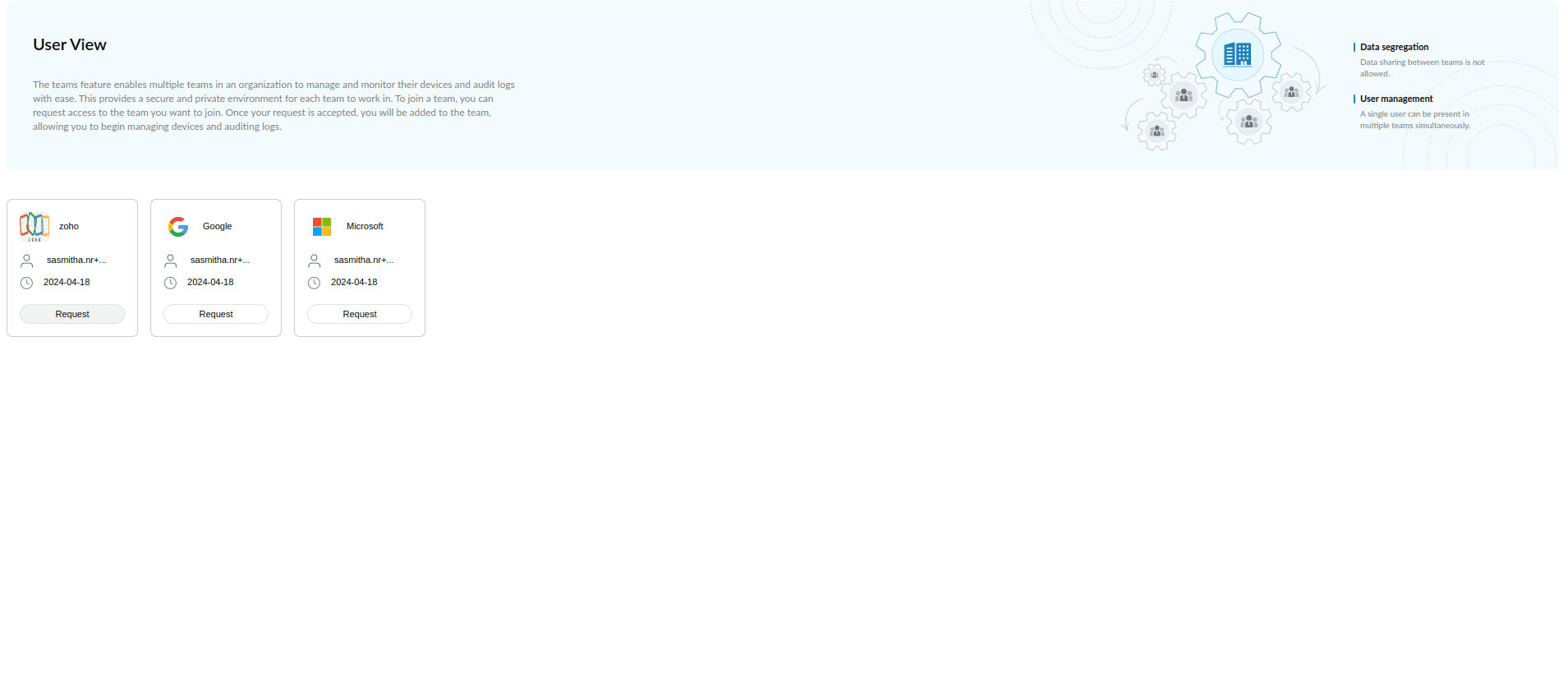


Note: App account admins can review and approve or reject requests from users wanting to join teams. Keep an eye on your email for confirmation of your team join requests.
An organization user can cancel a team join request with the following steps:


Note: Your participation and contributions to the teams are subject to the approvals and regulations set by your organization's administrators. Ensure to stay aligned with your organization's policies and guidelines while engaging with teams.