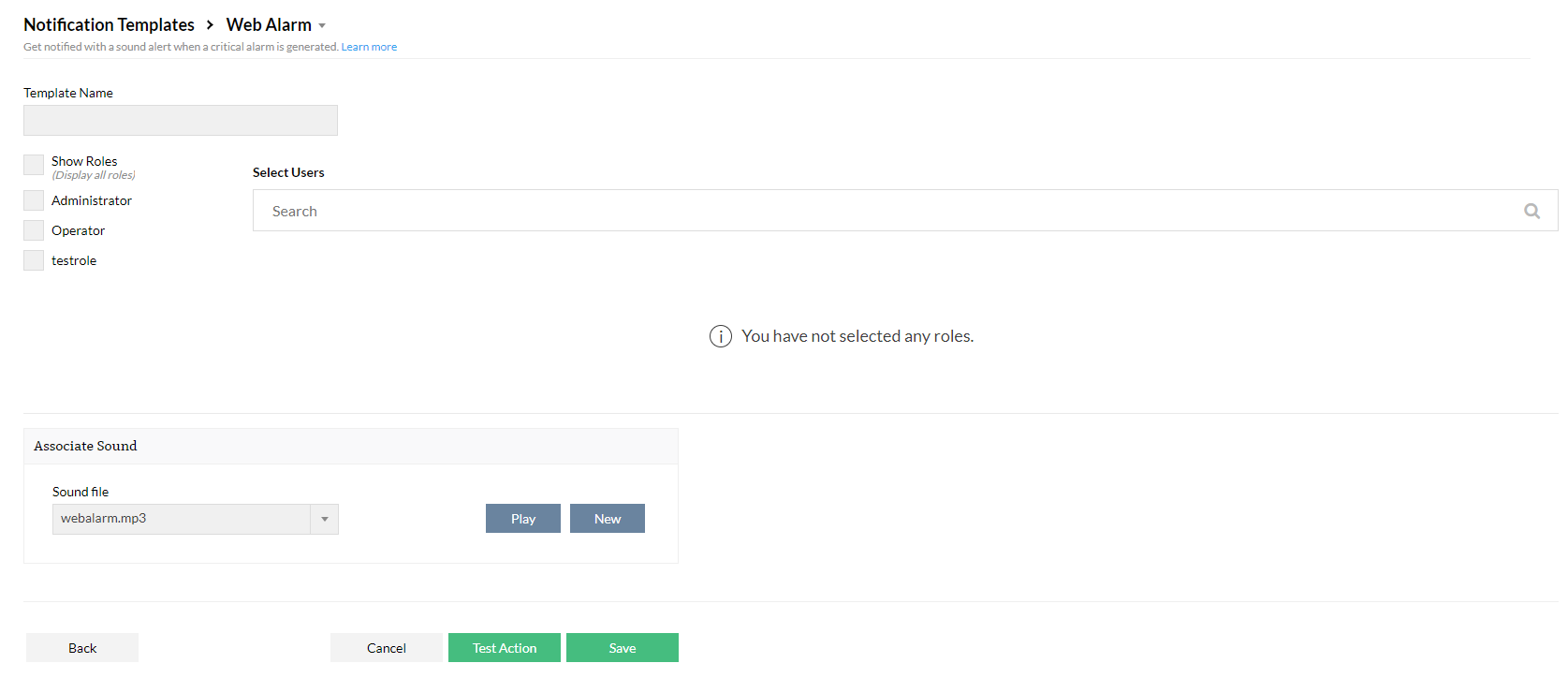
Web Alarm Notification Template
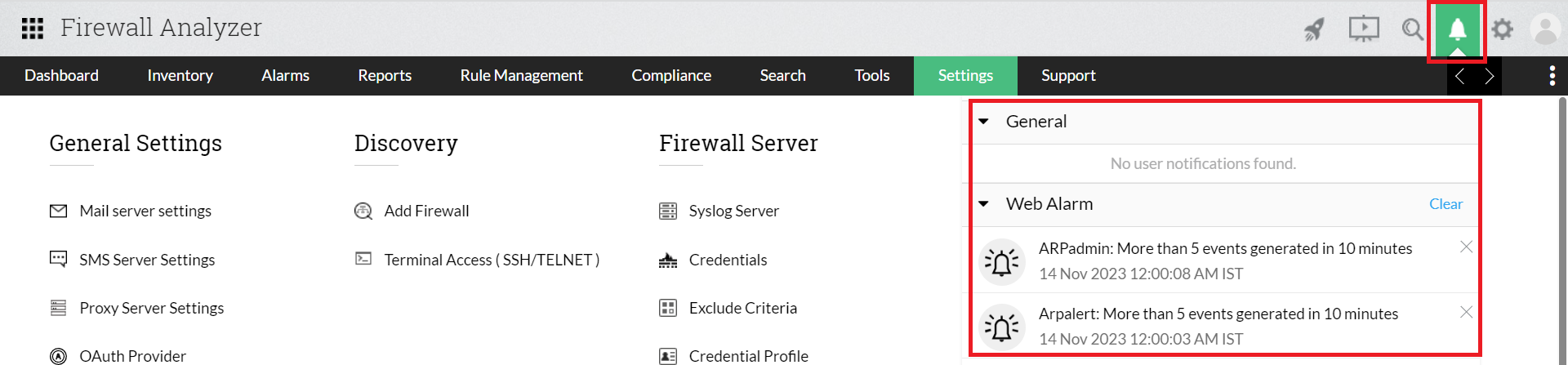
Firewall Analyzer can be configured to send a Web alarm in when an alarm is generated. Web Alarm is a notification generated on your Firewall Analyzer window to catch your attention. It will also be highlighted in the bell icon present in the top right corner of your Firewall Analyzer window.
- To create a Chat Notification Template, go to Settings > Others > Notification Template > Web Alarm.
- Enter a Template Name.
- Select from the list of users mapped to Firewall Analyzer.
- Select a sound track to play when the Web Alarm is triggered. To upload a custom sound track, click New and upload the sound of your choosing.
- Click Test Action to test or Save to save the template.