Incident Workbench Access
Note: Please refer to the Incident Workbench
Overview page to learn about the Incident Workbench. This page details on how to access the workbench in Log360 Cloud.
Log fields you can click on to invoke the Incident Workbench:
Users:
- Username
- Target User
- VPN UserName
- User Principal Name
- Destination User
- Sourceuser
- Subject Username
Process:
- Process Id
- Parent Process ID
- Process GUID
- Parent Process GUID
- Process Name
- Parent Process Name
Domain analysis:
IP Analysis:
- Remote Device IP
- Source IP
- Server IP Address
- Destination IP
- NAT Source Address
- NAT Destination Address
- Original Client IP
- IP Address
- Endpoint IP
- Private IP
- Target IP
- Host IP
Invoking the Incident Workbench from different dashboards of Log360 Cloud:
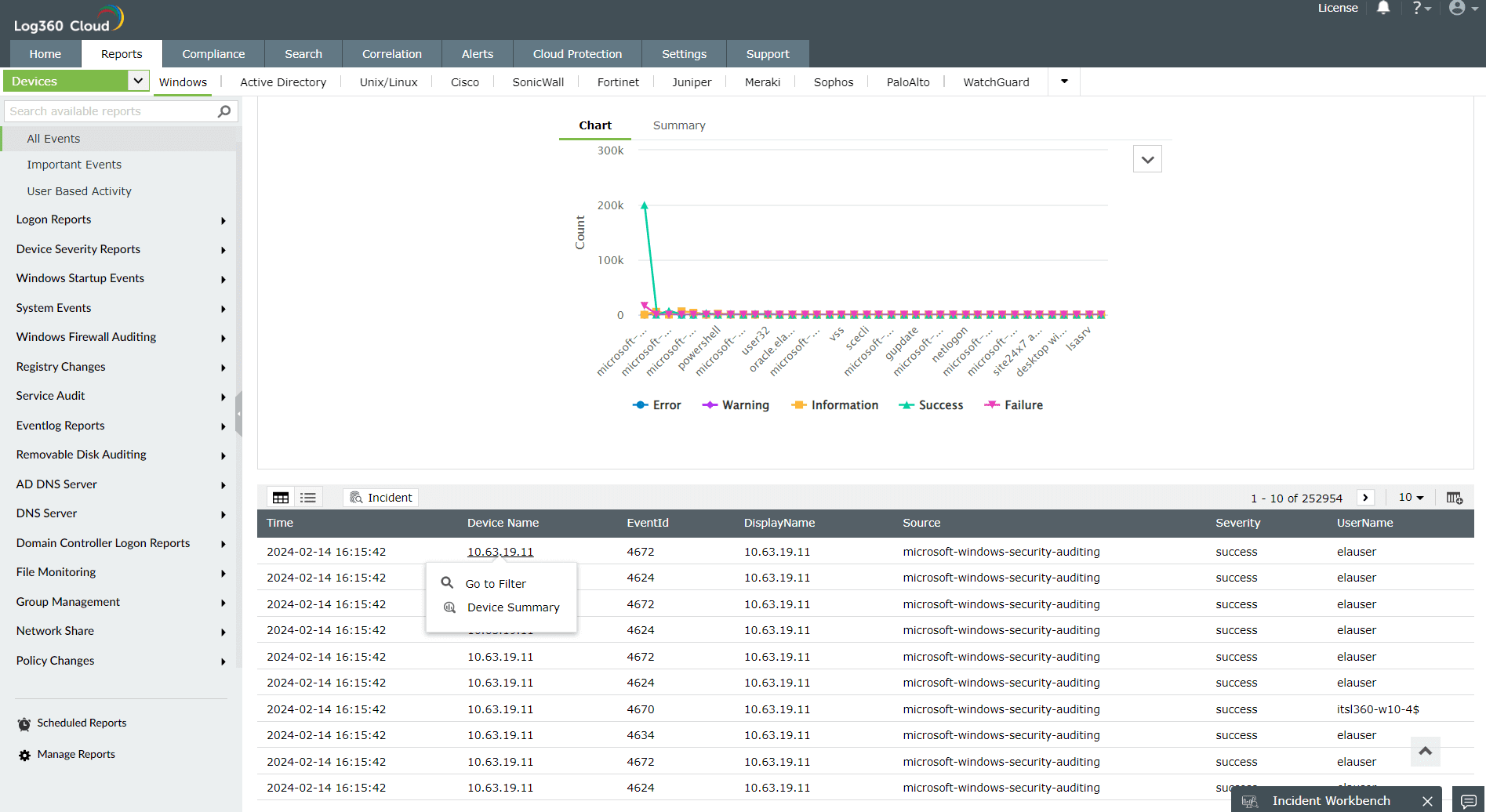
- From Reports
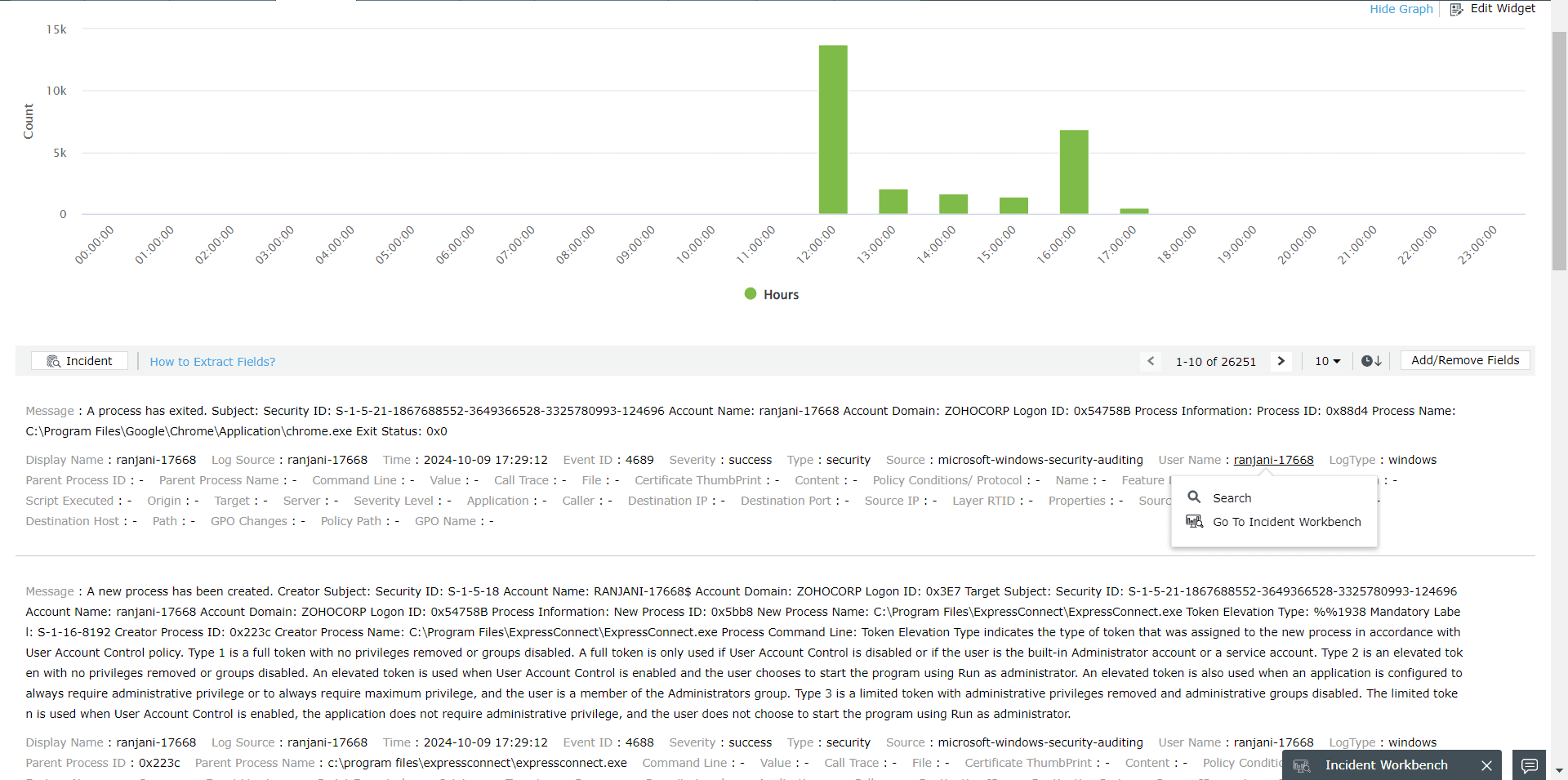
- From Log Search
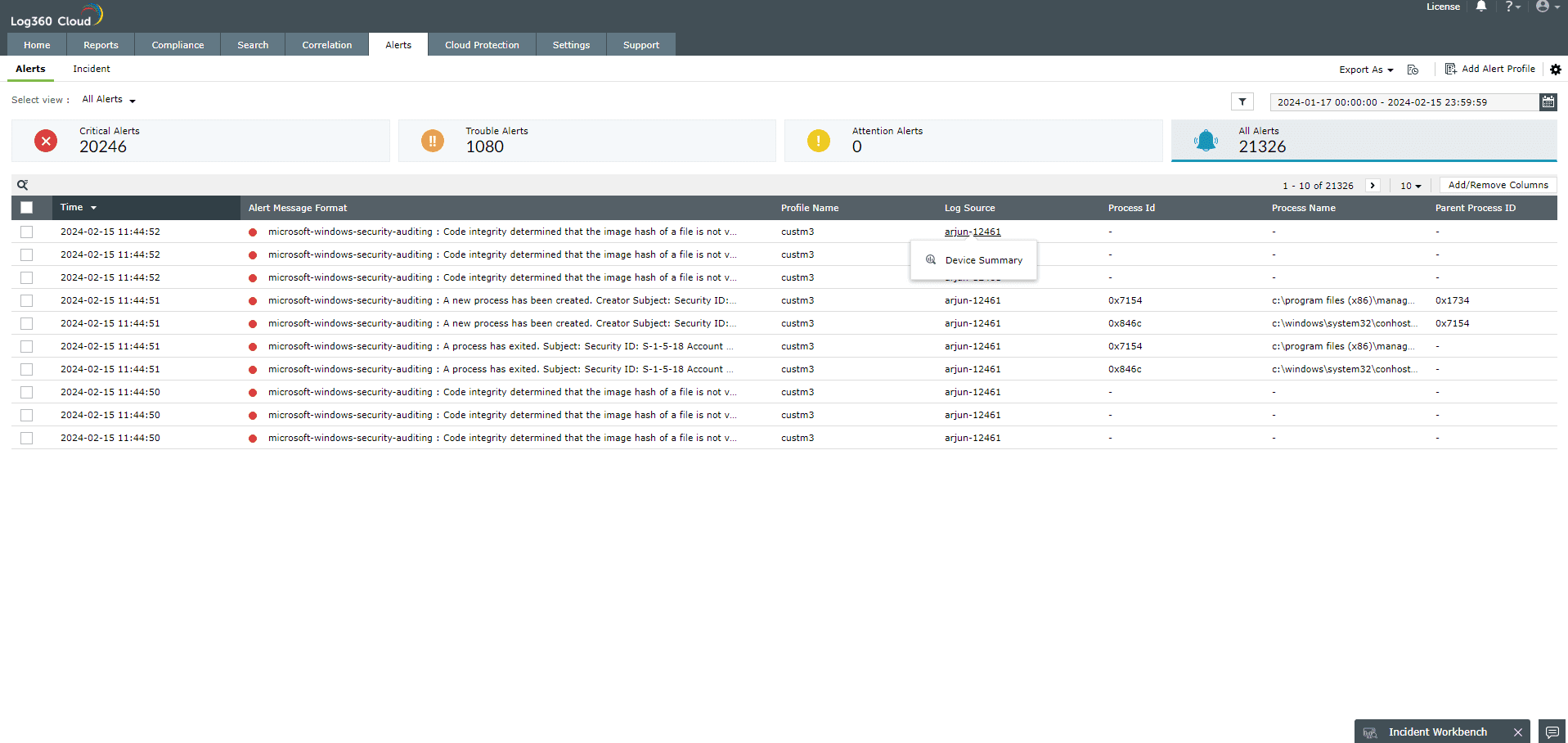
- From Alerts
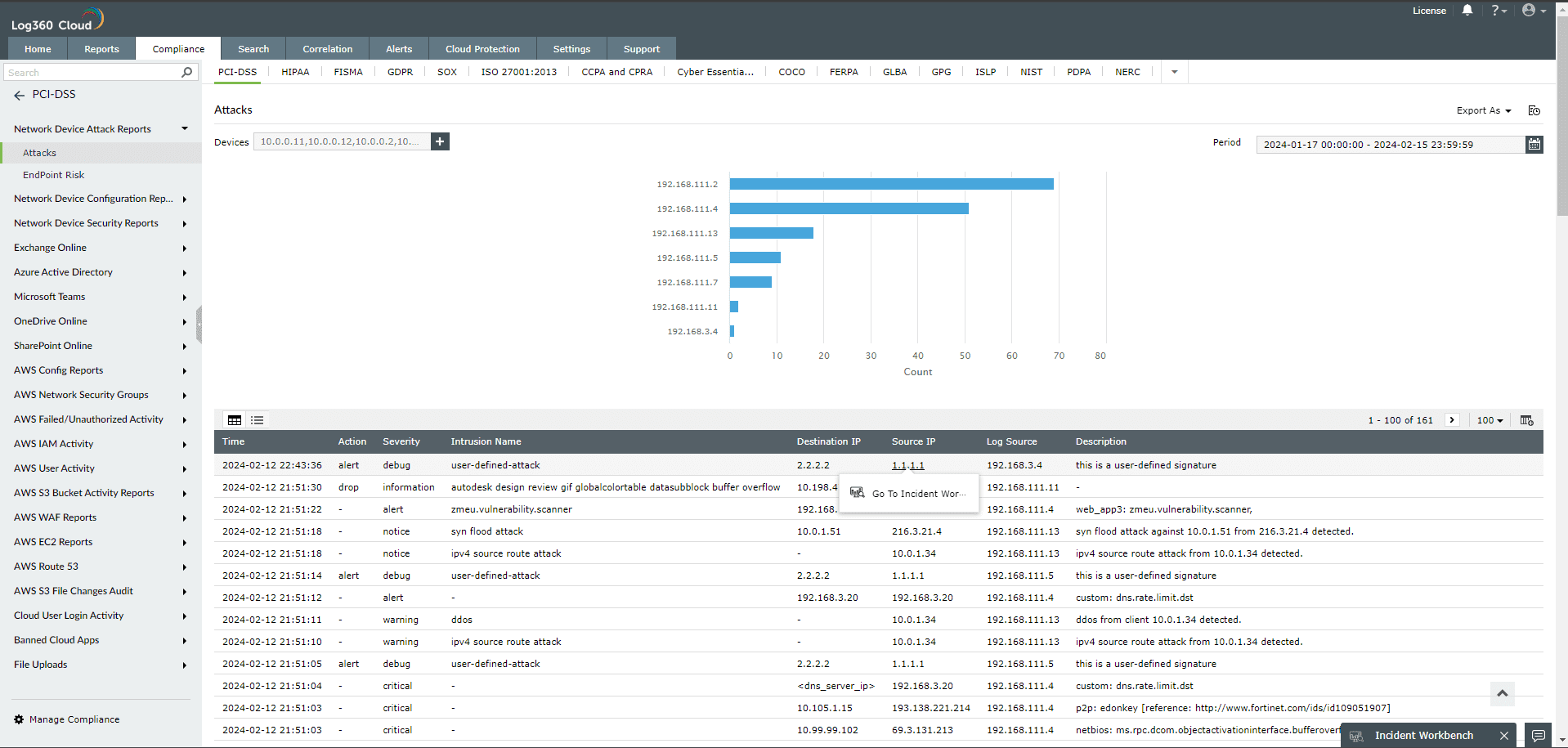
- From Compliance Dashboard
- From Correlation
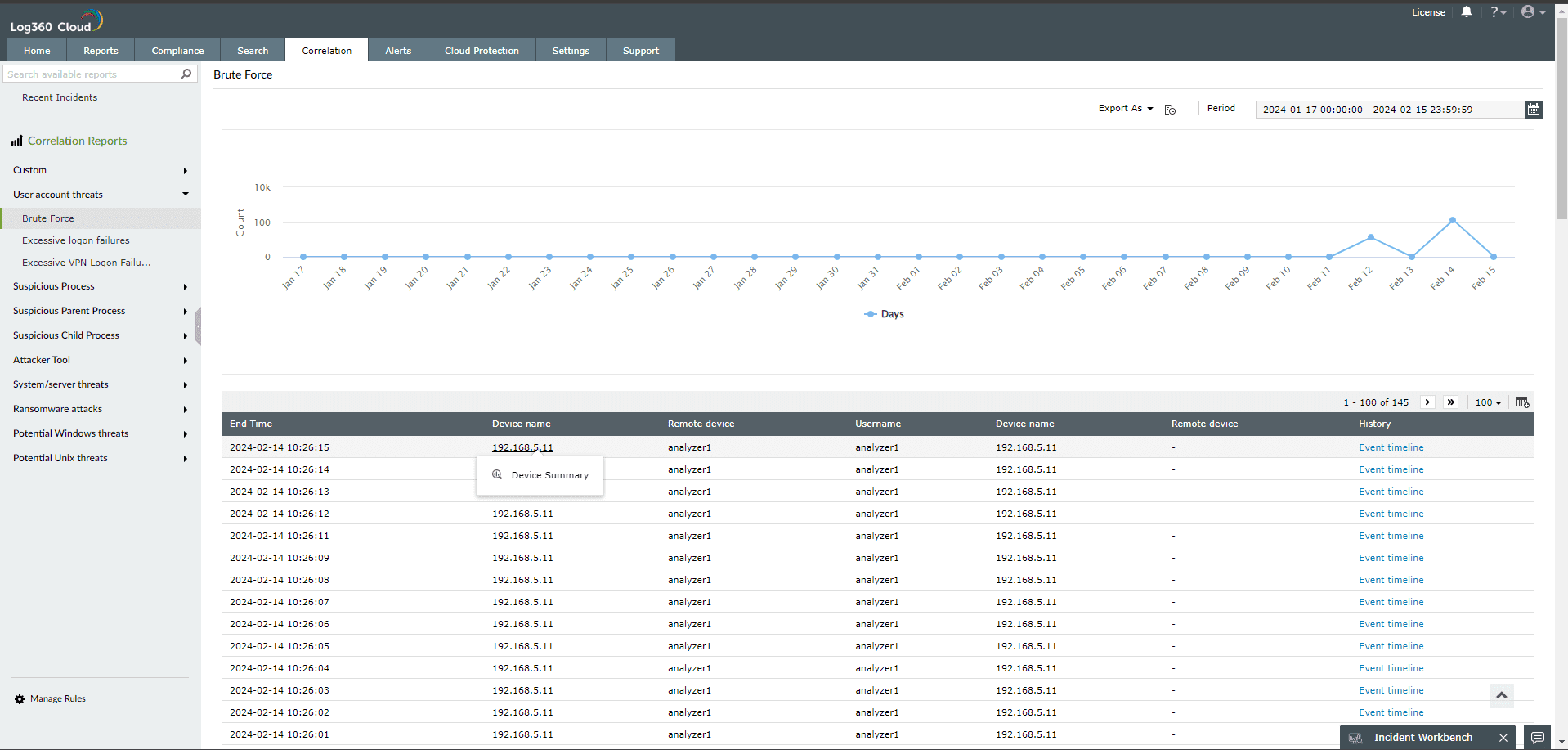
- From Incidents

Note: Minimize the tab to access the Incident Workbench while you traverse through different pages in Log360 Cloud. As long as you don't close the workbench, the analysis will be available even if you log out of Log360 Cloud and login again. You can also
save it to an existing incident or create a new one.