
 Free Edition
 Disk Defragmentation is a process of organizing the contents of the disk in a way that all portions of the file(s) are stored in a contiguous manner. Disk Defragmentation helps reduce data access time and also consolidates the free space on the disk. Endpoint Central's Disk Defragmenter tool aids the defragmentation process. Disk Defrag reorganizes fragmented data to improve the performance of your discs and drives.
Endpoint Central's Disk Defragmenter utility offers the following options to defrag hard disks:
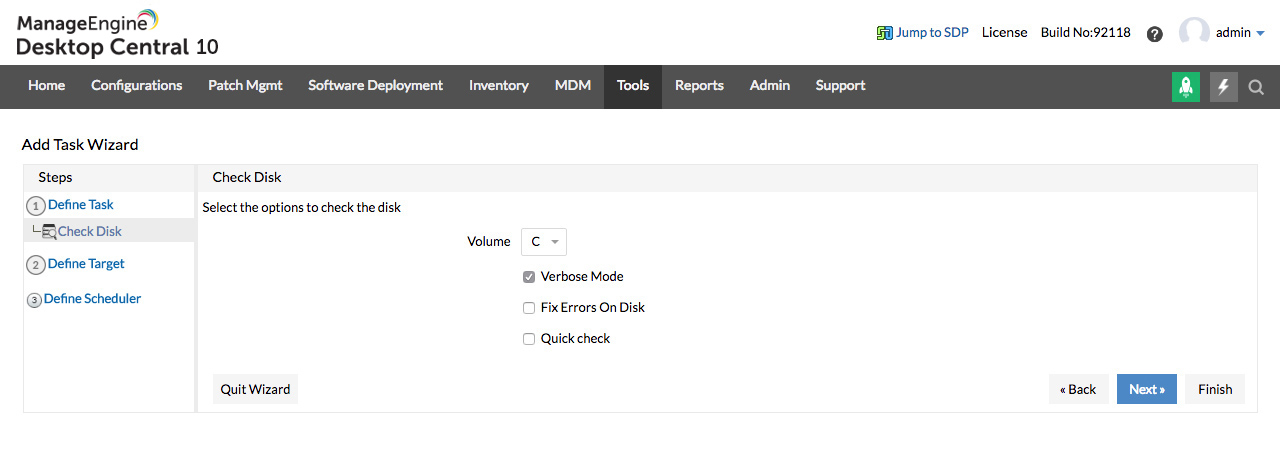
Endpoint Central application offers the verbose mode of disk defragmentation, which displays a detailed analysis and defragmentation output. Using verbose disk defrag mode, the report that is generated is made available as a log file.
In the Analyze mode, Disk Defragmenter analyzes the volume of a particular drive that has been specified. The report generated contains a summary of the analysis done.
The Force Defrag option enables the administrator to force the disk defragment process even in limited disk space. Say for instance, defragmentation can be forced even if the free-disk space is less than 15%.
Endpoint Central allows network managers to schedule the defragmentation process whenever needed. The automated disk defragmentation on a periodic basis helps improve the performance of the systems in the network. Also administrators can select the reboot options after the disk defragment process is complete.