|
Desktop Central is available in four variants- Free, Standard, Professional, and Enterprise Editions
Download the product from the Website.
The Free Edition, Standard Edition, Professional Edition and Enterprise Edition, come packaged as a single download. During the evaluation phase, the Enterprise Edition is installed, and can be evaluated for 30 days. After 30 days, it is automatically gets converted to the Free Edition, unless the Standard/Professional/Enterprise Edition license is purchased. Given below is the comparison matrix of the features available in the various editions:
|
Feature |
Standard |
Professional |
Enterprise |
Free Edition** |
|---|---|---|---|---|
|
Software Deployment |
|
|
|
|
|
Patch Management |
|
|
|
|
|
Asset Management |
|
|
|
|
|
Remote Control |
|
|
|
|
|
Service Pack Deployment |
|
|
|
|
|
Windows Configurations |
|
|
|
|
|
USB Device Management |
|
|
|
|
|
Power Management |
|
|
|
|
|
System Tools |
|
|
|
|
|
User Logon Reports |
|
|
|
|
|
Active Directory Reports |
|
|
|
|
|
Managing Desktops Across WAN |
|
|
|
|
|
Manage Desktops of Roaming Users |
|
|
|
|
|
Multi-Technician Support |
|
|
|
|
|
Distribution Server for Bandwidth Optimization |
|
|
|
|
** Free Edition can be used to manage up to 25 desktops.
*** Granular reports on Active Directory are not available in the Free Edition.
For purchasing the license or for any pricing related queries, please contact sales@manageengine.com.
When you purchase the product, the license file will be sent through e-mail, which can be used to upgrade the product.
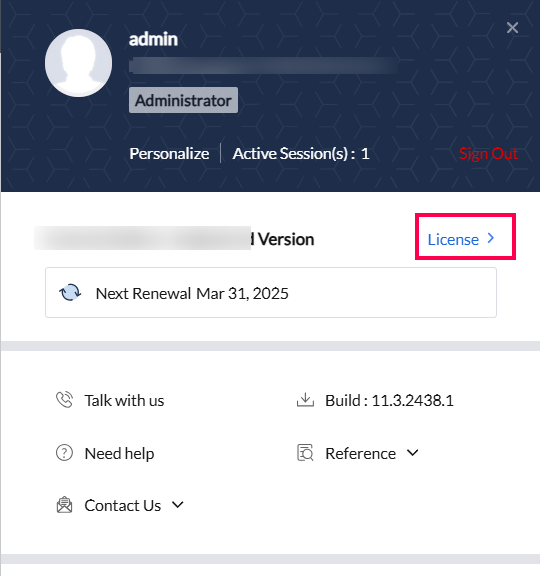
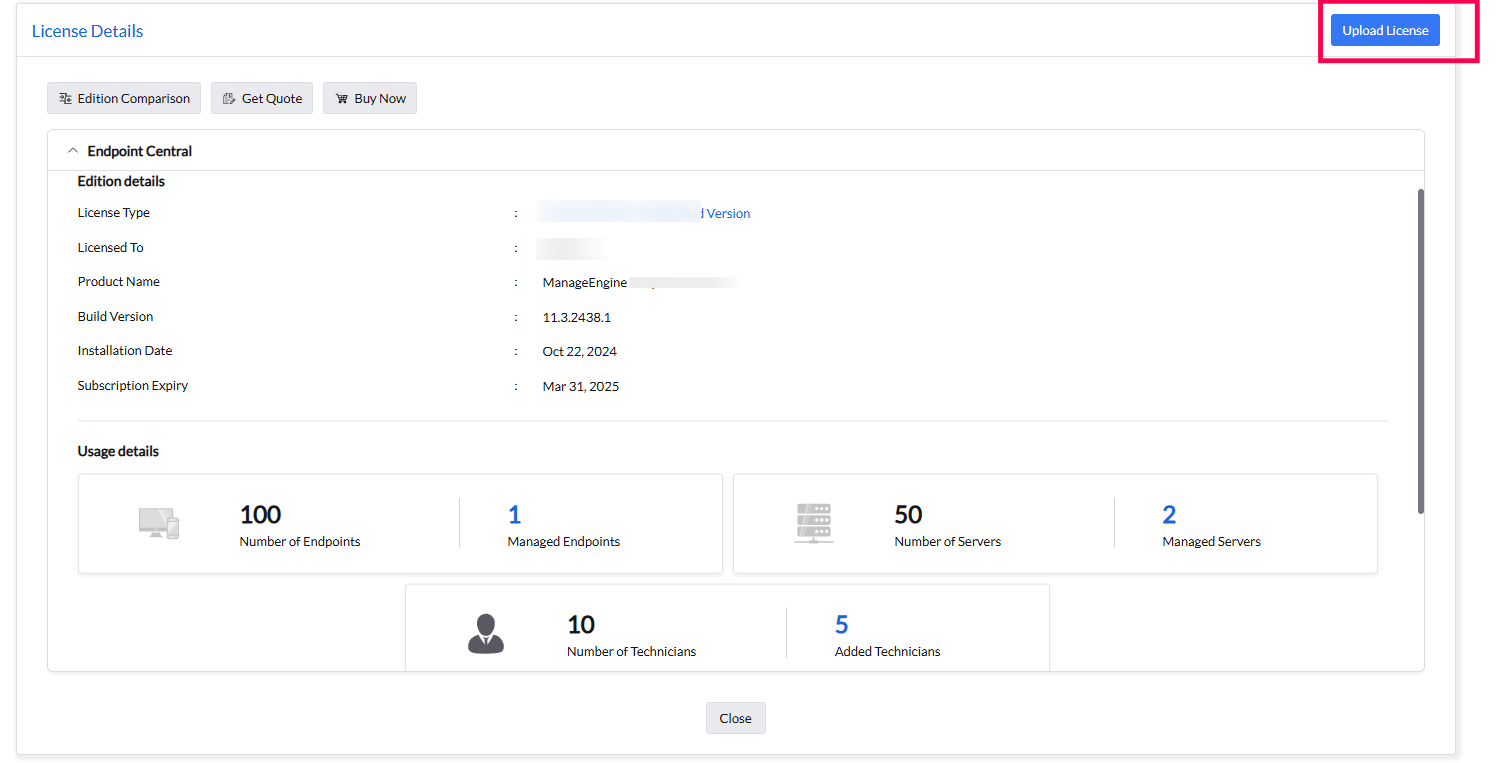
Click the License link available in the top right corner of the Desktop Central client. This opens the License details of the product.
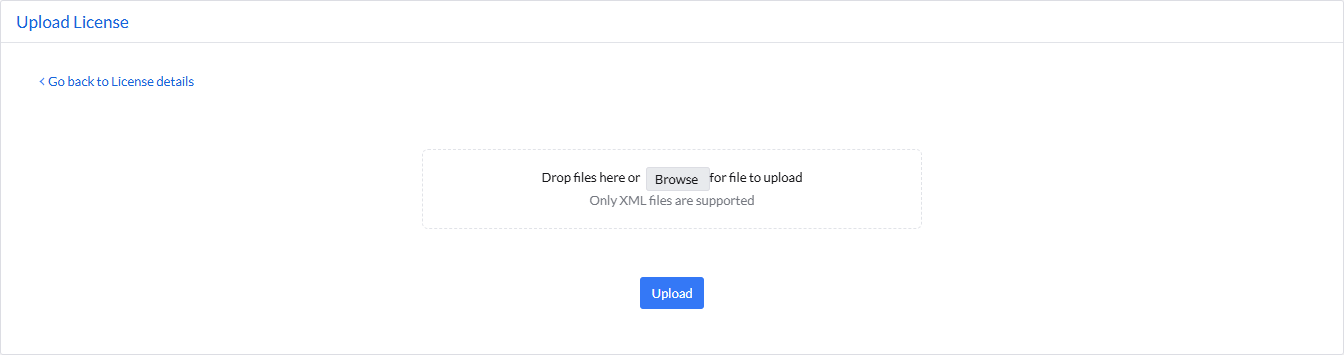
Click the Upgrade Now link and select the license file received from ManageEngine using the Browse button.
Click Upgrade button to upgrade.
|