

Helpdesk Integration let's IT administrators to invite helpdesk technicians to their platform and resolve any tickets raised by end-users. This unified approach benefits IT teams in two ways. Firstly, this setup enables helpdesk technicians and IT administrators to collaborate easily by staying on the same platform rather than relying on multiple point products. Secondly, this approach empowers end-users, where the can contact your helpdesk technicians and IT administrators for requests through the same channel.
To perform this integration, navigate to Admin > Integrations > Help Desk Settings.
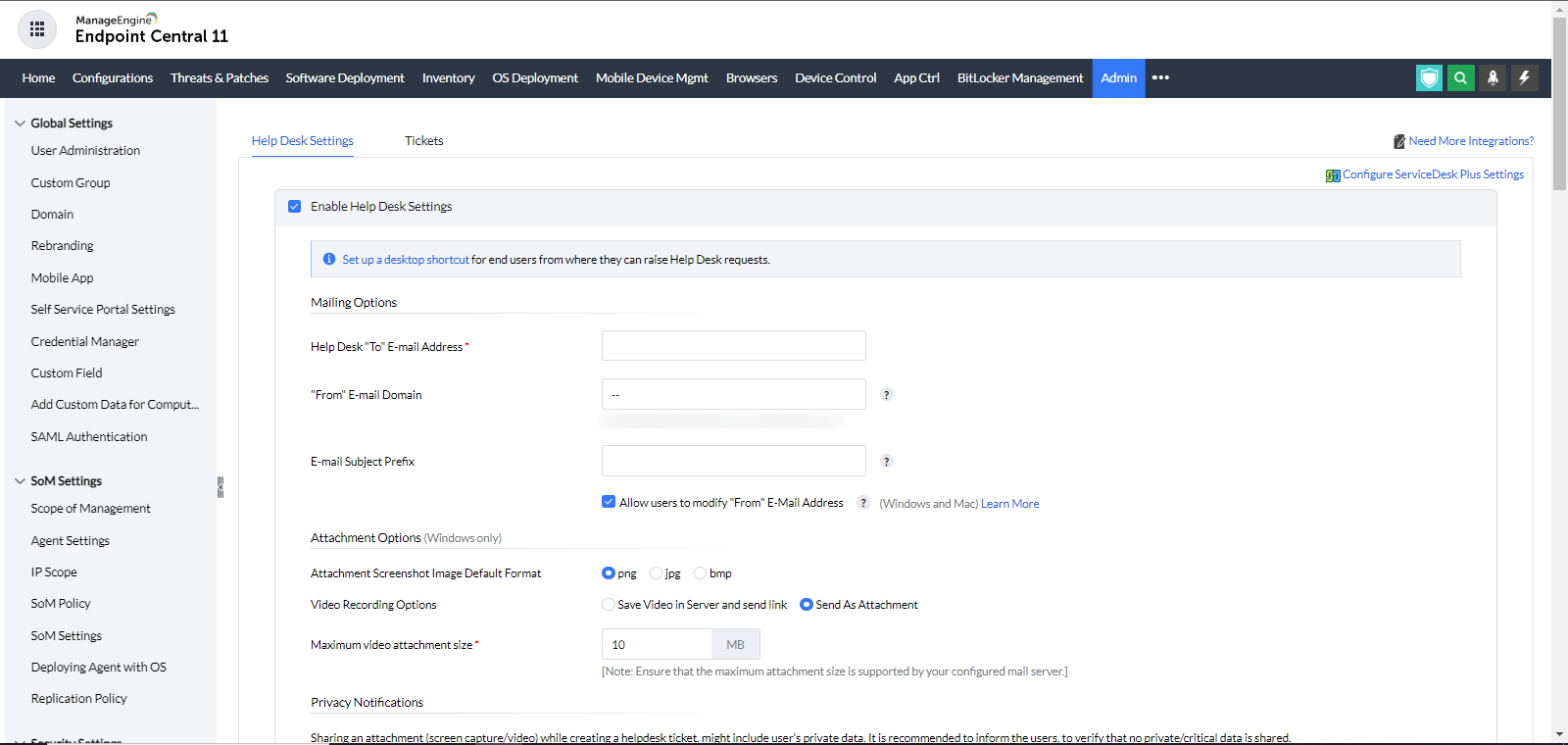
IT administrators can define a set of ticket templates which can be used by end-users to raise a request. To create one, navigate to Admin > Integrations > Help Desk Settings > Tickets
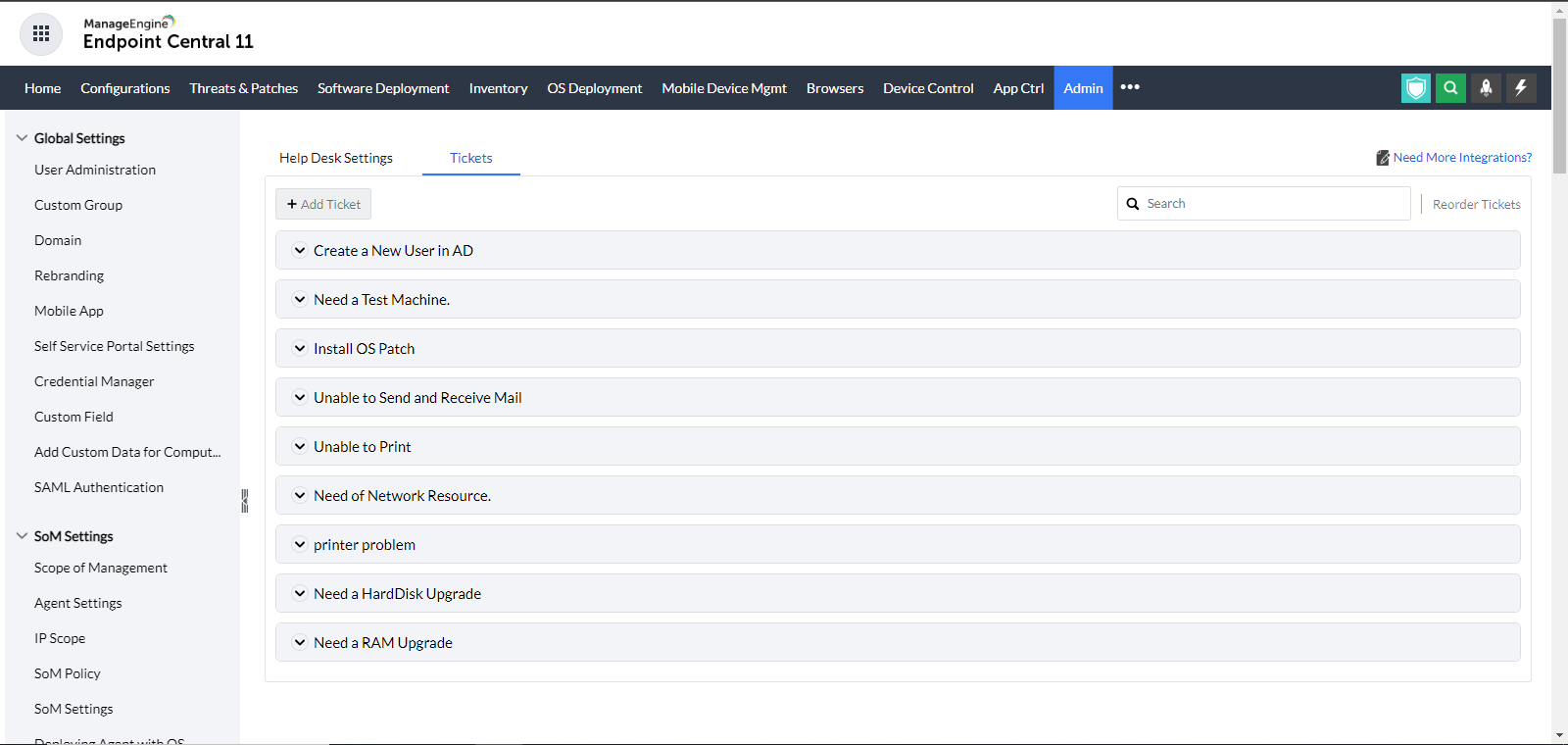
IT administrators can either use the available template or create a new template/ modify the existing ones. These templates can be accessed by your end-user's using Endpoint Central agent tray icon.
Endpoint Central will use the end-user's default email address, which is linked to their active directory registration. The "From email address" will be created using the "From email domain" that the administrator would have provided if the user's email address wasn't mapped. If "From email domain" is not set, Endpoint Central will use the Windows network domain name. The logged-on user's "active directory username" will be prefixed to the network domain name to create the "From email address" when an email is sent from the agent tray icon. When a message is sent from the agent tray icon, you can additionally decide to provide users the option of changing the "From email address".
For example:
When an email is sent from the agent tray icon, the email domain connected to the workgroup will be prefilled and the currently logged-on user will be added to the domain name to create the "From email address". The user will have the option to change the "From email address" if this email address cannot be used to send emails. It is recommended to enable the options that let users change the "From email address".


