
OpUtils provides real-time availability of any network node. It allows adding multiple servers/devices to be monitored continuously to get the real-time availability status of each of them. It does not stop with just monitoring network devices; it can also be used to monitor any server, website or web application.
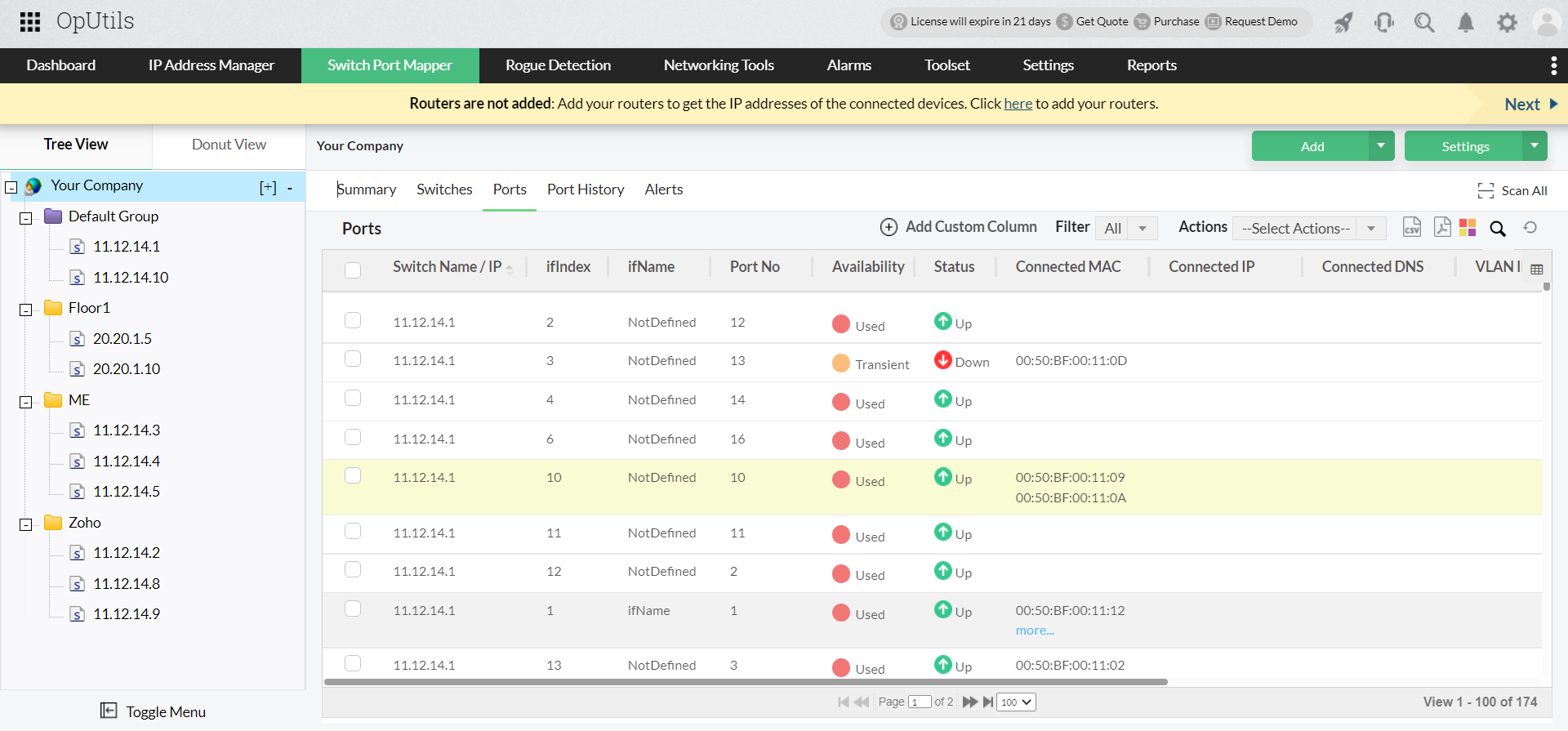
Network Monitor tool provides the current state of the monitored device/website/application. It generates alerts when the response time exceeds a defined threshold limit or when the device does not respond. The administrators have an option to define the threshold limit for each of the monitored devices either individually or globally for all the monitored devices.
The administrators can set thresholds for the response times and get alerts and emails when the threshold value is exceeded. Alerts can also be generated when a device do not respond, which can be configured to be informed through email. This helps in quicker isolation of the problem in the network and hence quicker action.
Are you looking for an end-to-end network monitoring solution for managing your heterogenous network? Try OpManager by ManageEngine and get your hands on a complete network management solution for your critical IT resources.