Agent uninstallation via Intune
This document clearly explains the process of uninstalling agent via Intune
Table of contents
Generate Agent Cleanup Tool
Generate agent cleanup tool by following instructions in the document
Create app package
- Download the zip file
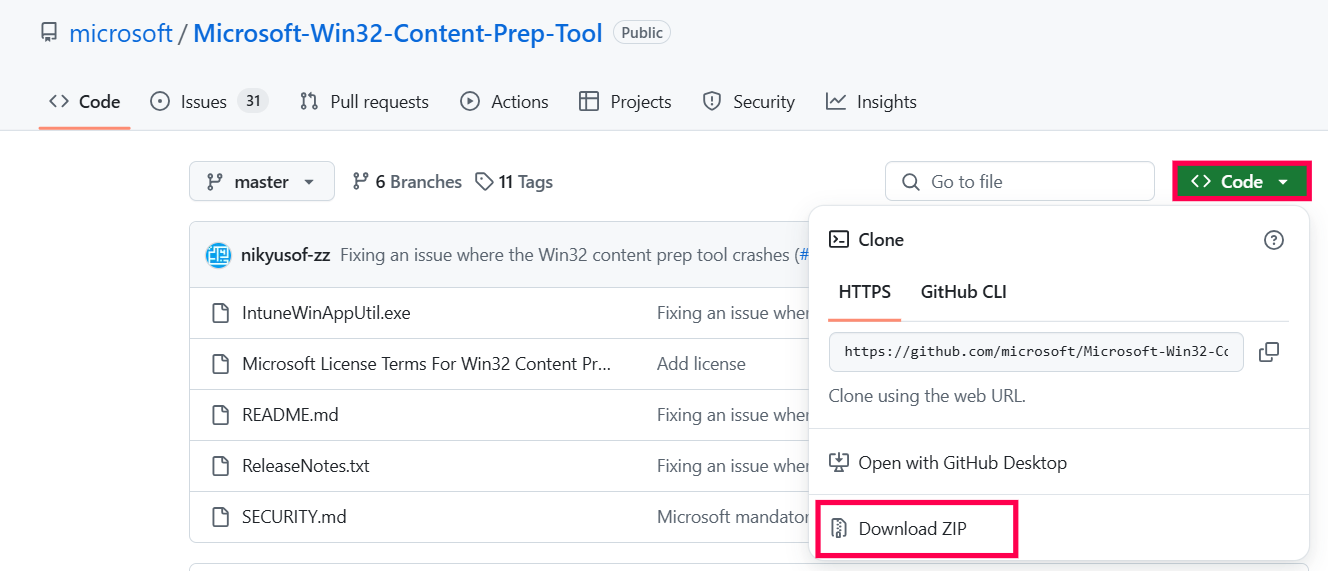
NOTE : Copy the agentcleanuptoolclient.exe to the extracted folder.
- Extract IntuneWinAppUtil.exe from the downloaded zip folder and double-click the executable to provide the following input:
- Source folder: <directory_of_agent_exe>
- Setup file: AgentCleanupToolClient.exe
- Output folder: <output_directory>
- Do you want to specify catalog folder (Y/N)?: N
- agent.intunewin will be created in the specified <output_directory>
- Use the AgentCleanupToolClient.intunewin app package for deployment in Intune.
Configure Intune
To configure the app
- Login to EndPoint Manager Admin Center.
- Click on Apps > All Apps > Add
- Select App Type to Windows app (Win32)
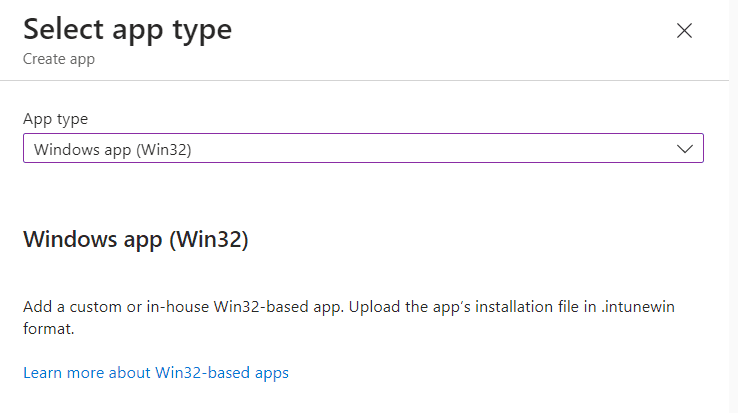
- Select package file and browse to AgentCleanupToolClient.intunewin

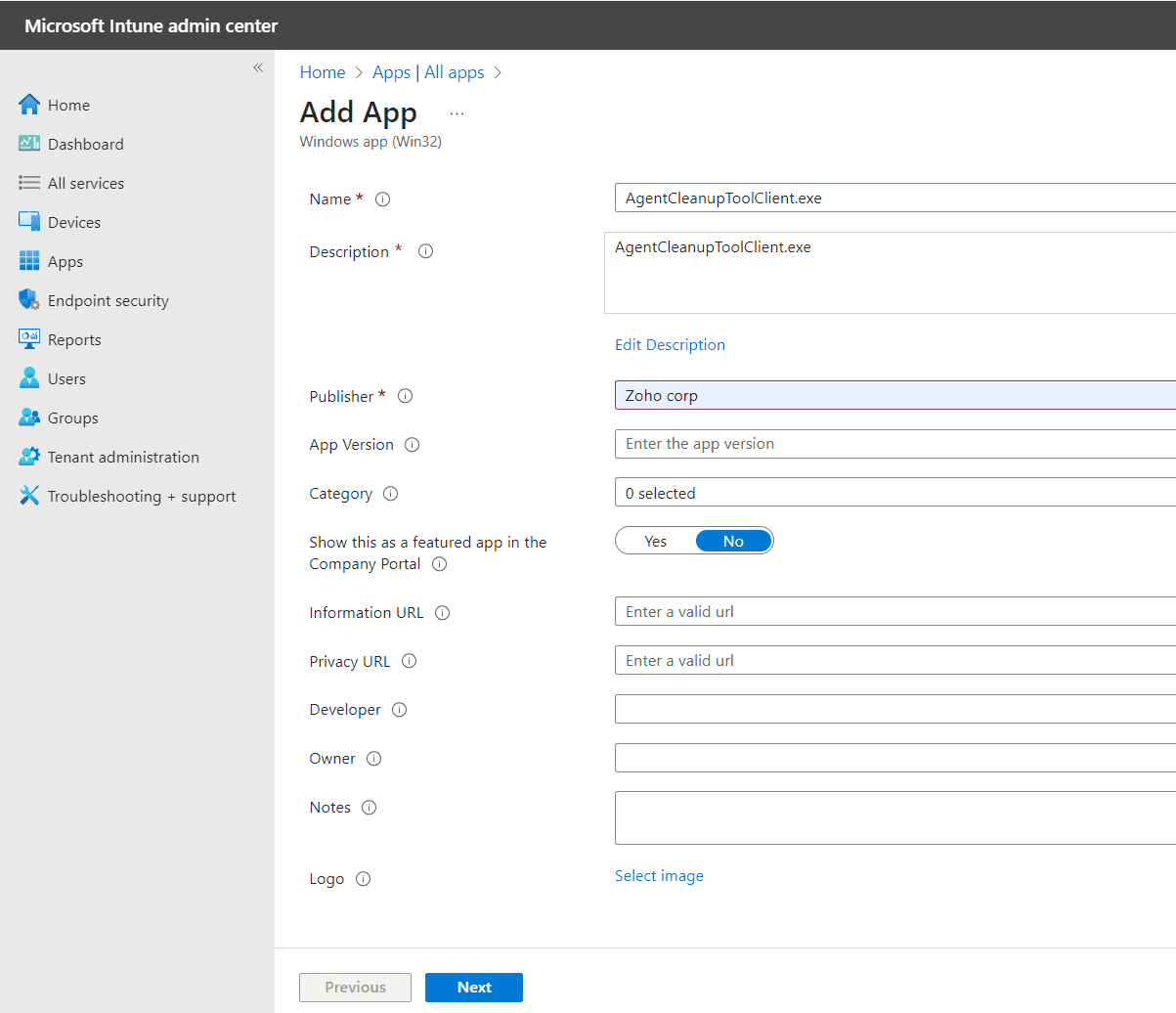
- Enter Name of the Application and Publisher Information and click Next
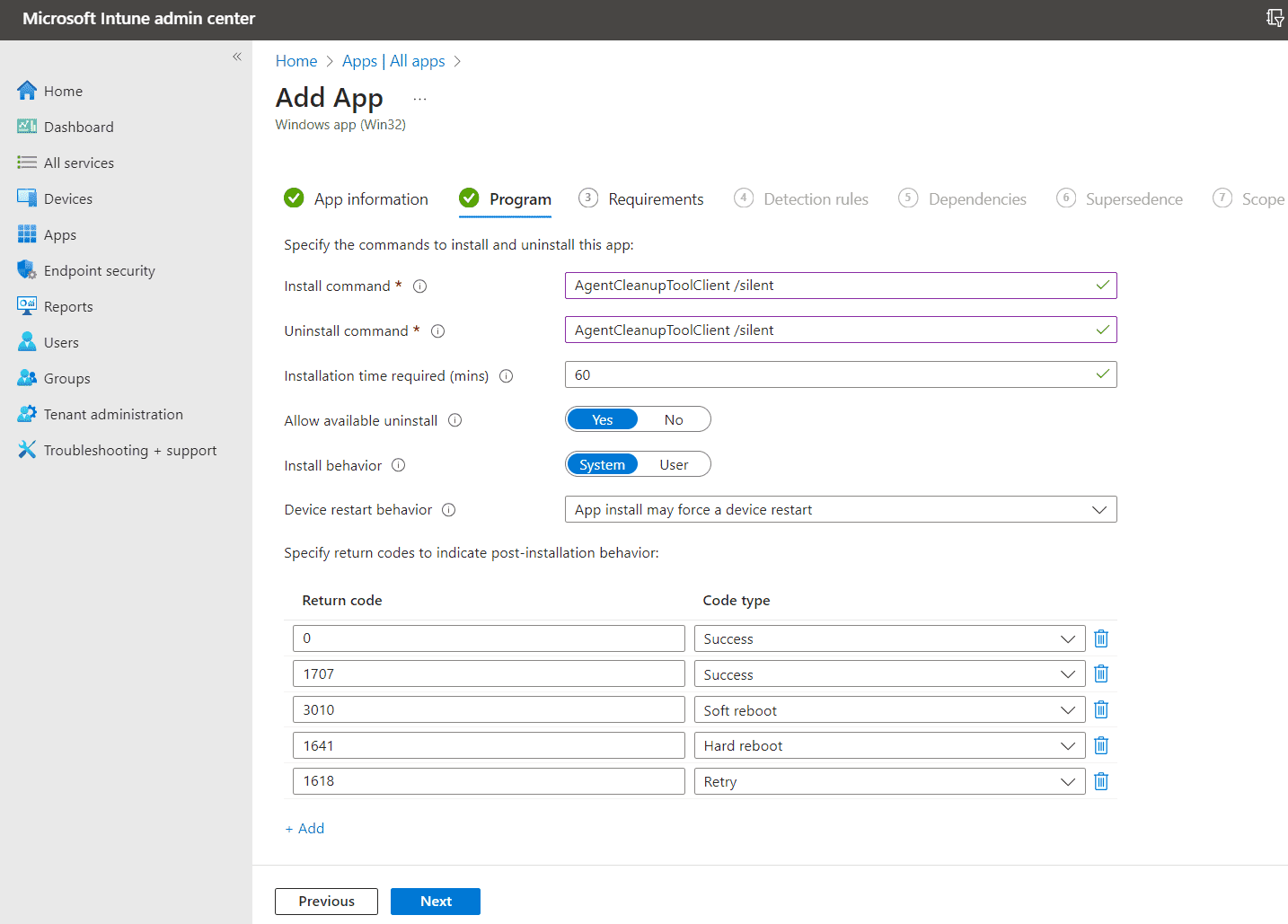
Provide the install and uninstall command in the program tab
- Install Command: AgentCleanupToolClient /silent
- Uninstall Command: AgentCleanupToolClient /silent
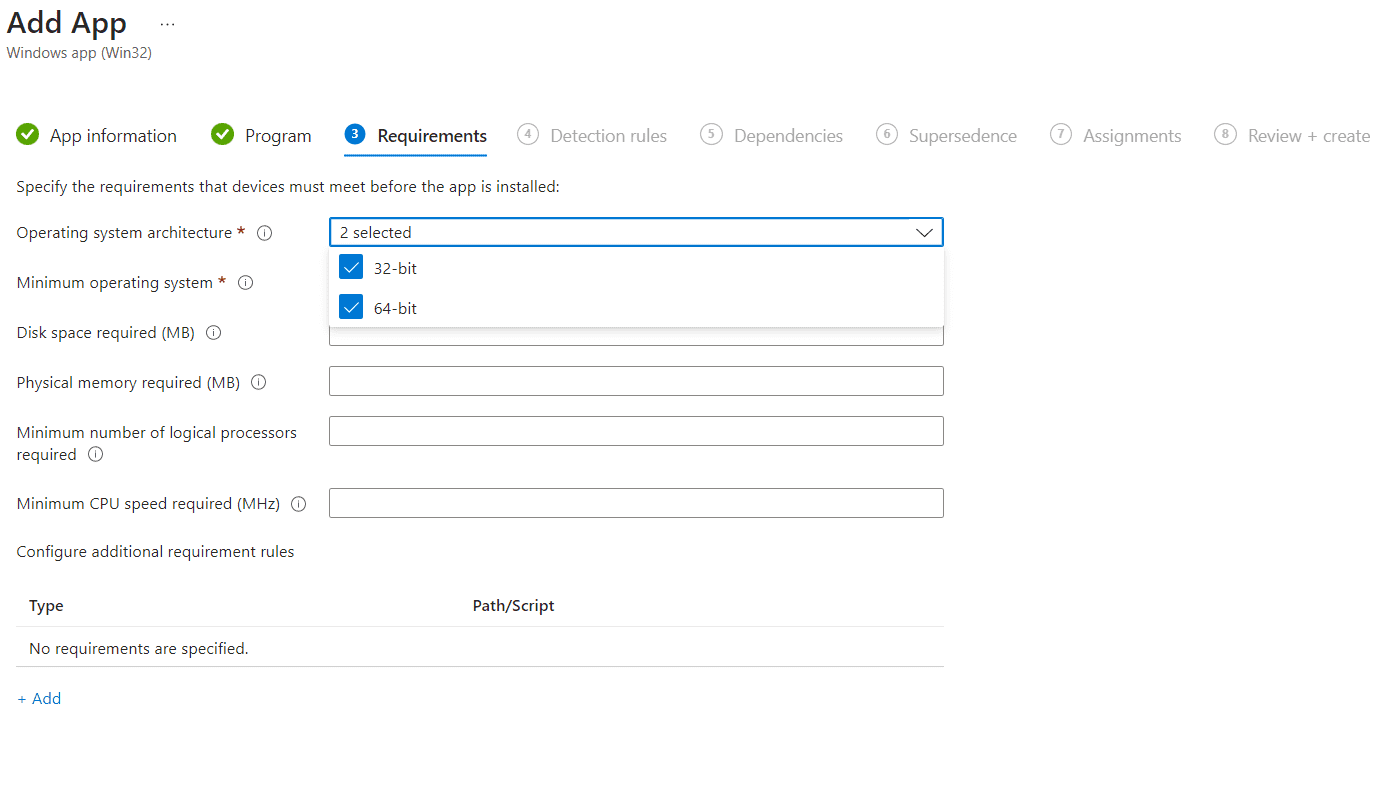
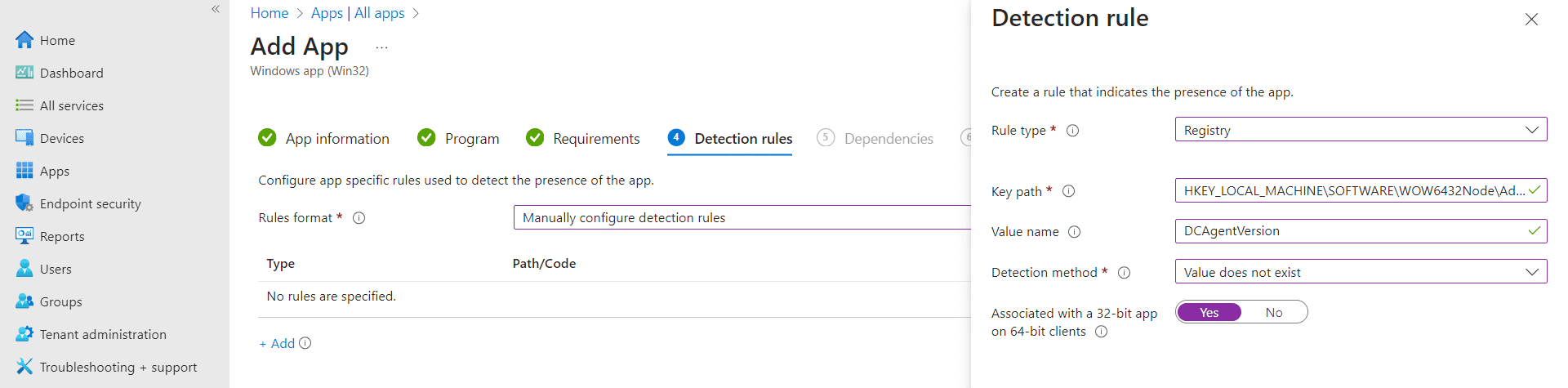
Configure Detection rule manually.
- Rule Type: Registry
- Key Path: HKEY_LOCAL_MACHINE\SOFTWARE\AdventNet\DesktopCentral\DCAgent
- Value name : DCAgentVersion
- Detection Method : Value does not exist
- Associated with a 32-bit app on 64-bit clients: YES
- Assign the application to your pilot users or all the users as per your requirement.




