





Desktop Central 8

-

Desktop and Mobile Device Management software

Desktop and Mobile Device Management Solution
Mobile Device Management Redefined
Desktop Central integration with ServiceDesk Plus
Customer Satisfaction
Patch Management for MAC

Integrated Desktop Management & Mobile Device Management for Enterprise

Desktop Central is a web-based server, desktop management and mobile device management software that helps in managing thousands of servers/desktops/mobile devices from a central location. It automates the complete desktop management and mobile device management life cycle ranging from a simple system configuration to complex software deployment. With its network-neutral architecture, the administrator can easily manage desktops/servers in any windows networks like Active Directory, Workgroup, or other directory services.

Benefits:

Desktop Central automates desktop management routines for enterprises to standardize and secure their Windows network

  • Automate regular desktop management activities
  • Secure desktops from wide range of threats
  • Spend less time in troubleshooting day-to-day problems
  • Generate comprehensive reports to audit your IT assets

Automate your Desktop Management Routines

Desktop Central automates regular desktop management activities and secures the client computers. It helps administrators to automate, standardize, secure, and audit their windows network.

Similar to automating desktop management routines, you can also automate your mobile device management to deploy profiles and policies, configure devices for Wifi, VPN, Email accounts, etc., apply restrictions on using camera, browser, etc., and to secure your devices like enabling passcode, remote lock/wipe, etc.

mobile device management

Mobile Device Management Mobile Device Management

  mobile application management

Mobile Application Management Mobile Device Management

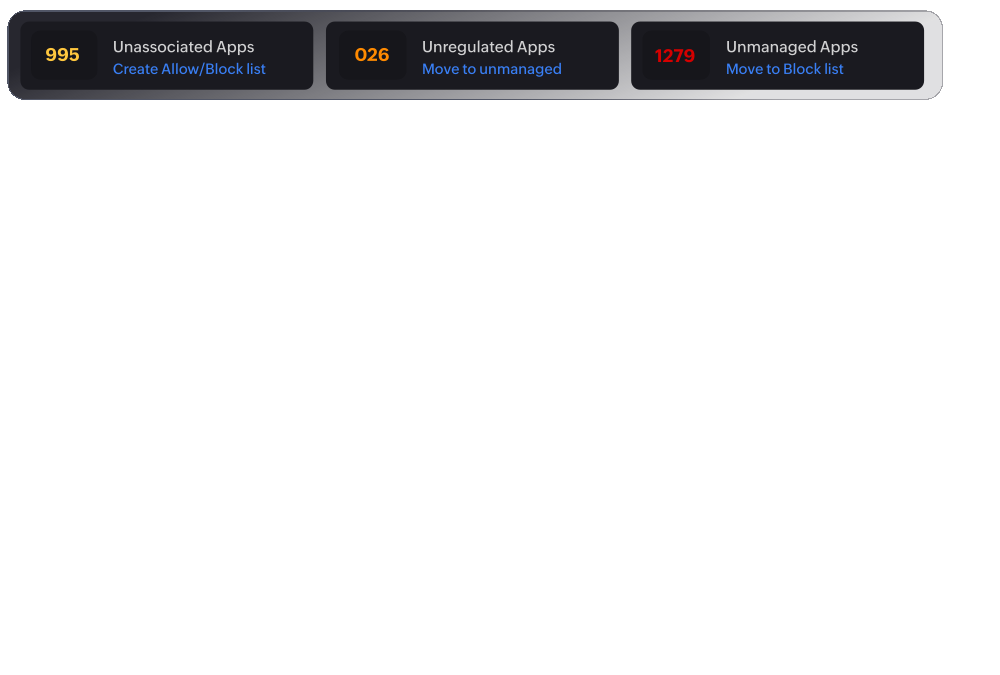
Mobile device management enables to configure, manage and secure mobile devices from a central place. Mobile application management enables to distirbute, and manage the apps. It supports distirbution of both in-house and commercial apps.
Patch Management

Patch Management

Software Distribution

Software Deployment

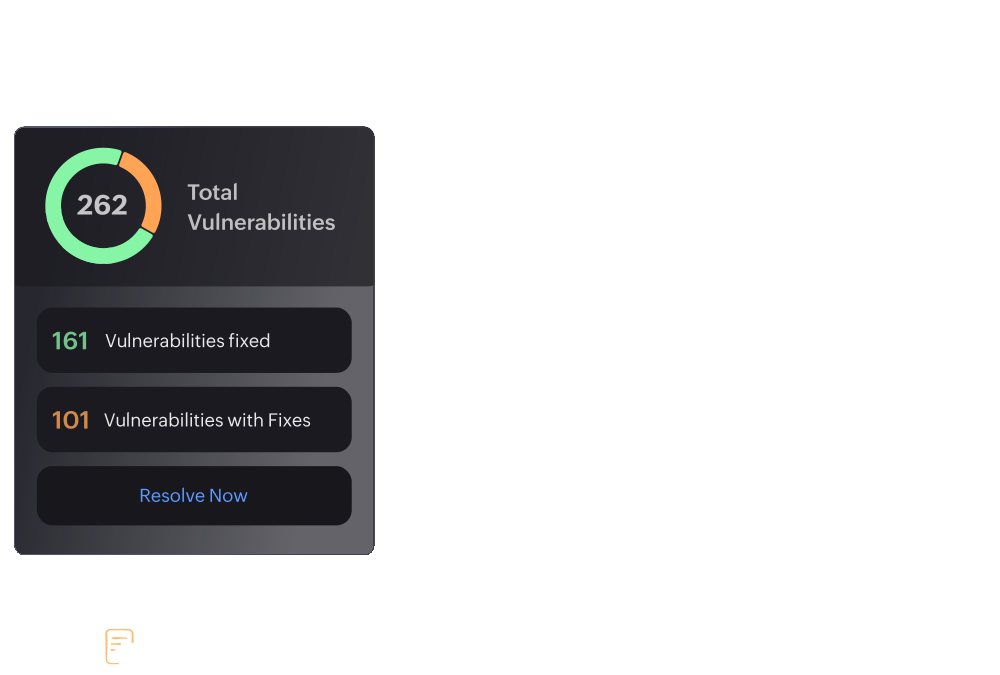
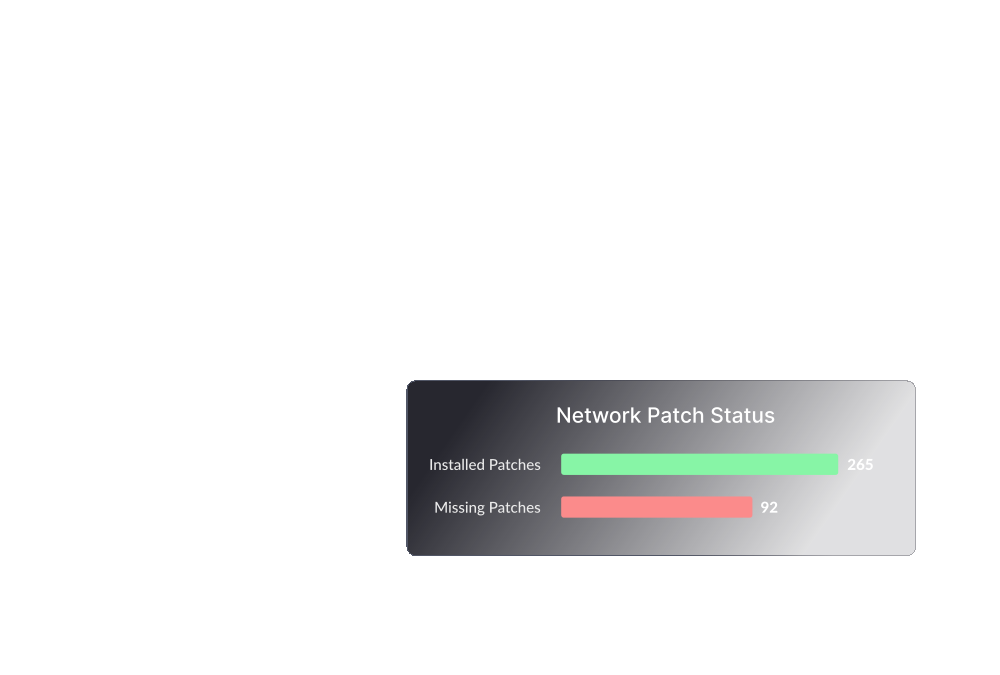
Automate deployment of patches to both Microsoft and Non-Microsoft applications of your clients remotely and define system health policies. Enables scheduled deployment of software to multiple computers. Supports installing MSI, EXE, ISS, Script based applications.
Asset Management

Asset Management

Remote Control

Remote Control

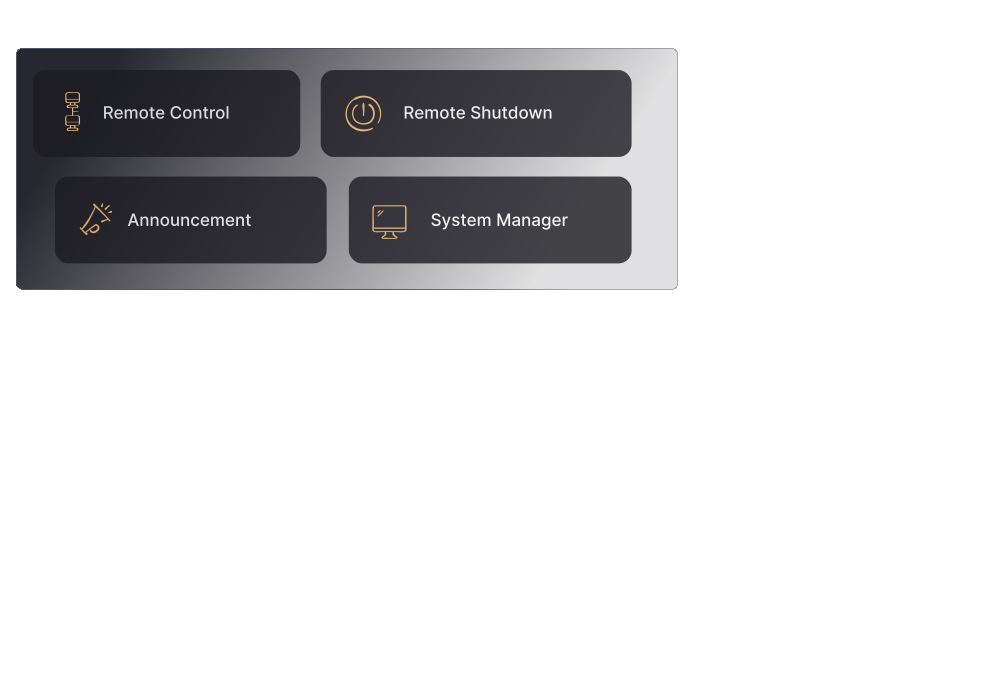
Manage and control each of your IT assets remotely and get notified on specific events like a new software/hardware found, prohibited software detected, etc. Take control of desktops remotely to troubleshoot or perform any specific changes, notify users before taking control, log connection reasons, switch between multiple monitors, transfer files, etc.
Power Management

Power Management

Secure USB Devices

USB Device Management

Go green with effective power management by applying power schemes, shutting down inactive computers and get system uptime report. Restrict and control the usage of USB Devices in the network both at the user-level and at the computer-level.
Windows Configurations

Configurations

Windows System Tools

System Tools

Over 25 pre-defined configurations to standardize your clients' desktop, application, system, and security settings. Schedule running preventive maintenance tools like Disk Defrag, Check Disk, and Clean Disk to keep up the computers' performance of your clients.
Pekin Hospital
There are a lot of other products out there like Desktop Central, but so far Desktop Central has proven to be a good fit for us, as well as being very competitively priced. Adding Desktop Central to our mix of administrative applications has helped our small IT team get control over our workstations and has saved us countless hours of time that would have been spent administering them manually.
Dan Tharp, IT Director, Pekin Hospital

Standard Edition

(For LAN)

Professional Edition

(For LAN)

Enterprise Edition

(For LAN)

Includes Windows Configurations, Desktop Sharing, Active Directory Reports, User Logon Reports, System Tools and Mobile Device Management Add-on*

Ideal for managing desktops in the LAN. Includes all the features of Standard Edition + Patch Management + Software Installation + Service Pack Installation + Inventory Management

Suited for enterprises having multiple offices (WAN) that needs to be managed from a central location. Includes all features of Professional Edition + Distribution Server Support for Bandwidth Optimization

Starts @ $295 Starts @ $545 Starts @ $695
*Add-on is priced separately

Compare Desktop Central Editions Compare Editions