
 Free Edition
 Hardware inventory management involves tracking and management of the physical components of any IT enterprise like computers, laptops and servers. The connected USB and other peripherals are detected in hardware inventory management if they are connected to the computers, laptops or servers. Similar to a hardware inventory management software, IT asset tracker scans Windows, Mac & Linux systems present in networks to collect and store hardware, computer and server inventory details in the database. This data is presented in the form of reports for ready reference.
The reports provided by the system inventory tool also provides a graphical representation and has a drill-down capability to show more detailed information about the hardware and software details such as warranty management along with their usage metrics for each computer.

Endpoint Central's hardware inventory tool helps unify endpoint management by generating the following reports:
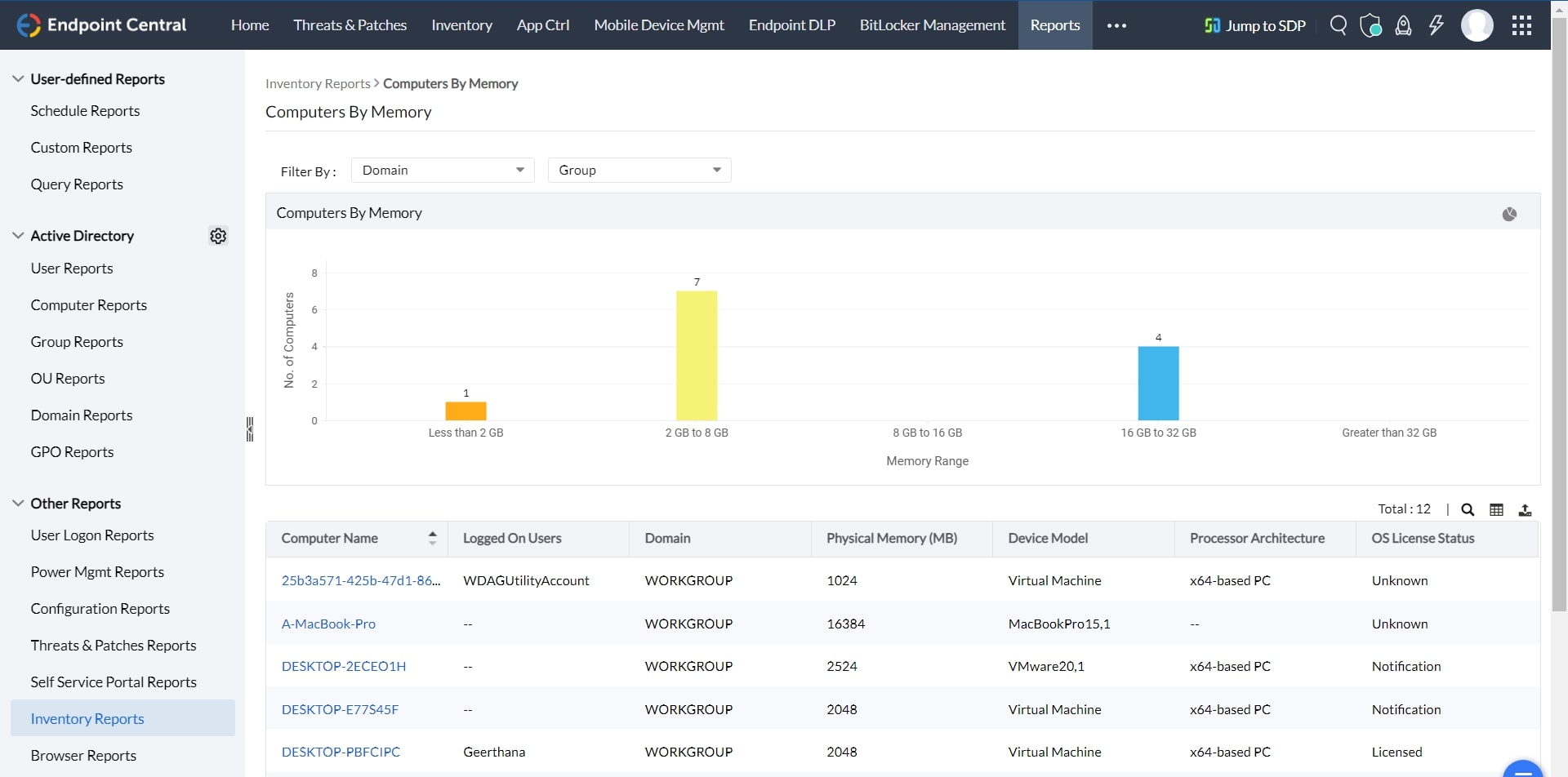
This system inventory tool provides the details of the computers by their operating system such as computer name, operating system, service pack, version, virtual memory, visible memory.
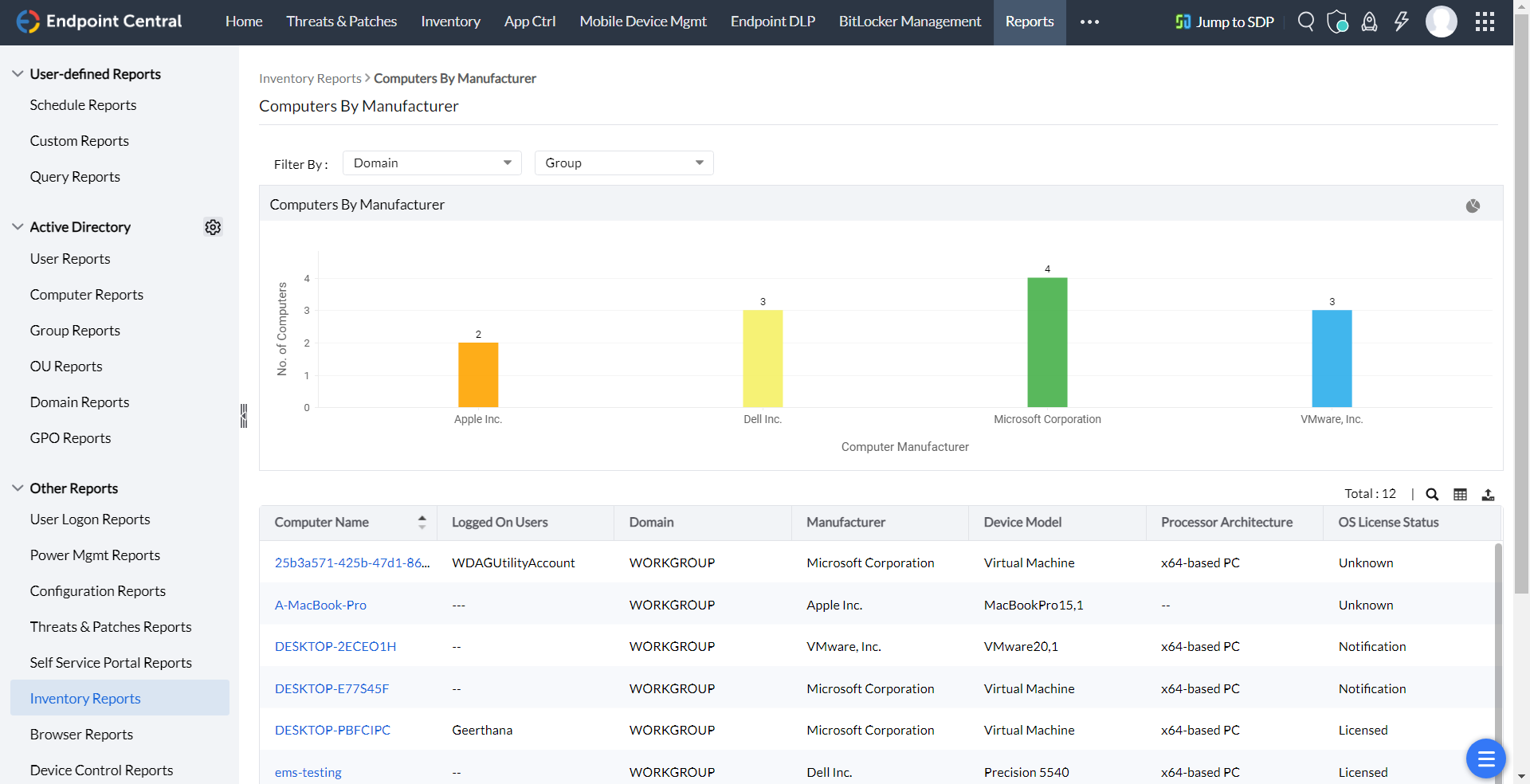
The hardware inventory software also provides the details of the computers by their manufacturer like computer name, manufacturer, model, system type, physical memory.
This computer inventory tool provides the details of the computers by their RAM size like computer name, manufacturer, model, system type, physical memory.
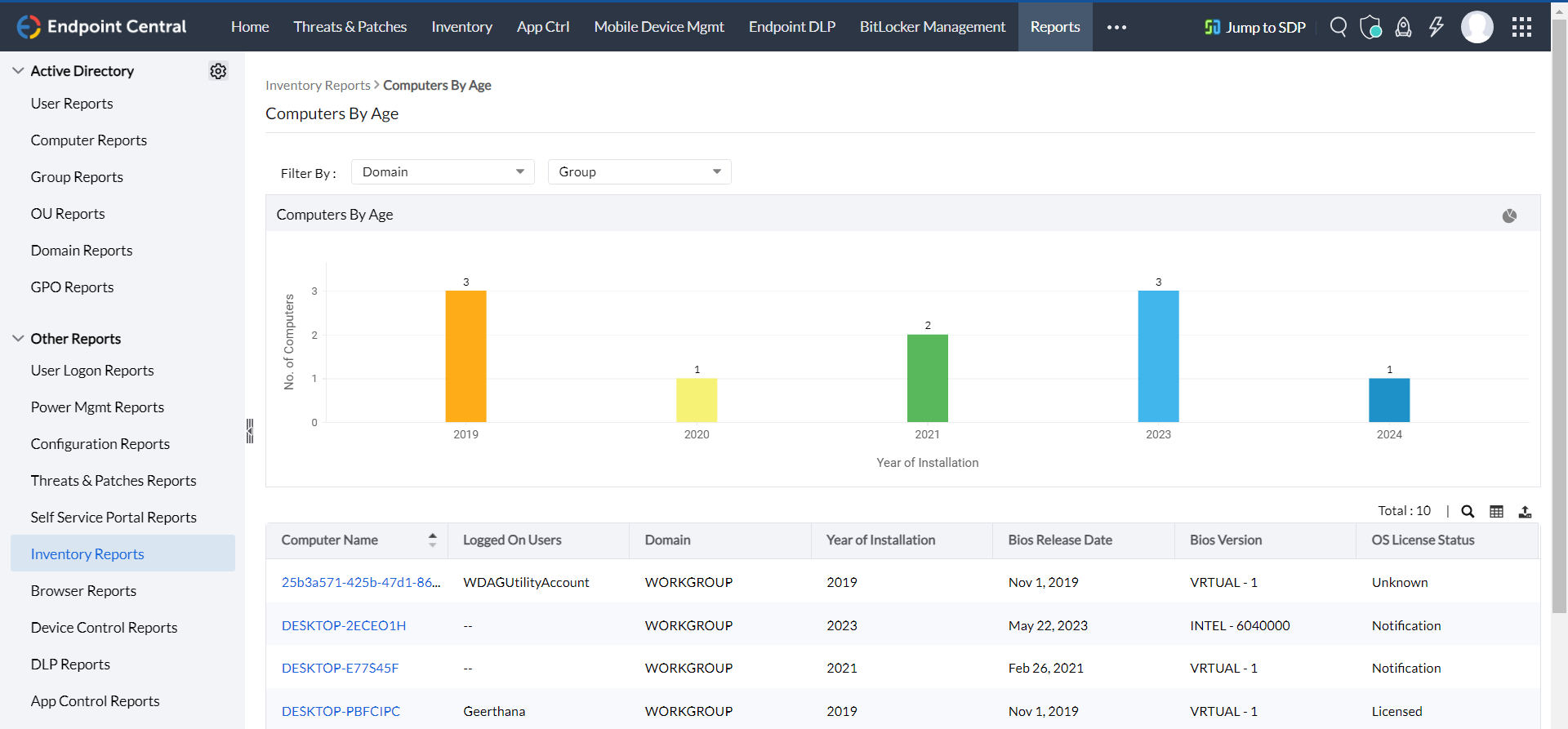
This hardware inventory management tool also provides the details of the computers by their year of manufacturing like computer name, year of installation, domain name, and description.
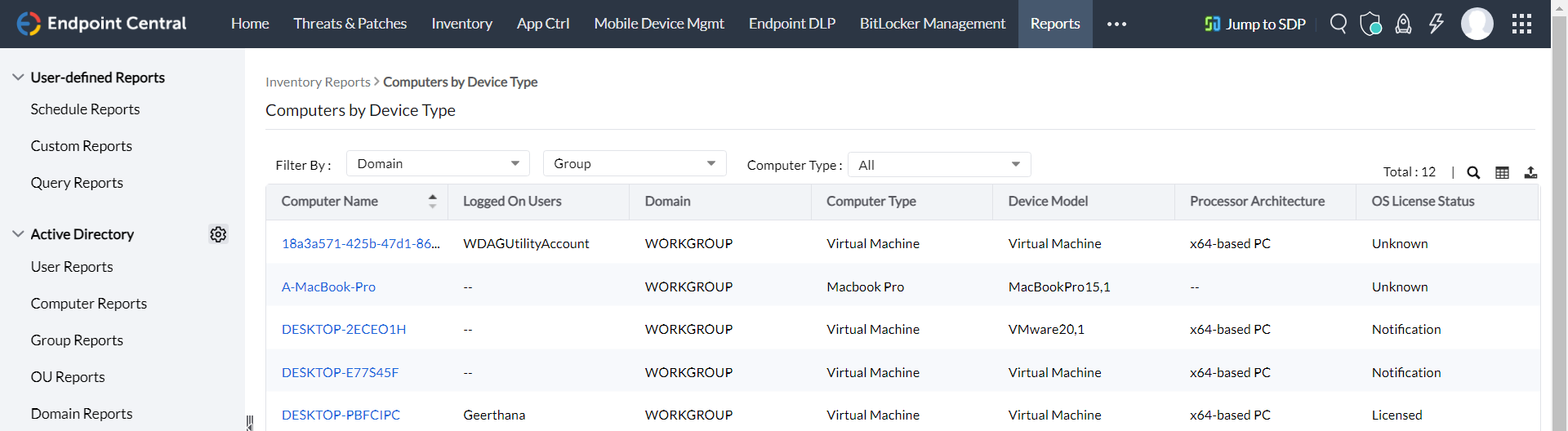
It provides the details of the computers based on their type like laptop, portable, desktop.
This tool provides a list of hardware manufacturers along with their product count and installation count. Clicking the product count will display the various hardware devices manufactured by that vendor.
The hardware inventory tool provides the list of hardware detected in the network along with their count and installed copies. Clicking the hardware count shows the different types of the hardware.
It asset management software enables administrators to get notified through email if any new hardware is detected in the network.
For more details on hardware inventory management refer to the Hardware and Software Inventory topic of the online help documentation.
Hardware inventory management is the recording and tracking of hardware assets and IT inventory in an organization. Hardware inventory software is a tool that automatically tracks and fetches all hardware data and provides administrators with a snapshot on the state of hardware in their corporate network. Our hardware inventory tool lets you keep tabs on all your endpoint devices from a single dashboard.
Tracking the hardware and software inventory of an enterprise is vital to ensure security, and compliance, as well as the efficiency of the employees. This enables enterprises to optimize resource allocation, streamline the troubleshooting processes, optimize resource allocation, and mitigate the risks associated with unmanaged assets.
By leveraging hardware inventory tracking software, IT teams obtain centralized visibility into the usage metrics and licenses of the software. This prevents unnecessary spending on redundant or unused resources while ensuring that the essential tools are readily accessible to employees across the enterprise.
A computer inventory software automates the inventory management process by scanning the network to identify all connected devices including laptops, computers, servers, and other peripheral devices connected to the network.
Once scanned and discovered, detailed information about these devices such as hardware specifications, serial number, installed software, uptime, and usage metrics are collected. This data is then centralized and stored in the hardware inventory management system, providing the IT teams with a comprehensive view of all the managed IT assets.
Using a hardware inventory management system such as Endpoint Central, IT admins can swiftly organize the hardware inventory in the following ways:
System inventory management is crucial to any organisation because of the following:
The following are some of the benefits of using a software inventory tool.
Learn more about IT Inventory Management

Manage and secure client endpoints effortlessly. Discover the benefits of choosing us.
Know more