









Automated patching
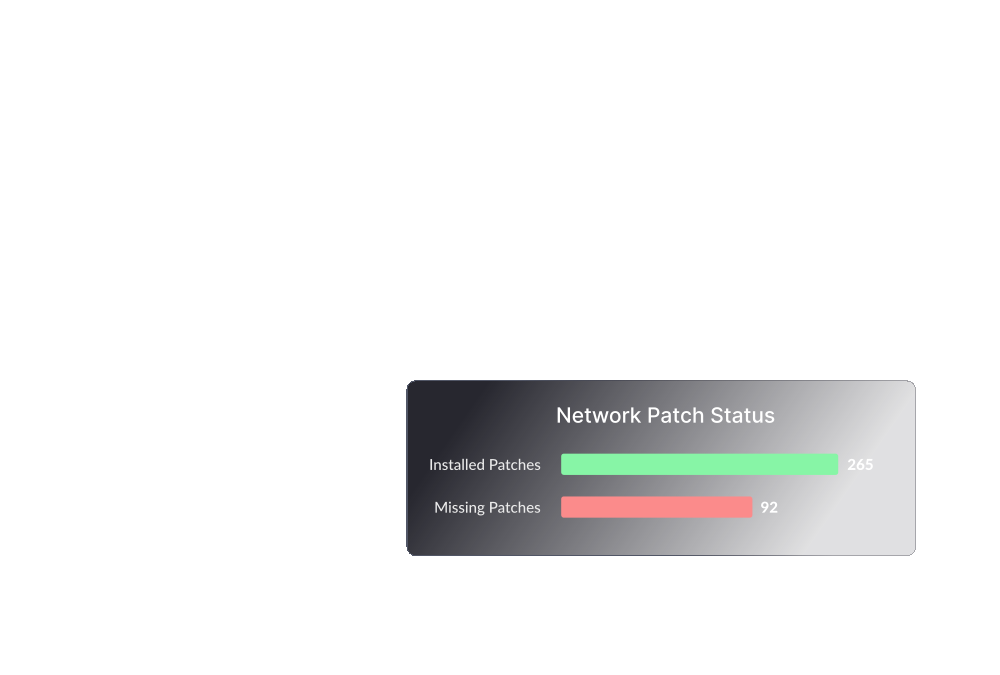
Secure your network by automating patch deployment for Windows, Mac, Linux, and third-party applications.
Learn more
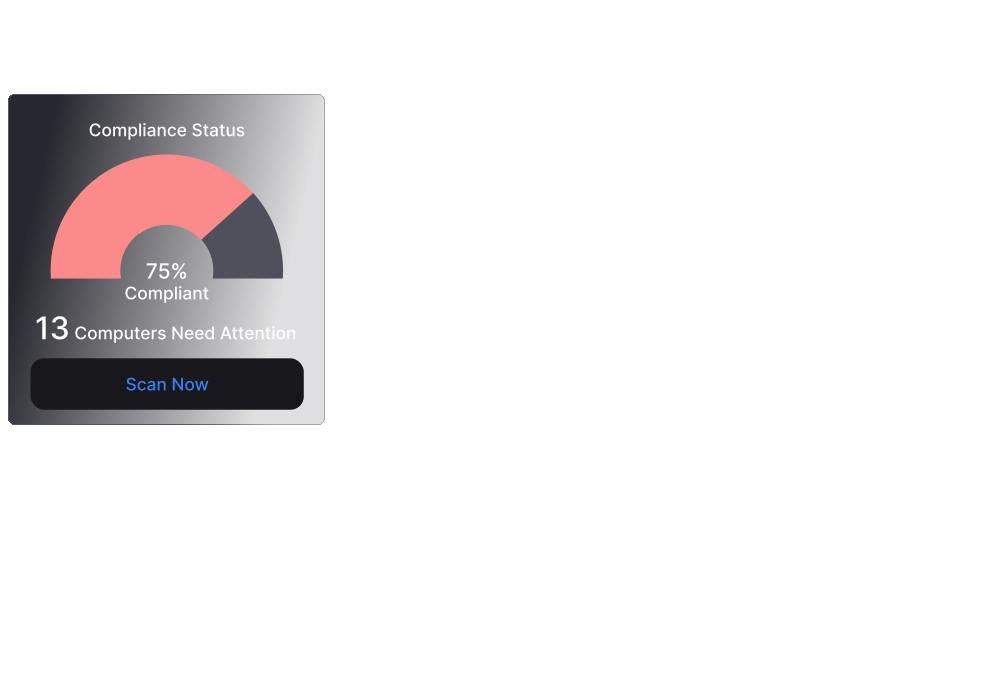
Threat detection and remediation
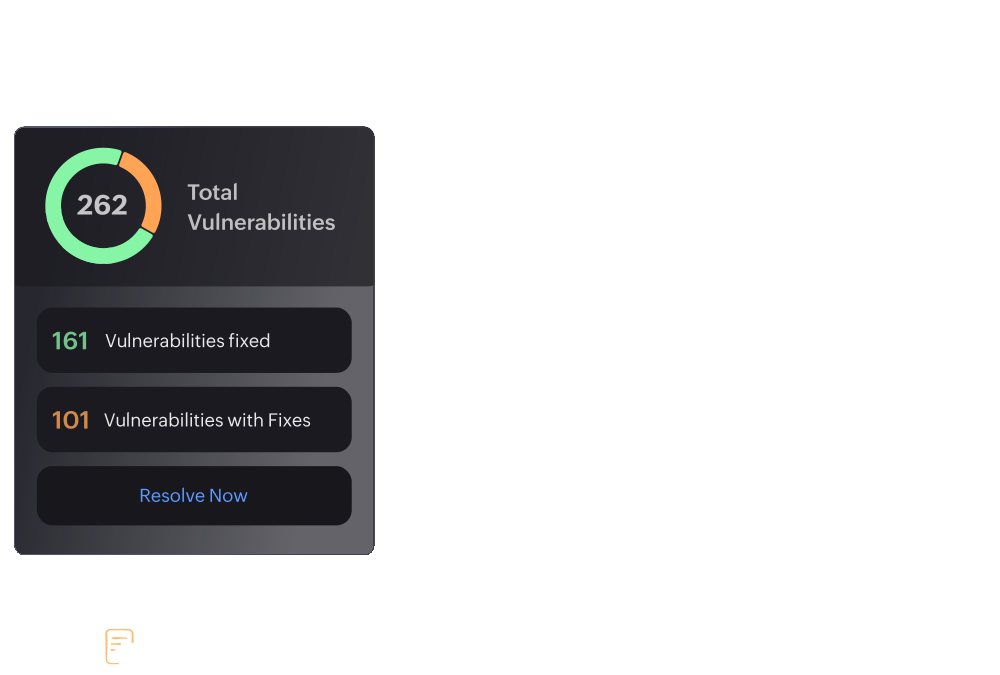
Detect and remediate vulnerabilities around the clock. Audit and maintain your systems in line with 75+ CIS benchmarks.
Learn more
Ransomware protection
Gain insights into the root cause of ransomware attacks while providing immediate incident response and preventing future attacks.
Learn more
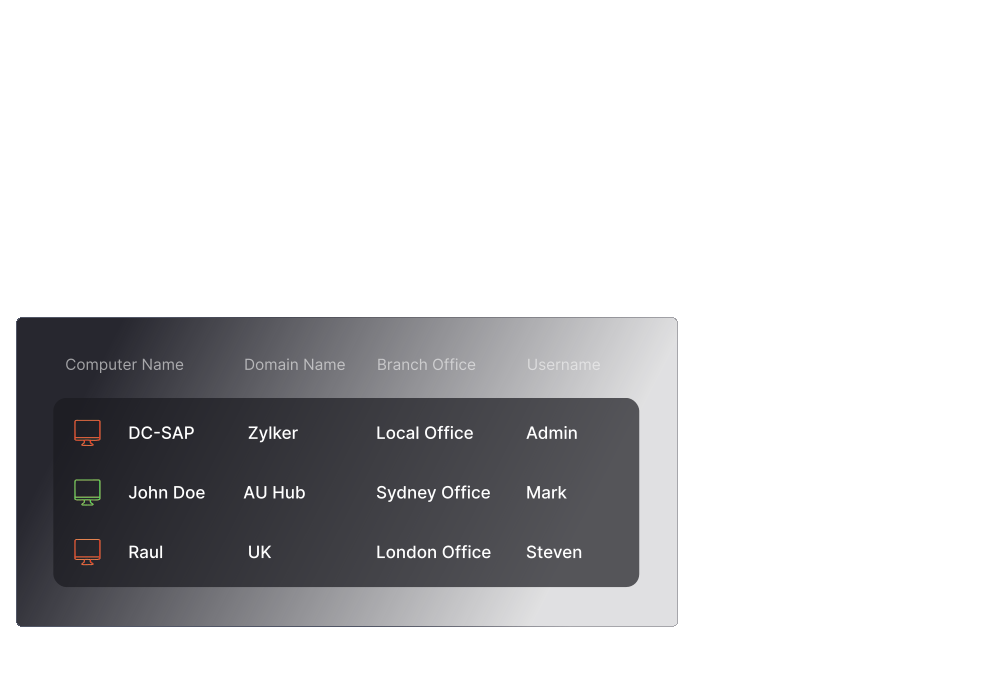
IT asset management
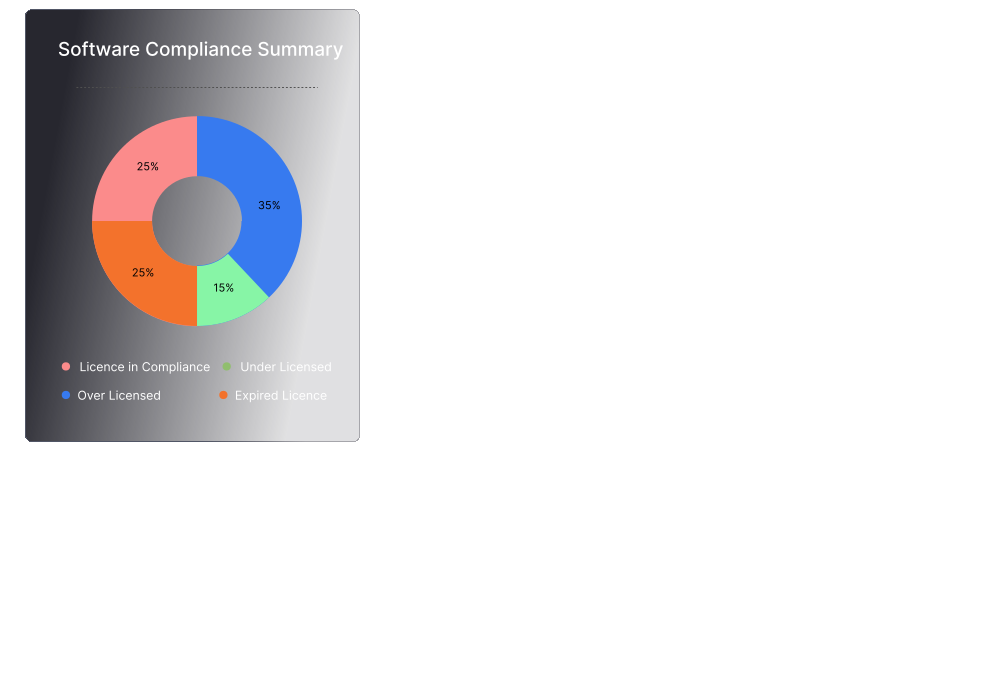
Manage software and hardware assets along with license and warranty tracking. Monitor software usage and be notified of hardware changes around the clock.
Learn more
Unauthorized device restriction
Regulate and restrict stray peripheral devices in your organization, and closely monitor file transfers in and out of your network.
Learn more
Data loss prevention
Protect your enterprise's critical data from disclosure and theft by leveraging advanced data loss prevention strategies.
Learn more
OS imaging and deployment
Automatically image and deploy OS on Windows computers along with the installation of required drivers and applications.
Learn more
App management and distribution
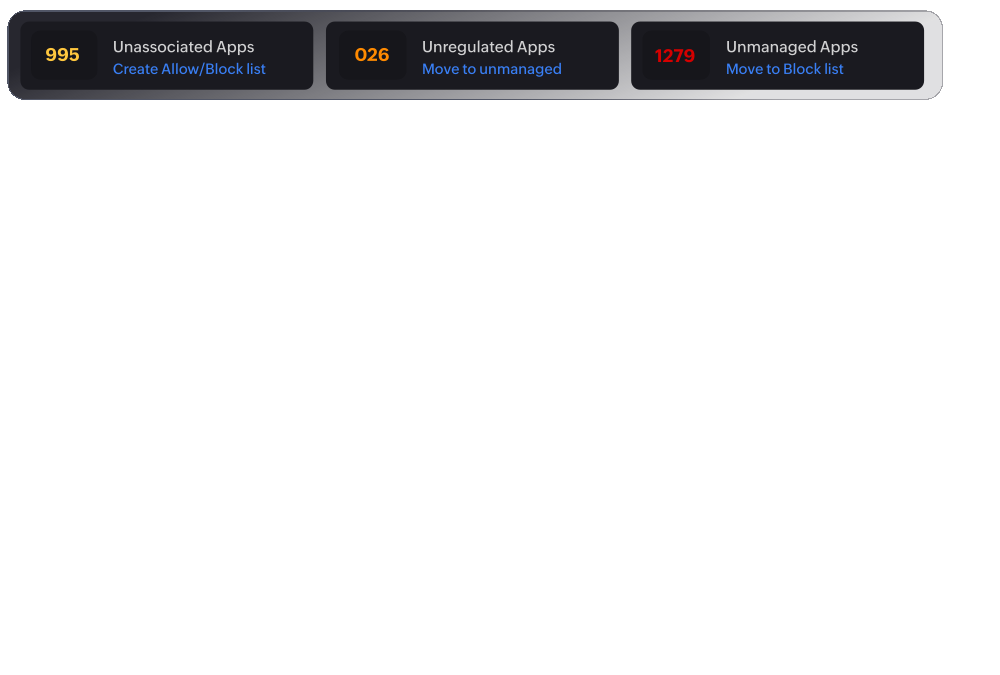
Deploy software to all the endpoints within your network in just a few clicks. Block or allow applications with rule-based filtering.
Learn more
Endpoint privilege management
Mitigate insider threats and security breaches by managing privileges, monitoring apps and controlling sensitive data at the endpoint level.
Learn more
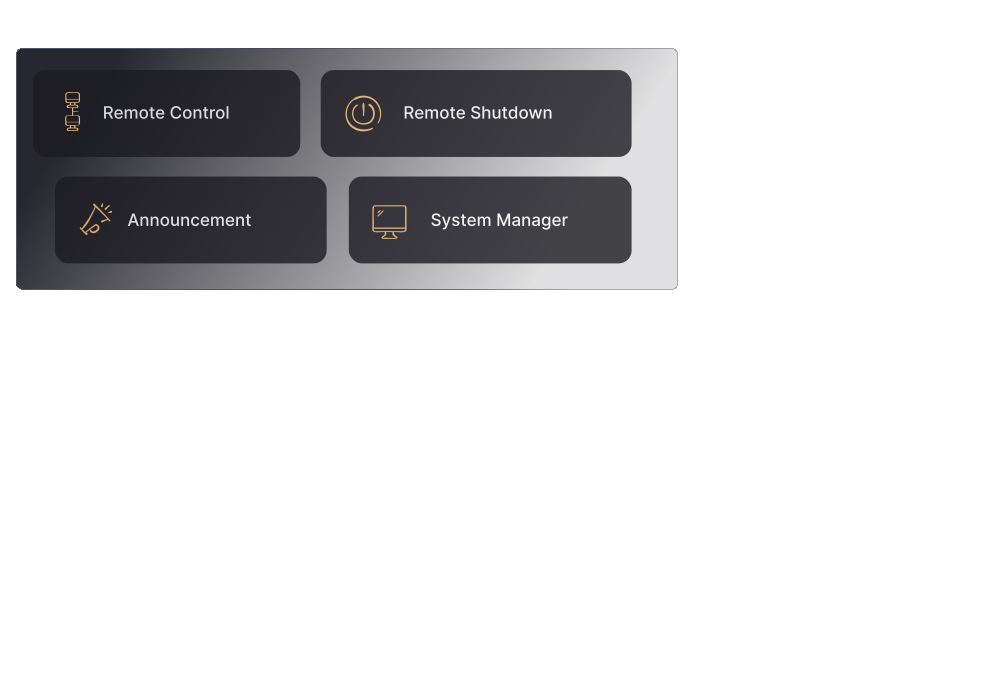
Advanced remote troubleshooting
Remotely connect with end users and solve their issues in real time.
Learn more
Configuration management
Manage configurations on endpoints to comply with policies and industry practices while establishing security baselines at an organization level.
Learn more
Browser security
Monitor and enforce security measures on the browsers used in your organization.
Learn more