Manage IBM AS/400 logs with EventLog Analyzer
EventLog Analyzer is a comprehensive log management solution that can exclusively collect, analyze, archive, and generate reports on the log events of Version 5 series and V6R1 variants of the IBM Application System 400 (AS/400). It also enables you to conduct forensic analysis, meet compliance requirements, and ensure file integrity.
Generate and schedule IBM AS/400 reports
With EventLog Analyzer, you can generate custom reports based on Severity, Message ID, or Job, and schedule them to be generated at regular intervals. It also allows you to schedule AS/400 reports to be sent via email. These reports help organizations meet reporting and auditing requirements for compliance mandates including PCI, HIPAA, and the GLBA.
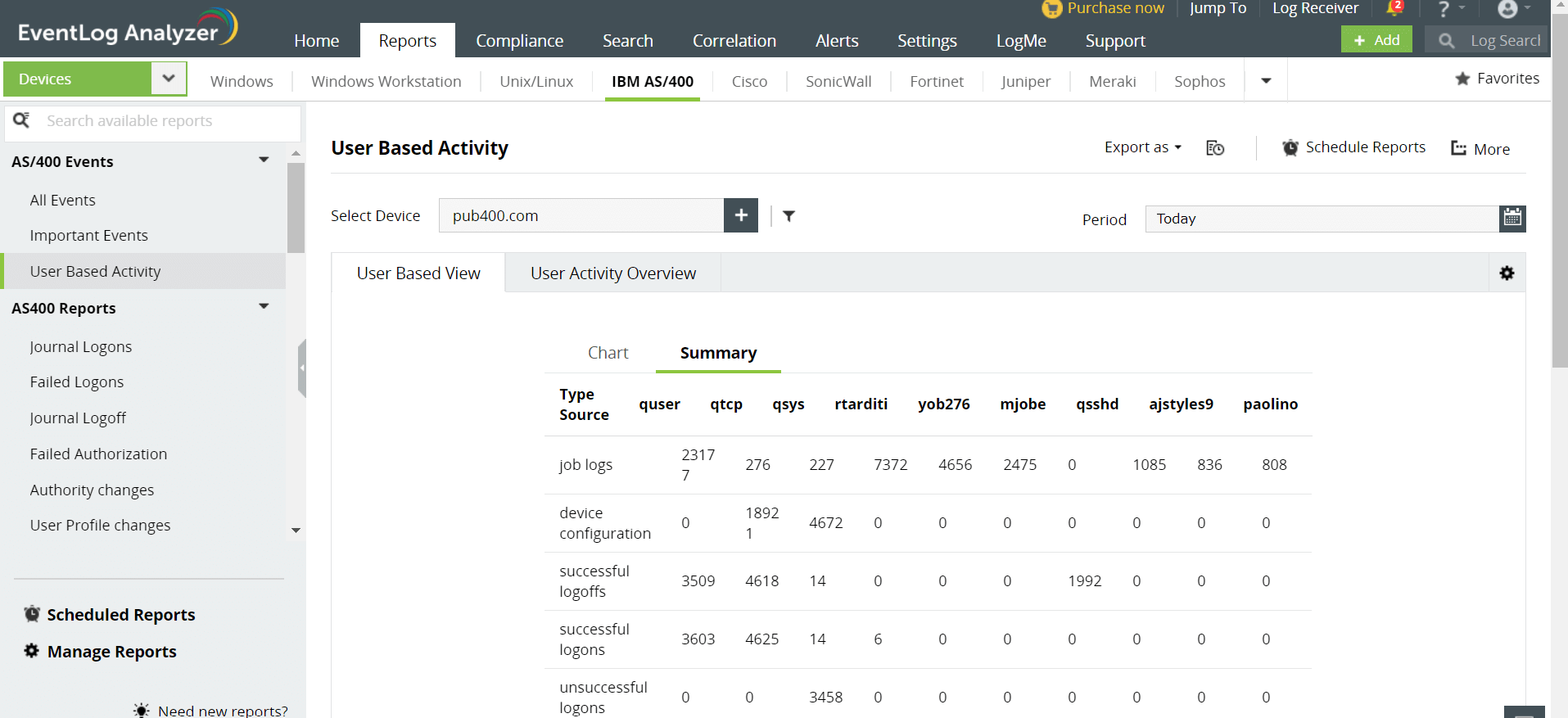
EventLog Analyzer also generates special reports such as:
Logon and logoff:
- Journal Logons
- Journal Logoff
- Failed Logons
- Logon failure due to invalid passwords
- Top failure logons based on users
- Top journal logons based on users
- Logons and Logoffs
- Top logons based on users
User activity:
- User Profile changes
- Authority changes
- Objects deleted
- Ownership changes
- Disabled user profiles due to maximum number of sign-on attempts
System events:
- System value and time changes
- Expired system IDs
- System password bypass period
- Subsystem varied off workstation
To learn more about creating custom IBM AS/400 reports, please visit this link.
Create and trigger custom alerts
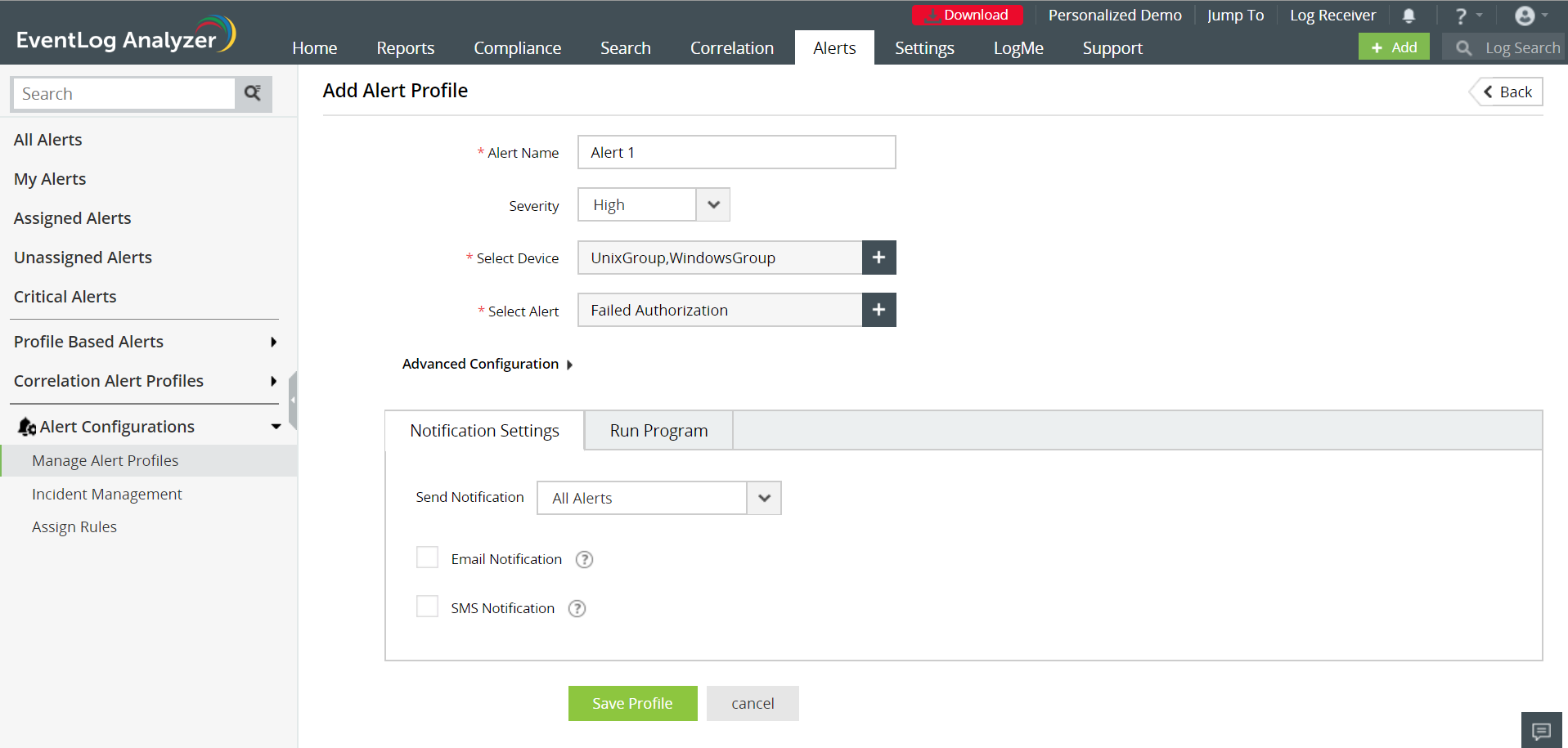
An Alert Profile can be set up for specific criteria, like a failed authorization or a device being down, to alert and notify administrators in real time upon the occurrence of a particular event. You can use the built-in correlation rules and also set compliance-related alerts to ensure policy enforcement.
IBM AS/400 history log collection and analysis
History logs serve as a critical source for troubleshooting performance problems. History log analysis helps in reducing system downtime, increasing the network performance and tightening the security. You can generate exhaustive reports on history log events such as device status changes, system operator messages, attempted security violations, and so on with EventLog Analyzer. These reports will help you meet the demands of IT auditors without the pain of manually reviewing the log files.
IBM AS/400/iSeries file integrity monitoring
The most important advantage of having EventLog Analyzer to manage your AS/400 logs is the File Integrity Monitoring (FIM) module. Built right in to the product, EventLog Analyzer's FIM lets you create reports and alerts on critical changes to the files or folders being monitored to prevent tampering and create audit trails. You can also configure FIM reports to be automatically generated and emailed on a set schedule.
IBM AS/400/iSeries journal log support
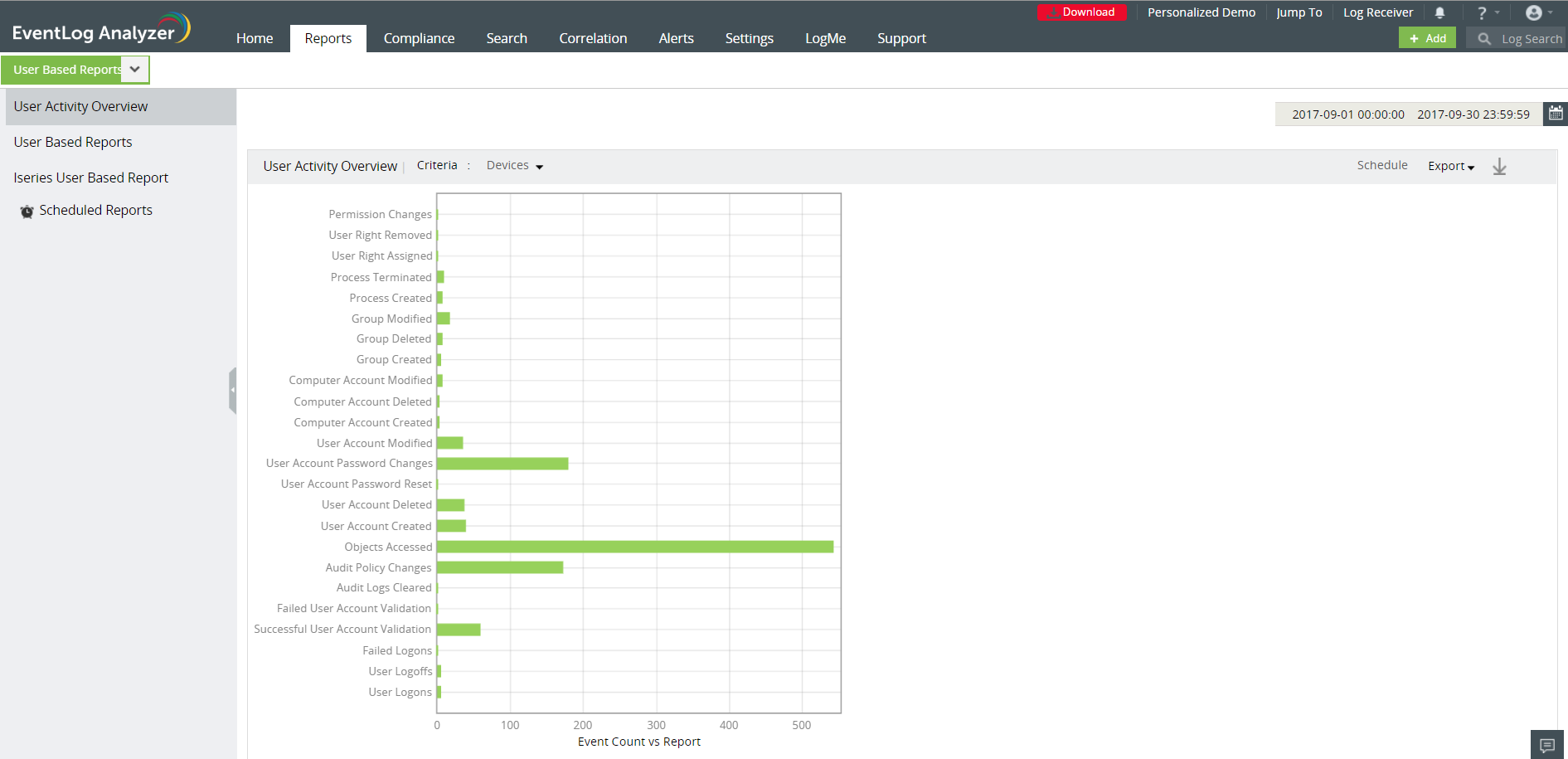
EventLog Analyzer doesn't stop with supporting history logs of IBM AS/400. It also extends the support to IBM AS/400/iSeries journal logs and provides to you an option to generate and schedule user based reports for the same.
Comparison between IBM QRadar and EventLog Analyzer
To see a feature-by-feature comparison between QRadar and EventLog Analyzer, click here.


 Free Edition








