
 We utilize the product for scheduled backup and archiving of configurations from our Cisco devices across multiple subnets. After trying several products, some much pricier, we settled on OpUtils as it offers the best value and performance. The support has been fantastic and we appreciate the response and timely turnaround of the special features that we requested. Thanks again!
- Don Annas, President/CEO, Triad Telecom, Inc. 
With too many devices to manage manually, administrators end up dealing with network downtime caused due to erroneous configuration changes. Automation of network configuration management simplifies processes like scheduling regular backups (backup router config) helps you to easily locate a backup file at the time of need. Routers/Switches often get upgraded or swapped out for a number of reasons. Hence it is important to maintain the latest and history of the router's/switch's configuration files. Backup cisco switch config tool helps to maintain the Starup (cisco startup config) and Runtime configuration (cisco running config) files of the Cisco Router/Switch.
Do you wish to reduce network downtime and the impact it has on your IT infrastructure? Try Network Configuration Manager(NCM) to restore normal functioning of your network devices with configuration backups.
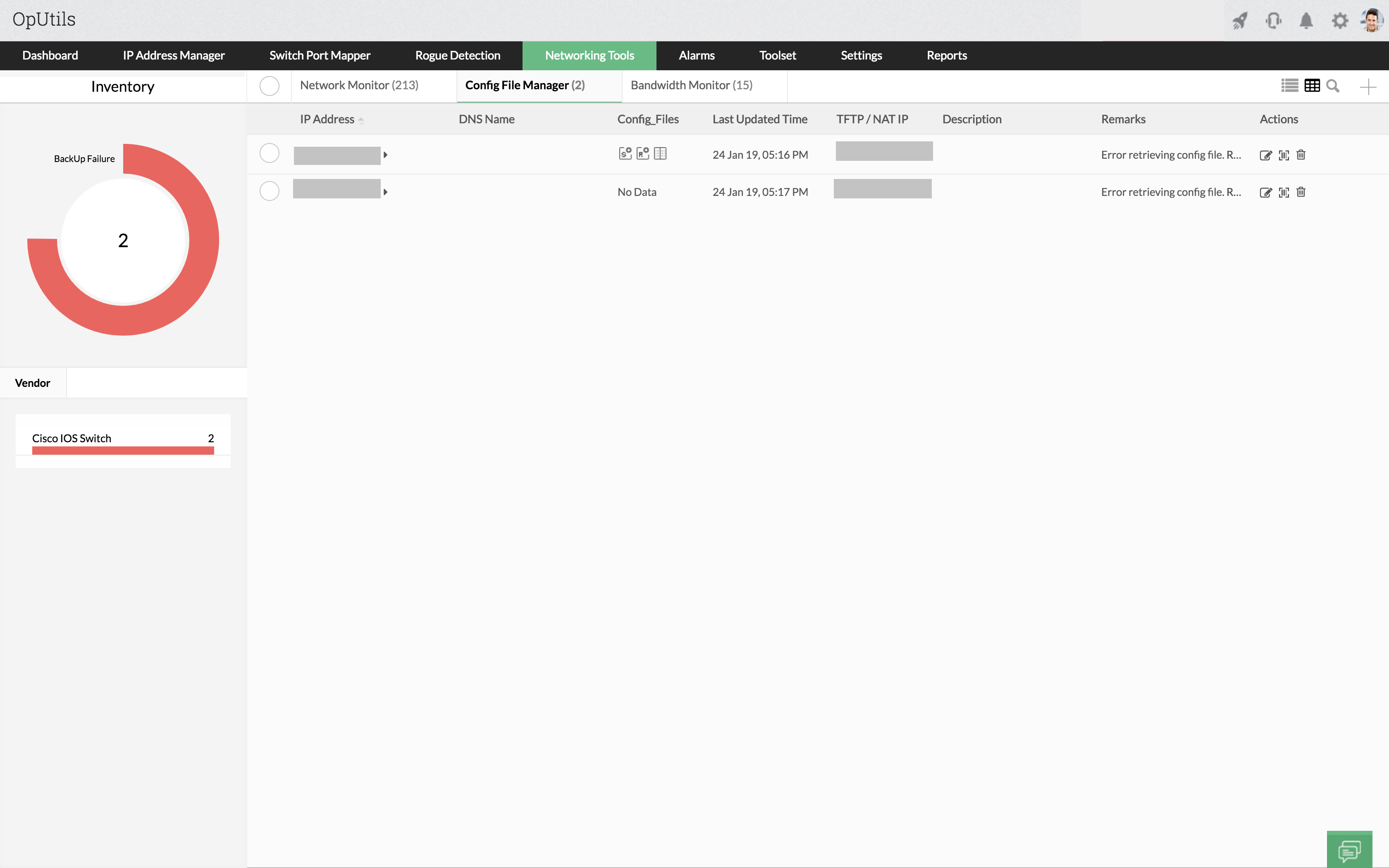
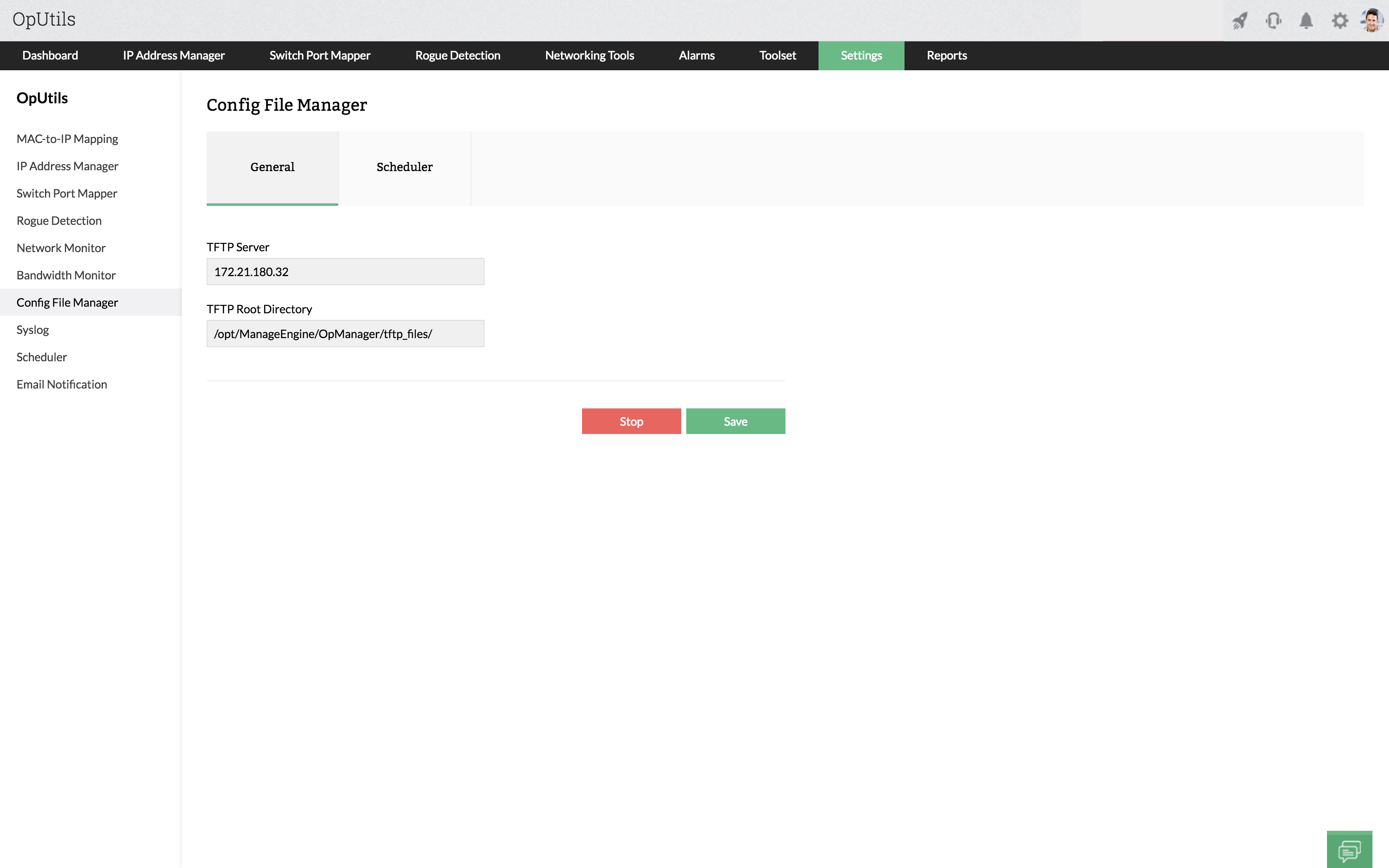
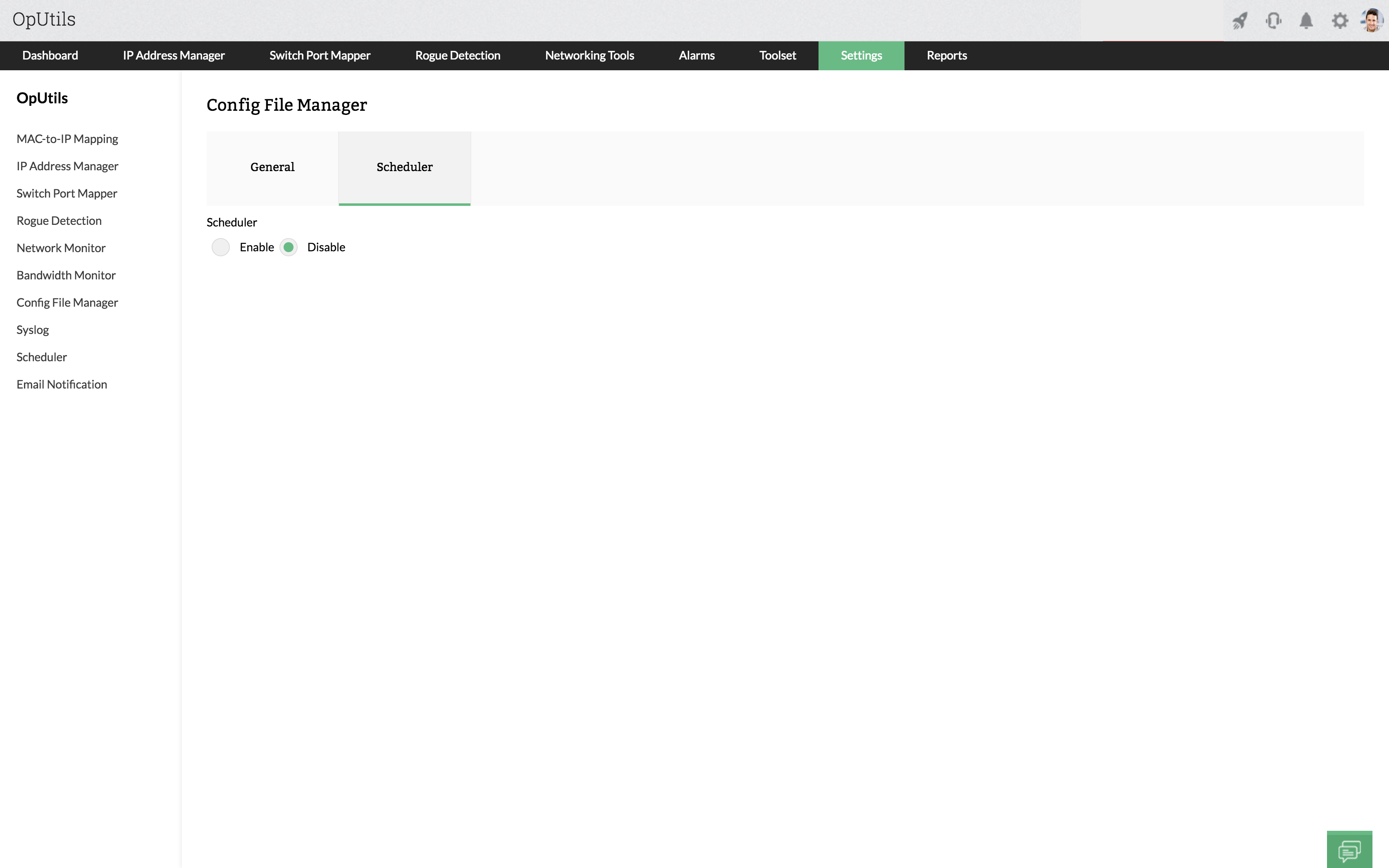
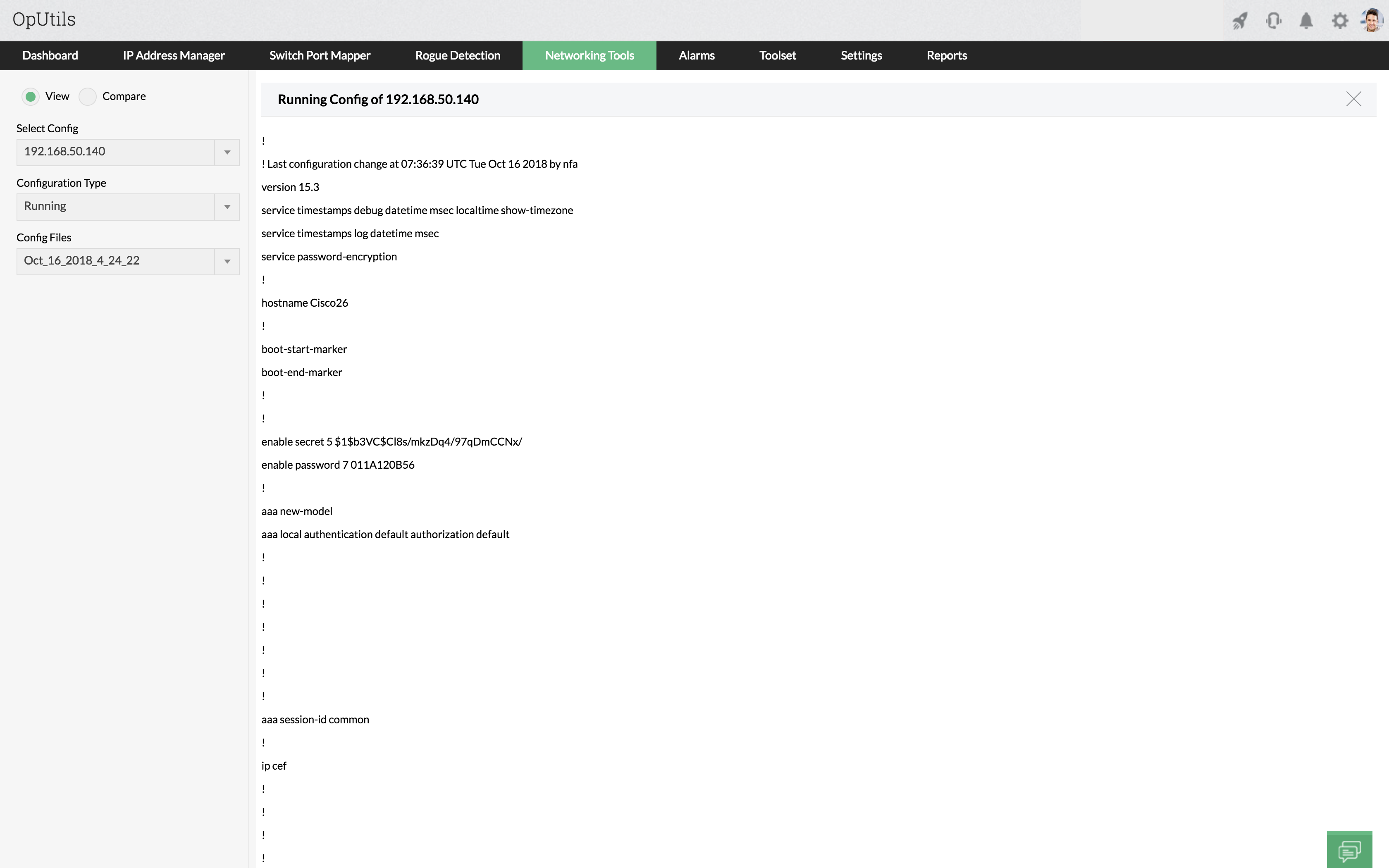
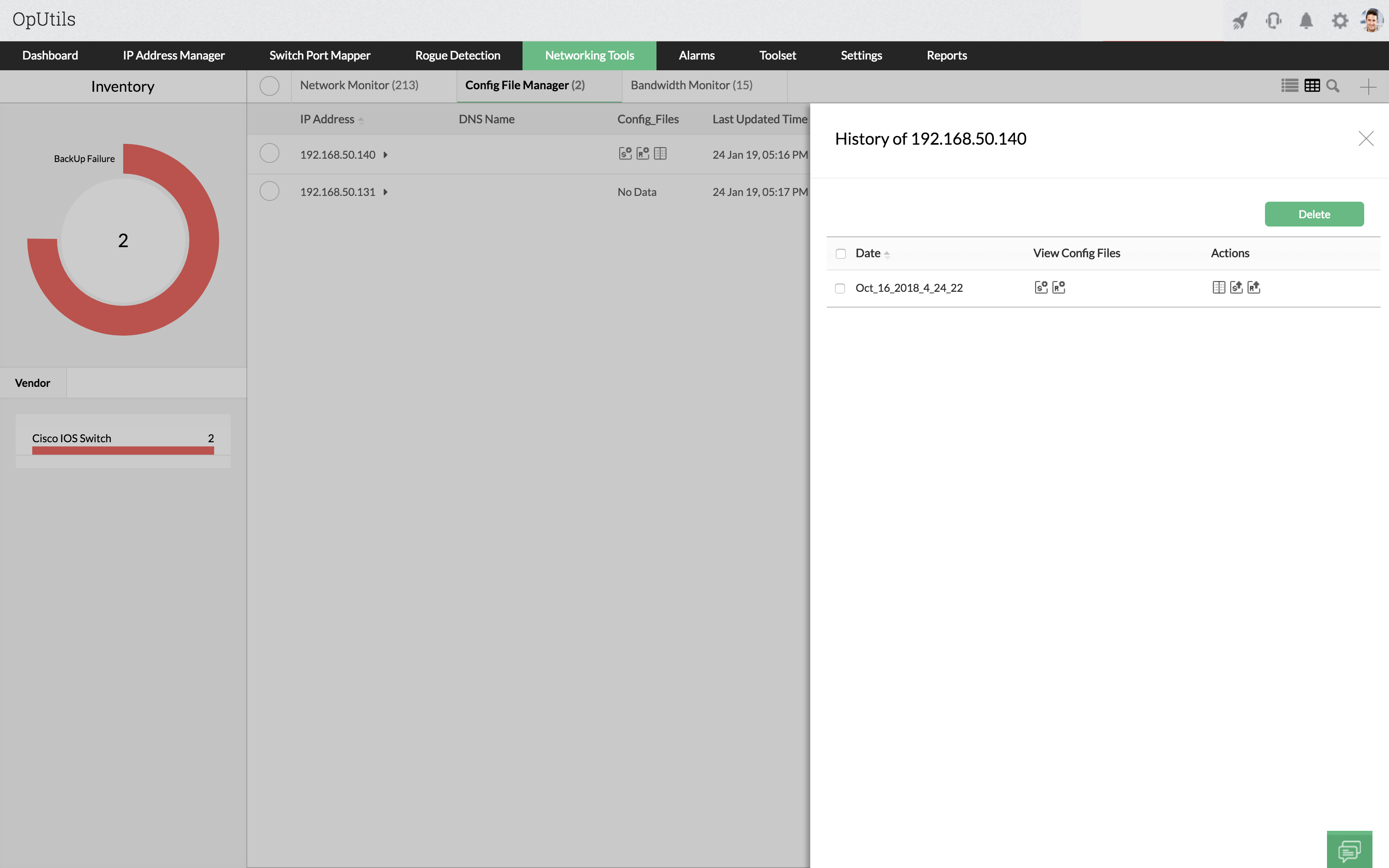
CISCO Config File Management provides an option to take scheduled backup of the startup and running configuration files of the Cisco routers/switches. CISCO router configuration backup tool provides the flexibility to schedule backing up of the files on a daily, monthly, and yearly basis. CISCO configuration backup tool retrieves the cisco configuration files at the defined intervals and stores it in the file system. The backed up configuration files can be viewed from the history in Cisco Configuration File Management.
Using the "Refresh" option in the CISCO config backup software, the latest startup and runtime configuration files of the cisco routers/switches can be retrieved. It helps to view the recent configuration files.
Note:
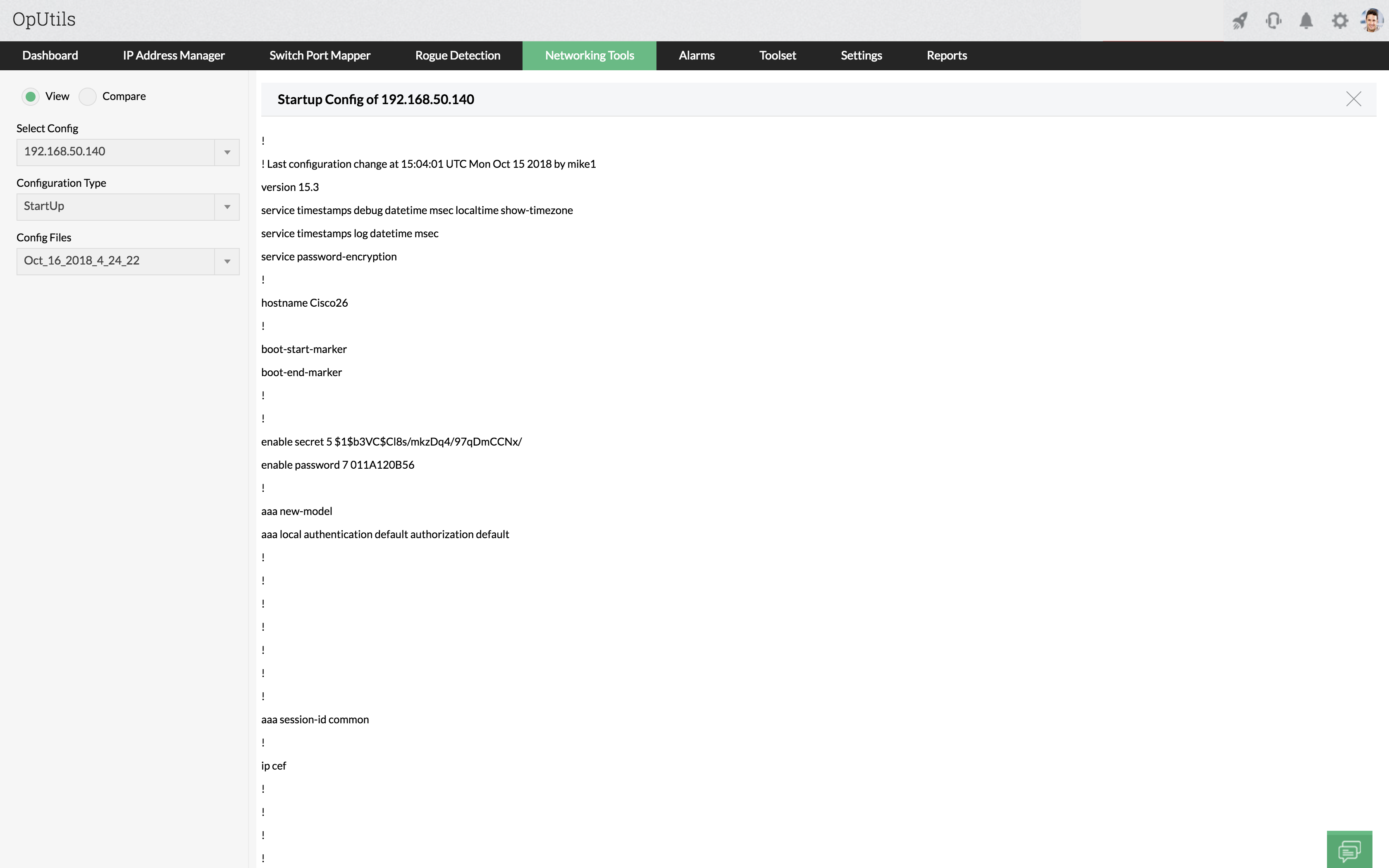
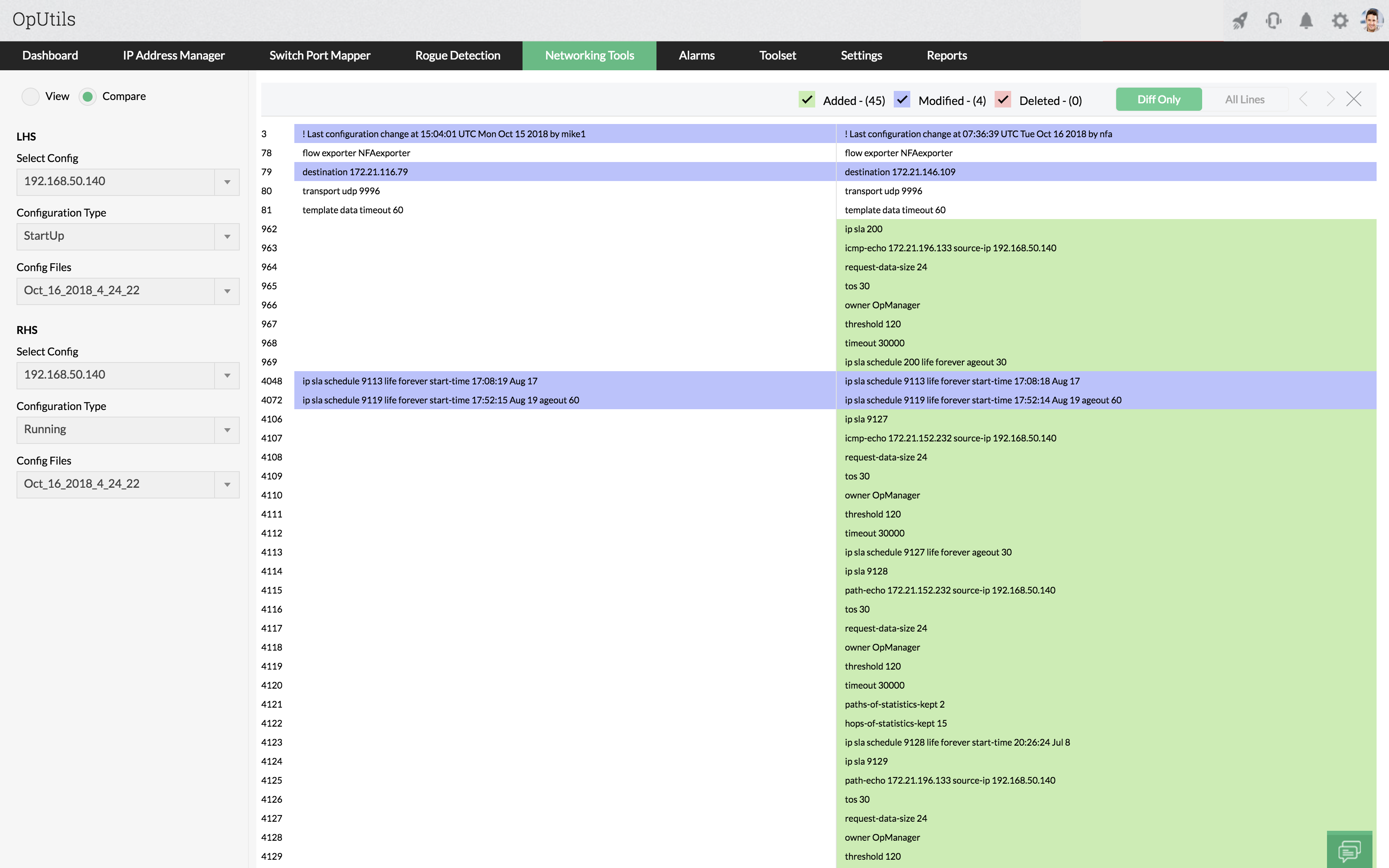
OpUtils backup and restore CISCO config provides an option to compare the configuration files that are retrieved from the Cisco routers/switches. The comparison can be on any of the following:
Cisco Switch Configuration Backup helps to compare the configurations between any two cisco routers/switches and correct the erroneous configurations, if any.
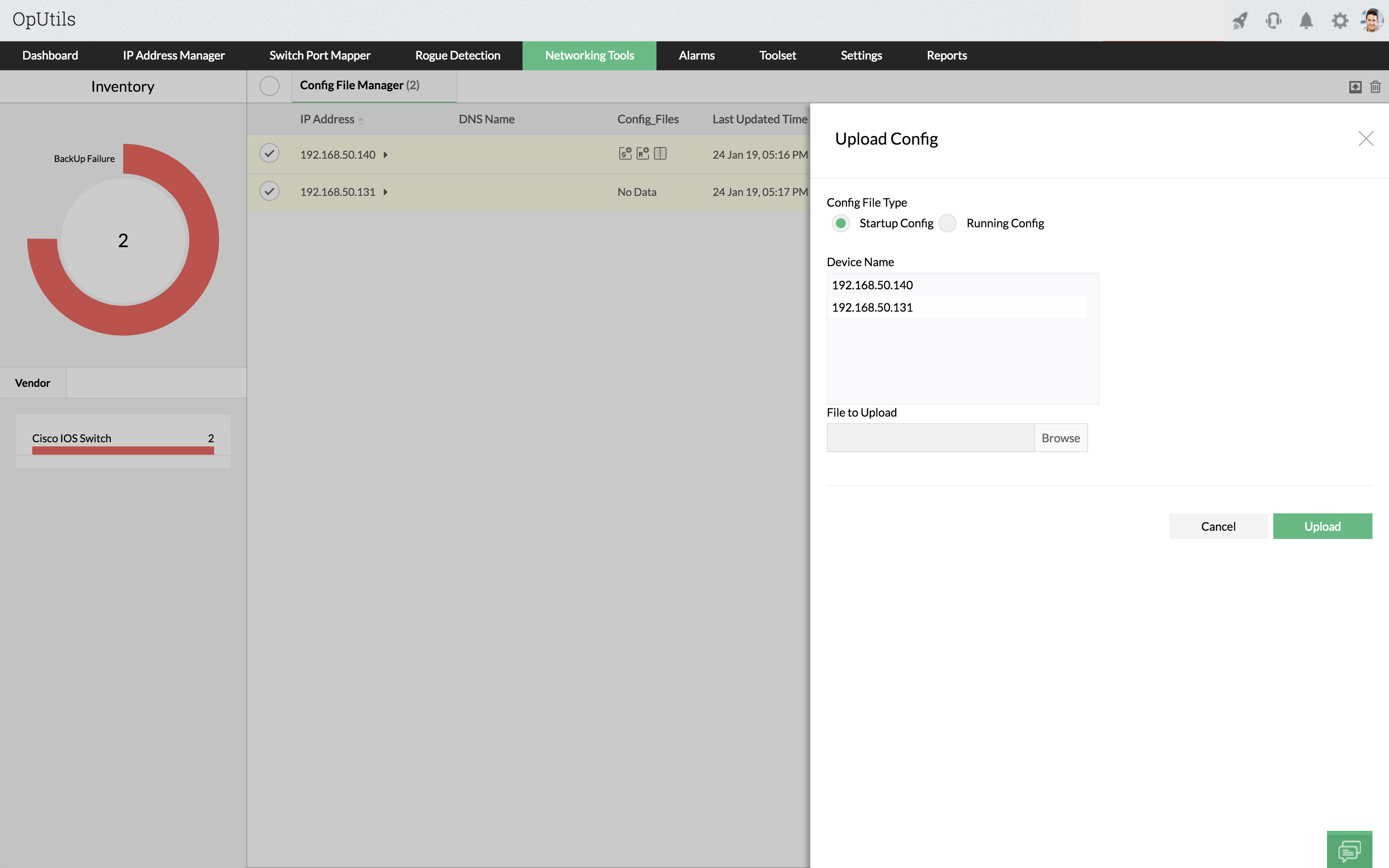
All configurations that are made to the Cisco devices are finally stored in the config files from where the device reads and executes in the Cisco Router Configuration Backup. The CISCO switch configuration backup enables uploading of the configuration files to the device through TFTP server. IT administrators can make the necessary changes to the file and then upload this file to the device. It reduces the administrators' time when the same configuration has to be made to several similar devices.
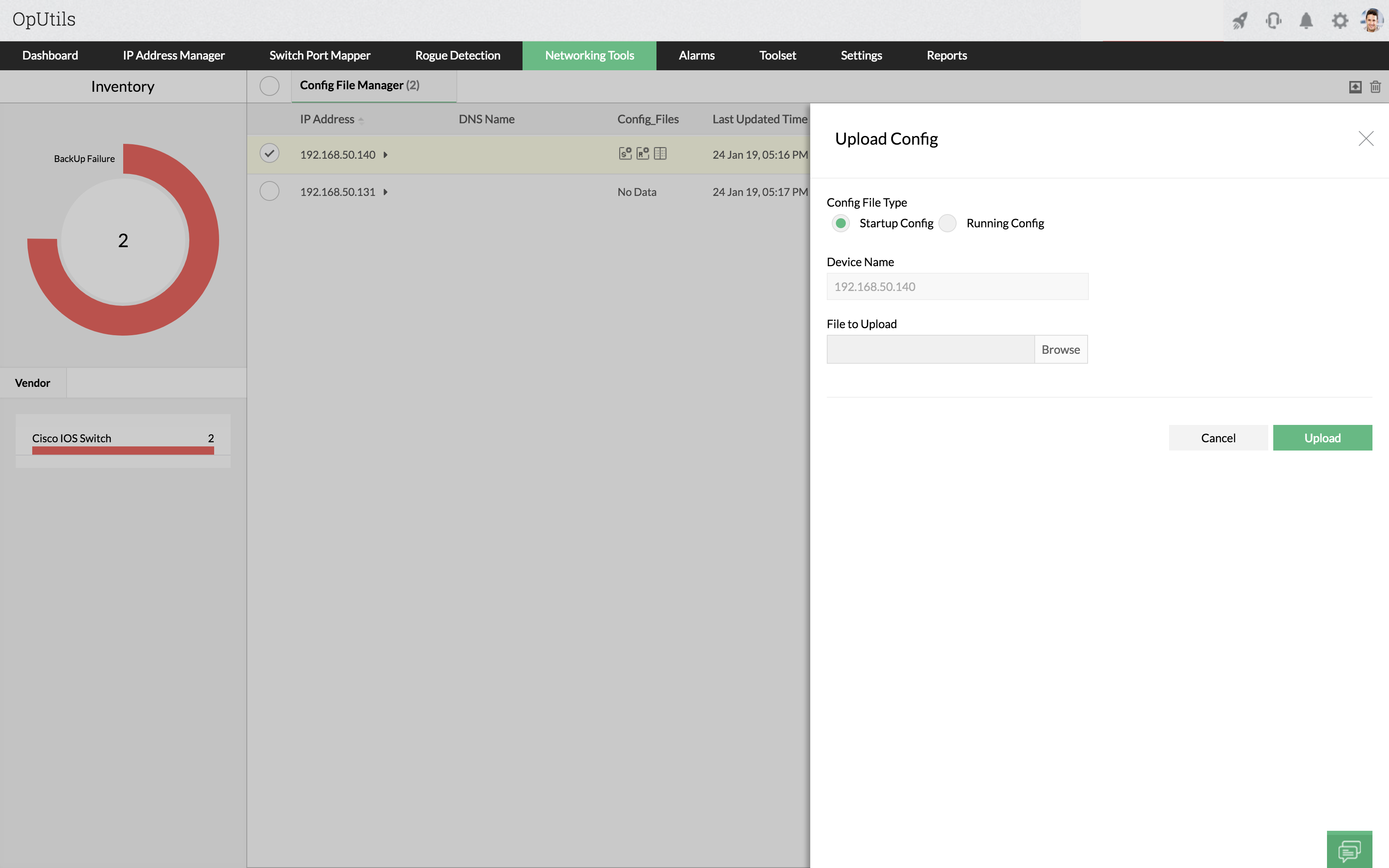
There is also an option to upload mulitple Devices and start either Startup Config or Running Config, based on the necessary.
The CISCO Configuration backup tool can be used to manage a cisco routers/switches in the OpUtils Free edition. The CISCO router backup config tools is an additional tool in OpUtils which helps the network admin in many ways. For more details on tools available in Free edition, refer to Free Network Tools.
For more details, refer to the Cisco Config File Manager topic in the online help. For troubleshooting tips, refer to Cisco Tools Knowledge Base
Please note: Currently, the Config File Manager in OpUtils only supports if the managed device responds to CISCO-CONFIG-COPY-MIB