Free Edition
 Software deployment is the process of installing application(s) to the target endpoints in a network from a central location. For IT administrators, deploying software to all machines in a network can be a daunting task, especially at large enterprises. With an ever-growing number of endpoints, it is becoming a real challenge to roll out software across organizations. Software deployment tools automate the process and decrease the chances of error, facilitating the software deployment in a new testing environment. Software deployment tools allow you to distribute software packages to all the computers in your network across Windows, Mac and Linux from a central console, without user intervention. In addition to software, it also applies to apps, functioning as an application deployment software.
If you're looking to deploy software effortlessly or bank on a flexible software deployment tool, Endpoint Central,our unified endpoint management tool comes with a feature-set that has the following options to offer greater flexibility and control over the software deployment process:
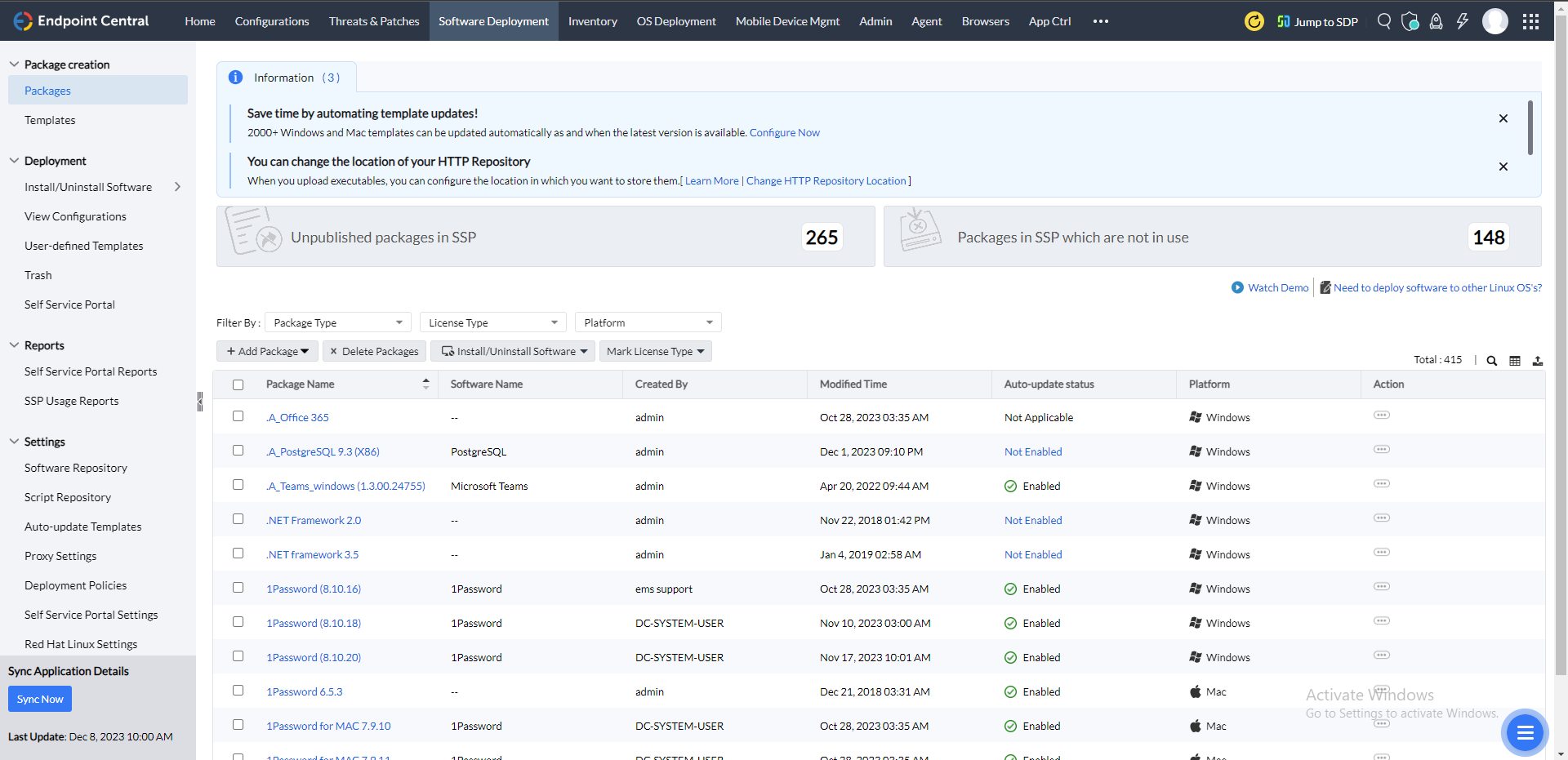
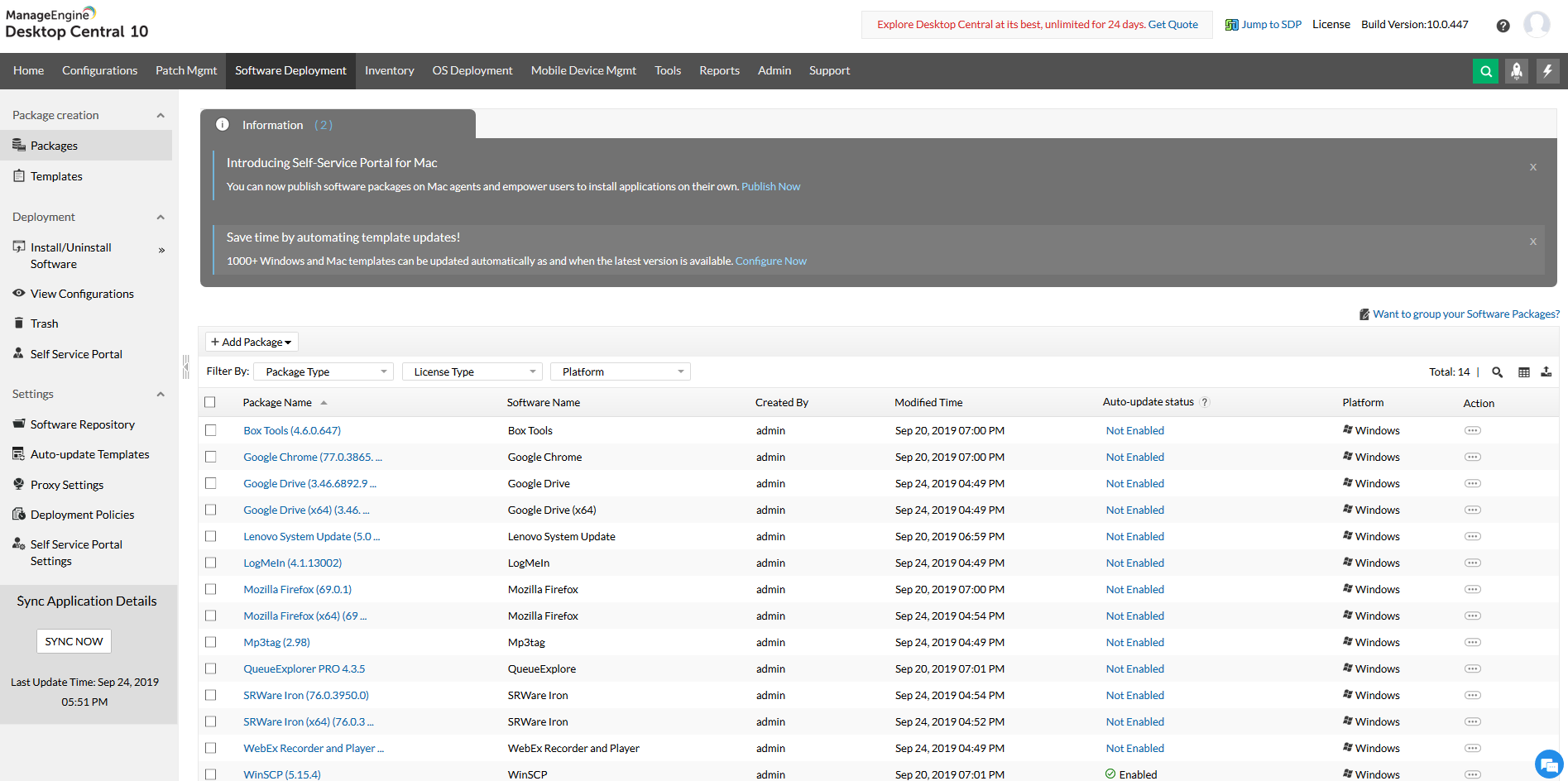
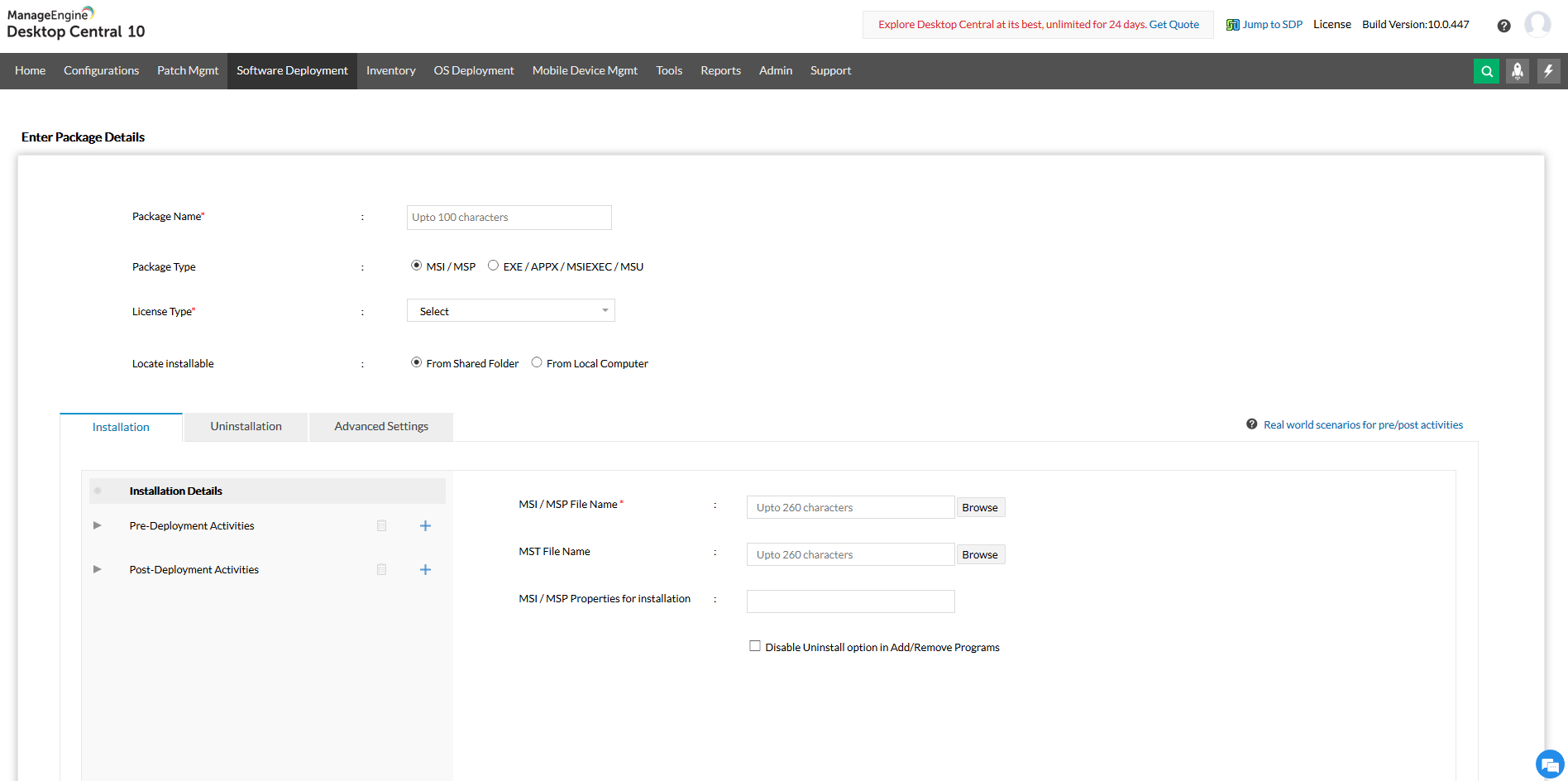
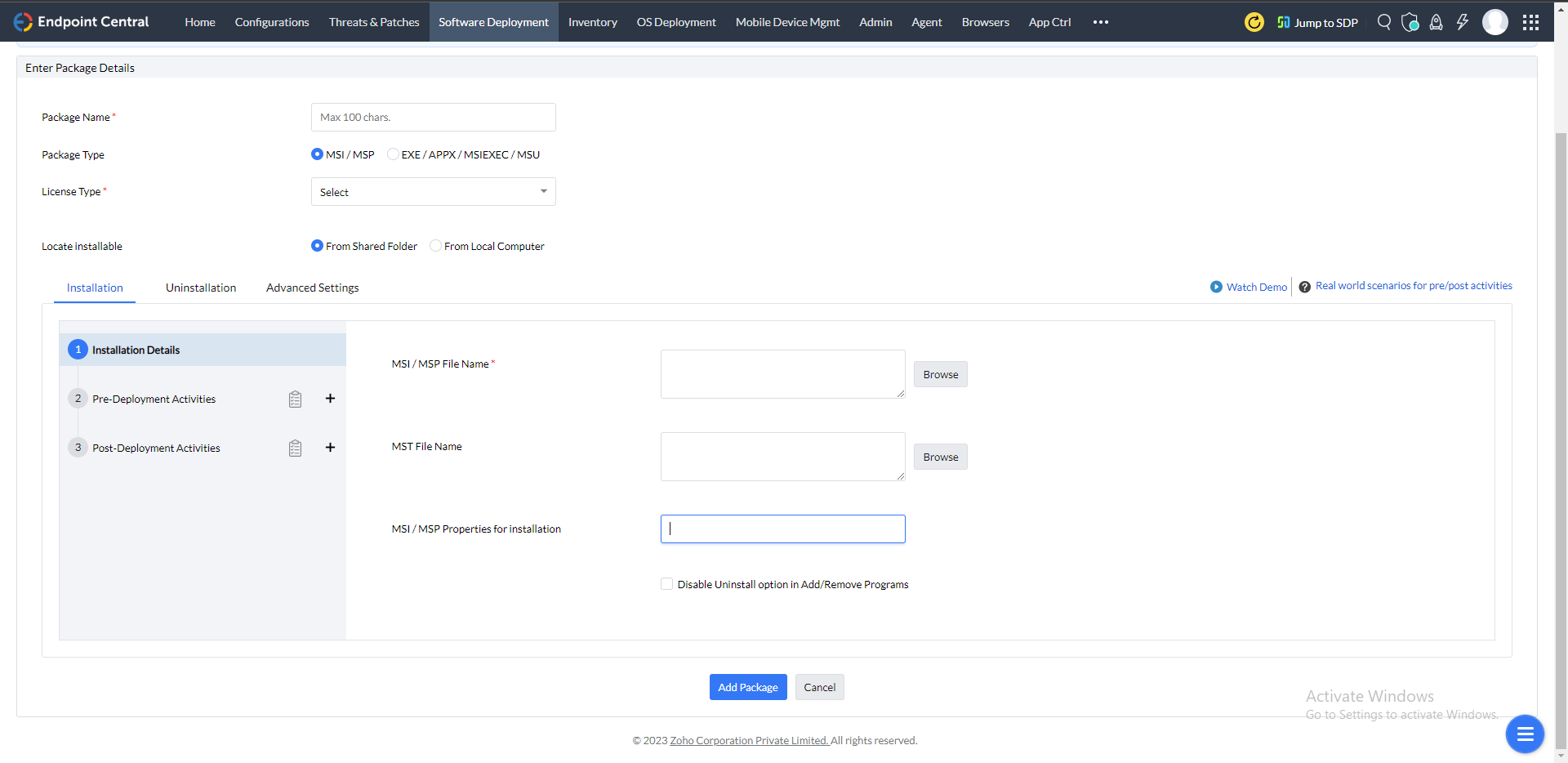
For deploying software and applications, you first need to create software packages, which can get tedious. You can create packages instantly with over 10000 pre-defined application templates along with their install/uninstall switches. Software deployment tools save time and make the process of software installation faster and more accurate.
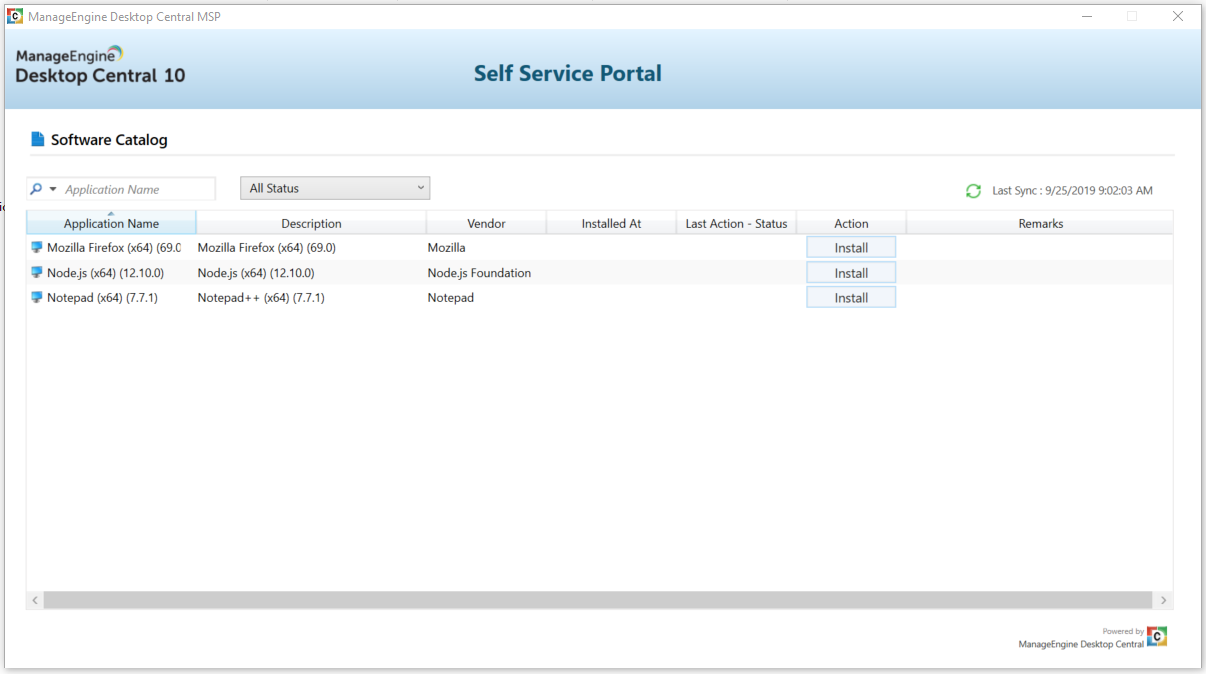
One of the most common task of an IT admin is deploying requested applications to users, for which a lot of help desk tickets are raised regularly. These tickets usually take up a lot of time and resources to resolve. Using Self service portal, you can empower users to install applications on their own. All you need to do is publish most commonly requested applications to the self service portal and reduce the number of help desk tickets raised significantly.
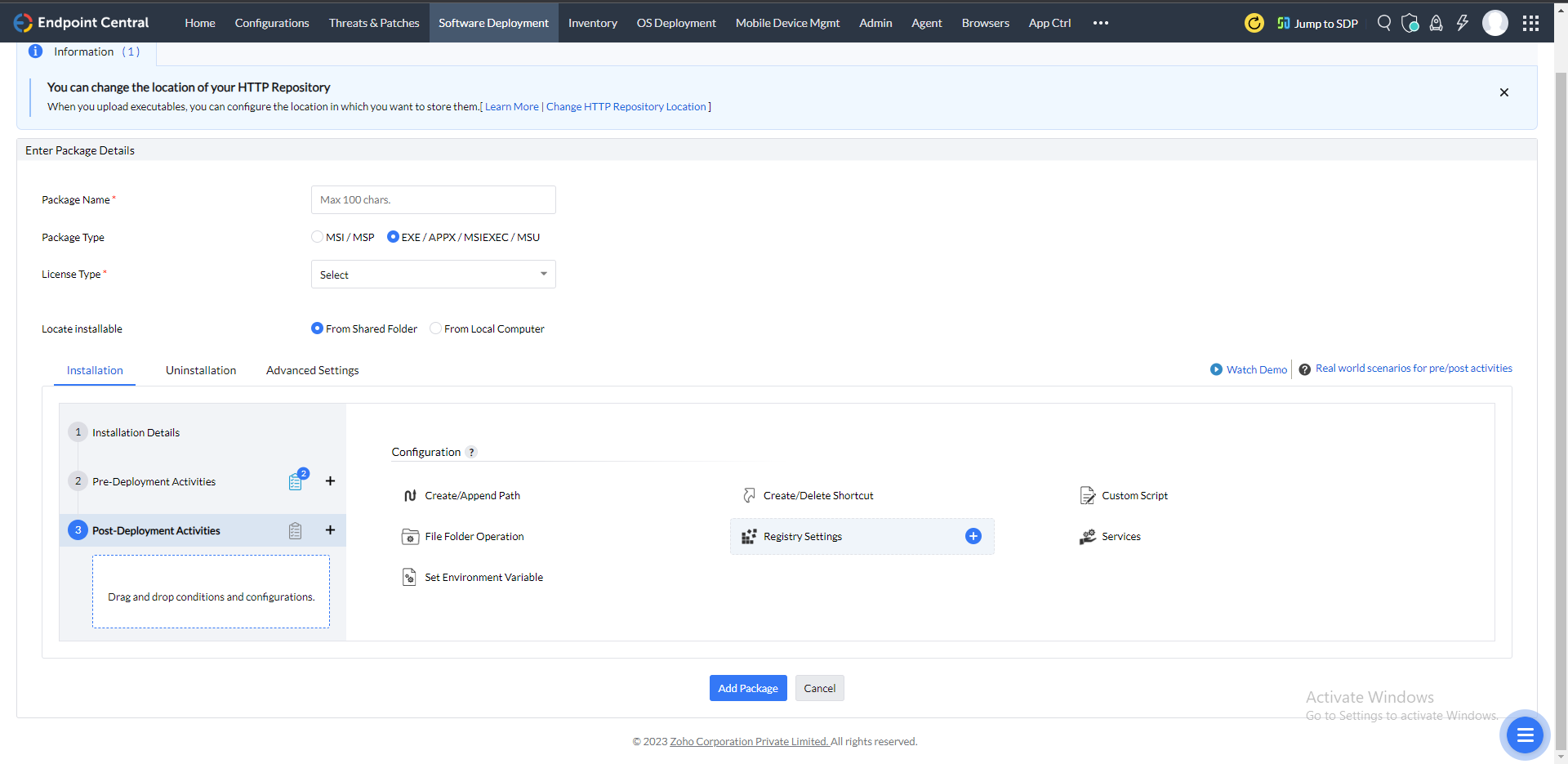
One of the major reasons for software deployment failure is that the target computers don't meet the prerequisites. It can take up a lot of time to figure out the exact issue and then troubleshoot it accordingly. Pre deployment activities let you perform condition checks and apply configurations before installation, to ensure that the target computers meet all the requirements and have all the configurations set up.
The software deployment process is not complete even after the software has been installed. You need to ensure that the application is accessible to user, all the previous versions have been uninstalled, shortcuts have been set up and all the application specific configurations are applied. Post deployment activities allow you to apply follow-up configurations, run custom scripts, change registry settings, create shortcuts, create/append path, and much more after the installation.
All the software packages created are stored in a central Software Repository. Once saved, these packages can be reused multiple times. There are two types of software repositories available: Network Share Repository and HTTP Repository. Network Share repository is used while deploying software packages to LAN agents and HTTP repository is required for deploying software packages to WAN agents.
Creating different packages for installing or uninstalling the same application in software deployment tools can get cumbersome. Once you create a package, it can be used to perform both the operations for MSI, EXE, MSU, APPX and MSP applications.
Downloading the software packages and running the executables takes up a lot of processor's resources, which may lead to reduced performance during application deployment and hence loss of productivity for employees. To prevent this, you can deploy software packages using software deployment tools within a suitable time interval by configuring a deployment policy. This allows you to install applications with the help of application deployment tool on the desired day/date/time, within a preset time window. Scheduling software deployment at off-hours helps bring desired results in terms of cost as well as performance within your environment.
You can copy the necessary installable to the client computers before installing or uninstalling applications. This can be configured while setting up the deployment policy. It is optional and when selected will speed up the installation/uninstallation process.
You can install or uninstall the application as a specific user. After application deployment, all applications are installed as "System User" by default.
Software deployment tools are solutions that make make the process of installing a software to all the endpoints in you network much easier. An automated, centralized, customizable software deployment tool allows you to:
Software deployment is the process of installing software on multiple or all computers in a network from a central location is known as software deployment. Every piece of software is unique in terms of functionality and use cases. It entails the installation, uninstallation, and updating of software in the target systems or users. It applies to apps as well as software, acting as application deployment software for Windows, Mac and Linux.The following steps comprise software deployment management:
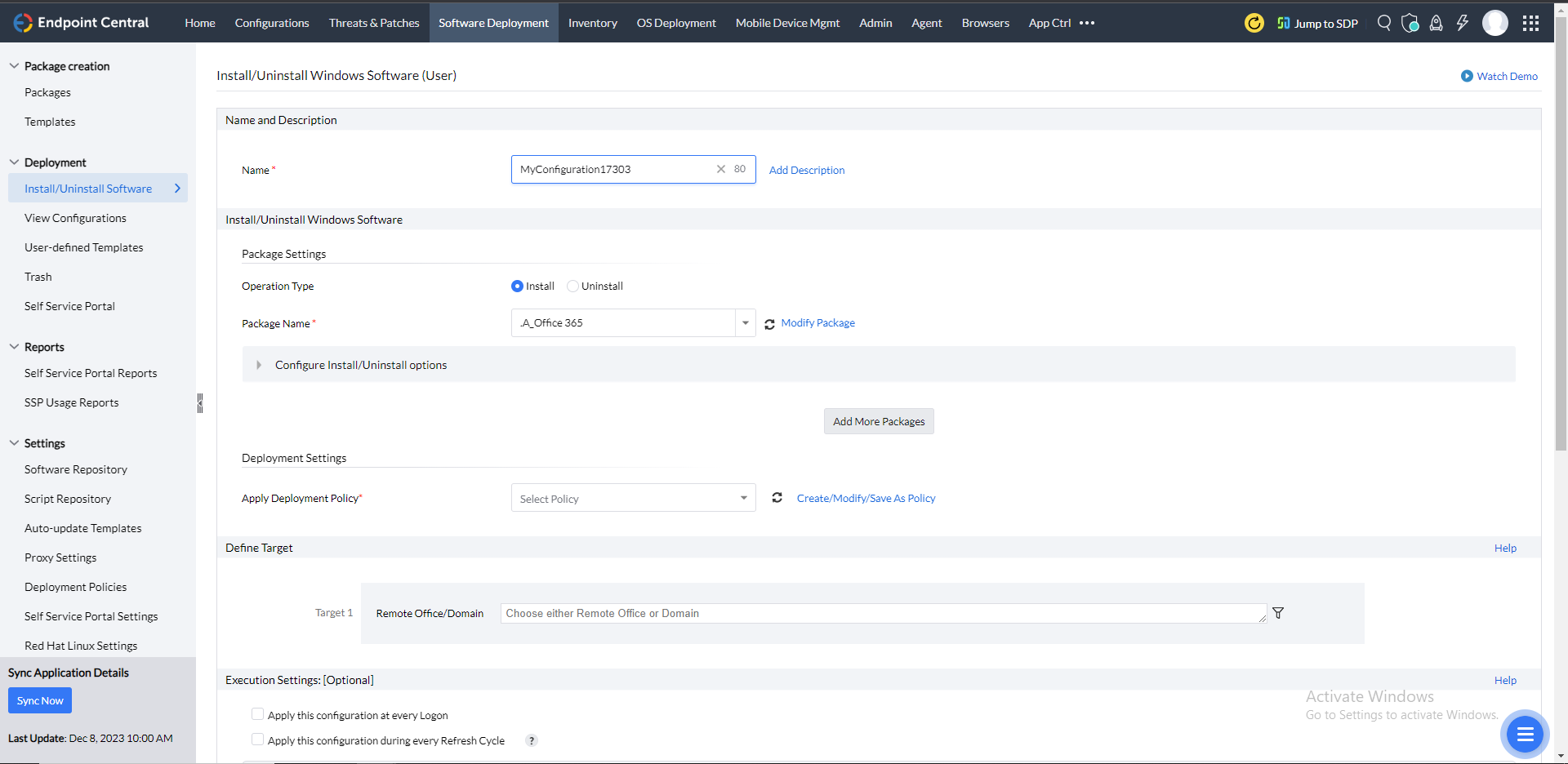
Endpoint Central's software deployment functionality streamlines the software distribution and installation for admins. Here's a step-by-step workflow for deploying software to endpoints:
The complexity of the software deployment process tends to increase when either the number of targets becomes huge or there are different endpoints running on varied operating systems.
ManageEngine Endpoint Central, awarded as the Customer's Choice 2024 in Unified Endpoint Management tools offers a robust software deployment functionality.
Here's a look at why this is the best software deployment tool for your enterprise:
Software deployment tools are applications that enable admins to automate the monitoring, management, and deployment of software to systems connected to the enterprise network. Unified endpoint management tools like Endpoint Central offer software deployment functionalities that streamline the deployment process starting with package creation, configuring the deployment templates, and installing them on the target systems automatically.
As one of the best software deployment solutions, this tool also extends flexibility to end-users in terms of software installation. With a few clicks, end-users can request the required software from their systems, using the Self Service Portal. Based on the use and approval, admins can then deploy the list of software to the target systems, that can later be installed by the users.
Among the plethora of software deployment solutions available in the market, choosing the best one can be tough. To simplify, here's a checklist that can help you select the best software deployment tool:
 <" />
<" />