Jira Service Desk On-Demand is a cloud-based help desk software which, when integrated with Log360 Cloud, empowers IT and security teams to enhance their incident response capabilities. This integration helps detect threats and vulnerabilities in real time, respond to incidents without switching between tools, and streamline operations by managing alerts and tickets directly within Jira Service Desk.
Actions Supported
Two-way synchronization
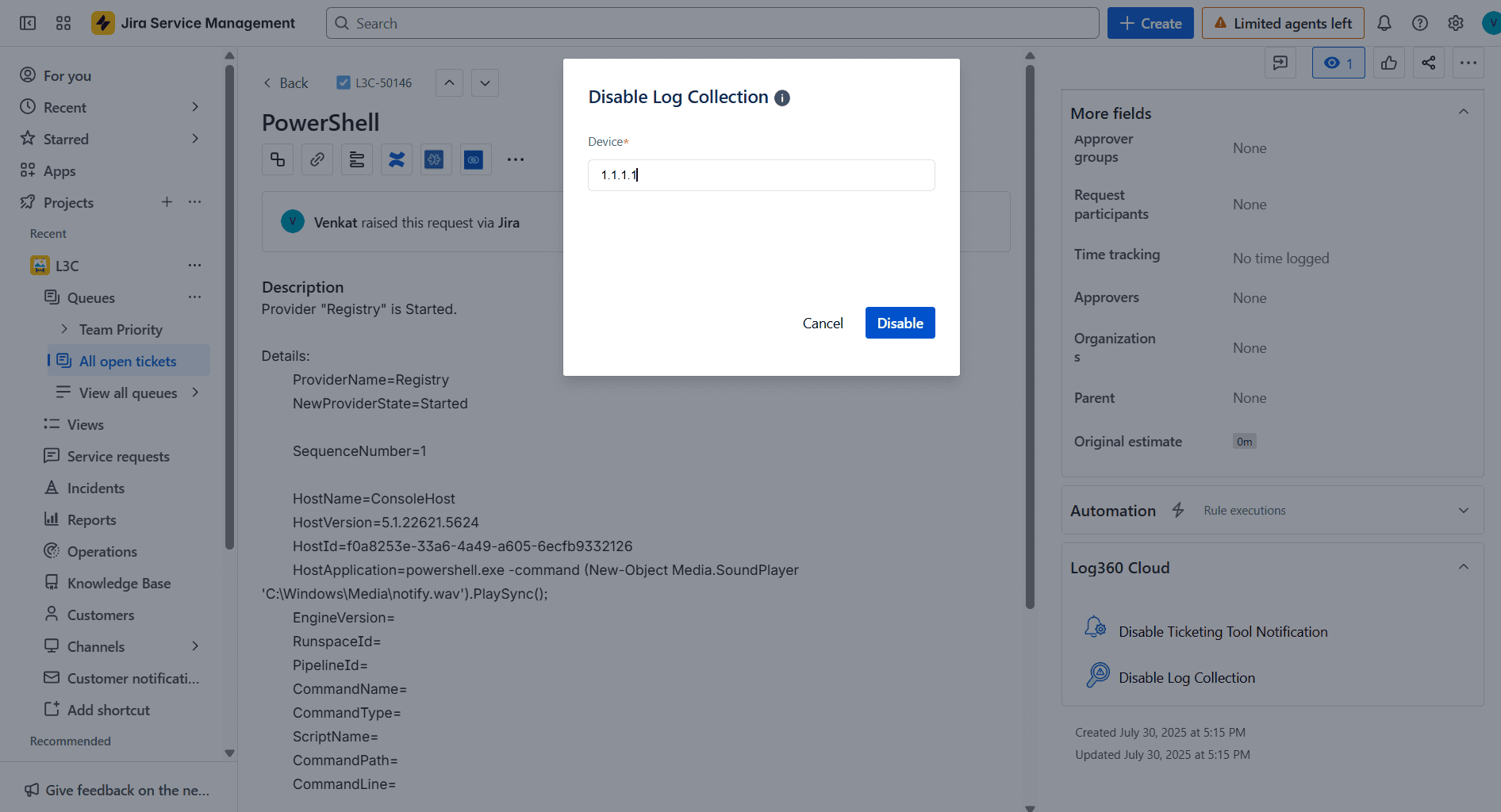
Disable log collection
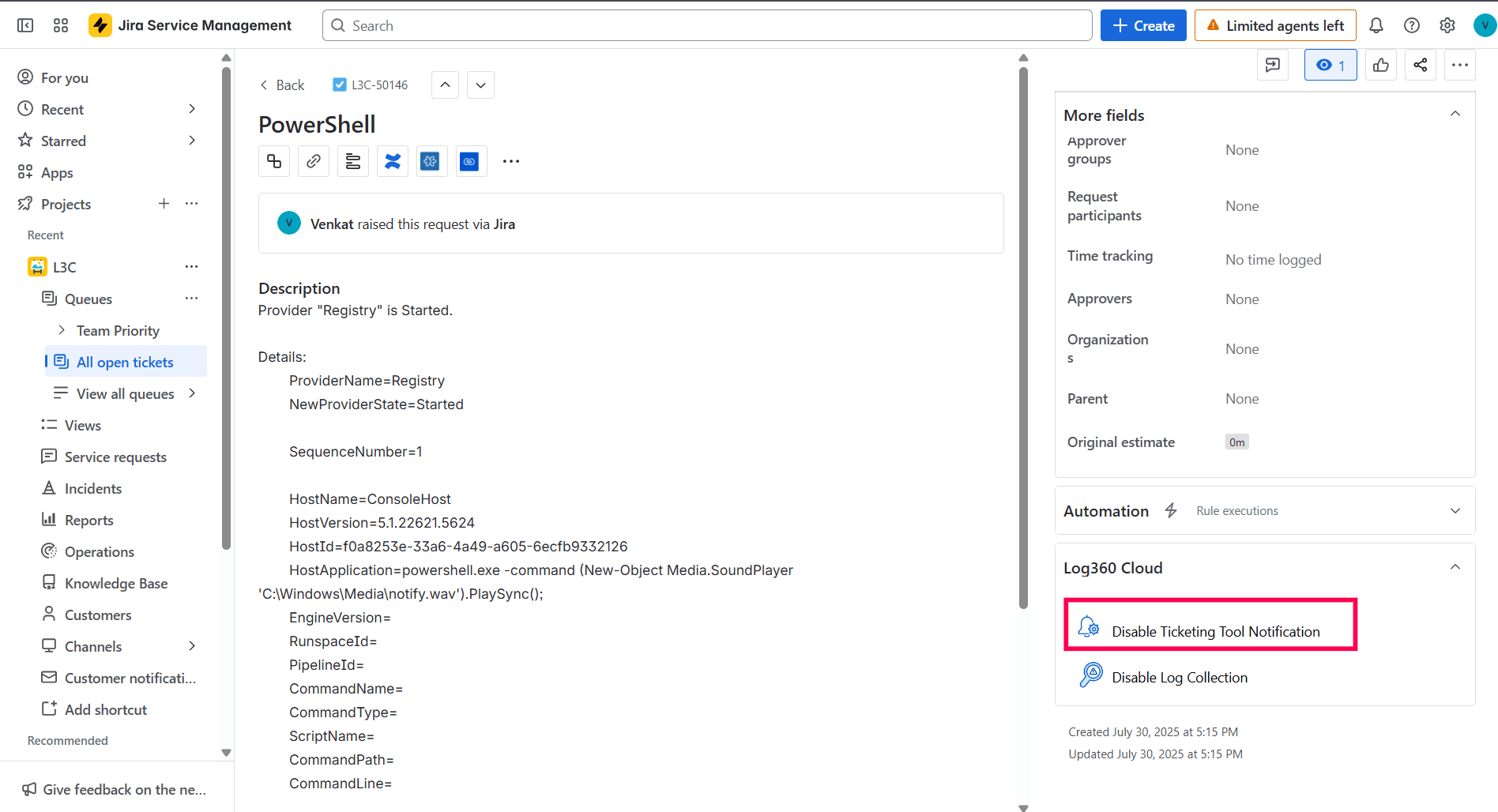
Disable ticketing tool notification
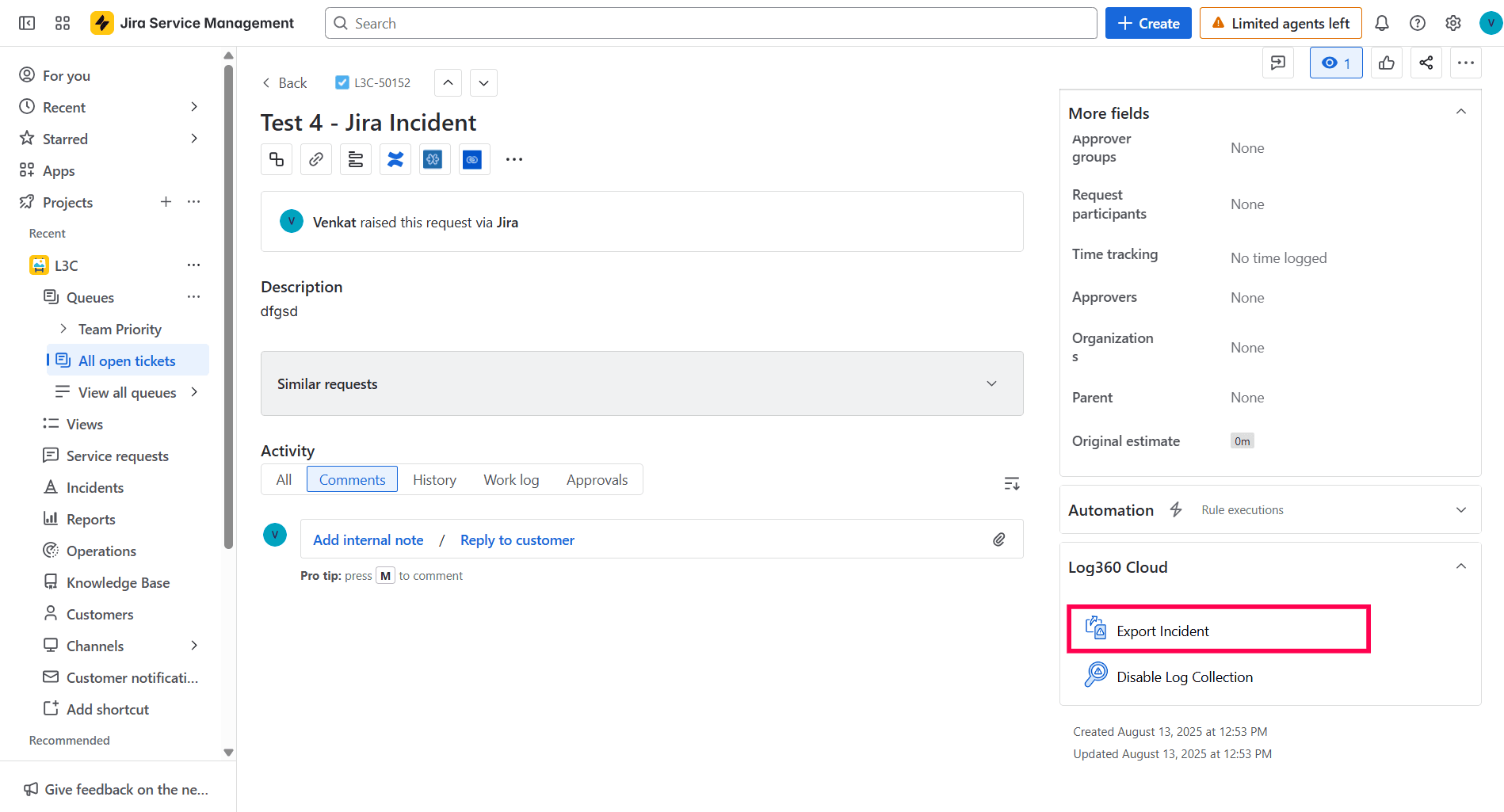
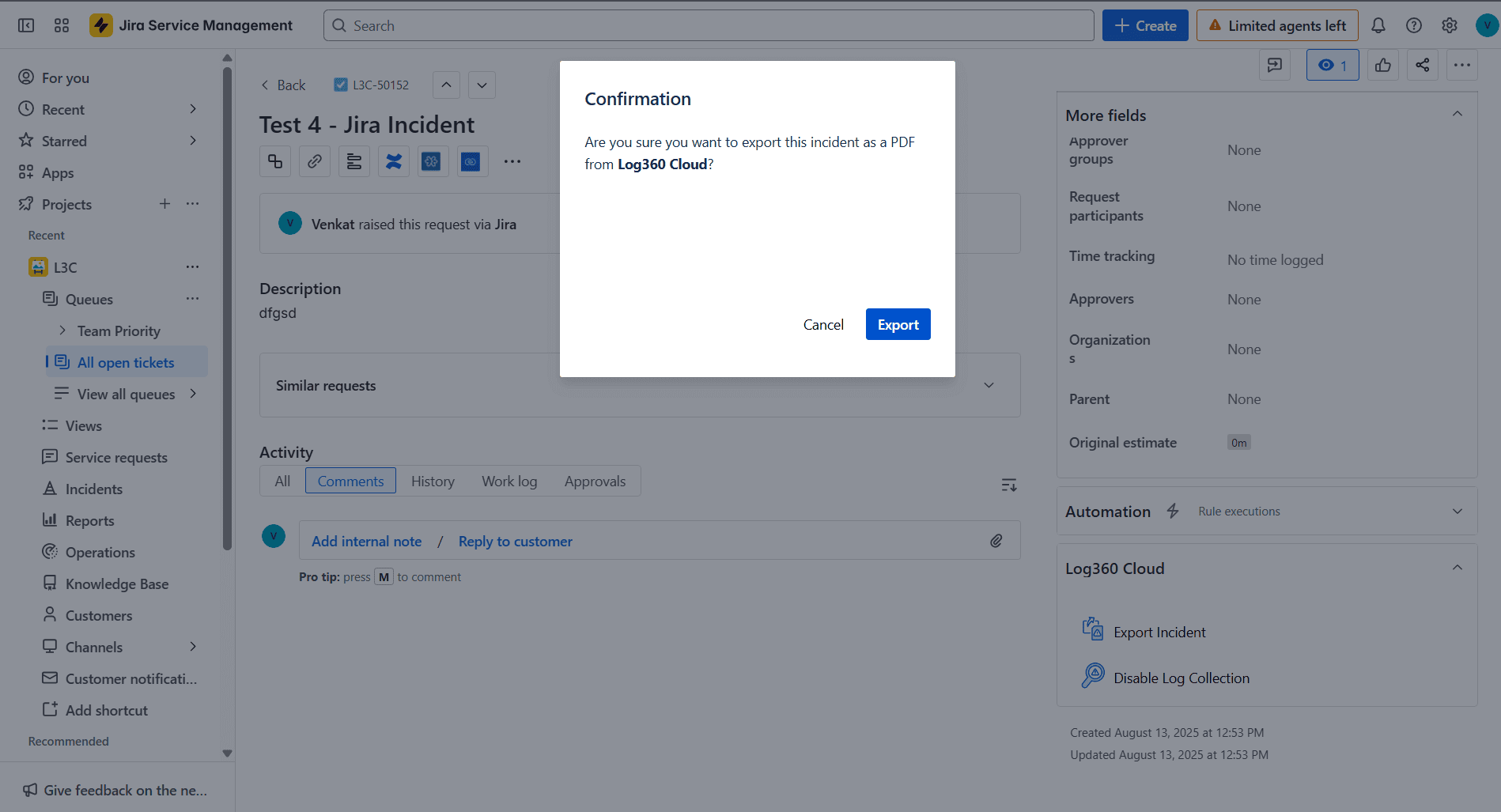
Export incident
Before you begin:
Sign up and create an account in Log360 Cloud if you haven't already.
Steps to Integrate Log360 Cloud with Jira Service Desk On-Demand
Log in to Jira as an admin.
Download the Log360 Cloud application from the Atlassian Marketplace.
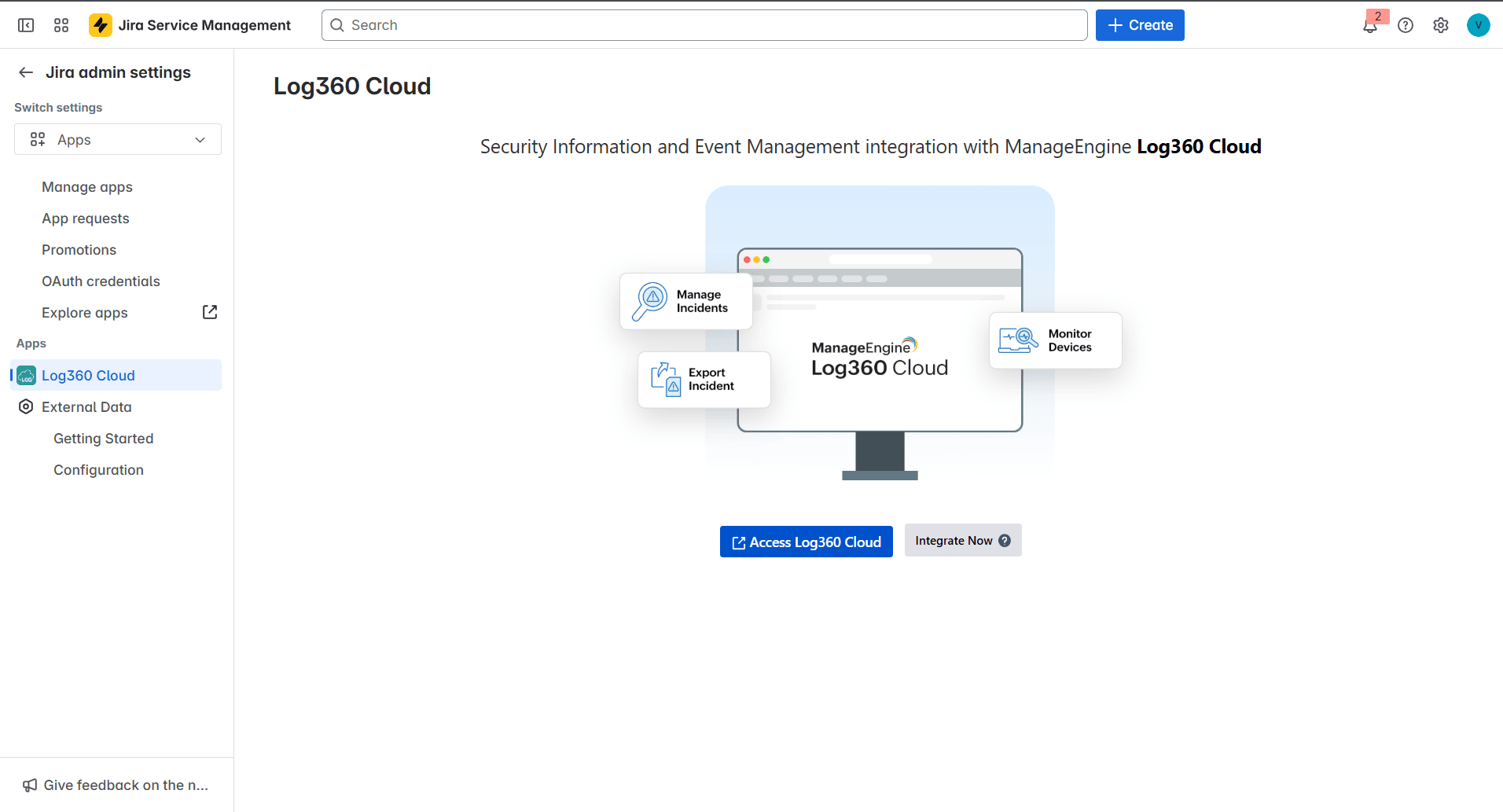
In the top navigation bar, under the Apps drop-down, click Log360 Cloud.
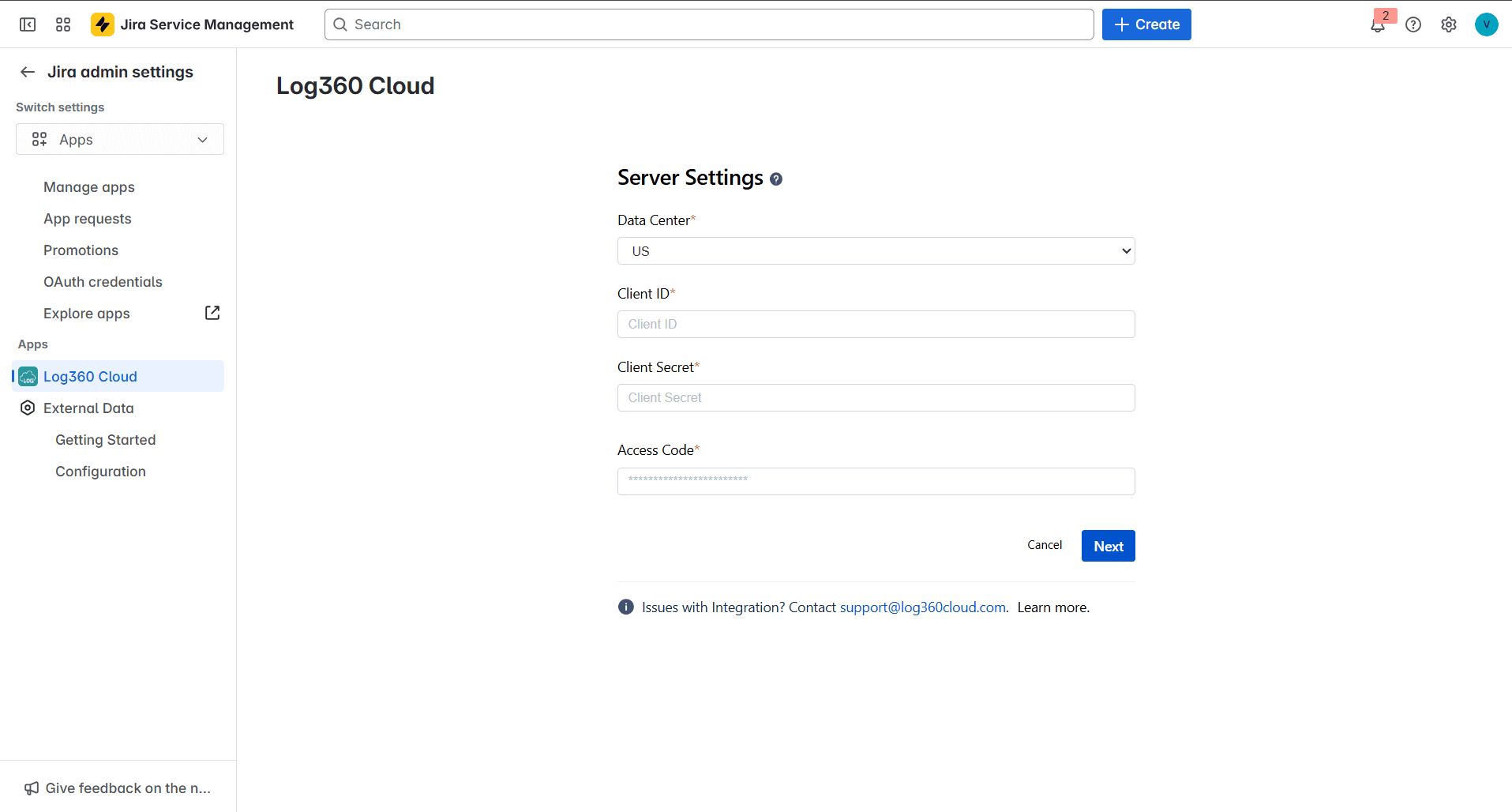
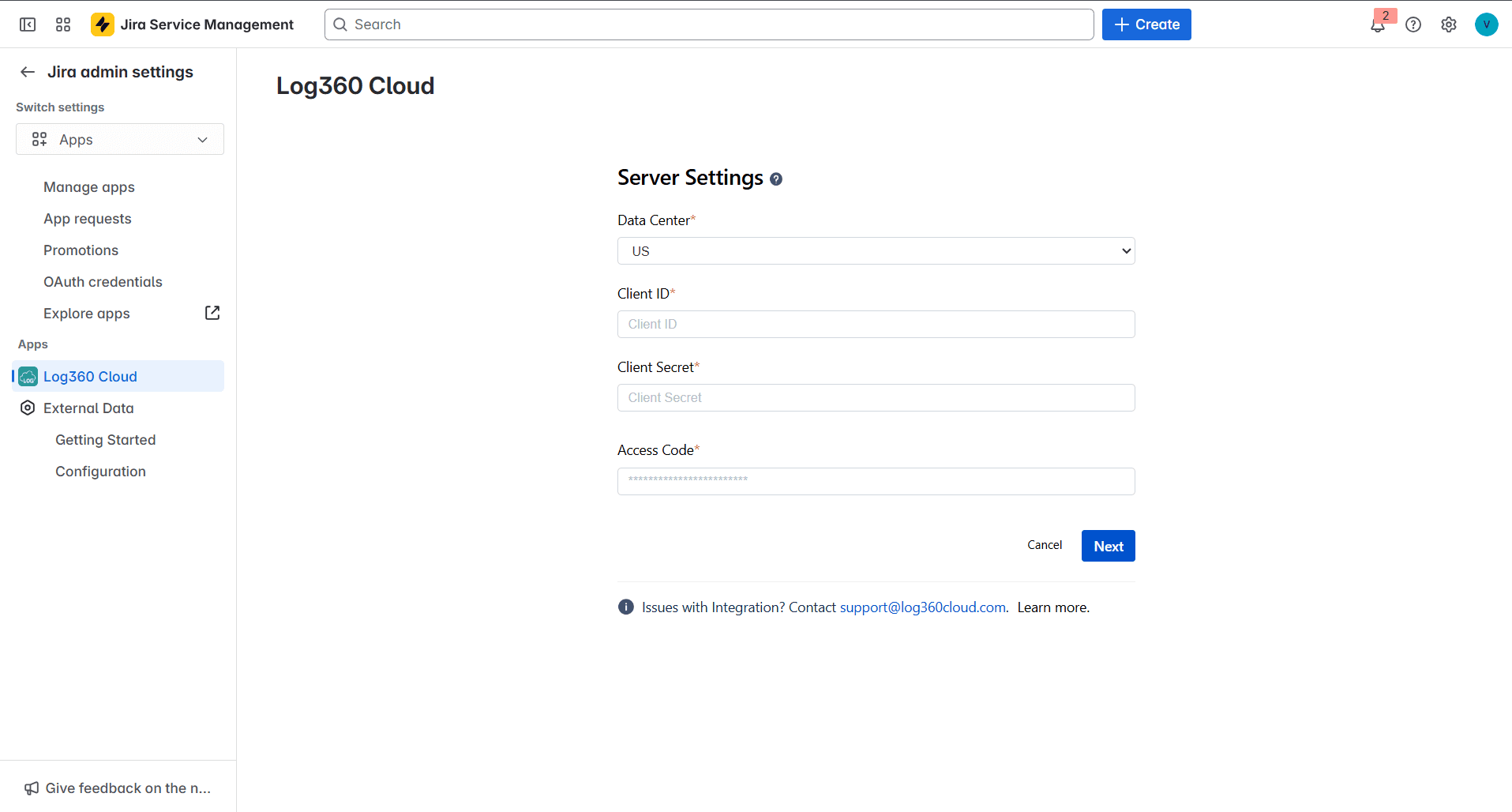
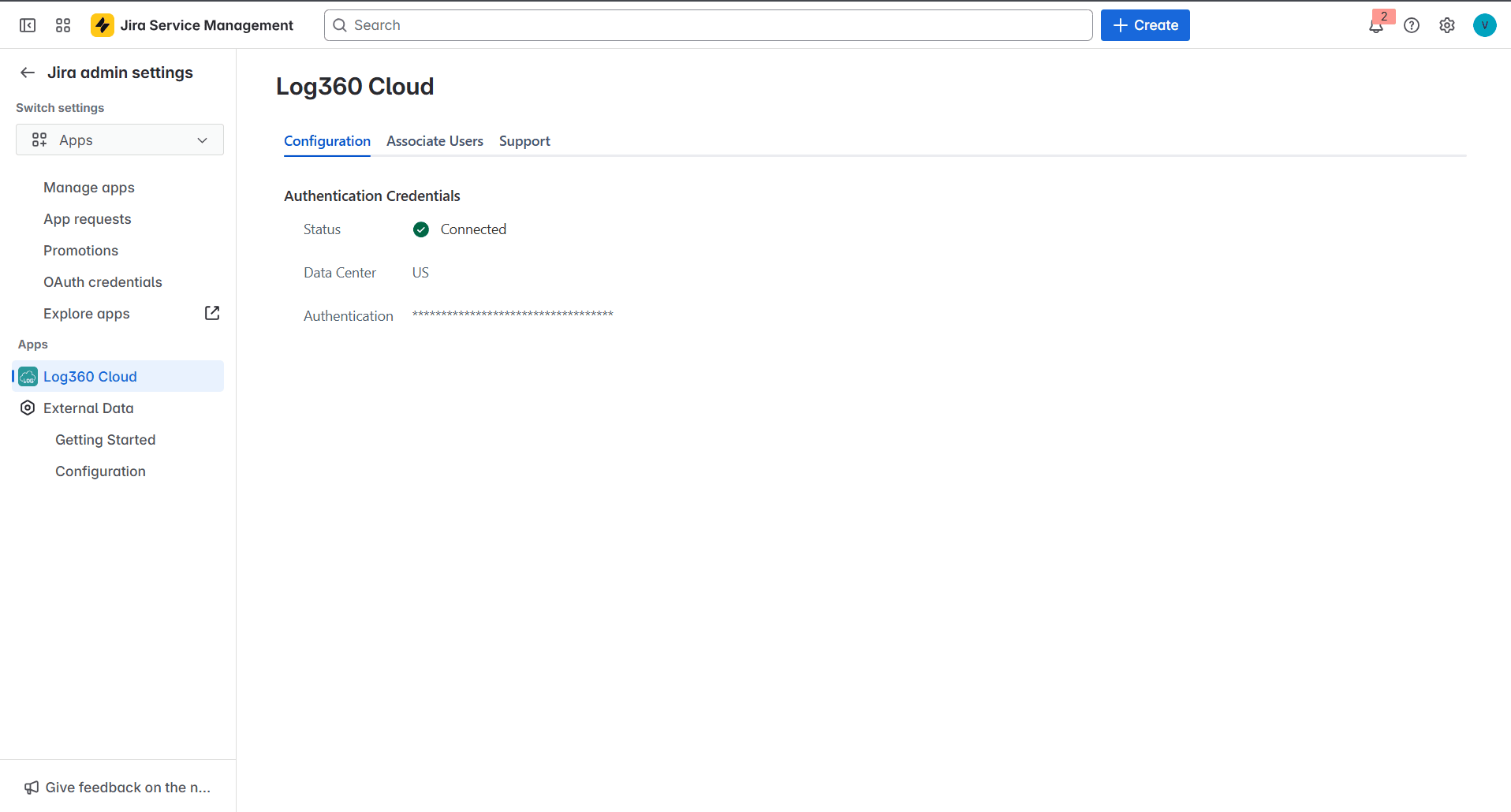
In the page that opens, click the Integrate Now! button.
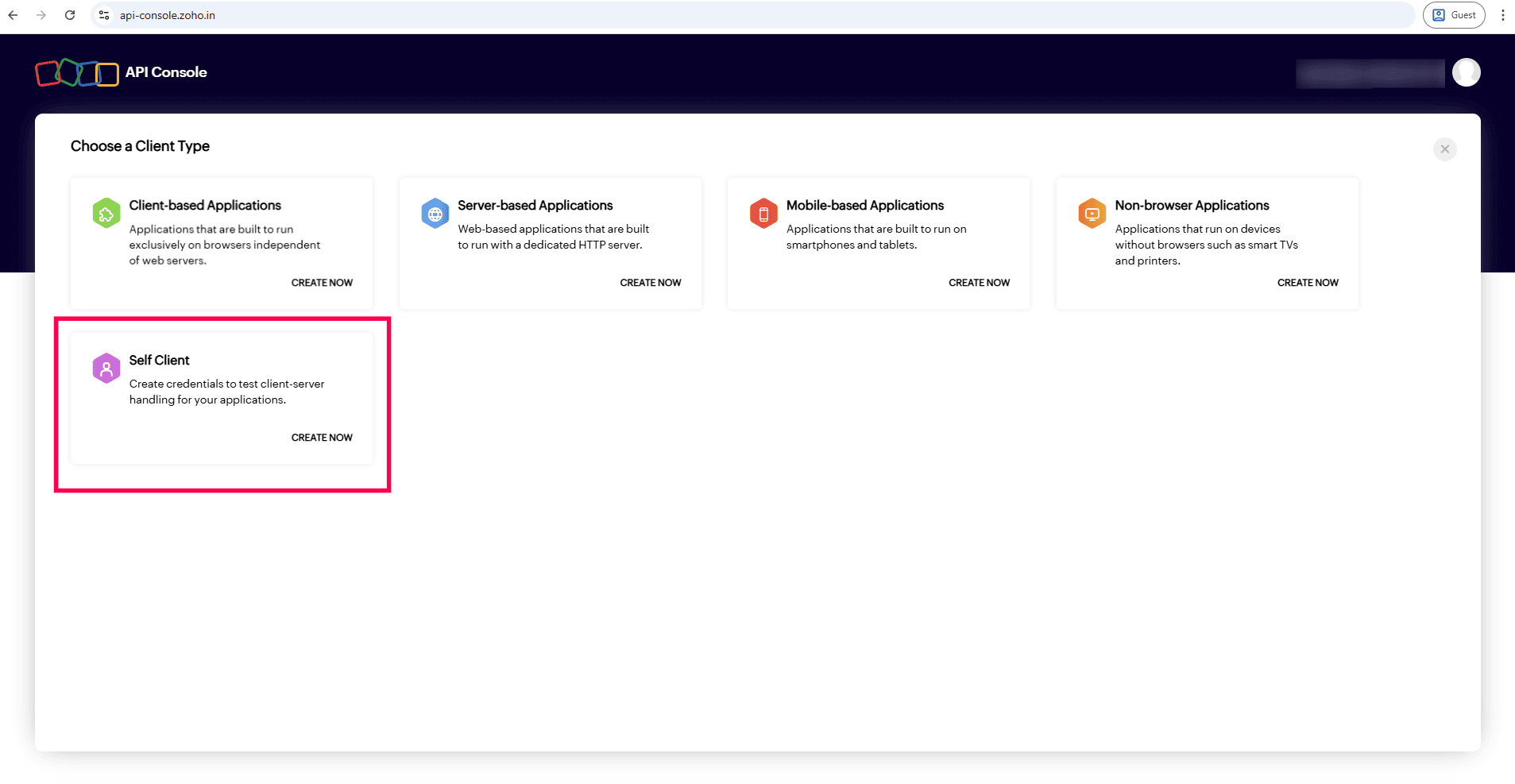
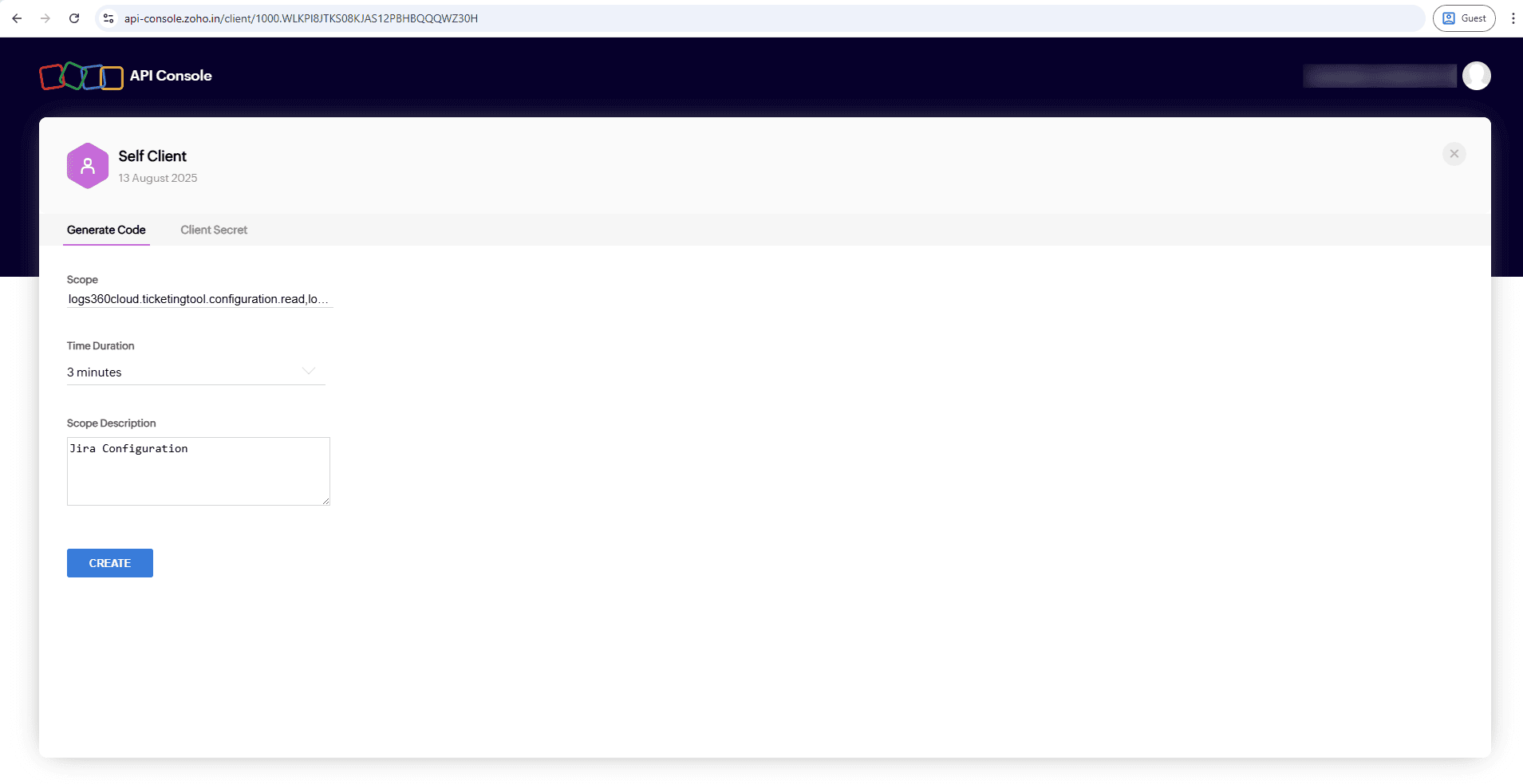
Access the API Console for your respective Log360 Cloud data center. Refer to the table below to find the data center corresponding to your Log360 Cloud account.