Endpoint Security For Dummies® - Special Edition
Turn endpoint chaos into clarity with a practical guide to building cyber-resilience across all your devices. Get clear, actionable insights minus the overwhelm.


Protect and streamline your IT infrastructure with automated patching, asset intelligence, remote troubleshooting, digital employee experience, data security, attack surface management, ransomware protection, and more from a single console.

Turn endpoint chaos into clarity with a practical guide to building cyber-resilience across all your devices. Get clear, actionable insights minus the overwhelm.

Certified by AV-Comparatives (Dec 2025) for Business Security, our award-winning protection is recognized by experts and trusted by users worldwide.





Everything in IT converges into an endpoint. And behind every endpoint, there's an end user or a technician. Endpoint Central brings your devices, apps, data personnel together in one place, enabling you to secure your digital workplace and manage your workforce across the globe.


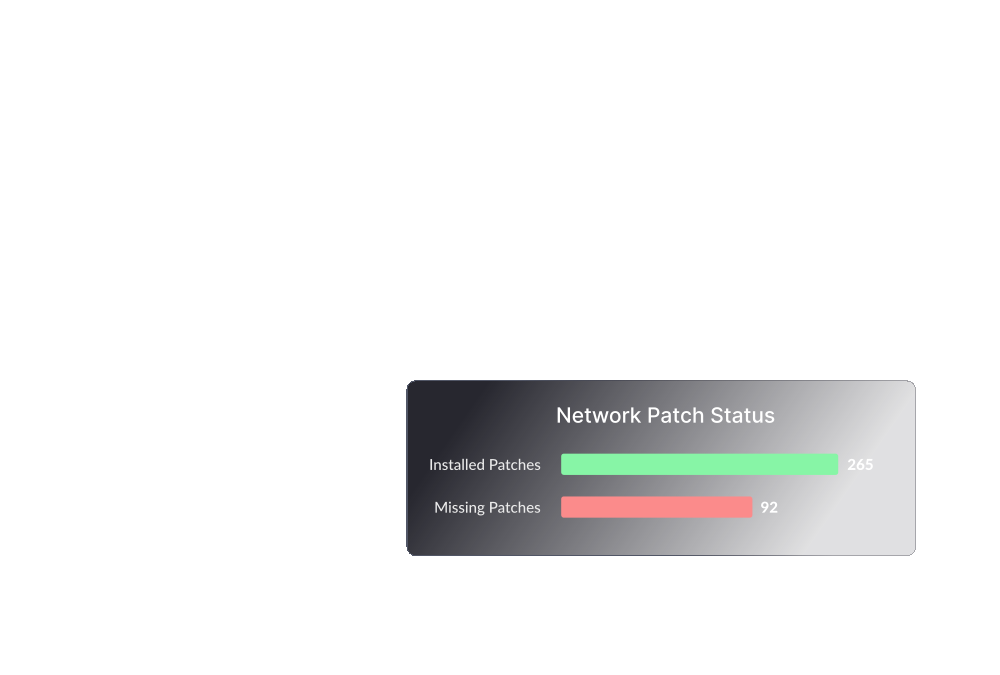
Secure your network by automating patch deployment for Windows, Mac, Linux, and third-party applications.
Learn more
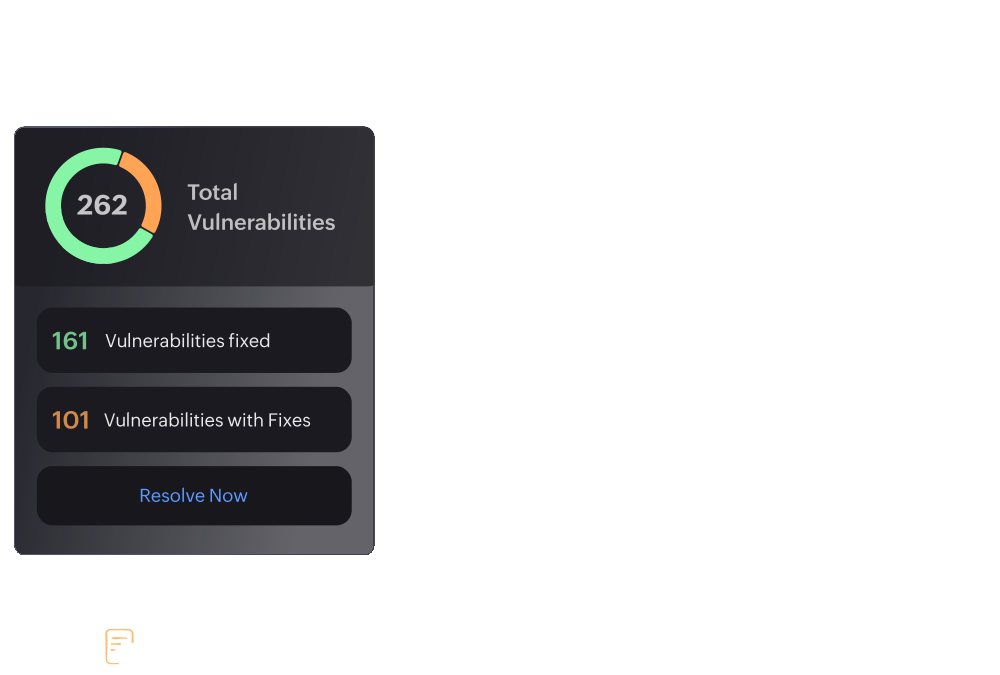
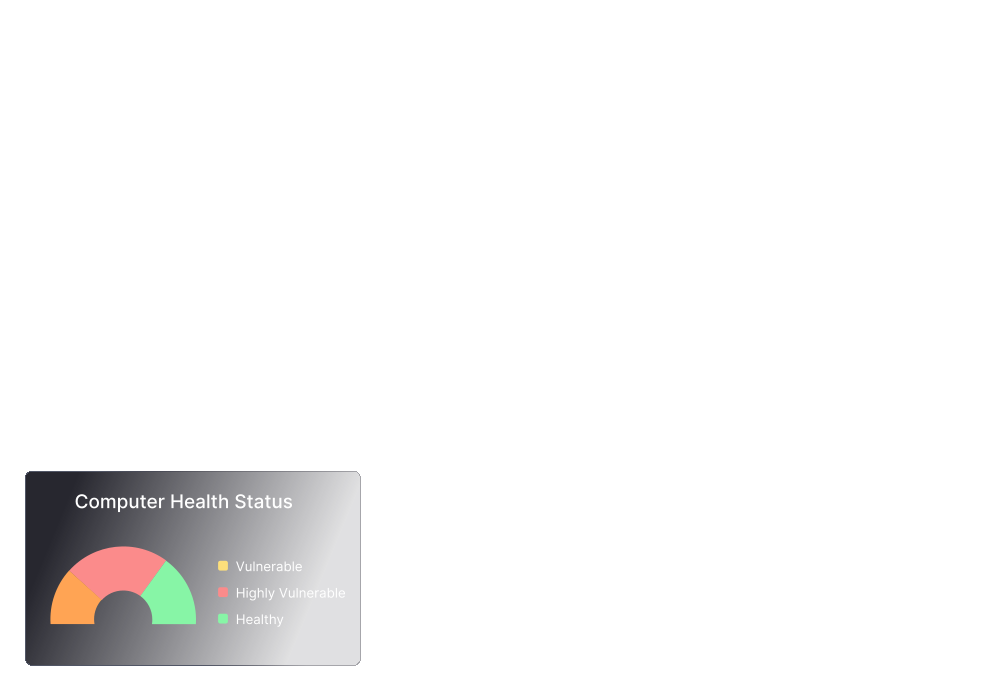
Detect and remediate vulnerabilities around the clock. Audit and maintain your systems in line with 75+ CIS benchmarks.
Learn more
Gain insights into the root cause of ransomware attacks while providing immediate incident response and preventing future attacks.
Learn more
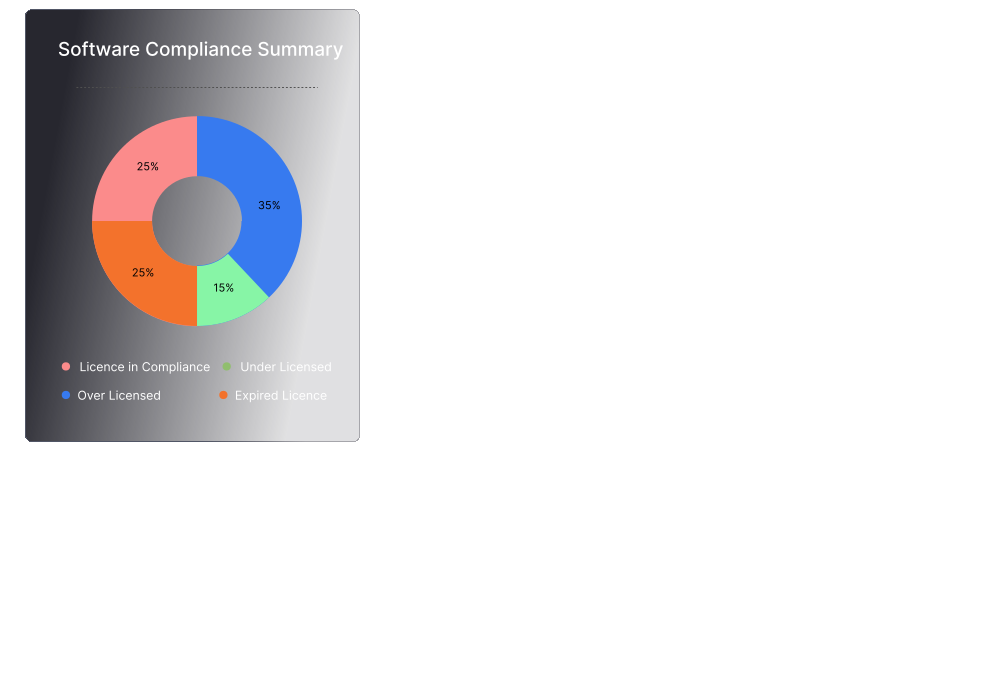
Manage software and hardware assets along with license and warranty tracking. Monitor software usage and be notified of hardware changes around the clock.
Learn more
Empower your mobile workforce and streamline all MDM needs. Centralize device, app, email, and content management, while ensuring compliance and robust security.
Learn more
Ensure seamless digital experiences by monitoring and fixing issues proactively
Learn more
Protect your enterprise's critical data from disclosure and theft by leveraging advanced data loss prevention strategies.
Learn more
Automatically image and deploy OS on Windows computers along with the installation of required drivers and applications.
Learn more
Deploy software to all the endpoints within your network in just a few clicks. Block or allow applications with rule-based filtering.
Learn more
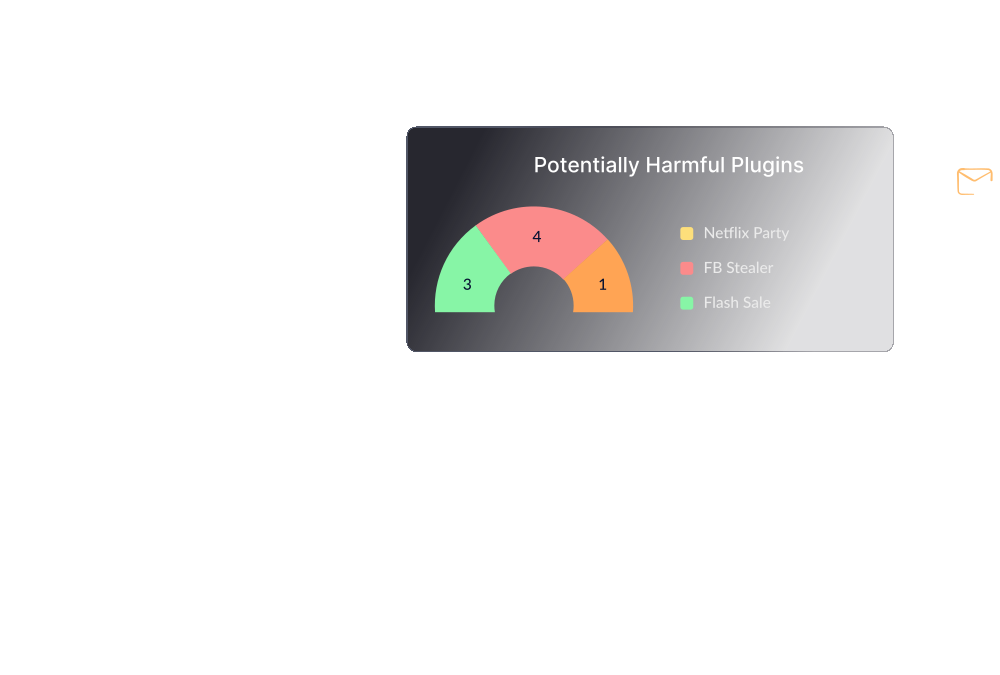
Mitigate insider threats and security breaches by managing privileges, monitoring apps and controlling sensitive data at the endpoint level.
Learn more
Remotely connect with end users and solve their issues in real time.
Learn more
Manage configurations on endpoints to comply with policies and industry practices while establishing security baselines at an organization level.
Learn more
Monitor and enforce security measures on the browsers used in your organization.
Learn more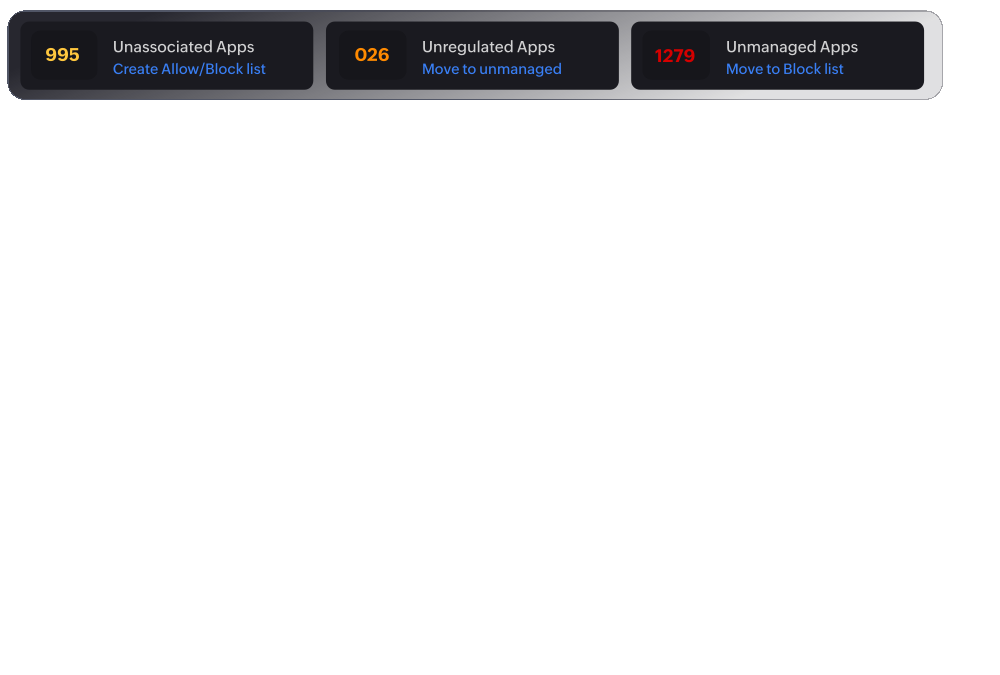
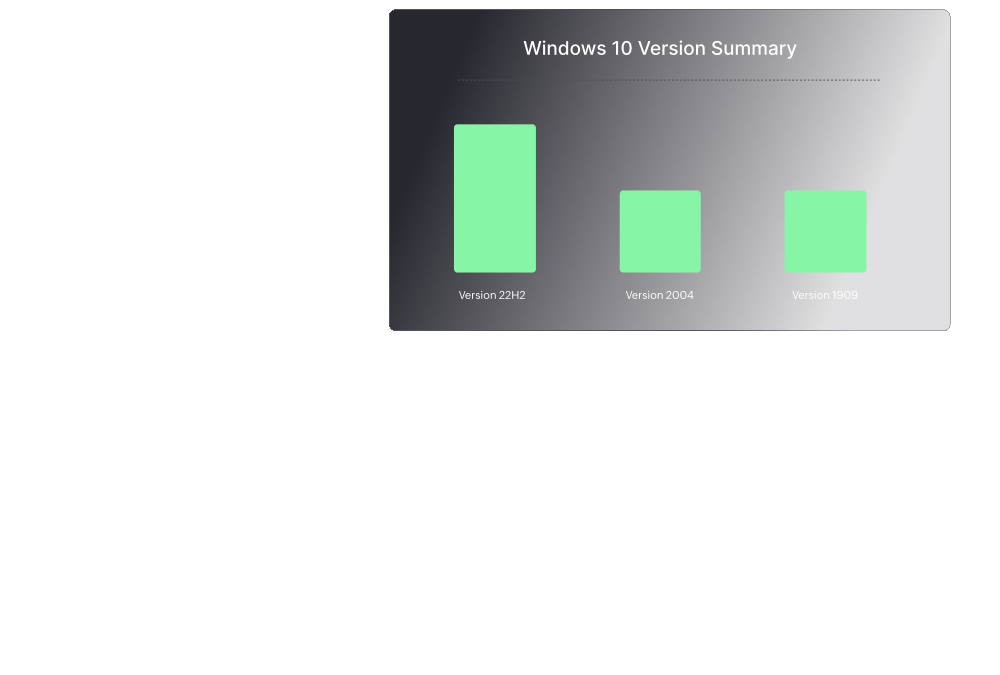


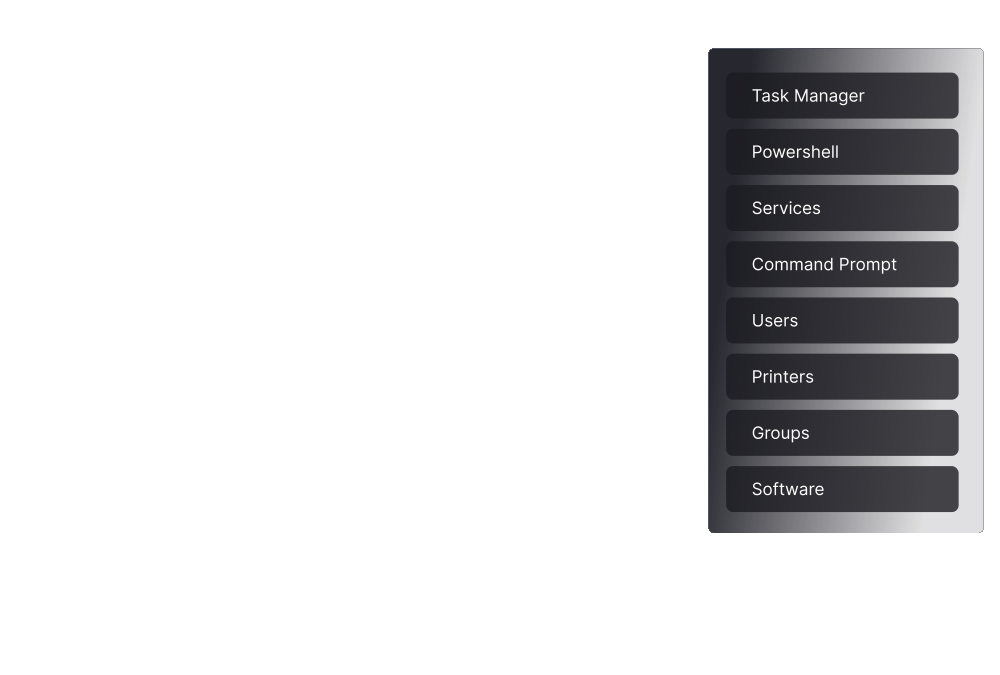
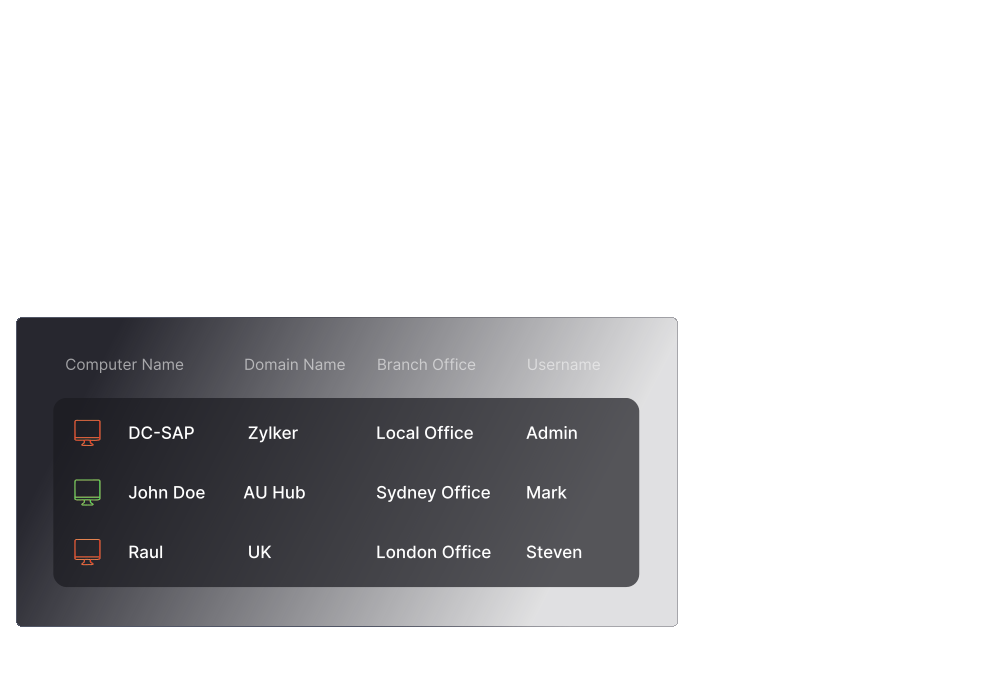

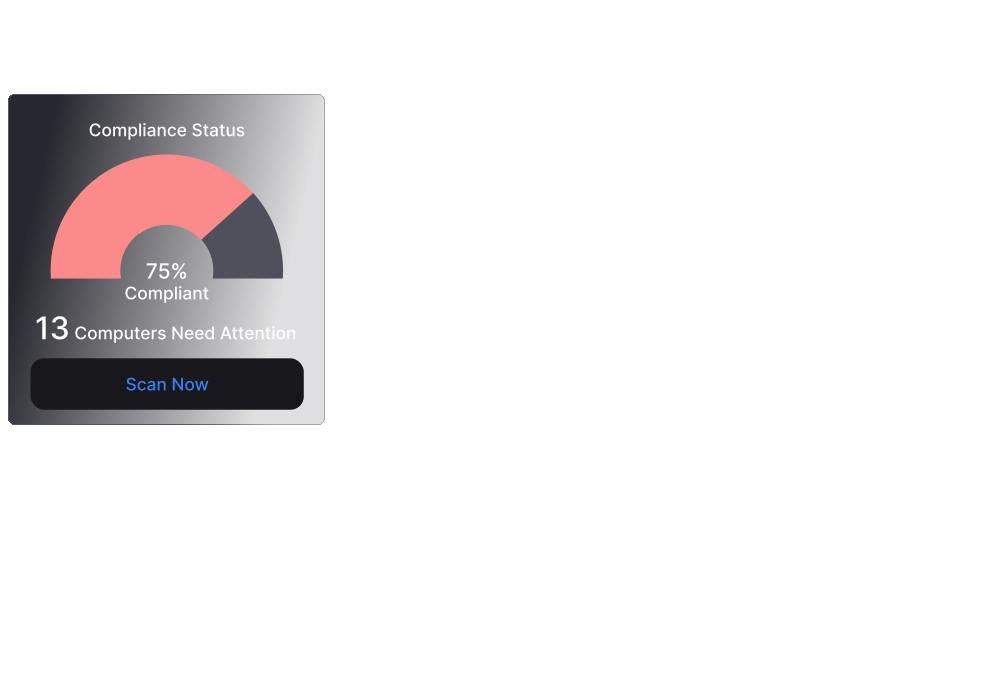
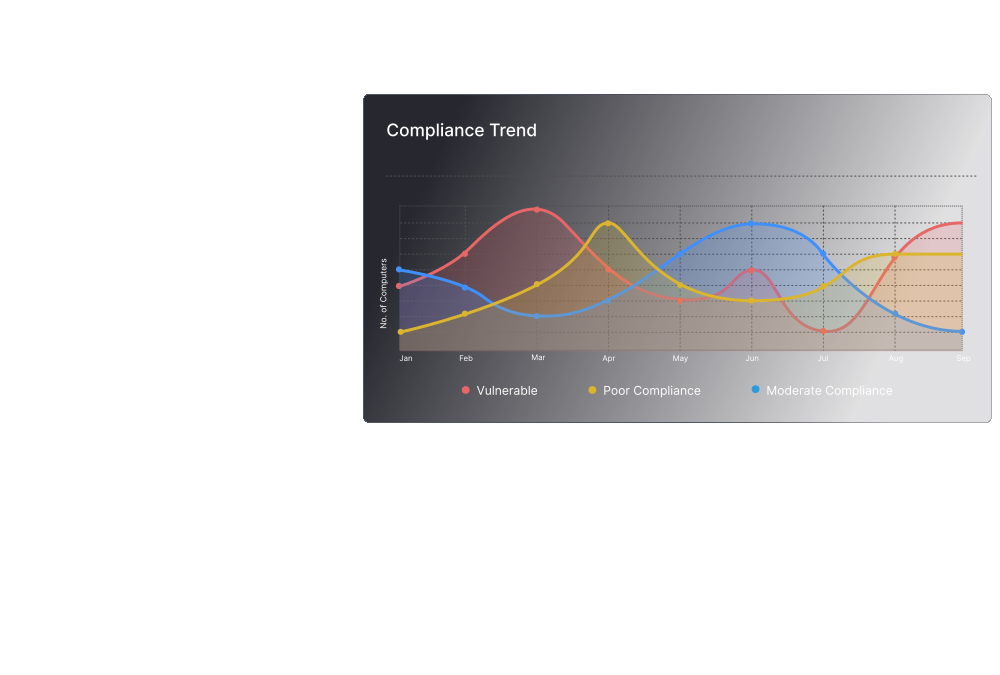

Endpoint Central supports a wide range of devices and OSs


We believe in forging long-term partnerships based on privacy and trust


We don't own your data and will never sell it to advertisers, even when you use our free edition. This has been our promise for 20 years, and we'll continue to value your privacy over everything else.
Our endpoint management has been built from scratch with homegrown technology we've honed for 20 years. We always keep our customers' needs in mind.
From modern management to remote troubleshooting, patching and remediation to ransomware protection, accomplish your IT and security needs using a single agent.
We've been in the endpoint management market since the very beginning. When you partner with us, you'll always be ahead of the curve.

We believe in forging long-term partnerships based on privacy and trust
We don't own your data and will never sell it to advertisers, even when you use our free edition. This has been our promise for 20 years, and we'll continue to value your privacy over everything else.
Read moreOur endpoint management has been built from scratch with homegrown technology we've honed for 20 years. We always keep our customers' needs in mind.
Read moreFrom modern management to remote troubleshooting, patching and remediation to ransomware protection, accomplish your IT and security needs using a single agent.
Read moreWe've been in the endpoint management market since the very beginning. When you partner with us, you'll always be ahead of the curve.
Read moreCompare plans and features with our edition comparison matrix or request a personalized demo tailored to your needs.
Choose the edition that best suits your needs using our Edition Comparison matrix.
Endpoints managed
Enterprises
in industry
Countries

Endpoint Central helps us with patch management which security-wise is fantastic. The outcome could be really bad for us if we weren't on top of our patch management. We're also able to see the age of machines from a business point of view. The remote feature is fantastic. I would definitely recommend ManageEngine


Endpoint Central has helped our business enhance employee experience and support users in a timely and efficient manner.


Sign up for a 30-day, free trial. No credit card required.
F