Integrate OpManager with OpsGenie

Integrating OpsGenie with OpManager brings a powerful synergy to your IT operations and incident management strategy. This integration enables advanced alerting capabilities, ensuring that critical issues are detected and communicated promptly. With intelligent escalation workflows, incidents are automatically routed to the right teams or individuals based on predefined rules, reducing response times and minimizing service disruptions. Additionally, OpsGenie’s collaboration features empower teams to work together seamlessly, providing real-time updates, context, and insights to resolve issues efficiently. By combining these strengths, the integration helps organizations enhance operational efficiency, improve incident resolution, and maintain high service reliability.
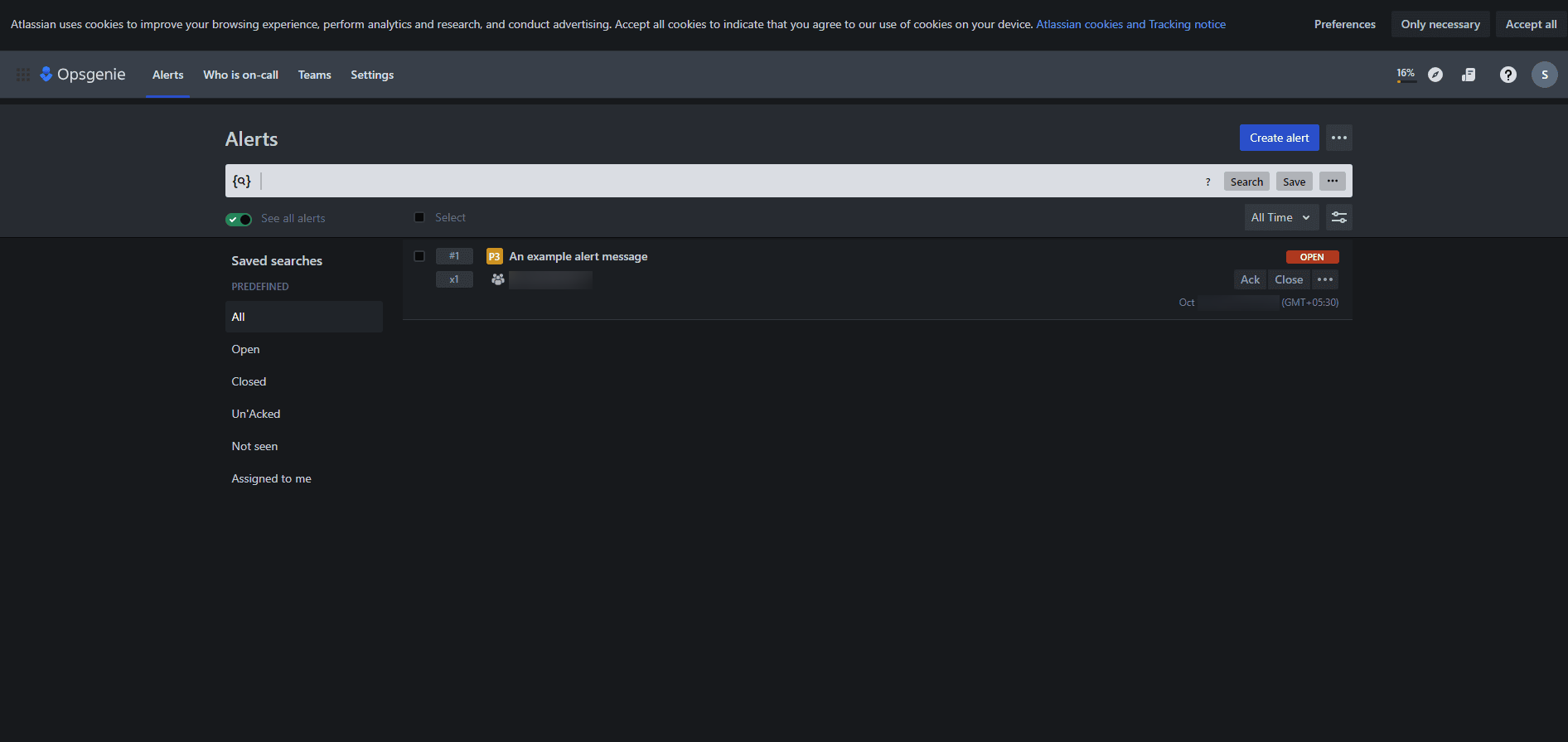
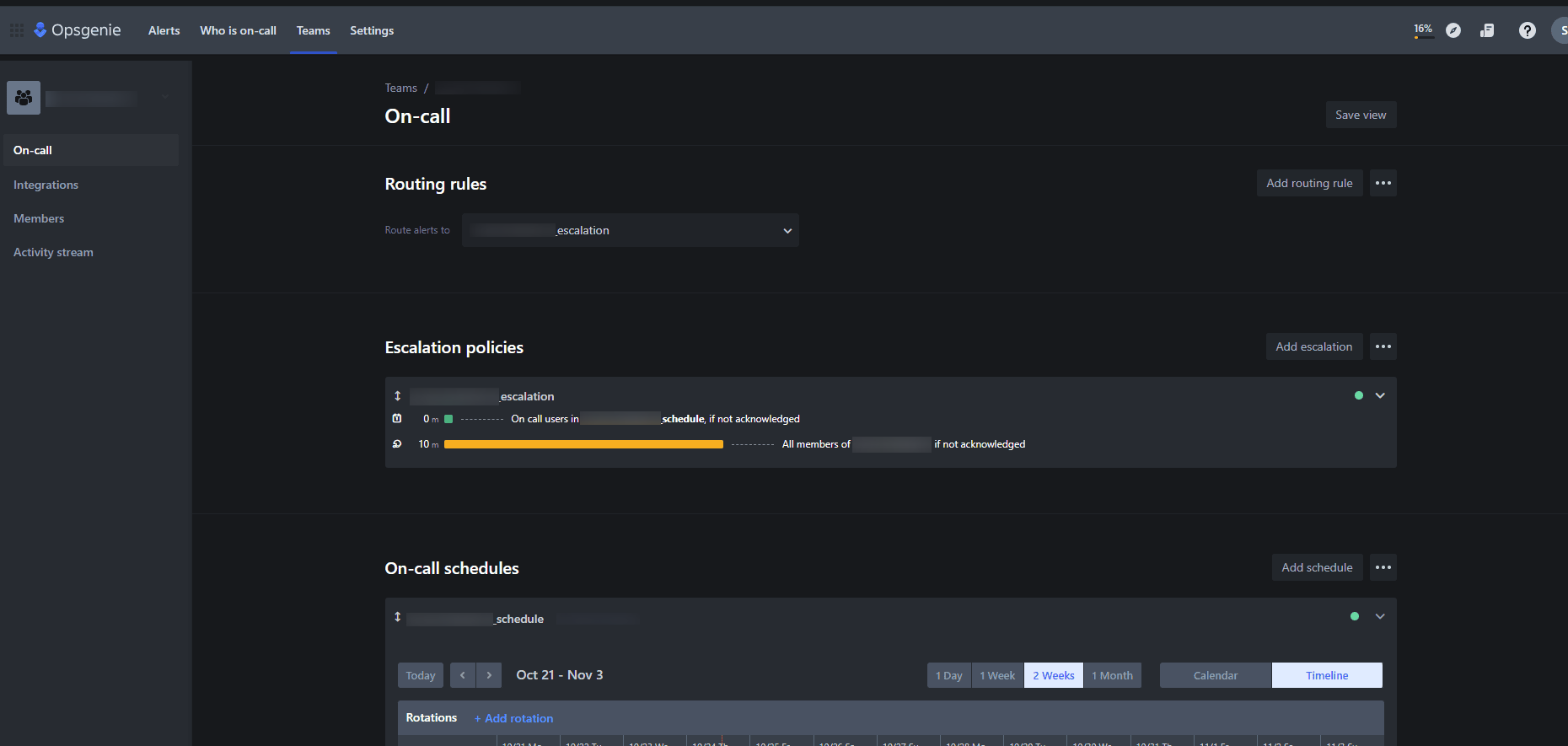
Steps to Follow in OpsGenie

  1. Login to OpsGenie
    Access the OpsGenie portal via the login link.
  2. interface-rediscovery

  3. Create a Team
    Navigate to Teams > Add Team to create a new team. Once the team is created, you will be redirected to the team’s page.
  4. interface-rediscovery

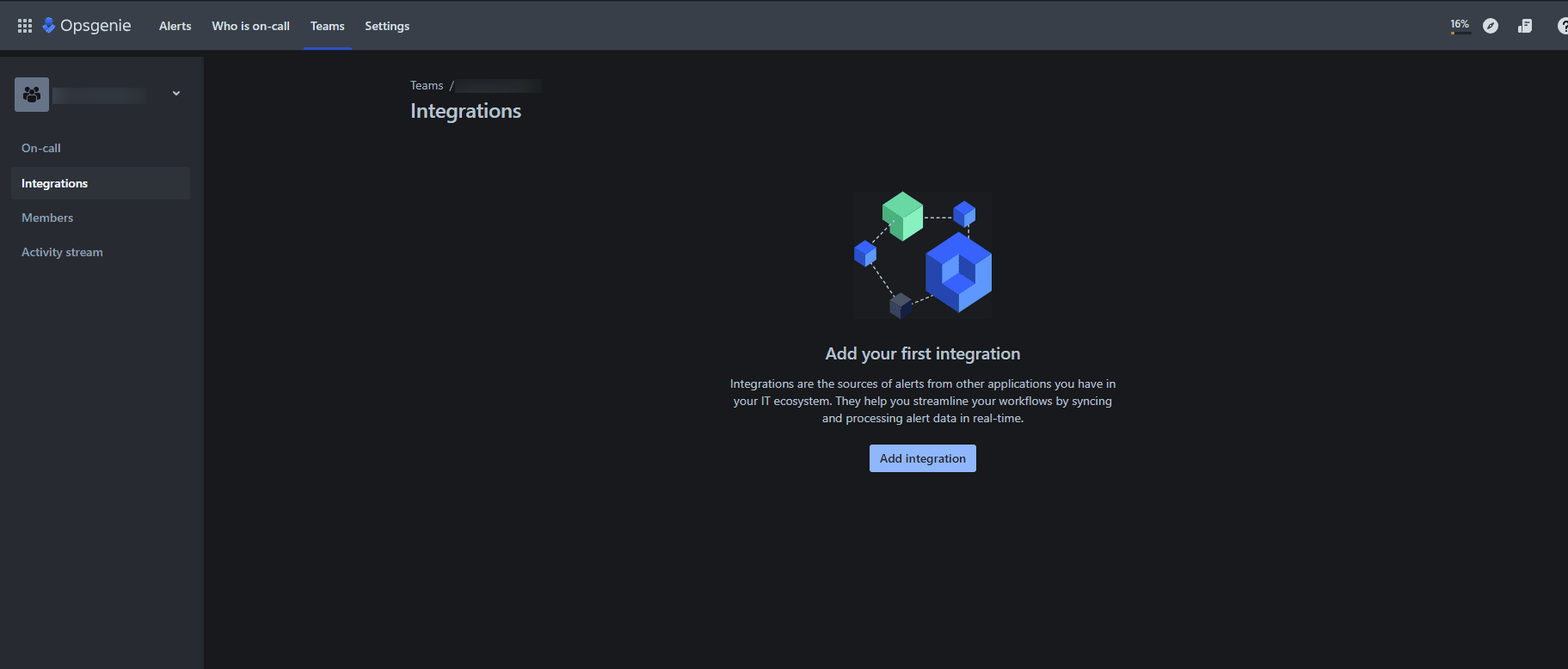
  5. Add an Integration
    Click on Integrations > Add Integration to enable a new integration. A list of available integration options will be displayed.
  6. interface-rediscovery

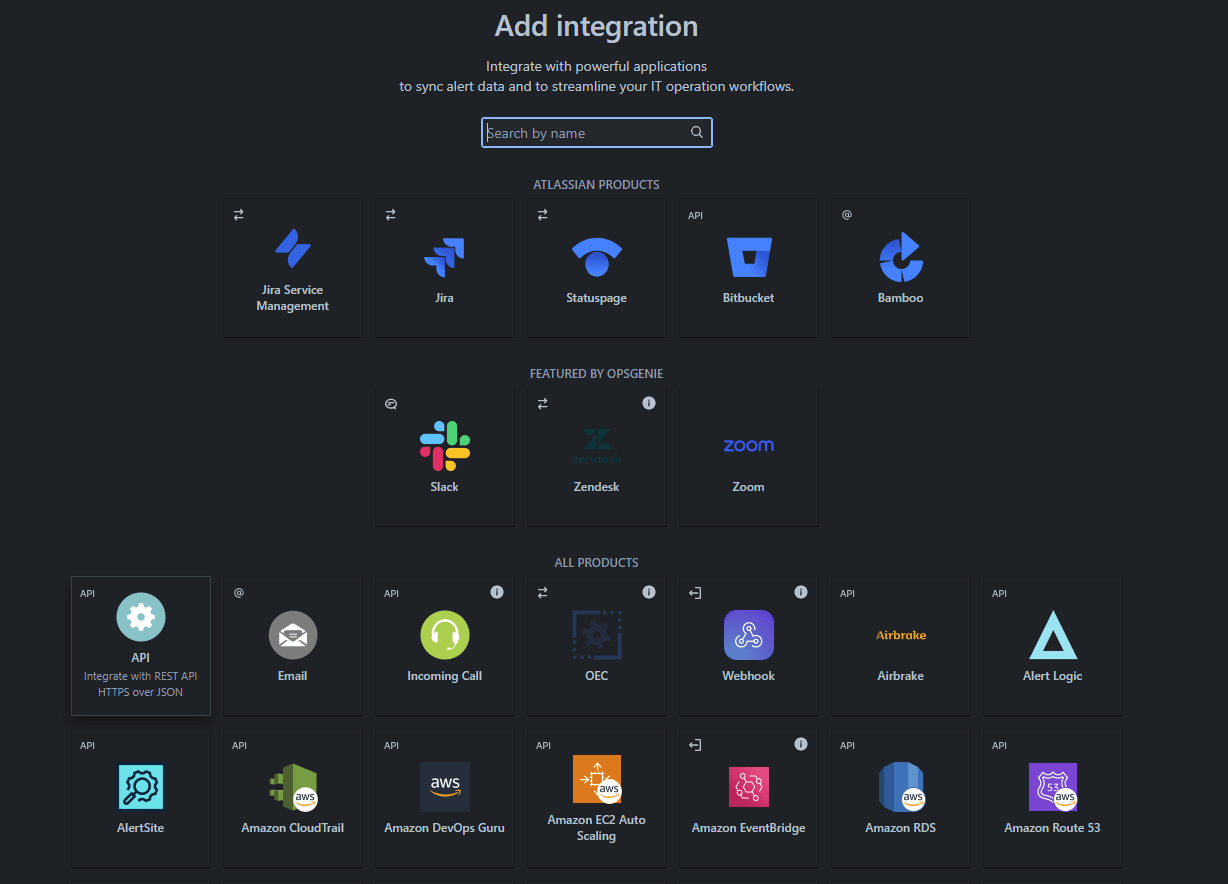
  7. Select API Integration
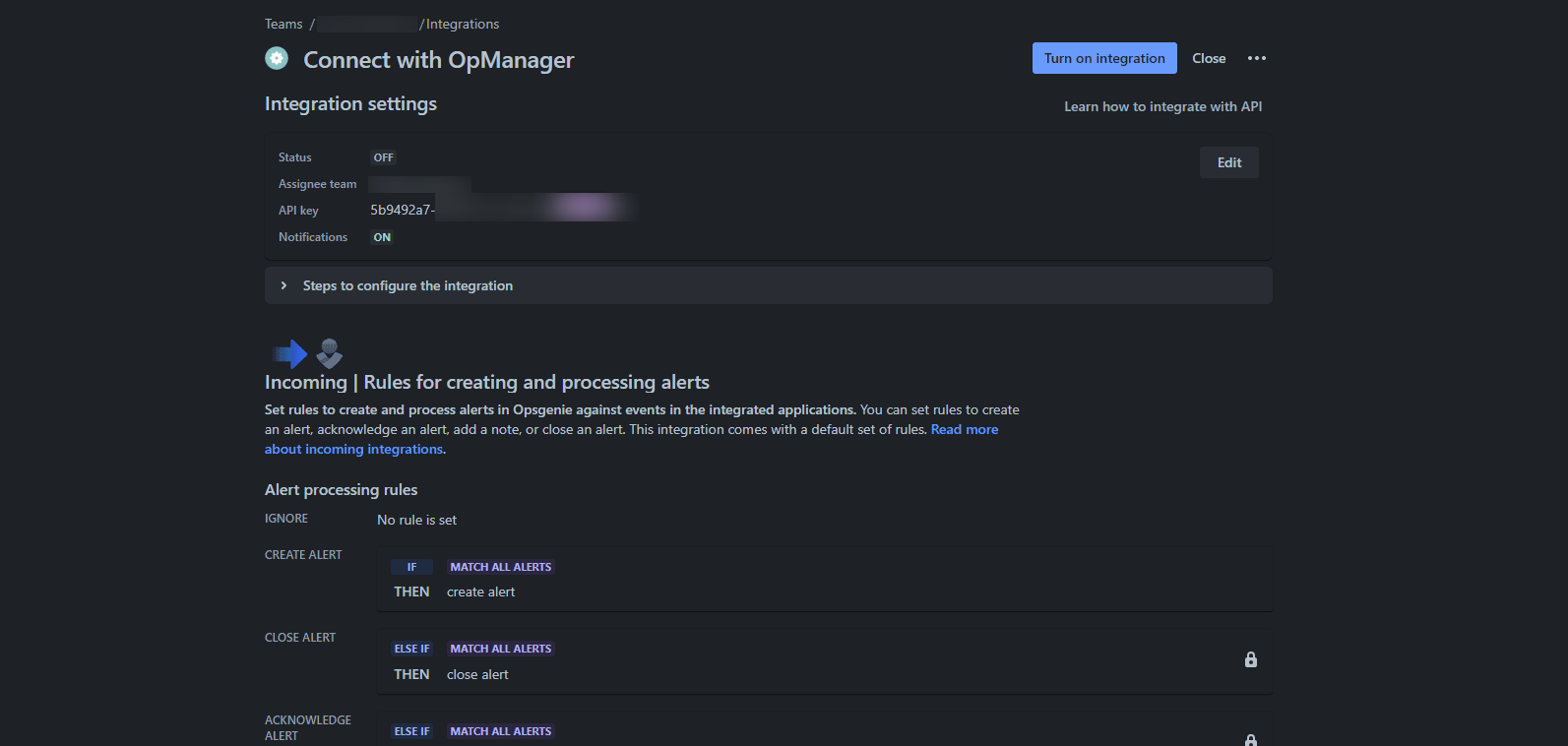
    Choose the "API" integration to perform REST operations. Both free and paid options are available—select based on your requirements. Once created, you will receive integration settings, including the API key and other configuration details.
  8. interface-rediscovery

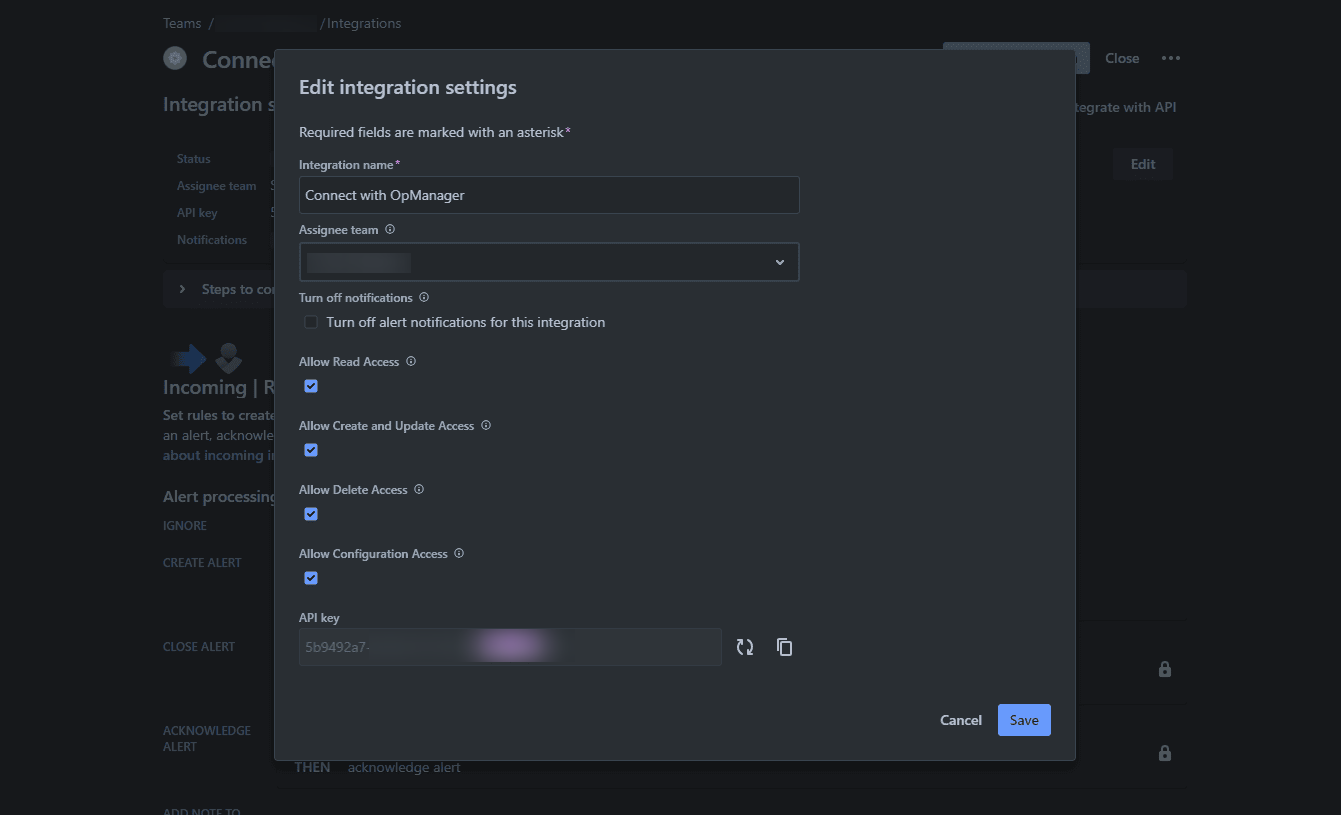
  9. Enable Access
    Verify if access is enabled. If not, click Edit and enable access.
  10. interface-rediscovery

  11. Activate the Integration
    Click Turn on Integration to activate it. Refer to the OpsGenie Alert API documentation for performing REST operations.
  12. interface-rediscovery

Steps to Follow in OpManager

  1. Navigate to Integration Settings
    Go to Settings > Third Party Integrations > Custom Integration in OpManager.
  2. Set Up Integration Parameters
    • Integration Type: Incident Management
    • API Endpoint: https://api.opsgenie.com/v2/alerts
    • Method: POST
    • Headers: Authorization: GenieKey eb243592-faa2-451q*********fdf56
    • Payload Type: JSON
    • Data Type: Raw
    • Body Content:
      {
        "message": "Haii message to send alert"
      }
                          
  3. Test and Configure Integration

    interface-rediscovery

    Click Test Action to verify the configuration. Once successful, select Manage Incidents to fetch the incident ID. A request_id will be generated, which can be used to acknowledge and close incidents in OpsGenie.
  4. Acknowledge an Incident

    interface-rediscovery

    POST https://api.opsgenie.com/v2/alerts/$.requestId/acknowledge
    Headers:
    - Content-Type: application/json
    - Authorization: GenieKey eb243592-faa2-451q*********fdf56
    
    Body:
    {
      "user": "Monitoring Script",
      "source": "AWS Lambda",
      "note": "Action executed via Alert API"
    }
                
  5. Close an Incident
    POST https://api.opsgenie.com/v2/alerts/$.requestId/close
    Headers:
    - Authorization: GenieKey eb243592-faa2-451q*********fdf56
    - Content-Type: application/json
    
    Body:
    {
      "user": "Monitoring Script",
      "source": "AWS Lambda",
      "note": "Action executed via Alert API"
    }
    

    interface-rediscovery

  6. Finalize Configuration
    Click Save and then Configure Now. Under the Notification Profile, select Custom Integration.
  7. interface-rediscovery

  8. Enable Alerts for Specific Devices and Criteria
    In the Custom Integration section, you will see all profiles created. Select the relevant profile and enable the criteria and devices for sending alerts from OpManager to OpsGenie.
  9. interface-rediscovery

    interface-rediscovery

  10. Verify Integration

    interface-rediscovery

    Trigger a real-time alert in OpManager and verify that the alert is visible in the OpsGenie Alerts section.
  11. interface-rediscovery

 
 Pricing  Get Quote