Application Control Audit & Reports
Discover what's installed, identify unmanaged software, and audit blocked access attempts — all from one place.
Discovered
Discovered application reports
These reports summarize every application and executable detected across your managed endpoints.
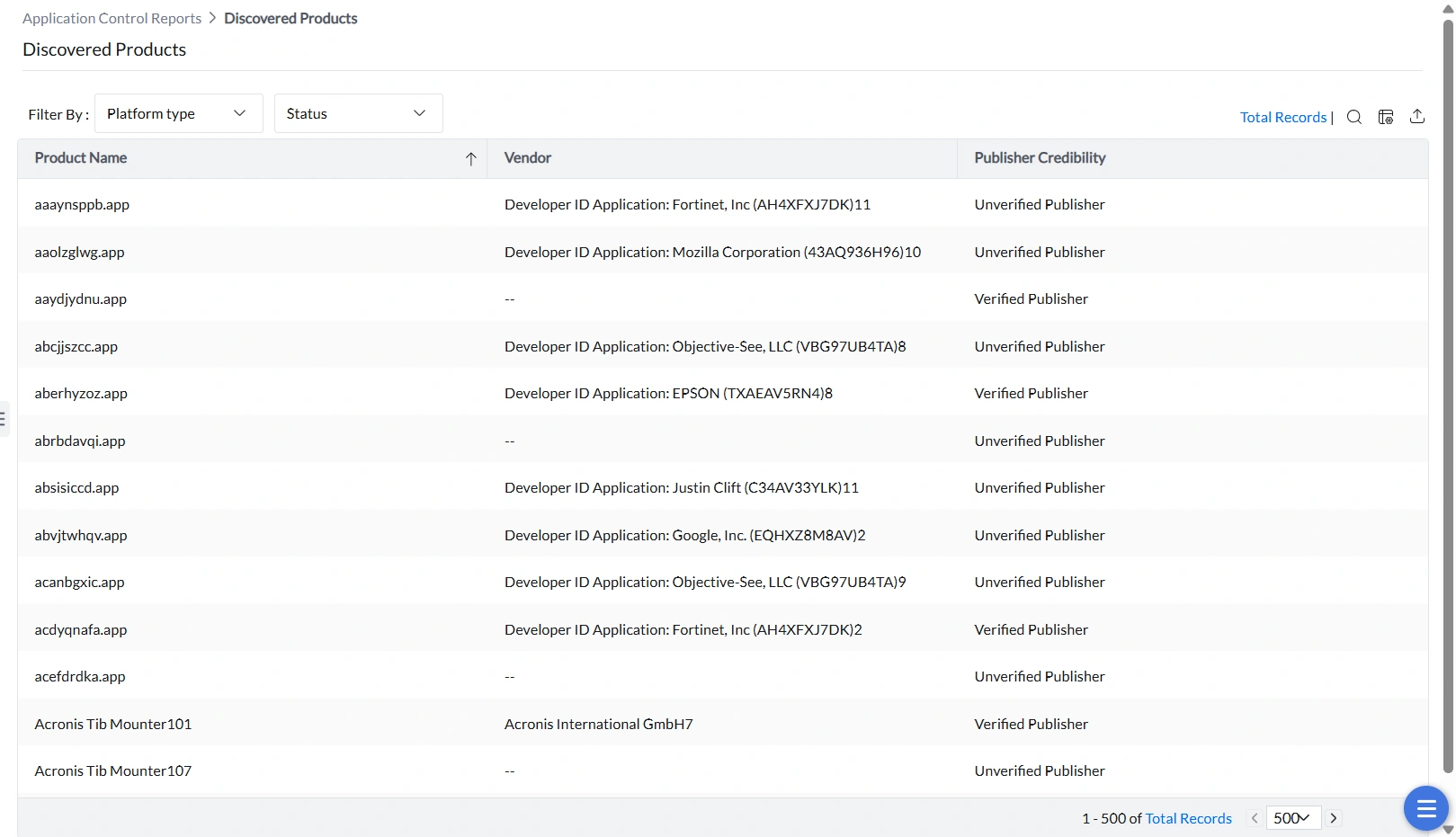
Discovered Products
All discovered applications across all vendors are listed here. The report can be filtered by OS platform (Windows or macOS) and by whether each application is associated with an application control policy or not.
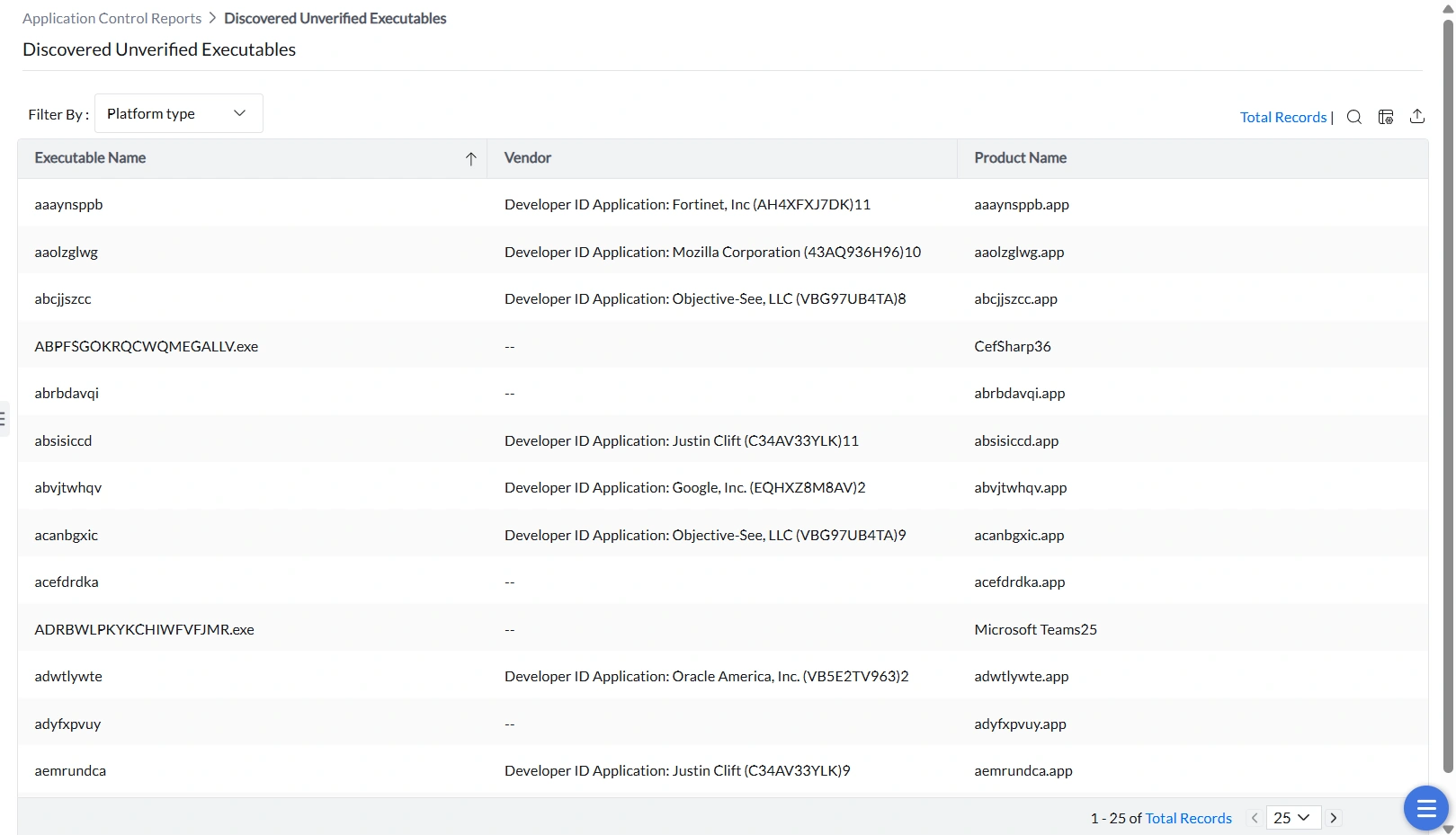
Discovered Unverified Executables
Applications consist of multiple executable files, each of which should carry a valid digital signature from its vendor. This report surfaces executables whose digital signature cannot be verified. Any tampered or unsigned executable will be blocked from running — making this report critical for maintaining a trusted execution environment.
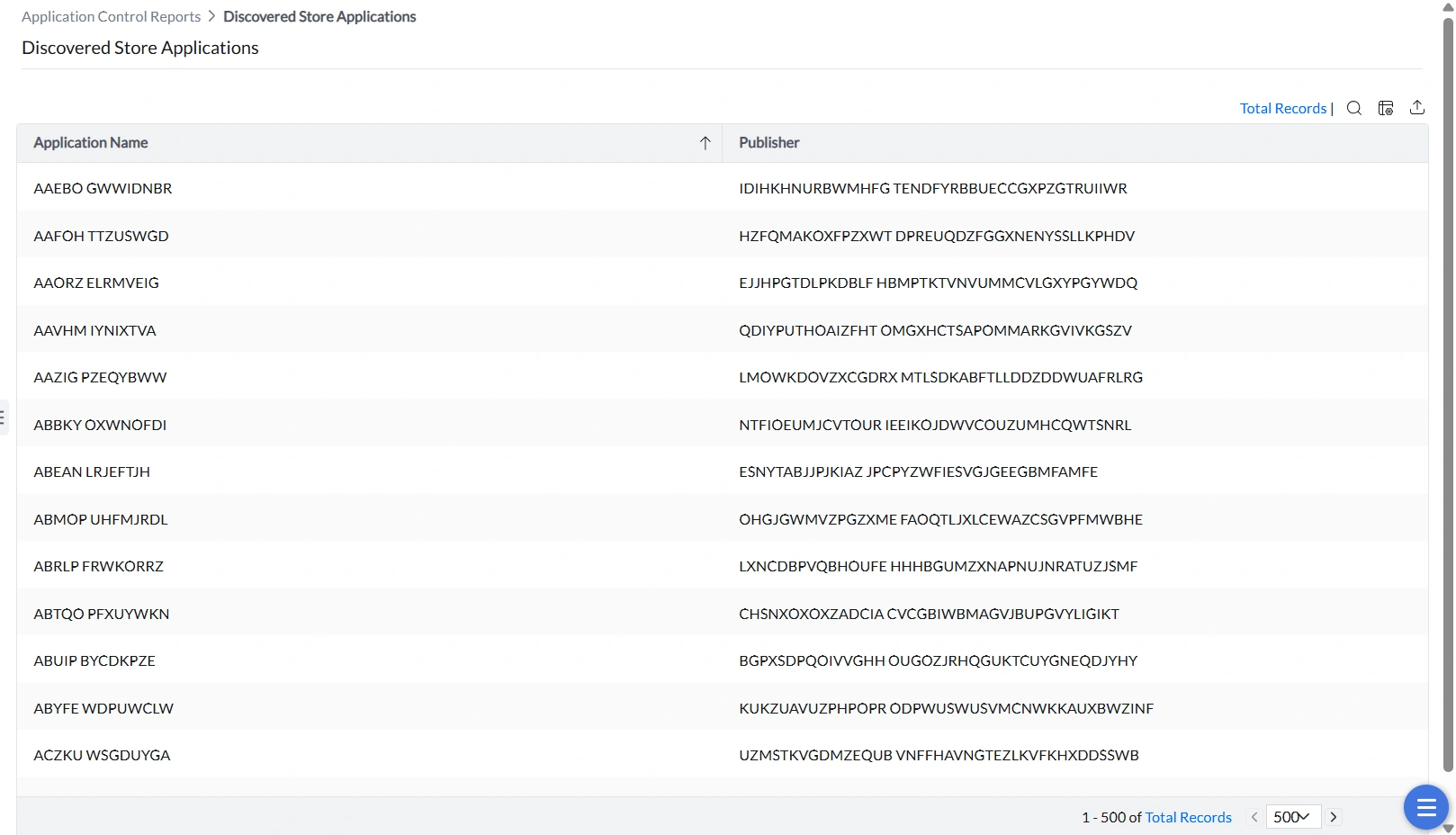
Discovered Store Applications
All Windows 10 and Windows 11 Store applications running on managed endpoints are listed here.
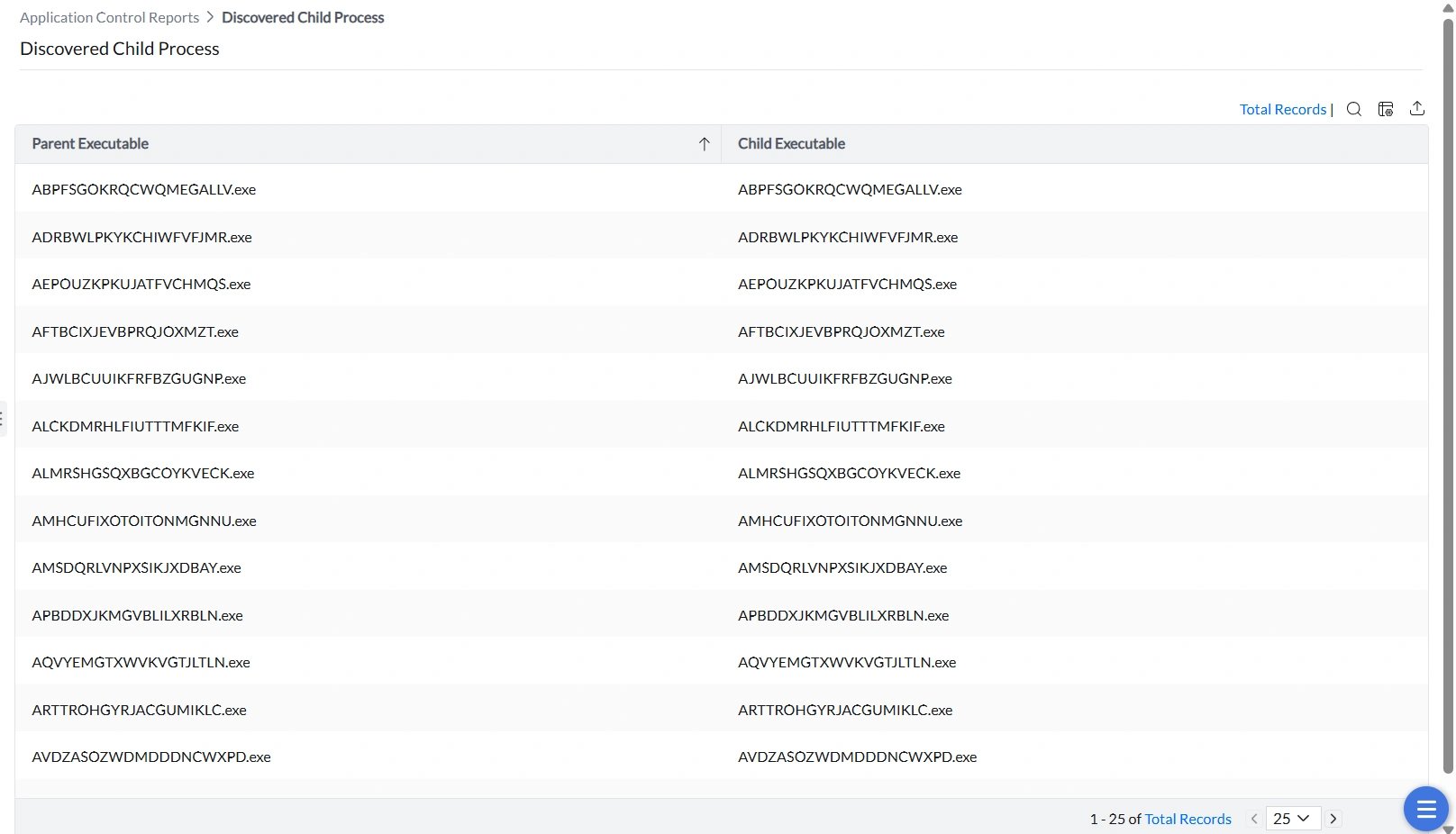
Discovered Child Processes
Child processes are processes launched by a running application. This report captures them so administrators can decide whether to permit or restrict them. Allowing only authorized applications to spawn child processes significantly reduces the risk of process-injection attacks and other exploitation techniques.
Unmanaged
Unmanaged application reports
Identify software that exists outside any application control policy so you can decide what to do with it.
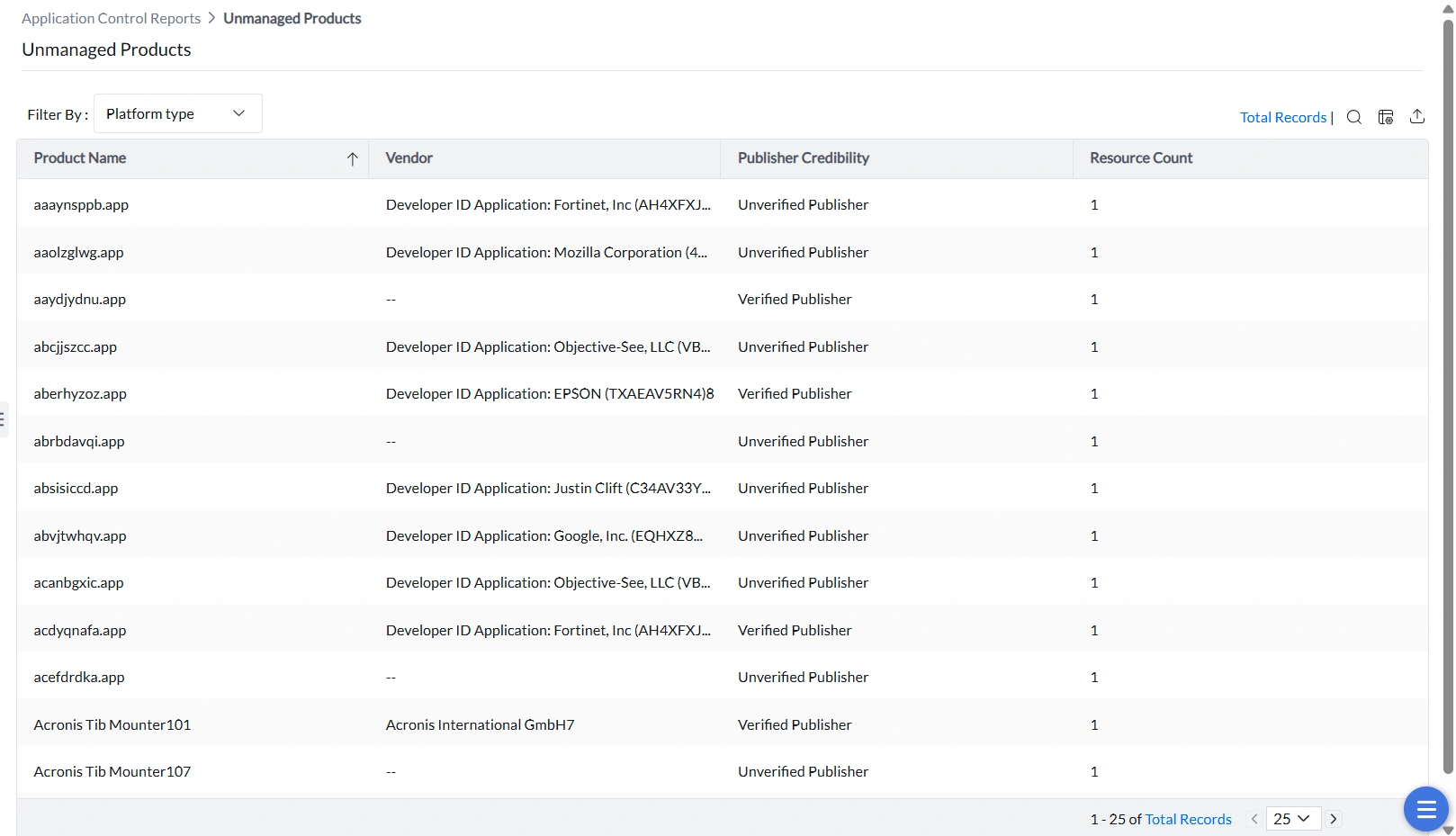
Unmanaged Products
All applications that are not governed by any application control policy are listed here. Filterable by OS platform (Windows or macOS), this report is the starting point for eliminating policy gaps.
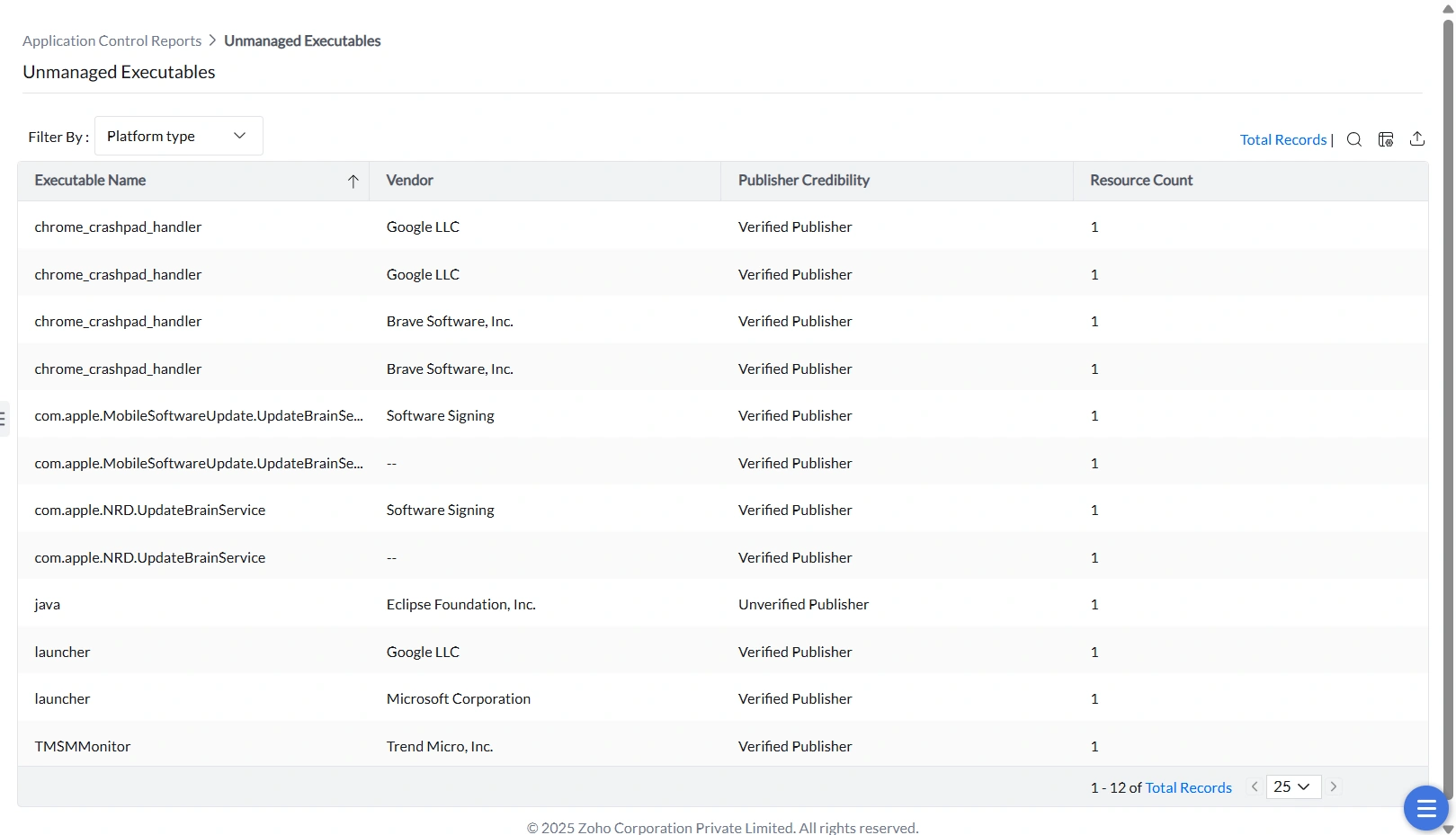
Unmanaged Executables
Individual executables that are not included in any application control policy are listed here. Filterable by OS platform.
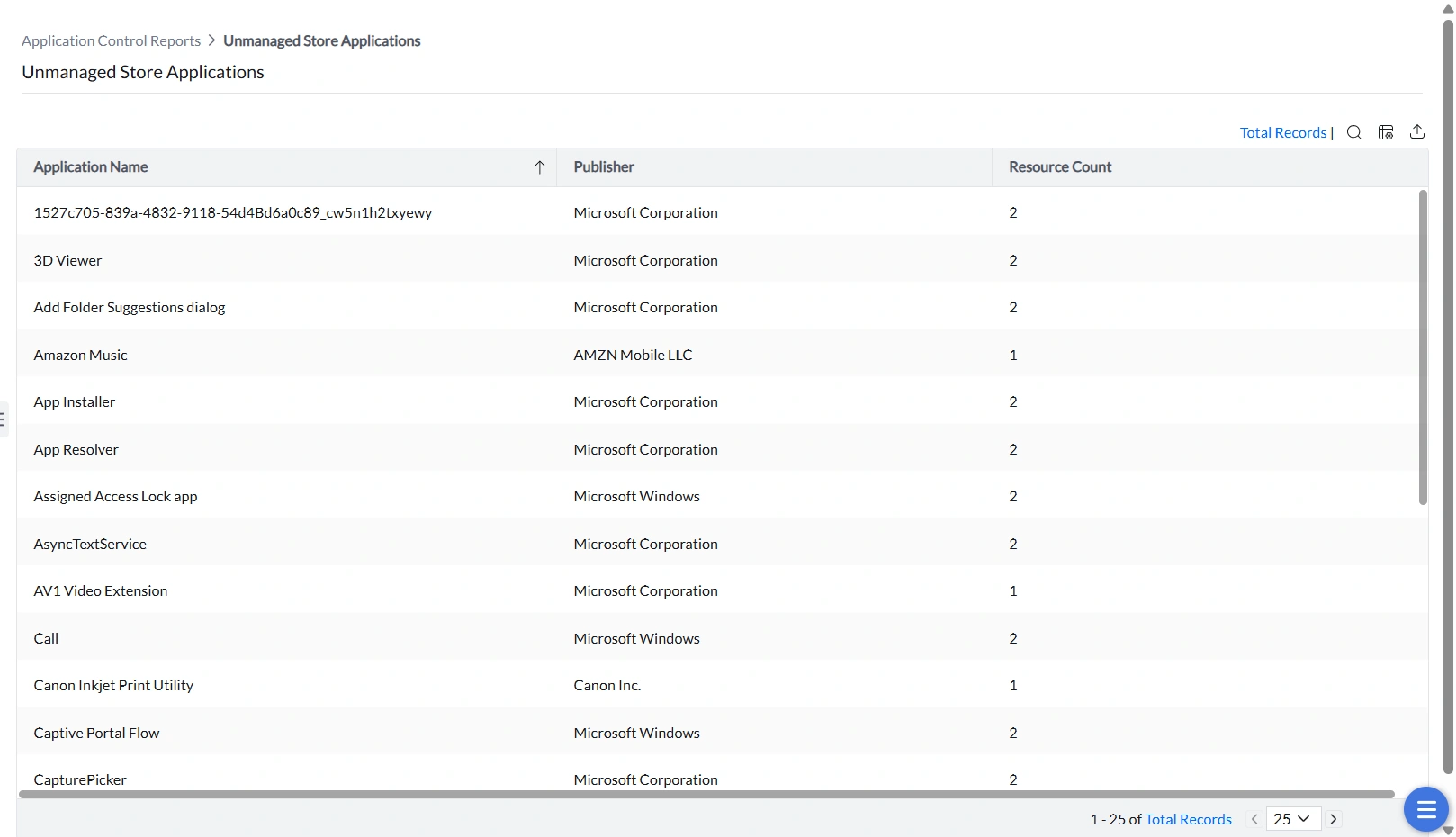
Unmanaged Store Applications
Windows 10 and Windows 11 Store applications that are not covered by any application control policy are listed here.
Events
Event audit reports
Track enforcement activity — blocked access attempts, elevation requests, and privilege usage — for compliance and investigation.
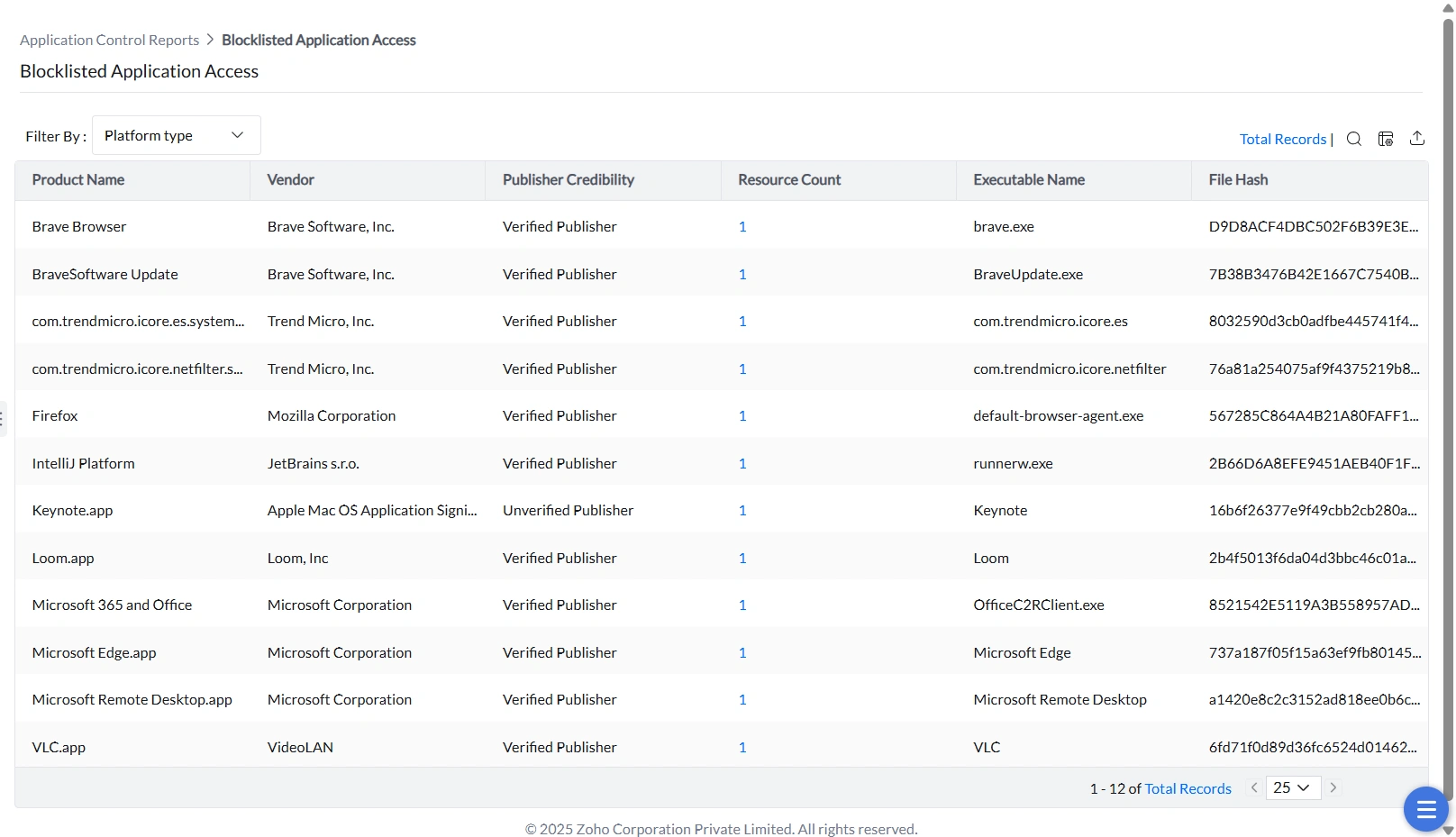
Blocklisted Application Access
This report logs every attempt to launch an application that is explicitly blocked by policy. Use it for compliance evidence and to monitor whether users are attempting to run prohibited software.
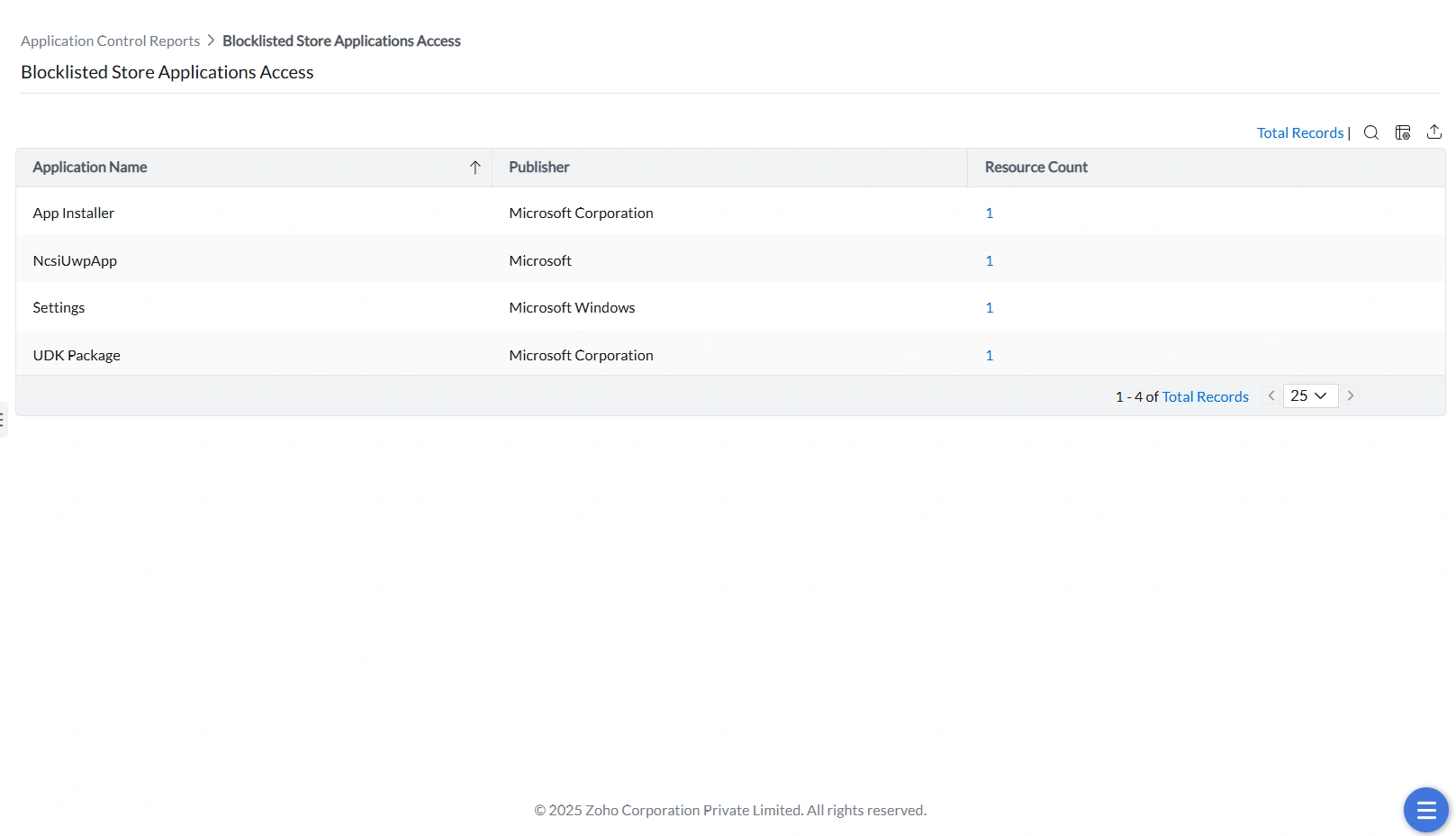
Blocklisted Store Application Access
This report tracks execution attempts for Windows Store applications that have been explicitly blocked. It provides a dedicated view for enforcing store-specific restrictions.