Firewall critical and severity reports
Firewalls provide protection from external threats by shielding your network from malicious internet traffic. However, deploying firewalls alone is not sufficient to ensure complete network security. Frequent firewall critical and severity audits should be performed to establish optimal security for your business.
Analysis of logs from firewalls can provide key insights into security events that may not be visible to the naked eye. These insights aid in determining the severity and extent of an incident.
How can you extract key insights from firewall logs using EventLog Analyzer?
One of the simplest but most effective ways to extract meaningful insights from your firewall logs is to sort them based on their severity level. Looking for error logs is also a useful indicator of how well your firewall is performing.
Using an automated tool like EventLog Analyzer is the best way to generate firewall critical reports and effectively review firewall log data according to its severity.
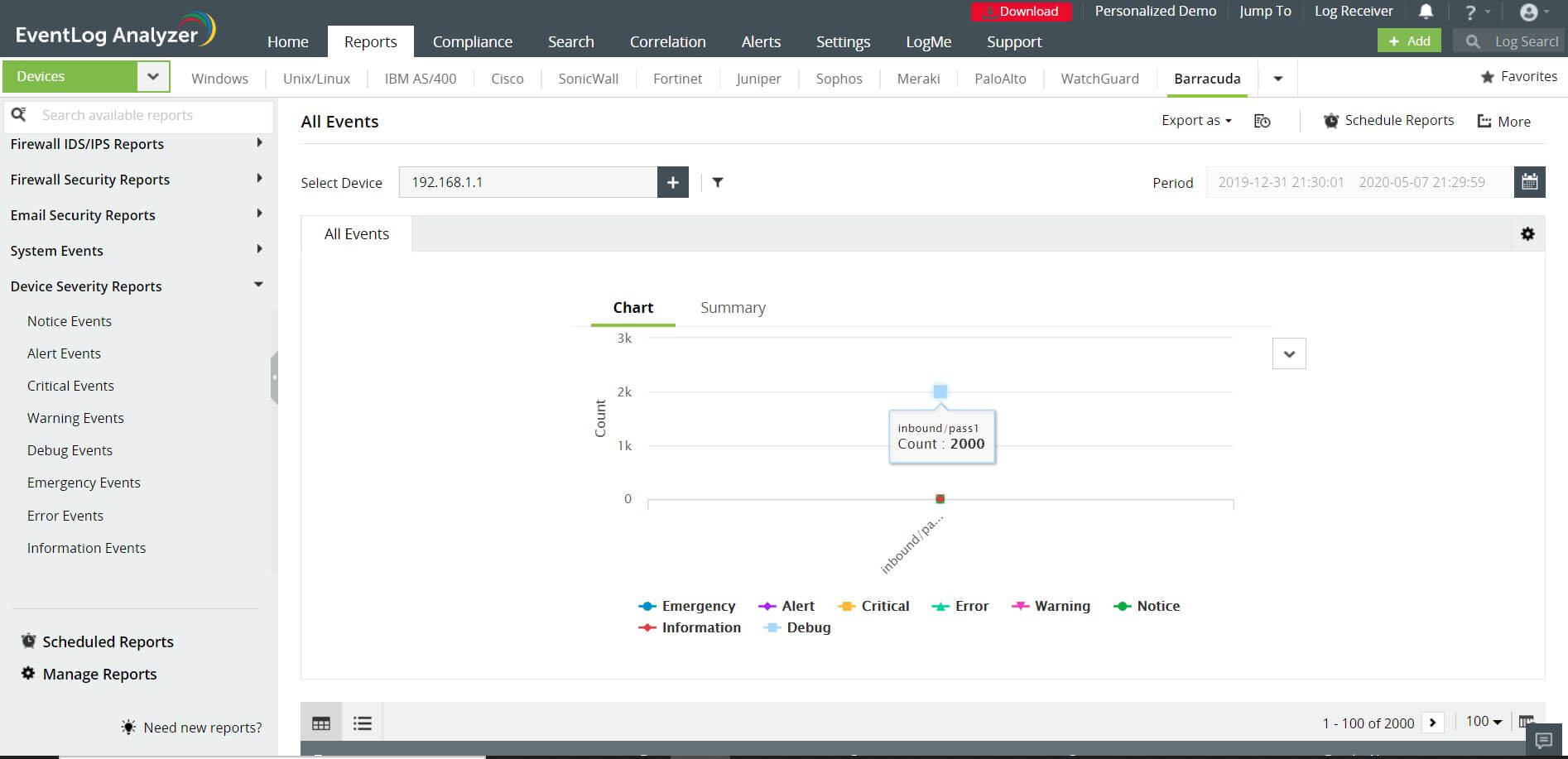
EventLog Analyzer automatically collects logs from your firewalls and generates predefined reports for varying levels of analysis. It can generate firewall severity reports from the following events:
- Emergency, critical, and warning events such as SSL login failures, license expiration, etc.
- Error events that will help you check if the firewall has been misconfigured.
- Notice, debug, and information events that help in maintaining audit trails.
EventLog Analyzer also provides alerts that help you investigate suspicious activity and ascertain if an event is a threat, incident, or legitimate activity.
The severity reports generated by EventLog Analyzer are useful in firewall critical audits. With neatly organized and easy to work with data, you can quickly perform a firewall severity audit, and use the data to gain insights into your firewall's performance. This out-of-the-box support is provided for multiple firewall vendors including Cisco, SonicWall, Palo Alto Networks, Meraki, Barracuda, and Juniper, among others.
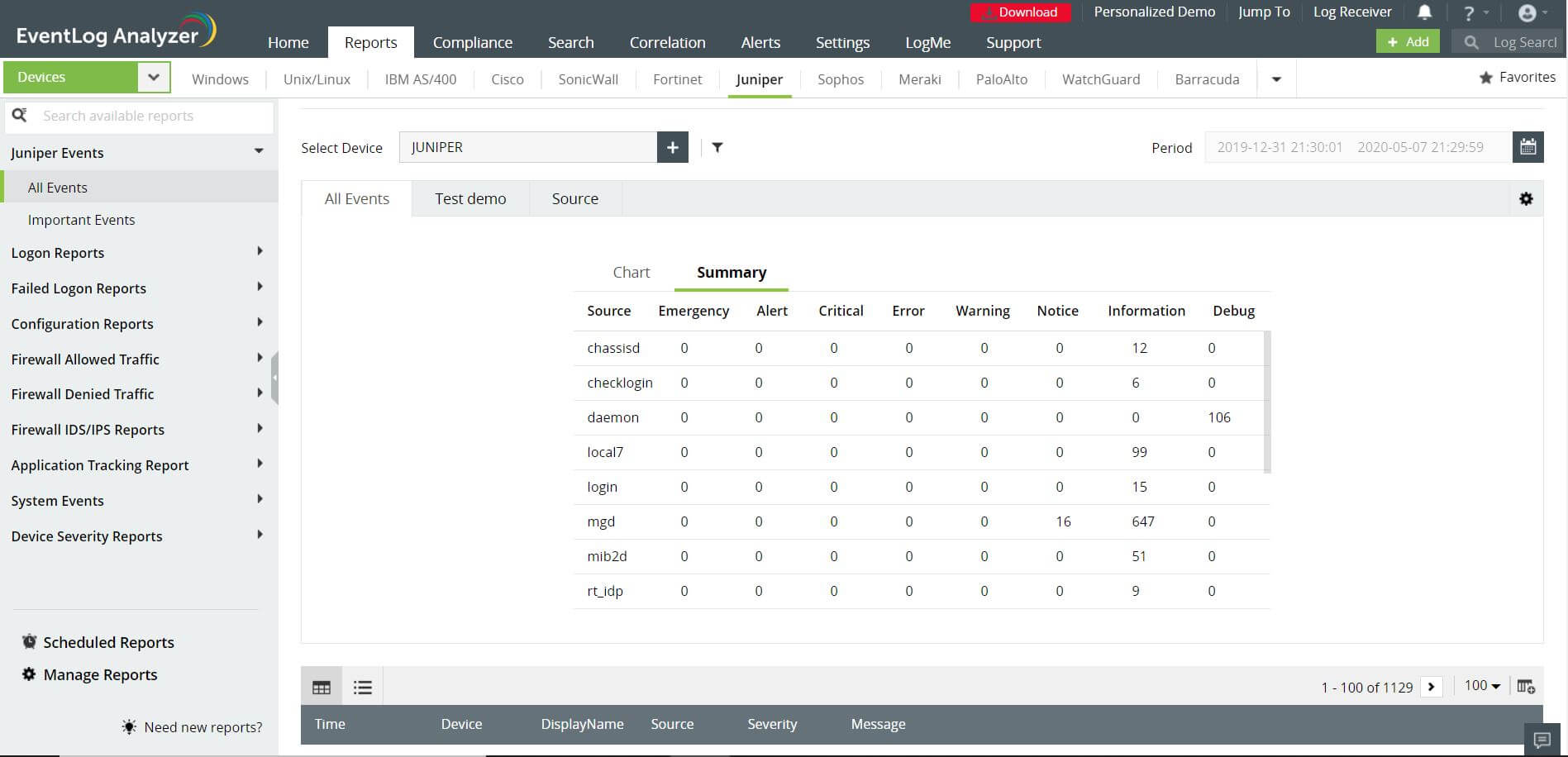
A few of EventLog Analyzer's key reporting features include:
- Automatic, real-time log collection; collected logs are sorted into individual reports for each severity level.
- Intuitive graphical dashboard and analytical reports.
- Report filters to sort information by device and user.
- Built-in search feature within each report.
- Click-based drill down feature to view raw log information.


 Free Edition








