Firewall logon audit tool
Attackers with stolen credentials or insiders with malicious intent can manipulate your firewall rules and compromise the entire network. This is why it's essential to audit firewall logons and check for suspicious events.
EventLog Analyzer, a comprehensive firewall logon auditing and reporting tool, tracks firewall account activity through its analytical firewall logon reports.
Firewall user logon monitoring
Monitoring firewall logons can help you track firewall user activity and ensure that it's legitimate. EventLog Analyzer audits all firewall logon events and provides you with information on who logged in, from where, and when.
This solution provides pie, bar, and line chart formats to give you quick insights into logon trends.
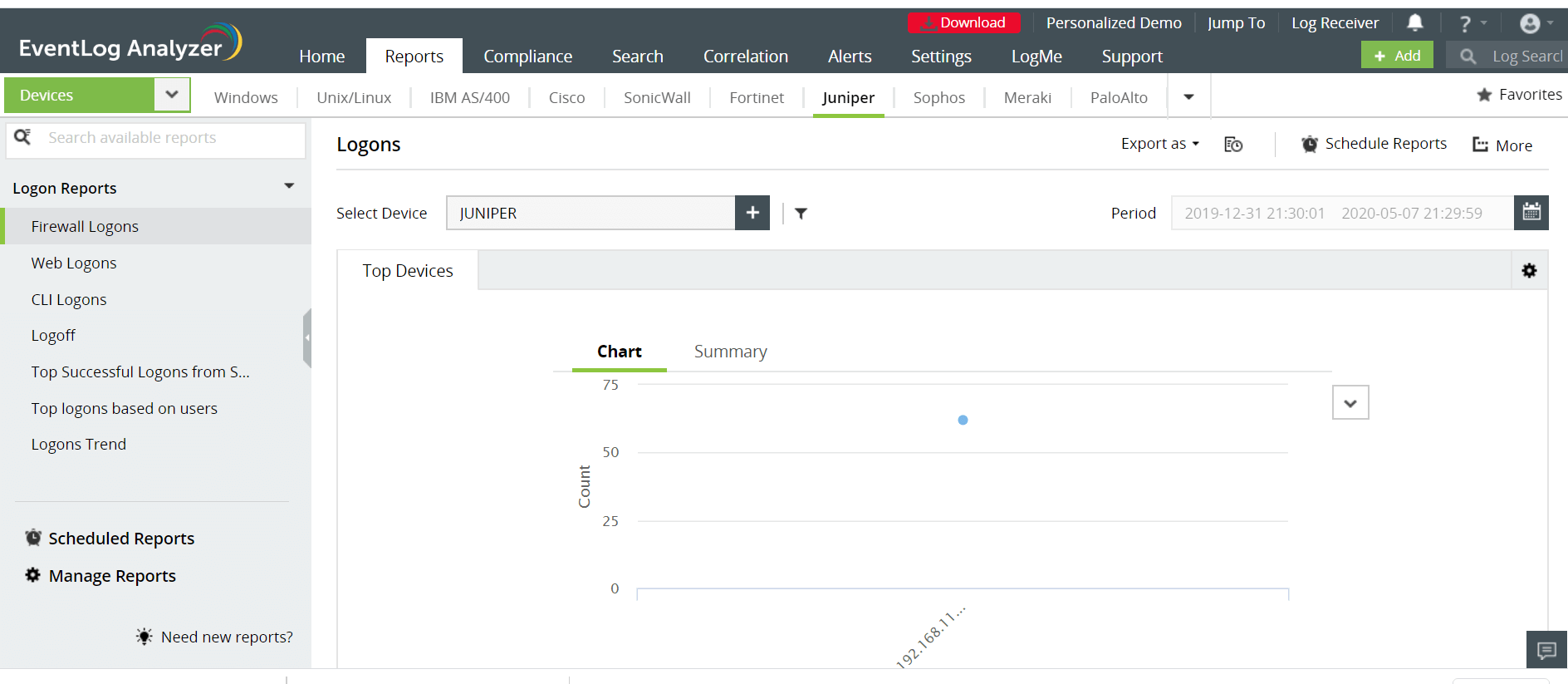
EventLog Analyzer also tracks user logons based on IP address, CLI logon, web logon, firewall logon, and more. These elaborate reports give you multiple, quick perspectives of firewall logon activity.
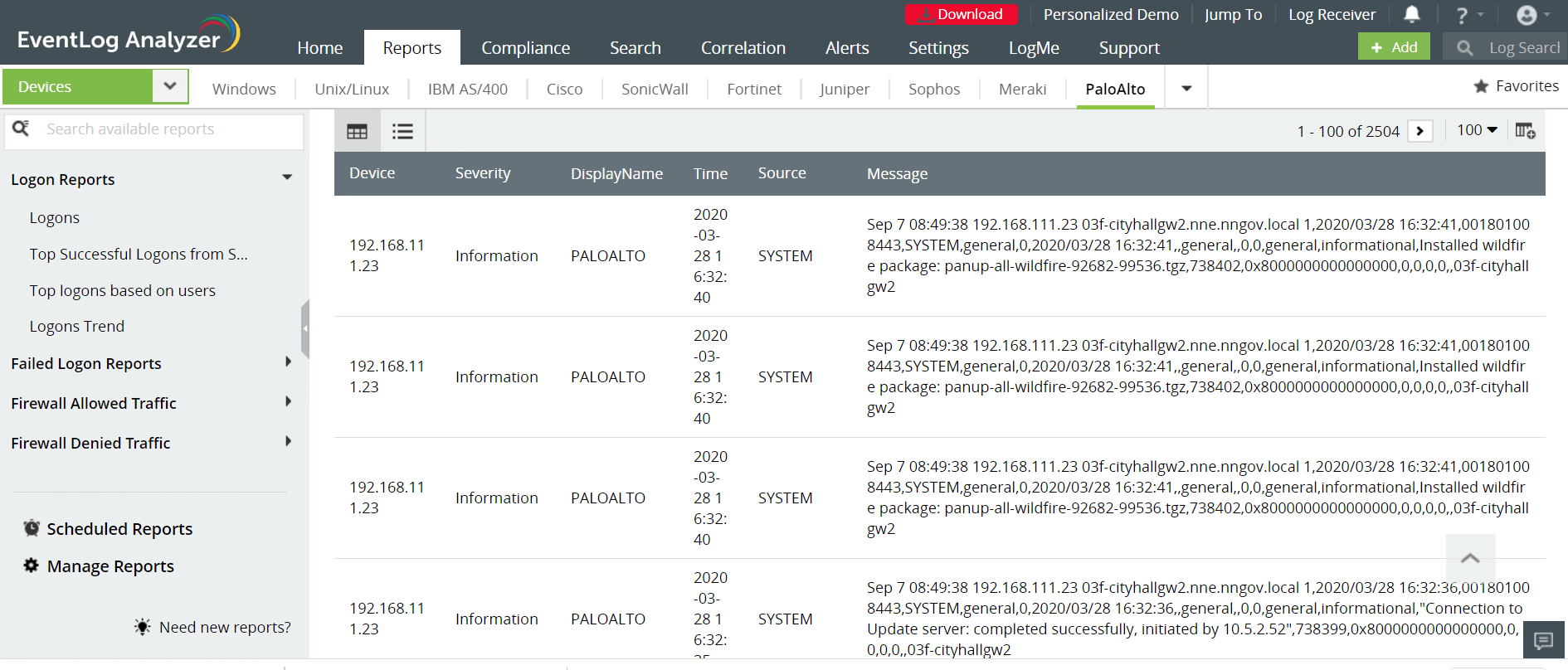
Further, you can set up EventLog Analyzer to:
- Identify logon trends based on source of logon and IP address
- Detect spikes in firewall logon activity
- Track suspicious logons during odd hours
Auditing failed firewall user logons
Logon failure occurs when an account fails to authenticate due to invalid username or password. Multiple logon failures from a single account could indicate that someone is trying to gain access to a firewall by brute force. EventLog Analyzer provides failed logon reports that help analyze and identify the cause of logon failures.
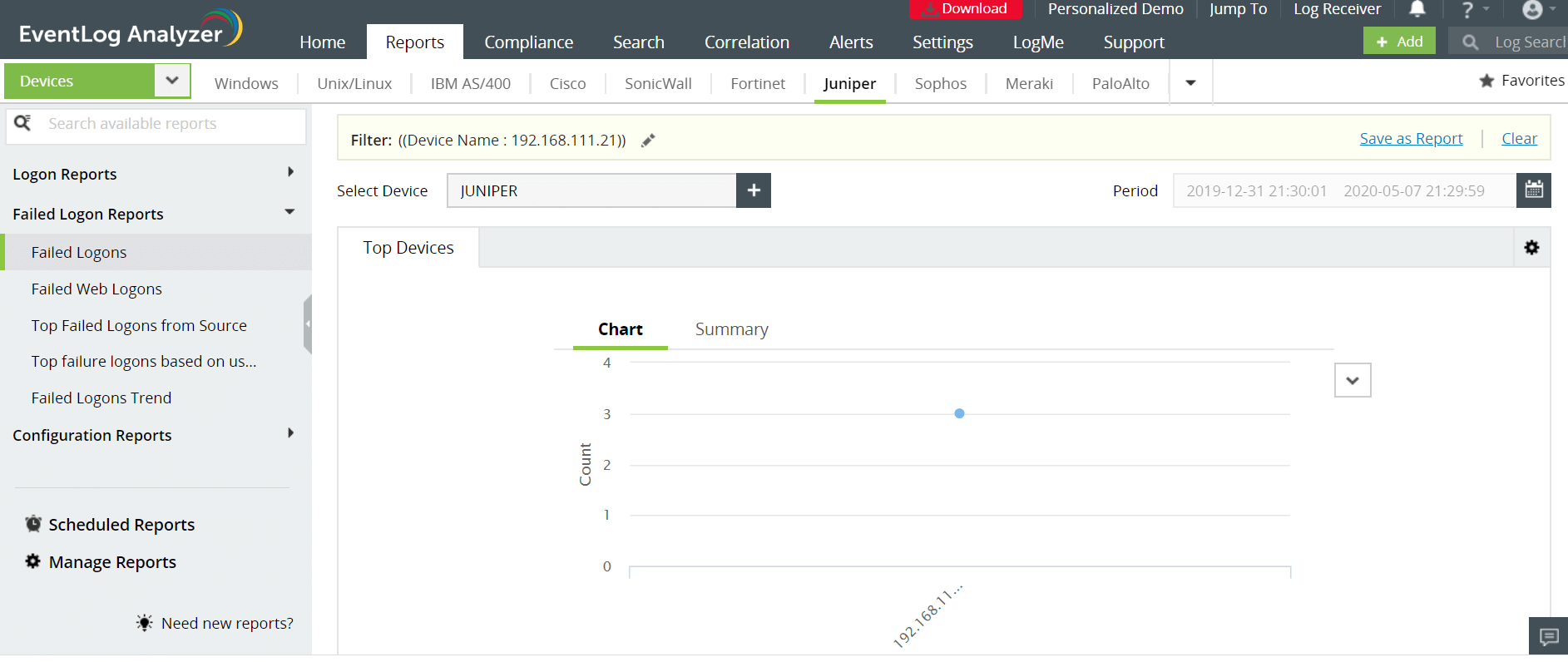
You can define thresholds for the number of logon failures, and set up threshold-based alerts to notify you about this suspicious activity in real time.
EventLog Analyzer audits and reports on firewall logon activity for platforms such as Juniper, SonicWall, Fortinet, Meraki, Barracuda, and others.
Stay informed about firewall logon activities in your network with EventLog Analyzer.


 Free Edition








