What is firewall monitoring, and why is it important?
Monitoring firewall logs is an important part in identifying malicious traffic, as it enables you to stop threats proactively. It also helps with identifying the loopholes through which a potential attacker can enter a network.
EventLog Analyzer: Firewall monitoring software to the rescue
Most organization generate a huge amount of log data every second. EventLog Analyzer, comprehensive firewall monitoring software, offers predefined reports and alert profiles to help you tackle this abundance of data, providing you with vital information such as traffic details, security attacks, VPN logon and logoff trends, and firewall rule changes.
This firewall log monitoring tool provides out-of-the-box support for multiple vendors, including Cisco, SonicWall, Palo Alto Networks, and Juniper.
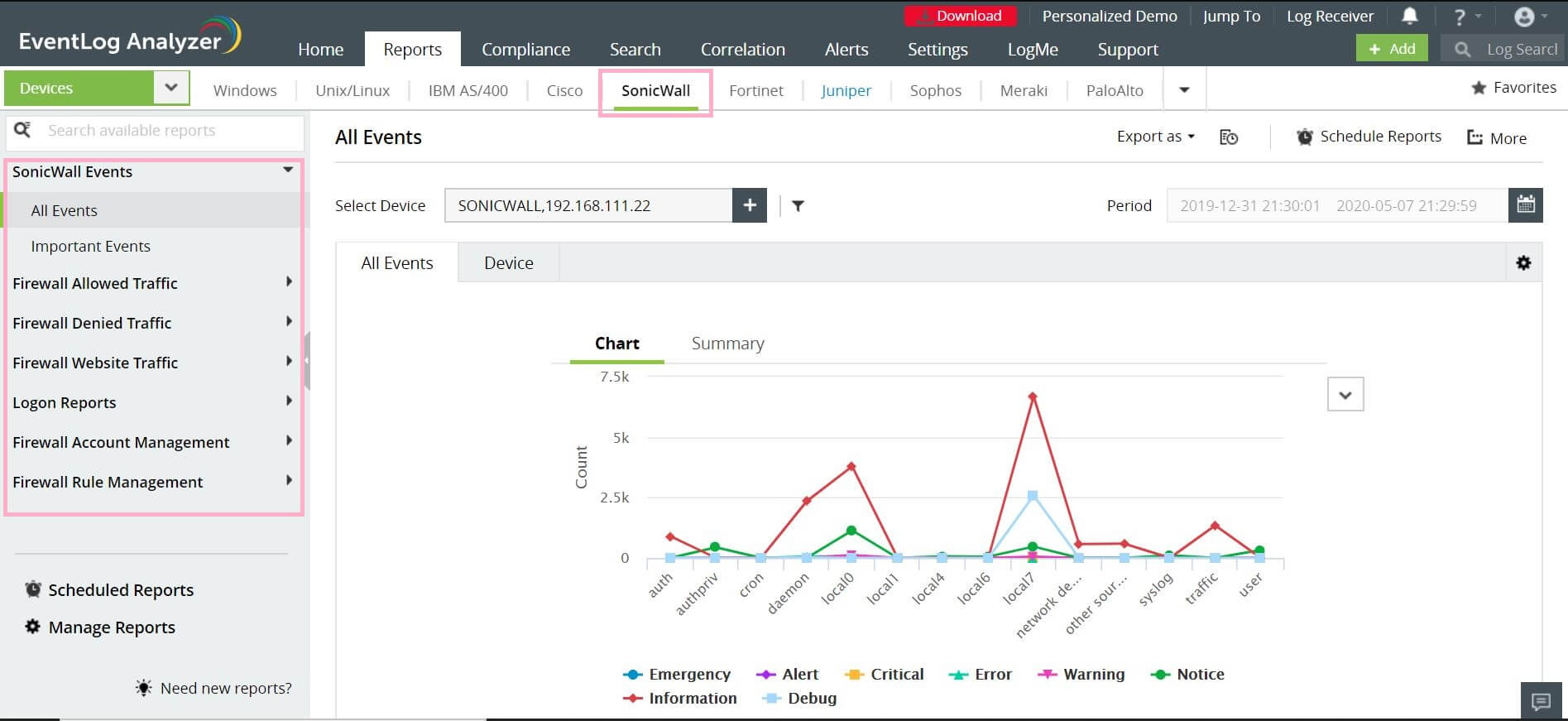
With EventLog Analyzer you can:
- Gain visibility into firewall activities
Know about firewall activities such as denied connections, port scans, and other anomalous activities. It also helps administrators define rules and policies to enhance intrusion detection and prevention.
- Monitor configuration changes
You can monitor the firewall configuration changes using EventLog Analyzer. Monitoring configuration changes helps you to identify unusual activities, and mitigate them before the network gets compromised. You can also receive real-time alerts via email and SMS when a configuration is modified.
- Track firewall user actions
EventLog Analyzer helps you monitor the user behavior using firewall logs. You can also track the activities to identify anomalies and mitigate them.
- Monitor user account changes
You can monitor user account changes such as user accounts added, modified, deleted, etc. You can also check whether any user privileges have been modified. This will help to keep track of user account activities and identify unusual ones.
- Get details on VPN usage with firewall monitoring
EventLog Analyzer provides information on VPN usage by monitoring the firewall and analyzing firewall logs. With this information, you can identify unusual connections that have been permitted.


 Free Edition








