

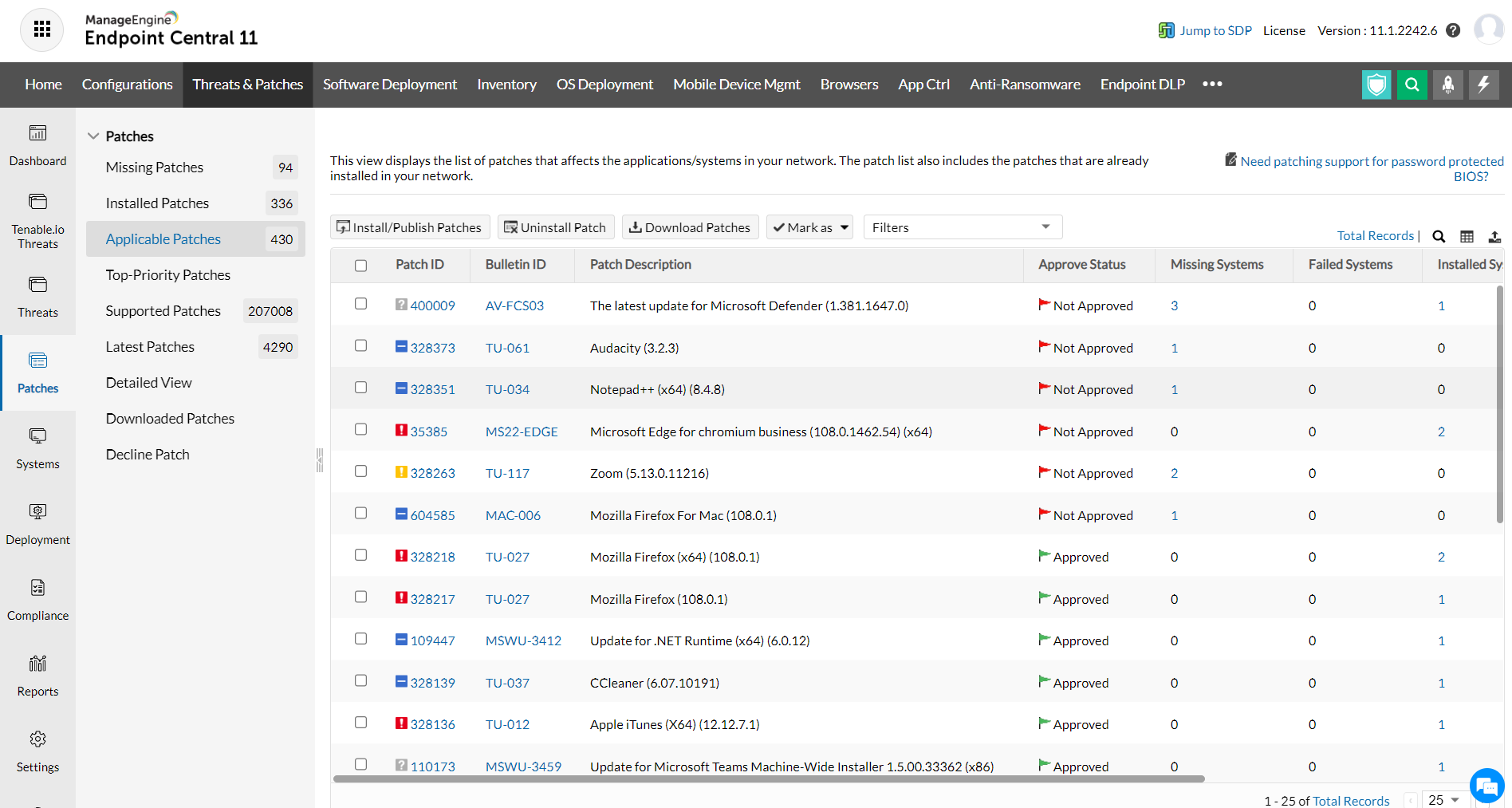
The Applicable Patches view provides the details of the patches that affects the applications/systems in your network. The patch list also includes the patches that are already installed in your network.
To view the list of Applicable Patches, follow the steps mentioned below:
You can view the details of the patches that are applicable for your network. Applicable patches are further listed under specific views like patch view, computer view and detailed view. You can also generate reports by selecting specific options from the pre-defined filters provided. You can filter the patch by Application, service pack, bulletin, patch type, approval status, download time, release time etc.,
This view displays all the updates for critical and zero-day vulnerabilities like Meltdown, Spectre, etc.
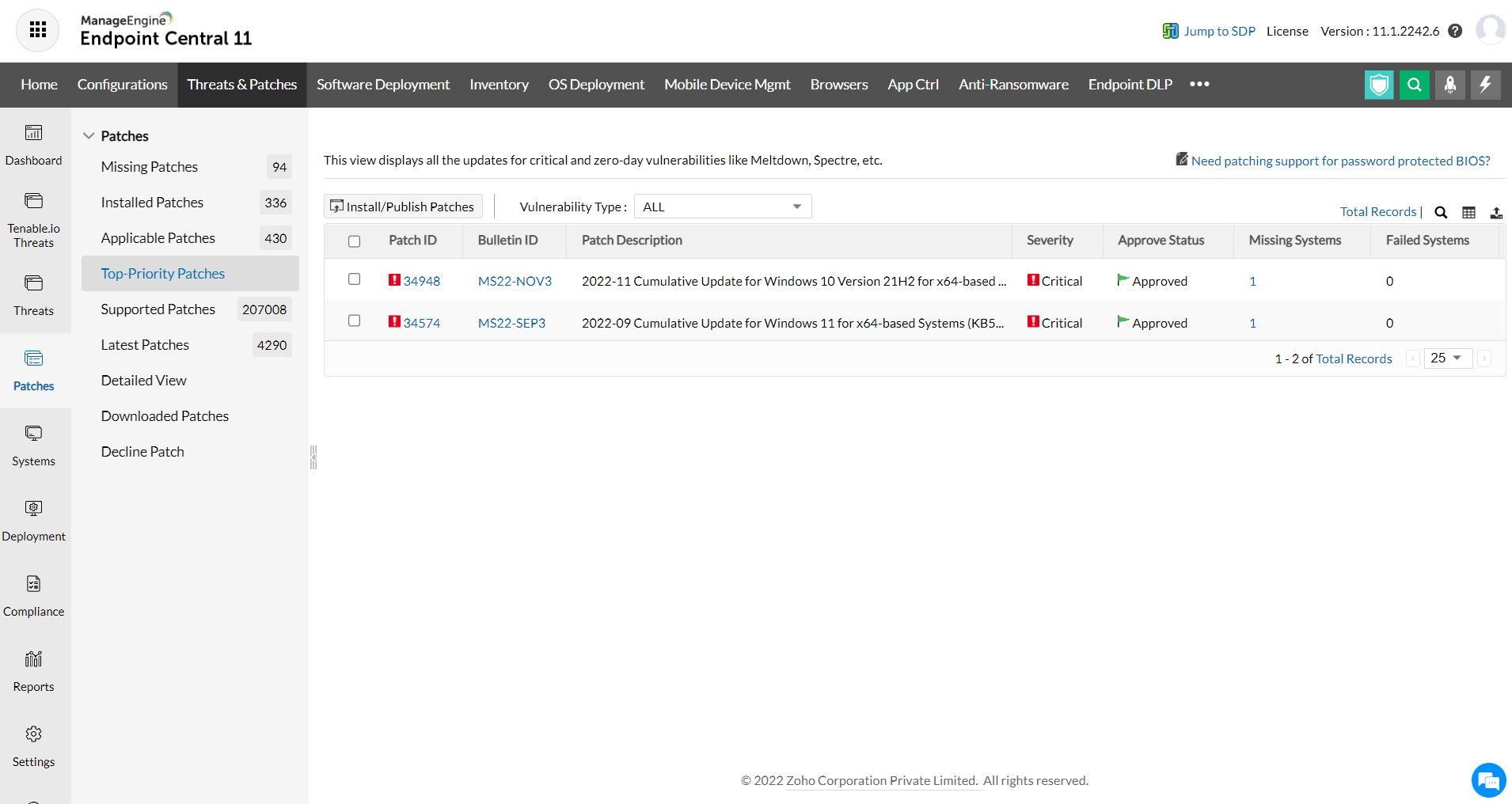
You can install the patches by selecting the patches to be installed and by clicking the Install/Publish Patches button. Administrators can view the missing patches based on the Windows, Mac and Linux operating system. So that clicking on the patches will open the Installing Patches Configuration, with the selected patches added. Select the targets and deploy the configuration.
You can also click the Missing Systems count from where you can select the required systems and select Install/Publish Patches to deploy.
|
|
Note: You can choose to uninstall the patch, by selecting the patches and clicking the Uninstall Patch button. Uninstallation will be done only if Endpoint Central supports uninstallation of the specific patches. |


