

Healthy systems are those that have all the security patches installed.
To view the details on Healthy Systems, follow the steps mentioned below:
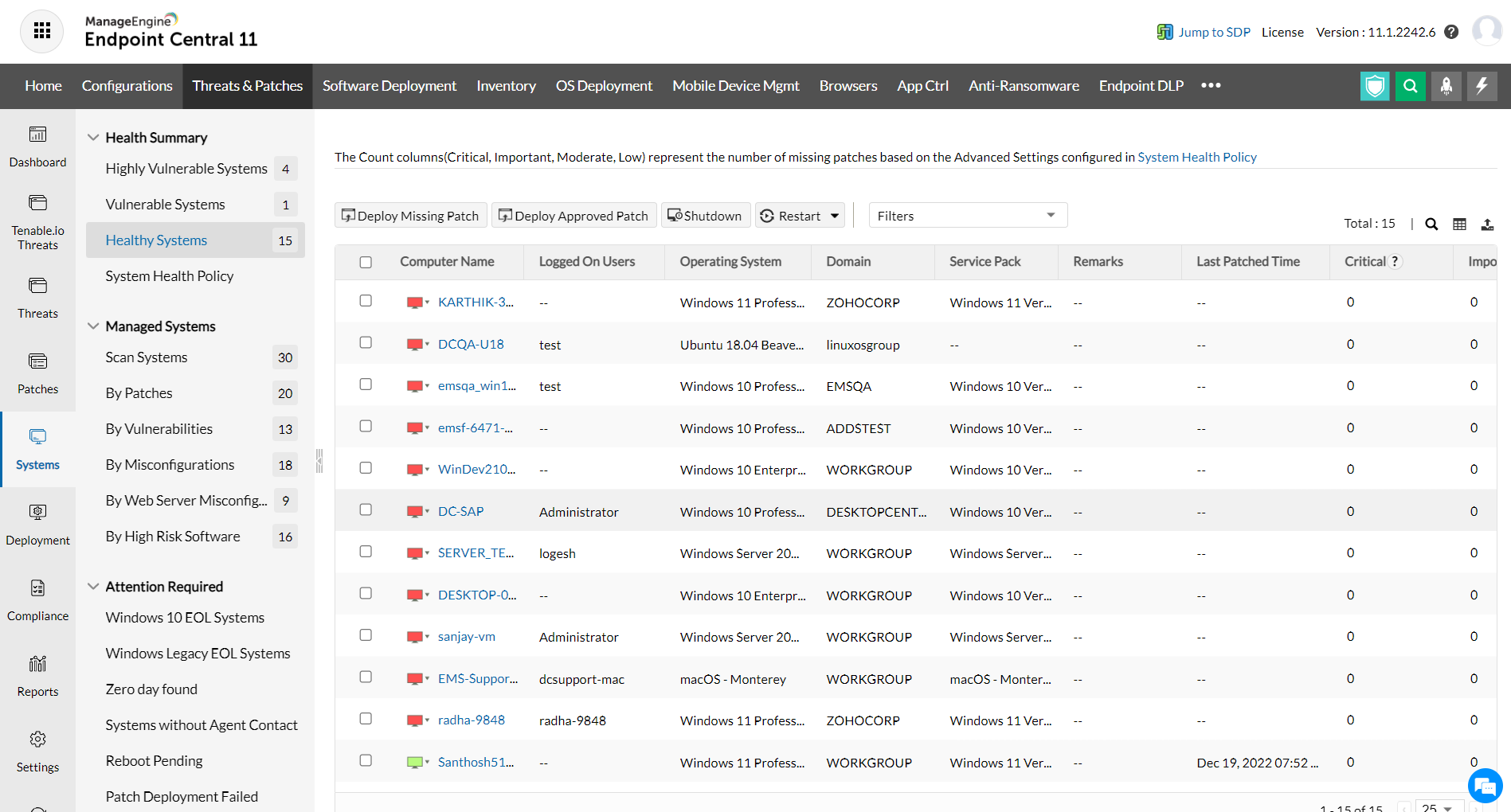
This view helps in providing the following functions:
The following details about the healthy systems are shown here:
Computer Name: The name of the system.
OS Name: The operating system of the computer.
Total Patches: Total count of the patches applicable to this system. Click this link to view the details of the patches.
Installed Patches: Total count of the patches that are installed. Click this link to view the details of the patches.
Missing Patches: Count of the patches that are missing in the system. Click this link to view the details of the patches.
Informational Patches: Total count of informational patches. Click this link to view the details of the patches.
Obsolete Patches: Total count of obsolete patches. Click this link to view the details of the patches.
Health: The health of the system.


