DBMaintenance - Maintaining and cleaning old statistics from OpManager Database
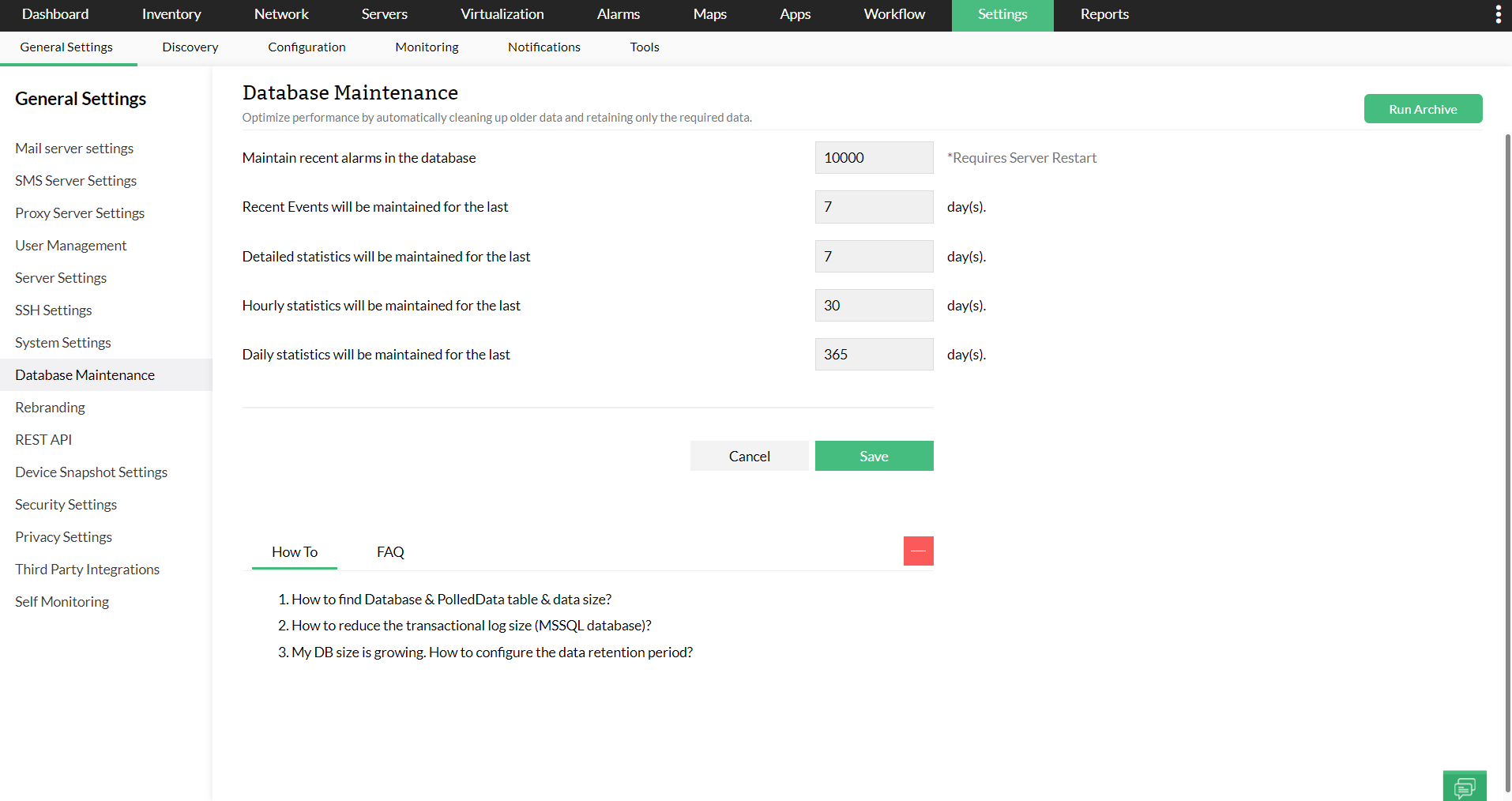
- Database Maintenance can be found under basic settings.
- Users can set a time period for maintaining the database.
- Time frame to maintain Detailed statistics, Hourly Statistics and Daily Statistics can also be configured and once past the deadline, OpManager will remove the archaic statistics data.
Managing Database Maintenance from the Central Server
In OpManager's Enterprise Edition, Database Maintenance configurations can be centrally defined and managed from the Central Server. These settings can then be synchronized across all or selected Probes.
How it works?
- Configure and save the database maintenance settings in the Central Server.
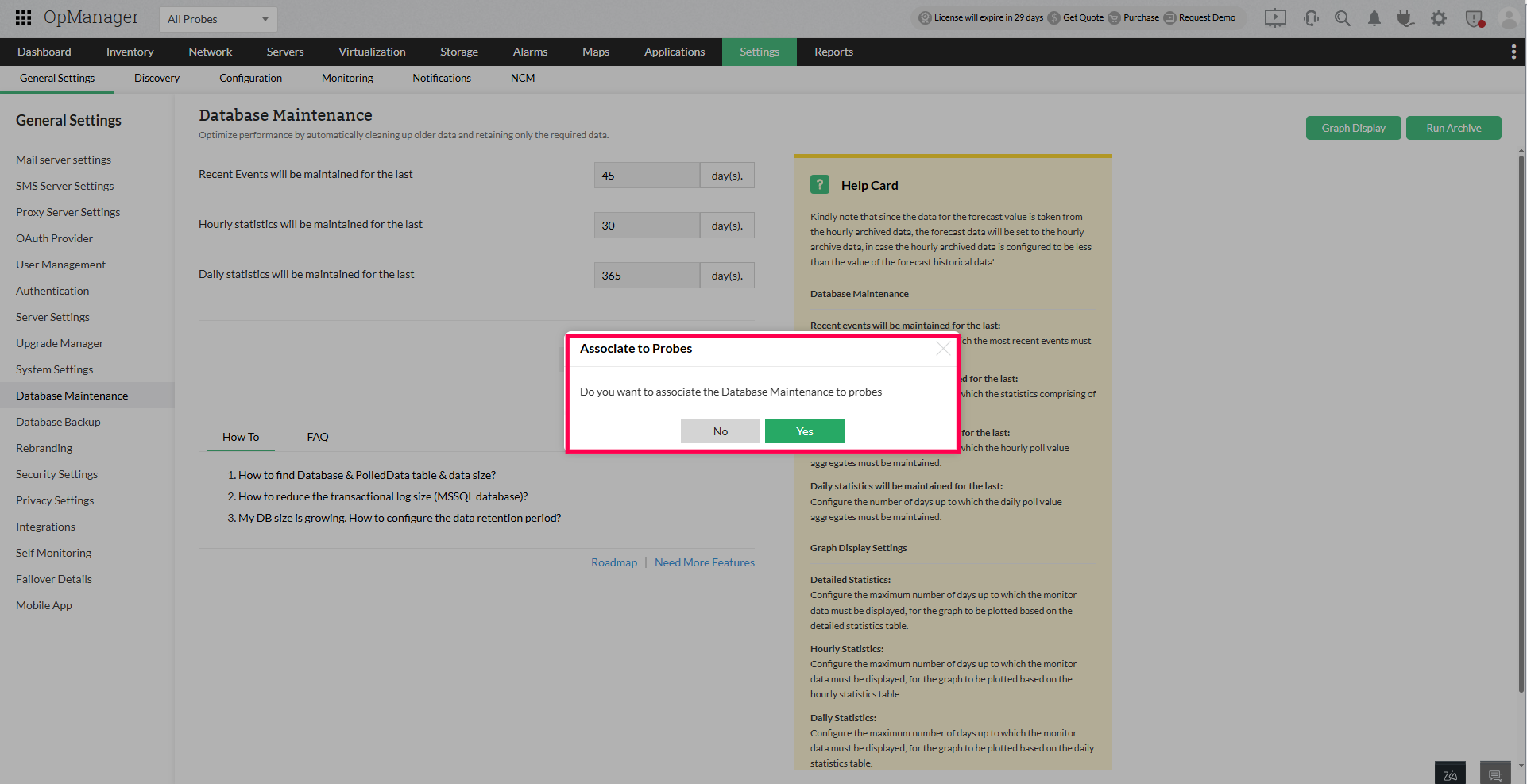
- A prompt will appear asking if you want to sync the settings.
- Select the desired Probes and proceed to sync the configuration.
NOTE:
- Only settings configured at the Central can be synced.
- It is not possible to push new or unconfigured settings from the Probe back to the Central.
- Detailed statistics configurations are not supported from Central sync.
This ensures that all connected Probes follow the Central's data retention and cleanup policies.