Grouping FAQs
OpManager's grouping feature allows you to group related devices or interfaces together, helping you manage your network even more effectively. Furthermore, you can also use this group option as a filter while creating reports, Widgets, notification profiles, device templates, etc.
What is availability distribution in a group?
The availability distribution of a group is calculated based on the average availability of all devices in that group over a 24-hour period. OpManager continuously measures the availability of each device at regular intervals and then averages these values to determine the group's overall availability.
What is group availability in OpManager?
Group availability represents the overall health of a group based on the specific key devices you select.
When configuring a group, you can choose the devices whose status will determine the group's health. After creating the group, you can edit it anytime to update the selected devices. If any one of the selected devices goes down, the group availability will be marked as zero.
In contrast, Availability Distribution is calculated as the average availability of all devices in the group over a 24-hour period. This can be viewed in the group's snapshot page in a graphical format.
Why am I not able to a create/edit a group?
A group cannot be created in the following cases:
- When more than four nested groups exist under the parent group.
- When an ancestor group is placed under one of its child groups.
Can a combination of devices and interfaces be placed in a group?
No, a combination of devices and interfaces cannot be grouped together as both of them have entirely different properties. But a device group (group containing devices) and interface group (group containing interfaces) can be placed under one subgroup.
How can group members be automatically added to a group during discovery?
You can add group members automatically to a group during discovery by creating a group with criteria. Please note that in future, during network discovery or when adding a device, if any of the devices or interfaces discovered match the criteria specified in the group criteria, then those devices or interfaces will be automatically added to that group.
Can I configure device downtime schedule for devices in a group?
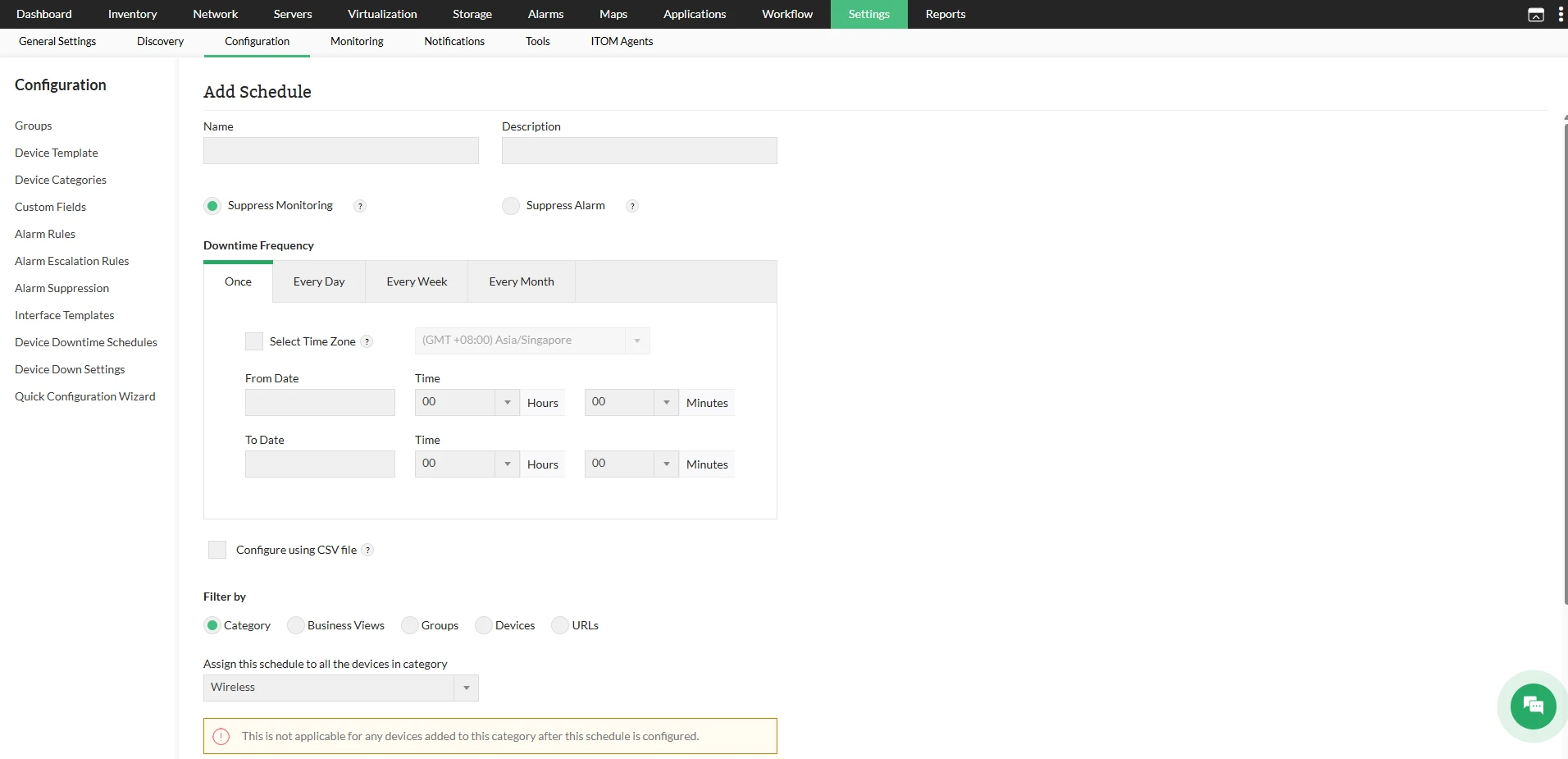
Yes. You can configure device downtime schedule for groups by visiting Settings → Configuration → Device Downtime Schedules → Add Schedule and then choosing Groups as the filter by criteria.