- Free Edition
- What's New?
- Key Highlights
- Suggested Reading
- All Capabilities
-
Log Management
- Event Log Management
- Syslog Management
- Log Collection
- Agent-less Log Collection
- Agent Based Log collection
- Windows Log Analysis
- Event Log Auditing
- Remote Log Management
- Cloud Log Management
- Security Log Management
- Server Log Management
- Linux Auditing and Reporting
- Auditing Syslog Devices
- Windows Registry Auditing
- Privileged User Activity Auditing
-
Application Log Management
- Application Log Monitoring
- Web Server Auditing
- Database Activity Monitoring
- Database Auditing
- IIS Log Analyzer
- Apache Log Analyzer
- SQL Database Auditing
- VMware Log Analyzer
- Hyper V Event Log Auditing
- MySQL Log Analyzer
- DHCP Server Auditing
- Oracle Database Auditing
- SQL Database Auditing
- IIS FTP Log Analyzer
- IIS Web Log Analyzer
- IIS Viewer
- IIS Log Parser
- Apache Log Viewer
- Apache Log Parser
- Oracle Database Auditing
-
IT Compliance Auditing
- ISO 27001 Compliance
- HIPAA Compliance
- PCI DSS Compliance
- SOX Compliance
- GDPR Compliance
- FISMA Compliance Audit
- GLBA Compliance Audit
- CCPA Compliance Audit
- Cyber Essentials Compliance Audit
- GPG Compliance Audit
- ISLP Compliance Audit
- FERPA Compliance Audit
- NERC Compliance Audit Reports
- PDPA Compliance Audit reports
- CMMC Compliance Audit
- Reports for New Regulatory Compliance
- Customizing Compliance Reports
-
Security Monitoring
- Threat Intelligence
- STIX/TAXII Feed Processor
- Threat Whitelisting
- Real-Time Event Correlation
- Log Forensics
- Incident Management System
- Automated Incident Response
- Linux File Integrity Monitoring
- Detecting Threats in Windows
- External Threat Mitigation
- Malwarebytes Threat Reports
- FireEye Threat Intelligence
- Application Log Management
- Security Information and Event Management (SIEM)
- Real-Time Event Alerts
- Privileged User Activity Auditing
-
Network Device Monitoring
- Network Device Monitoring
- Router Log Auditing
- Switch Log Monitoring
- Firewall Log Analyzer
- Cisco Logs Analyzer
- VPN Log Analyzer
- IDS/IPS Log Monitoring
- Solaris Device Auditing
- Monitoring User Activity in Routers
- Monitoring Router Traffic
- Arista Switch Log Monitoring
- Firewall Traffic Monitoring
- Windows Firewall Auditing
- SonicWall Log Analyzer
- H3C Firewall Auditing
- Barracuda Device Auditing
- Palo Alto Networks Firewall Auditing
- Juniper Device Auditing
- Fortinet Device Auditing
- pfSense Firewall Log Analyzer
- NetScreen Log Analysis
- WatchGuard Traffic Monitoring
- Check Point Device Auditing
- Sophos Log Monitoring
- Huawei Device Monitoring
- HP Log Analysis
- F5 Logs Monitoring
- Fortinet Log Analyzer
- Endpoint Log Management
- System and User Monitoring Reports
-
Log Management
- Product Resources
- Related Products
- Log360 (On-Premise | Cloud) Comprehensive SIEM and UEBA
- ADManager Plus Active Directory Management & Reporting
- ADAudit Plus Real-time Active Directory Auditing and UBA
- ADSelfService Plus Identity security with MFA, SSO, and SSPR
- DataSecurity Plus File server auditing & data discovery
- Exchange Reporter Plus Exchange Server Auditing & Reporting
- M365 Manager Plus Microsoft 365 Management & Reporting Tool
- RecoveryManager Plus Enterprise backup and recovery tool
- SharePoint Manager Plus SharePoint Reporting and Auditing
- AD360 Integrated Identity & Access Management
- AD Free Tools Active Directory FREE Tools
Beyond Kiwi Syslog Server: Finding a comprehensive log management solution
While Kiwi Syslog Server offers basic log collection, the complexities of modern IT environments demand more than just log collection and forwarding. Scattered logs from across Windows and Linux systems, network devices, and applications make proactive security and troubleshooting a challenge.
Why settle for disparate solutions when a single console can provide end-to-end log management, powerful security analytics, and, most importantly, streamlined compliance at an affordable price?
ManageEngine EventLog Analyzer transcends the limitations of traditional syslog servers by offering a holistic approach to log management and tighter integration with Security information and event management(SIEM) tools.
Kiwi Syslog Server vs. EventLog Analyzer: Feature comparison
| Feature | ManageEngine EventLog Analyzer | Kiwi Syslog Server |
|---|---|---|
| Windows event log collection |
|
|
| Linux/Unix syslog collection |
|
|
| Cloud log ingestion |
|
|
| Supported log sources |
|
Partial Syslog and SNMP trap sources from network devices. |
| Log processing throughput |
|
Processes up to 2 million messages per hour. |
| Collection methods |
|
Partial Agentless syslog and SNMP collection. Windows logs need a separate forwarding tool. |
| Log formats and custom parsing |
|
|
| Log search and forensics |
|
Limited Basic filtering by host, IP, priority, and time of day. No drill-down to raw events and no saved search capability. |
| Predefined reports and dashboards |
|
Limited A few overall syslog statistics and trend reports. No framework-mapped dashboards. |
| Real-time event correlation and MITRE ATT&CK mapping |
|
|
| Threat intelligence |
|
|
| File integrity monitoring |
|
|
| Compliance reporting |
|
|
| Incident management and help-desk integrations |
|
|
| Alerting and notifications |
|
Partial Real-time alerts on syslog content, volume, or metadata. Email notifications only. No SMS and no compliance-mapped alert profiles. |
| Log archiving and retention |
|
|
| Deployment platform |
|
Limited Windows only. Requires Windows 10 or Server 2019 and above. |


Note: This comparison is based on publicly available information about SolarWinds Kiwi Syslog Server. Confirm specifics before making a purchase decision.
Replace Kiwi Syslog Server with EventLog Analyzer
Go beyond syslog collection with native Windows and Linux log monitoring, real-time threat detection, and audit-ready compliance - all in one platform.
Leverage the 30-day fully functional free trial with technical consultation to kick-start your journey today.
Why choose EventLog Analyzer over Kiwi Syslog Server?
As a comprehensive log management tool, EventLog Analyzer is equipped with a robust, built-in syslog server that acts as a central collection point for all your log data. Key advantages that you will gain by choosing EventLog Analyzer over Kiwi Syslog Server include:
Unified log collection and centralization
EventLog Analyzer gathers log data from any source through agentless, agent-based, or API-based methods. Seamlessly collect, parse, and analyze logs from over 700 log sources, including Windows servers and workstations, Linux and Unix systems, network devices, firewalls, routers, web servers, and databases.
Learn more on log collectionIntuitive log analysis and forensics
Quickly find specific events across massive volumes of log data using advanced search options. Access over 1,000 predefined reports and customizable dashboards for instant insights into user activity, network events, application performance, and security incidents.
Learn more on log analysisWhy EventLog Analyzer is a smarter choice for your log management needs
If you are searching for a free syslog server alternative to Kiwi Syslog Server, need a reliable solution for a limited number of log sources, or simply require robust log forwarding capabilities, here's EventLog Analyzer, the ideal choice for getting started with log management:
Simplify Windows and Linux log collection: No more juggling tools
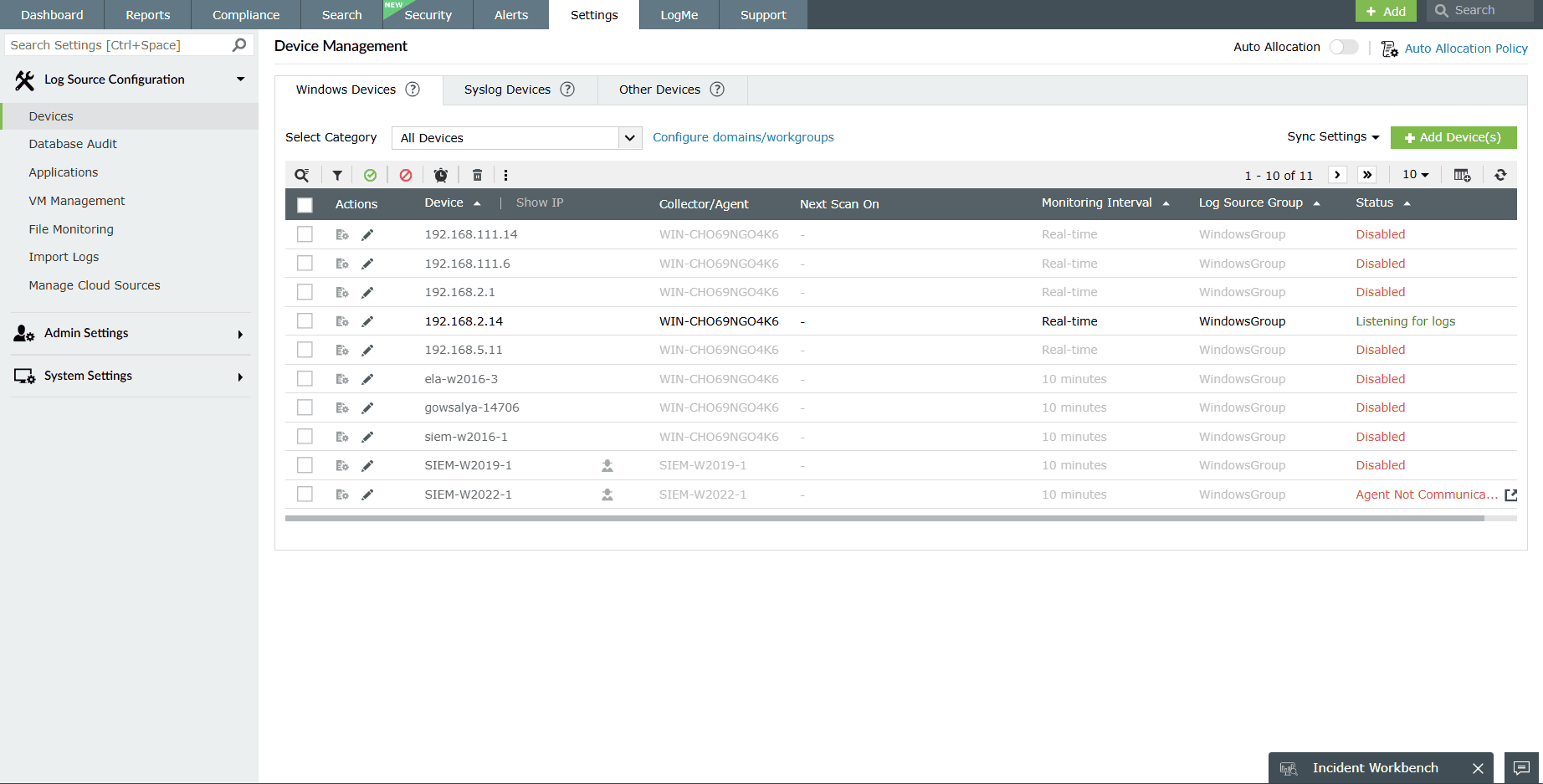
A common pain point with many free syslog server tools, including Kiwi Syslog Server, is their limited native support for Windows event logs. Kiwi Syslog Server, for instance, often requires you to install a separate Event Log Forwarder for Windows just to send your Windows logs to the centralized server. This adds complexity and another piece of software to manage.
EventLog Analyzer eliminates this hassle as it can natively collect, parse, and monitor Windows event logs and syslog messages without any additional forwarders or agents. As a result, you get a single, consolidated console for all your critical logs, making the initial setup and ongoing management far simpler.
See your logs—don't just collect them: Beyond basic log forwarding
If your primary need is to get logs from point A to point B, many simple forwarders can do the job. But what if you want to actually see and understand those logs easily?
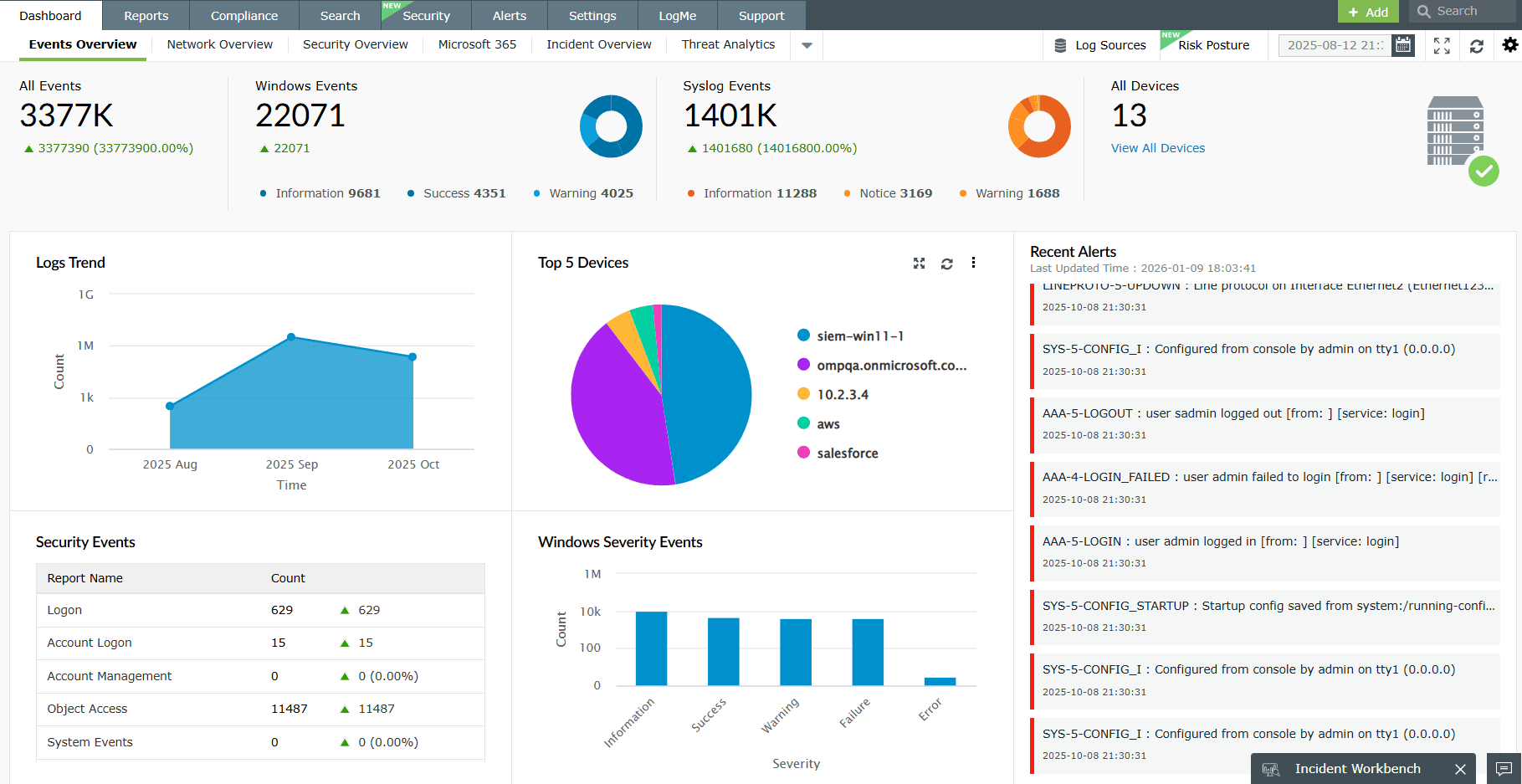
EventLog Analyzer acts as a powerful log forwarder and a comprehensive viewer. Get immediate visual insights into your log activity, log trends, user behavior, system events, and more. Easily search for, filter, and analyze logs from all sources for troubleshooting and incident management. With this syslog server, you will not just move data; you will gain immediate visibility and advanced analytical capabilities, such as correlation that transforms raw logs into understandable, actionable information.
Start for free and scale as you grow: A future-proof log management solution
Many free syslog servers, including Kiwi Syslog Server, quickly hit a wall, forcing you to reinvest in new tools and relearn systems as your needs grow beyond basic collection.
EventLog Analyzer's Free edition lets you start with robust collection and basic analysis for up to five log sources—perfect for small networks.
As your organization expands or your security and compliance needs evolve, EventLog Analyzer offers a seamless upgrade path, unlocking advanced SIEM capabilities, comprehensive compliance reporting, and scalability for terabytes of log data—all within the same platform. With this solution, you can invest your time into learning one versatile solution that can scale with you, rather than switching to entirely new systems later.
Take your log management to the next level with EventLog Analyzer
Correlate logs from different sources to spot attack patterns and immediately neutralize threats.
Learn moreMatch threat intelligence feeds with network and application logs to detect suspicious access to your network.
Learn moreGet audit-ready compliance reports and violation alerts for regulatory mandates like the PCI DSS, the GDPR, HIPAA, and SOX.
Learn moreEventLog Analyzer delivers far more than just syslog server capabilities
Application log analysis
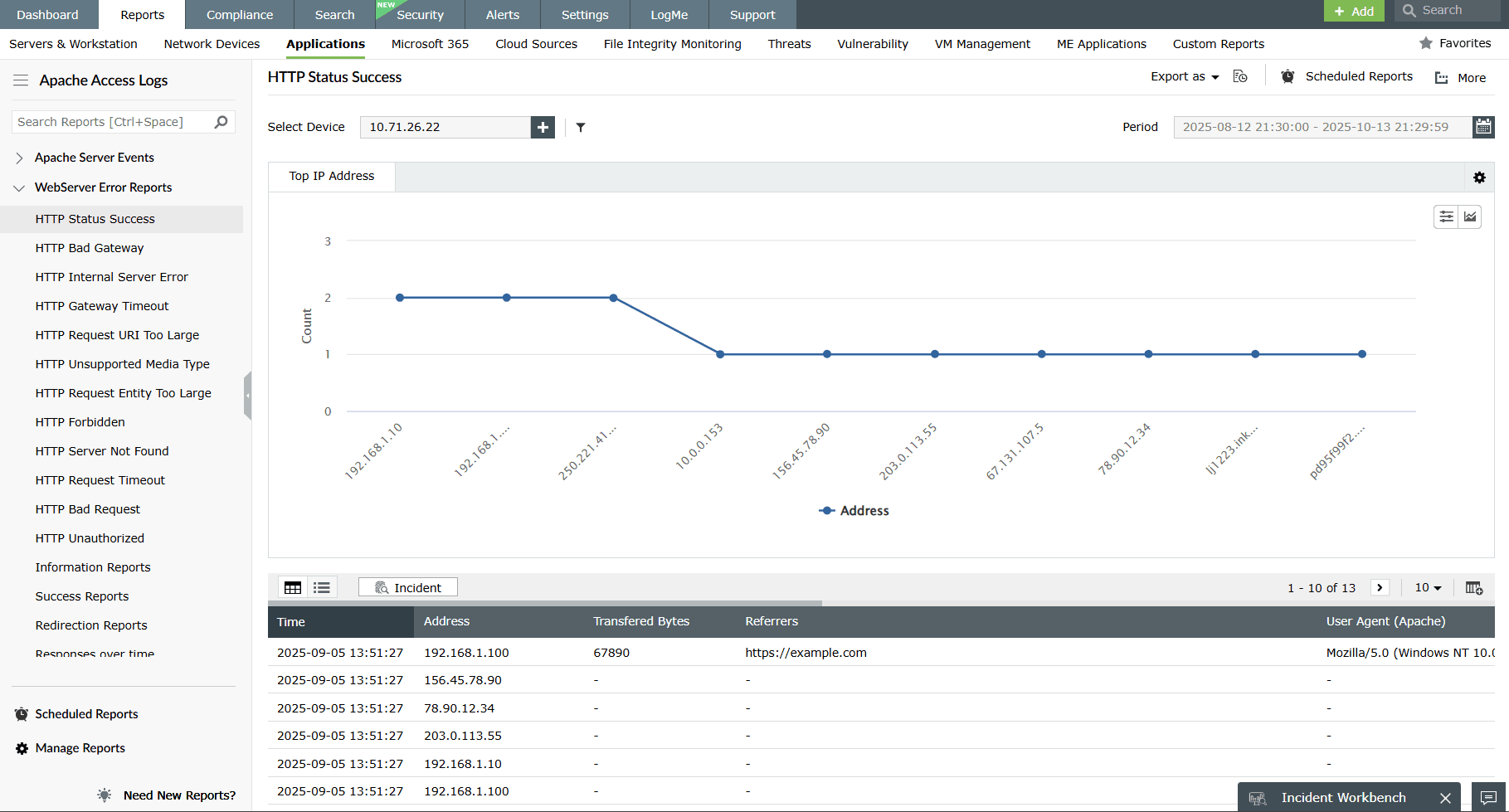
Analyze application logs from IIS and Apache web servers, Oracle and Microsoft SQL Server databases, DHCP Windows and Linux applications, and more. Mitigate application security attacks with reports and real-time alerts.
IT compliance management
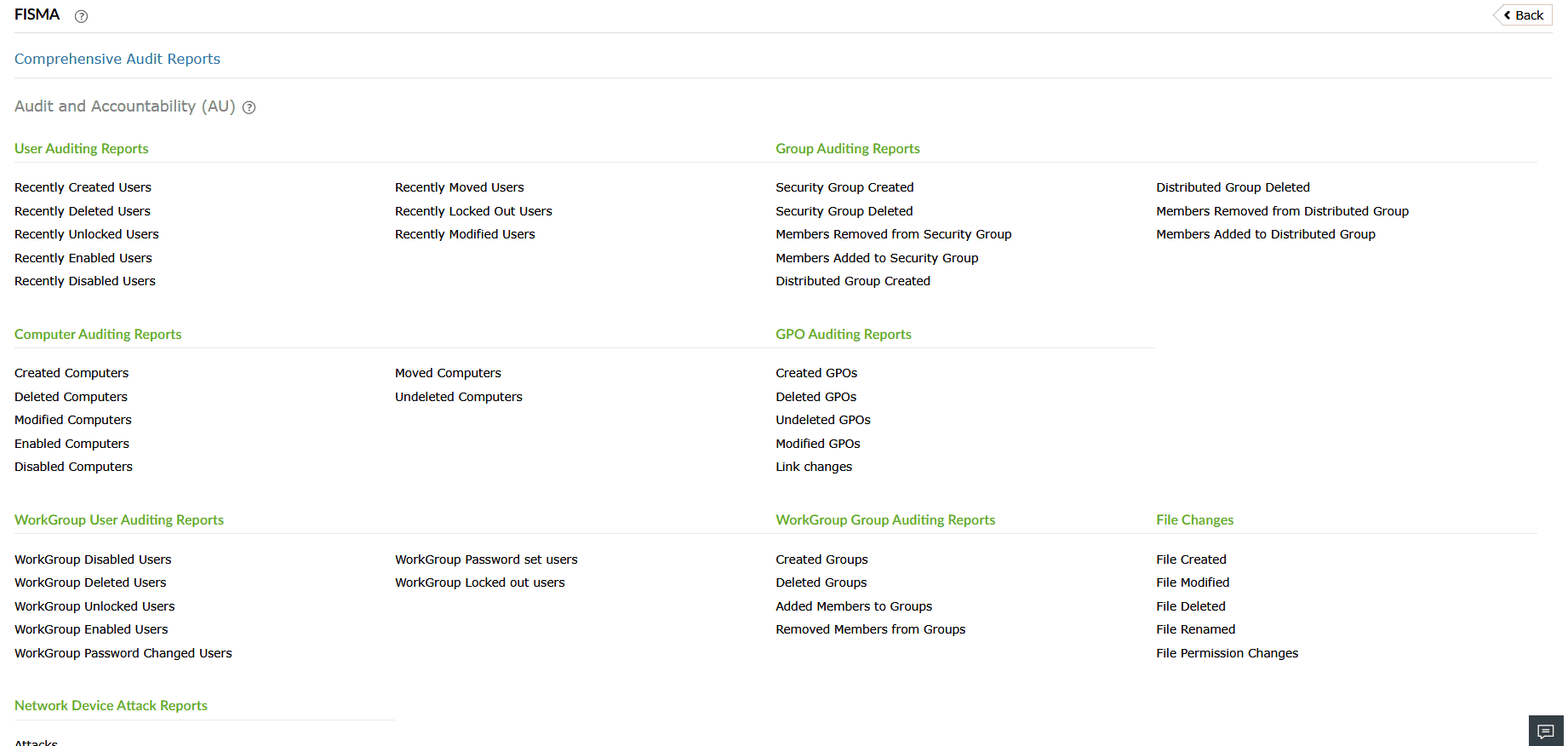
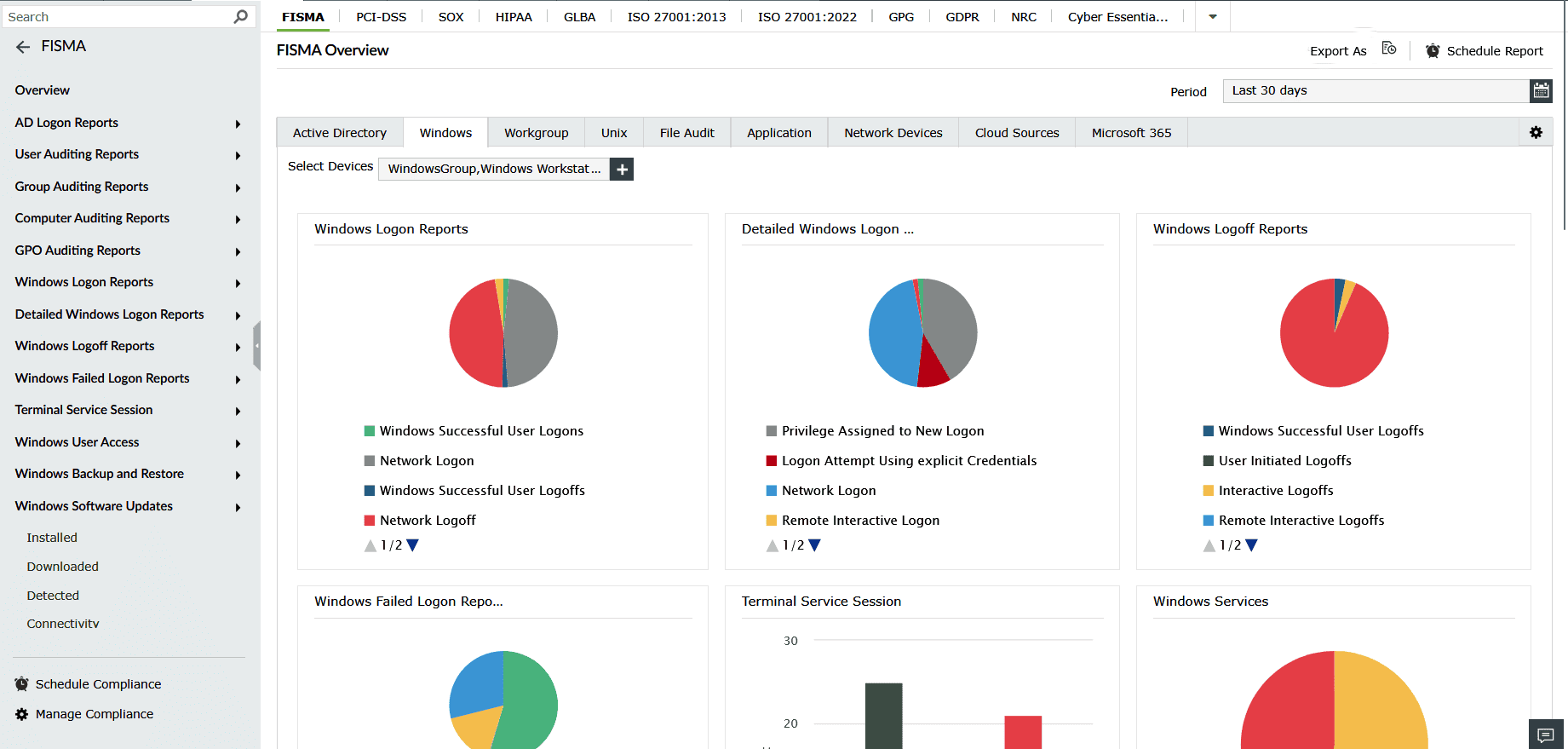
Comply with the stringent requirements of regulatory mandates like the PCI DSS, FISMA, and HIPAA with predefined reports and alerts. Customize existing reports or build new reports to meet internal security needs.
Linux log monitoring
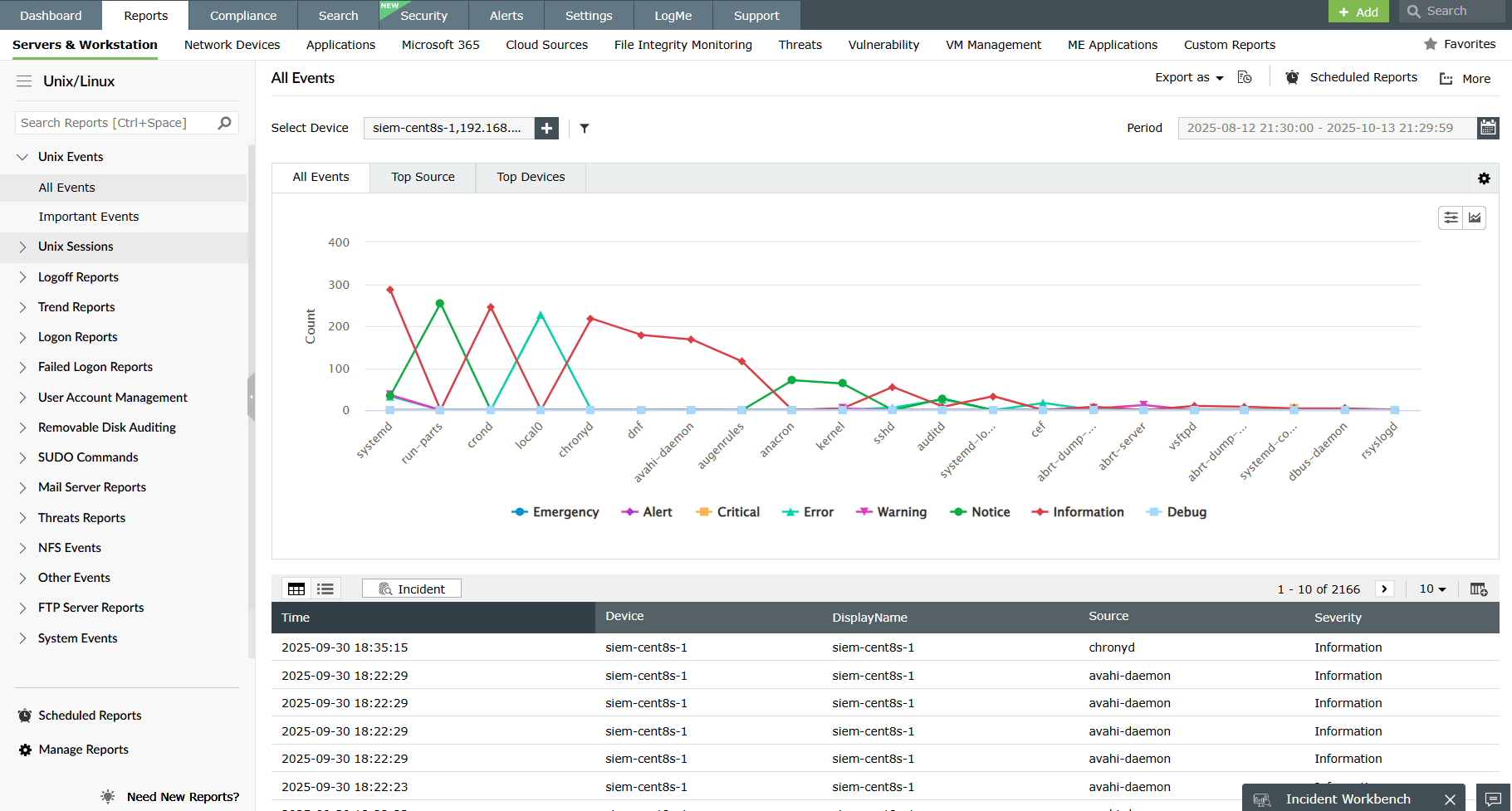
Audit Linux servers and system logs to detect abnormal system events, unusual logons and logoffs, and changes to user accounts and groups. Monitor sudo command executions for privilege abuse and monitor Unix mail and FTP servers for errors and more.
File integrity monitoring
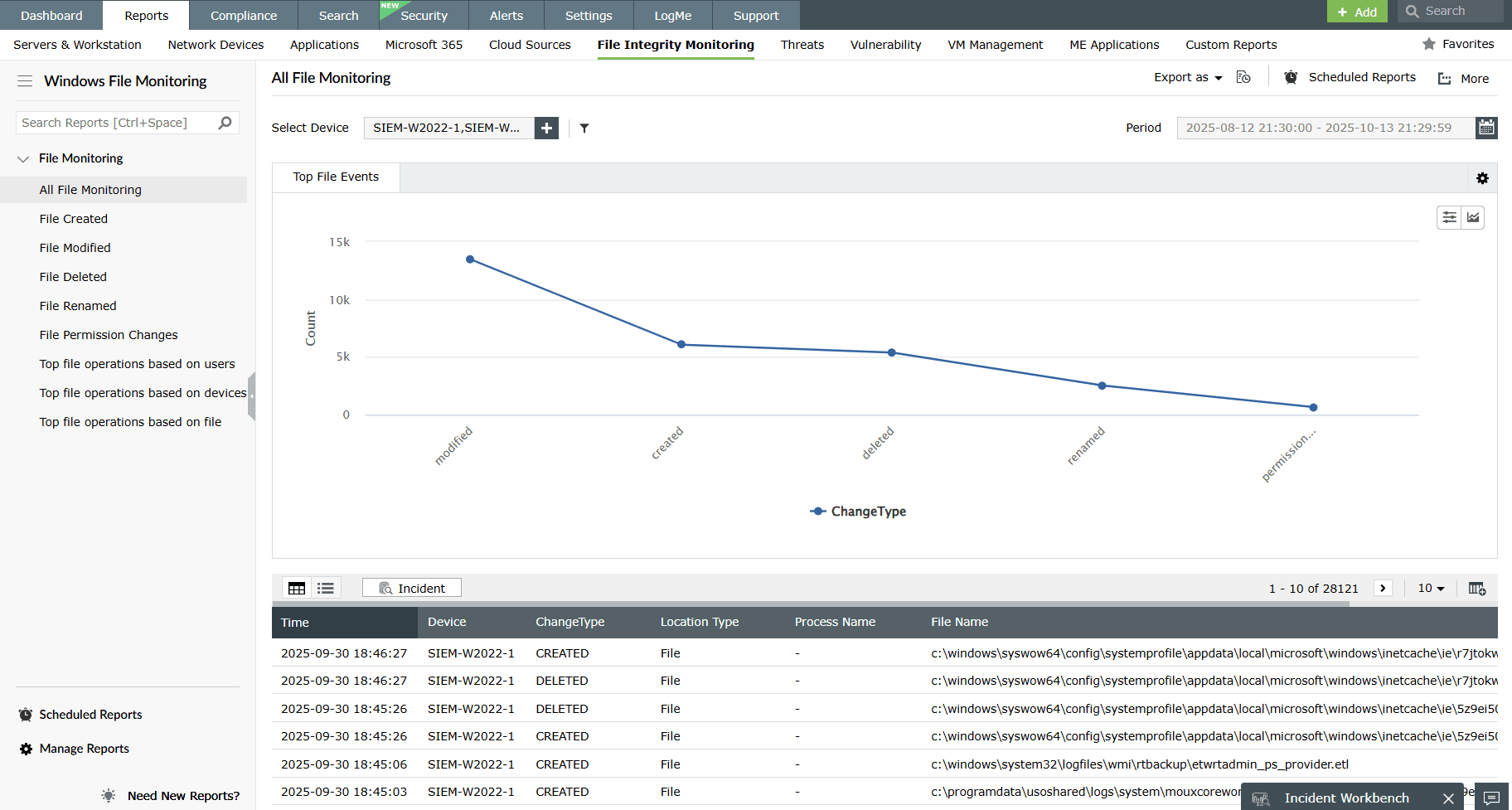
Ensure file integrity and track modifications and deletions of sensitive data stored in files and folders in Windows and Linux systems. Get real-time alerts about modifications, with detailed insights into who made the change, from where, and when.
Your questions about Kiwi syslog servers—answered
ManageEngine EventLog Analyzer is a comprehensive alternative to Kiwi Syslog Server for organizations that need more than basic syslog collection. Along with centralized syslog management, it offers Windows Event Log monitoring, real-time log analysis, automated alerts, compliance reporting, forensic search, and built-in security analytics from a single console.
Yes. Whether you're using the legacy Kiwi Syslog Server or the newer Kiwi Syslog Server NG, migrating to EventLog Analyzer is straightforward. Since both solutions support the standard Syslog protocol, you simply need to update the syslog destination on your routers, switches, firewalls, servers, and other network devices to start forwarding logs to EventLog Analyzer with minimal changes to your existing infrastructure.
Yes. EventLog Analyzer collects syslog messages from routers, switches, firewalls, Linux and Unix systems, network appliances, and other Syslog-enabled devices. It also supports Windows Event Logs, allowing you to centralize log management across your entire IT environment through a single platform.
Yes. EventLog Analyzer offers a free edition that lets you monitor up to five log sources. It includes real-time syslog collection, centralized log monitoring, search, alerts, and reporting, making it an ideal option for small IT environments or teams evaluating a Kiwi Syslog Server alternative.