- Free Edition
- Quick Links
- Exchange Mailbox Reports
- Mailbox Size Reports
- Mailbox Properties Reports
- Mailbox Status Reports
- Mailbox Permission Reports
- Mailbox Content Reports
- Mailbox Logon by Users
- Inactive Mailboxes Reports
- Mailbox Enabled Users
- Office 365 Mailbox Reports
- Room Mailbox Reports
- Shared Mailbox Reports
- Exchange Mailbox Permissions
- Shared Mailbox Permissions
- Calendar Permission Reports
- Export Mailbox Permissions Reports
- Export Mailbox Size Reports
- Export Exchange Mailbox Reports
- Export Public Folder Lists
- Exchange Server Monitoring
- Client Access Server Health
- Exchange Server Monitoring Tool
- Exchange Server Monitoring Reports
- Exchange Service Health Monitoring
- DAG Monitoring Reports
- Connectivity Monitoring Reports
- Mail Flow Health Monitoring
- Exchange Database Monitoring
- Storage Monitoring Reports
- Email Queue Monitoring
- Replication Health Monitoring
- Exchange Audit Reports
- Exchange Server Auditing
- Exchange Server Auditing and Alerting
- Exchange Server Compliance Reporting
- Exchange Audit and Compliance Tool
- Exchange Admin Audit Logging
- Non-Owner Mailbox
Logon Reports - Mailbox Permission Changes Reports
- Mailbox Property Changes Reports
- Exchange Database Changes Reports
- Server Configuration Changes Reports
- Exchange Mailbox Audit Logging
- Exchange Traffic Reports
- Exchange Office 365 Reports
- Other Reports
- Mailbox Content Search
- Skype for Business server reporting
- Outlook Web Access Reports
- ActiveSync Reports
- Mailbox and Public Store Reports
- Distribution Lists Report
- Server Storage Tracking Reports
- Public Folder Reports
- Public Folder Content Report
- Email Non-Delivery Reports
- Retention Policy Reports
- Email Non Delivery Reports
- Exchange Migration
- Resources
- Related Products
- ADManager Plus Active Directory Management & Reporting
- ADAudit Plus Hybrid AD, cloud, and file auditing and security
- ADSelfService Plus Identity security with MFA, SSO, and SSPR
- EventLog Analyzer Real-time Log Analysis & Reporting
- M365 Manager Plus Microsoft 365 Management & Reporting Tool
- SharePoint Manager Plus SharePoint Reporting and Auditing
- DataSecurity Plus File server auditing & data discovery
- RecoveryManager Plus Enterprise backup and recovery tool
- AD360 Integrated Identity & Access Management
- Log360 Comprehensive SIEM and UEBA
- AD Free Tool Active Directory Free Tool
Exchange Reporter Plus now has more than 150 unique reports that cover the length and breadth of the Microsoft Exchange environment. These reports cater to specific needs of different organizations. However, not all reports may be beneficial to all organizations at all phases of business cycle. For example, when you need to tighten IT security, system administrators receive clear instructions to implement stringent monitoring policies on Exchange activities. At such times, they need details on Audit Reports such as Mailbox Permission Changes and Property Changes. When companies recruit en masse, the number of mailboxes increases exponentially. At such times, each kilobyte of server space must be used optimally. Therefore, admins need reports on Mailbox Size and Account Status. The very vastness of Exchange Reporter Plus can sometimes create mazes that restrict navigation within the product, and users may end up wasting valuable time in search of reports.
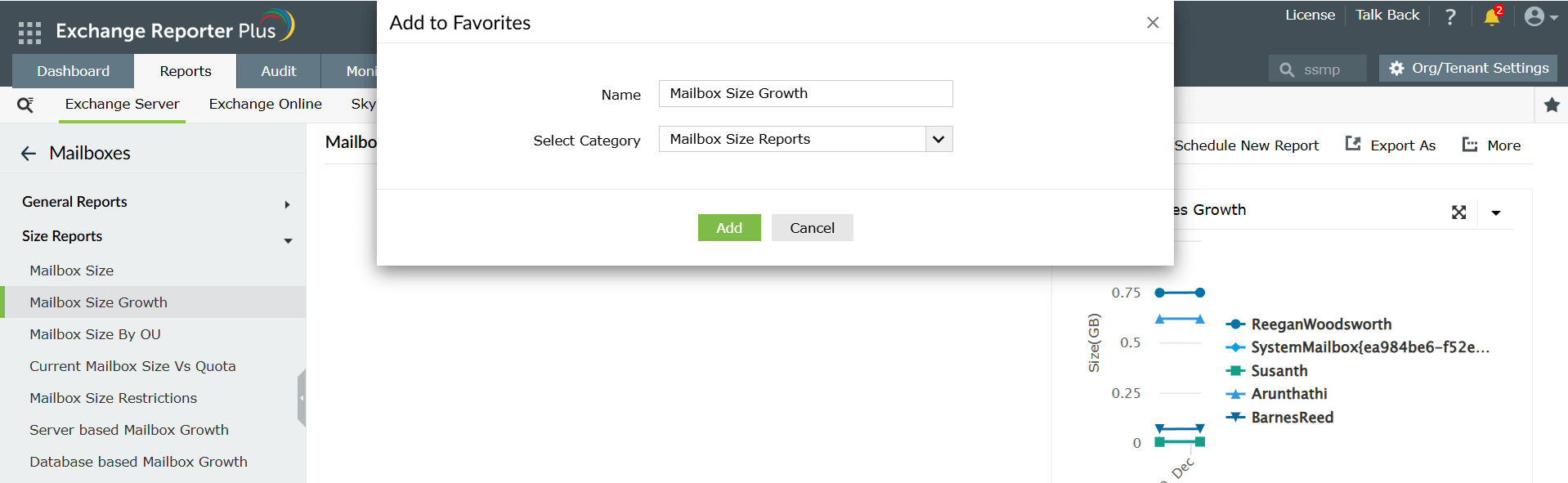
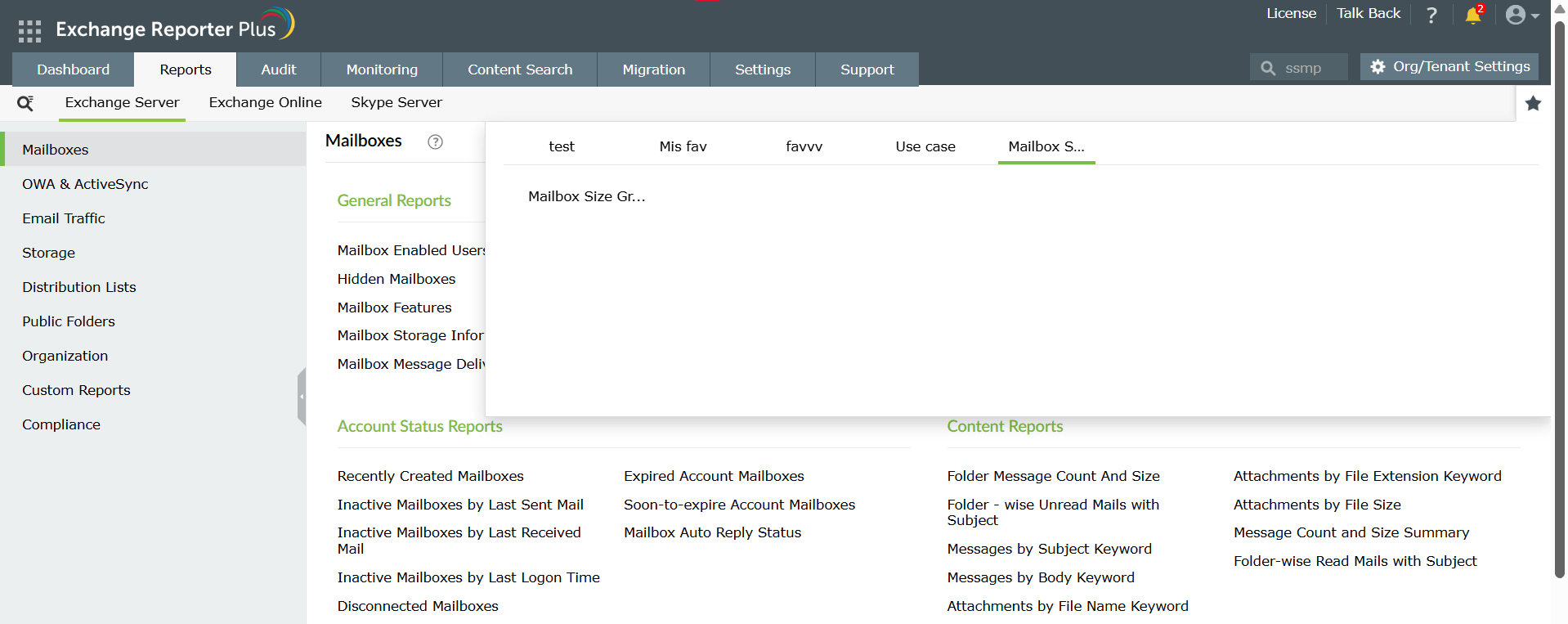
The Exchange Reporter Plus team recognized this need and has come up with a Bookmark feature, which can be applied to all reports. This feature allows users to bookmark their most preferred/used report(s) to list(s) and pick from the list(s) when they need one. Furthermore, users can bookmark reports into categories based on desired parameters. This allows a user to organize and customize their usage. The Bookmark feature therefore ensures easy navigation and saves a lot of time for the Exchange administrator.