
Service port monitoring involves monitoring services running on different ports. This can include services running on ports such as Telnet, TCP/IP port, etc.
Applications Manager's service port monitoring solution provides in-depth insights about availability and performance of different services running on a TCP port such as FTP-21, Telnet-23, etc. Applications Manager's Telnet port monitor connects to the service configured for monitoring, checks its availability and response time.
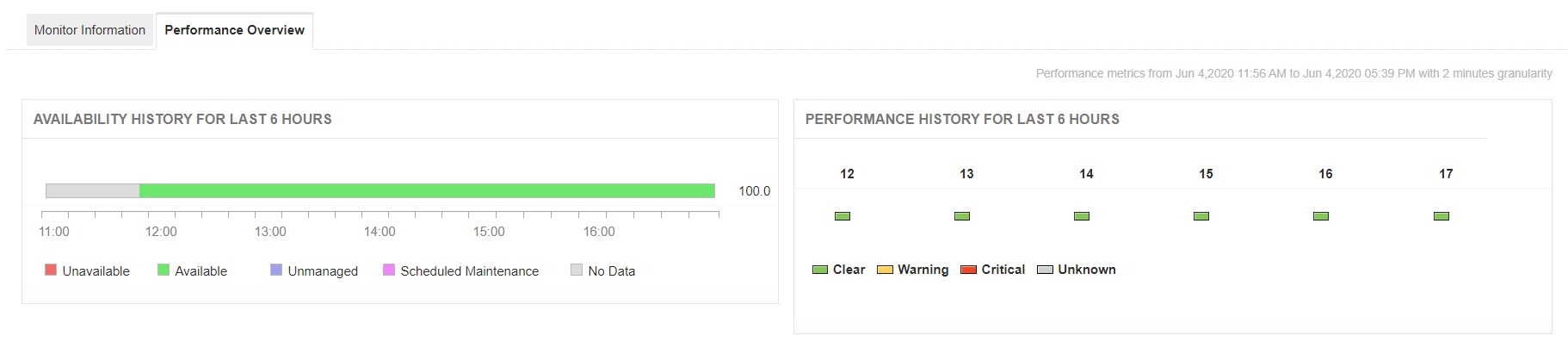
The Service monitoring feature enables you to perform application port monitoring and network port monitoring simultaneously and monitors the services running on the port by tracking the response time of the service. It helps you to monitor TCP ports efficiently and updates the status based on a pre-defined threshold. Applications Manager's TCP port monitor provides options to look at the various service's availability data through comprehensive management reports.
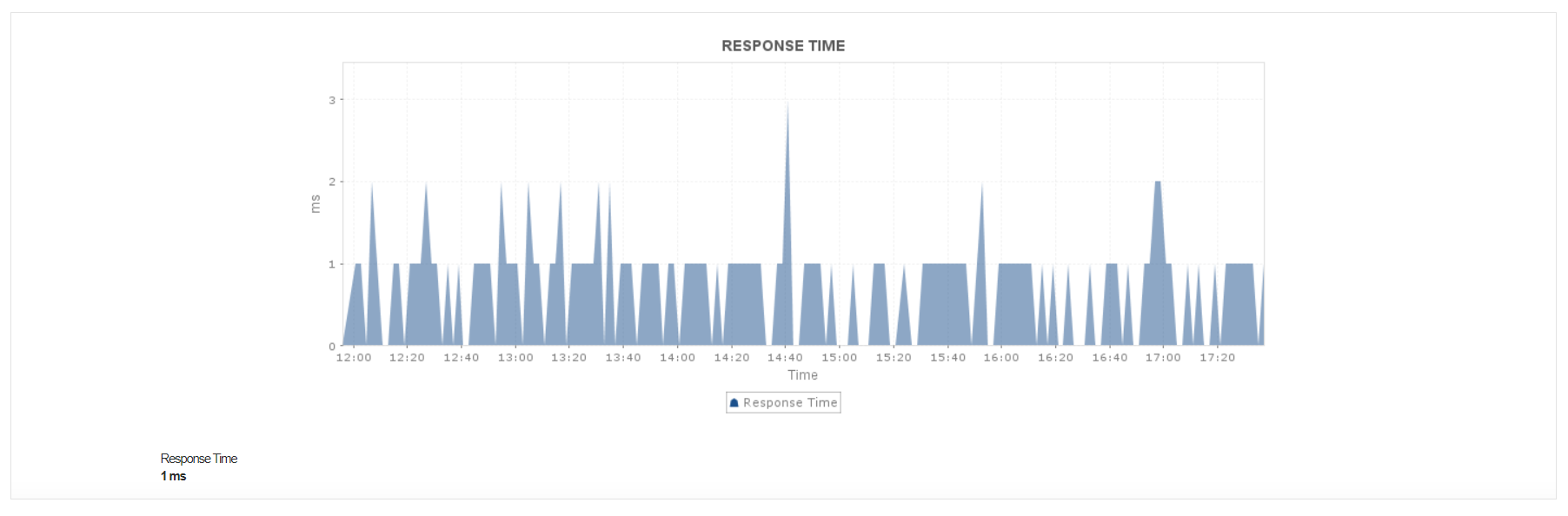
Applications Manager also monitors application services running on UDP ports using the UDP Port Monitor. Become aware of service unavailability and detect high response times. Receive alerts on the go and stay informed about the performance of services in real time.
Applications Manager's TCP monitoring tool also allows you to designate thresholds for availability and response times of services, and enables you to configure alerts for threshold violations. With Applications Manager, you can establish dynamic baselines to detect anomalies and identify performance degradation in time to prevent major outages.
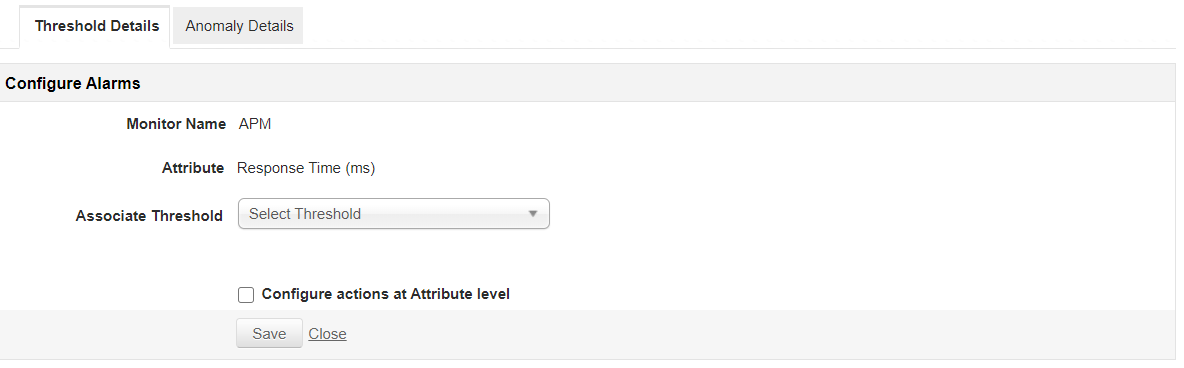
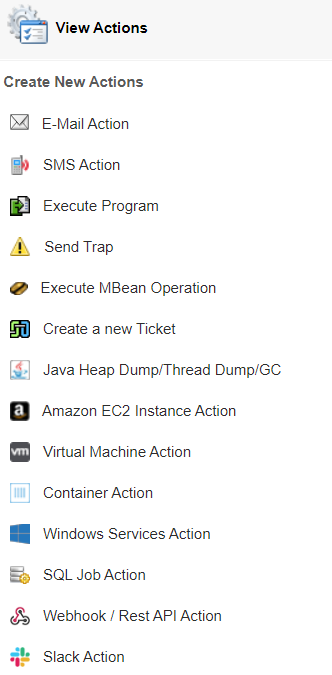
Applications Manager's TCP IP monitoring software also notifies you of the availability status of services through various means such as automated event escalation via email, SMS, etc. Using Applications Manager's TCP port monitoring software, you can implement corrective actions for the issues identified by executing user scripts that can start/restart a service when thresholds are breached.
Applications Manager's TCP port monitoring software provides reports on downtime, availability, health, and response time. With these reports, you can analyze the historical trends of the response times of the services and make informed decisions.
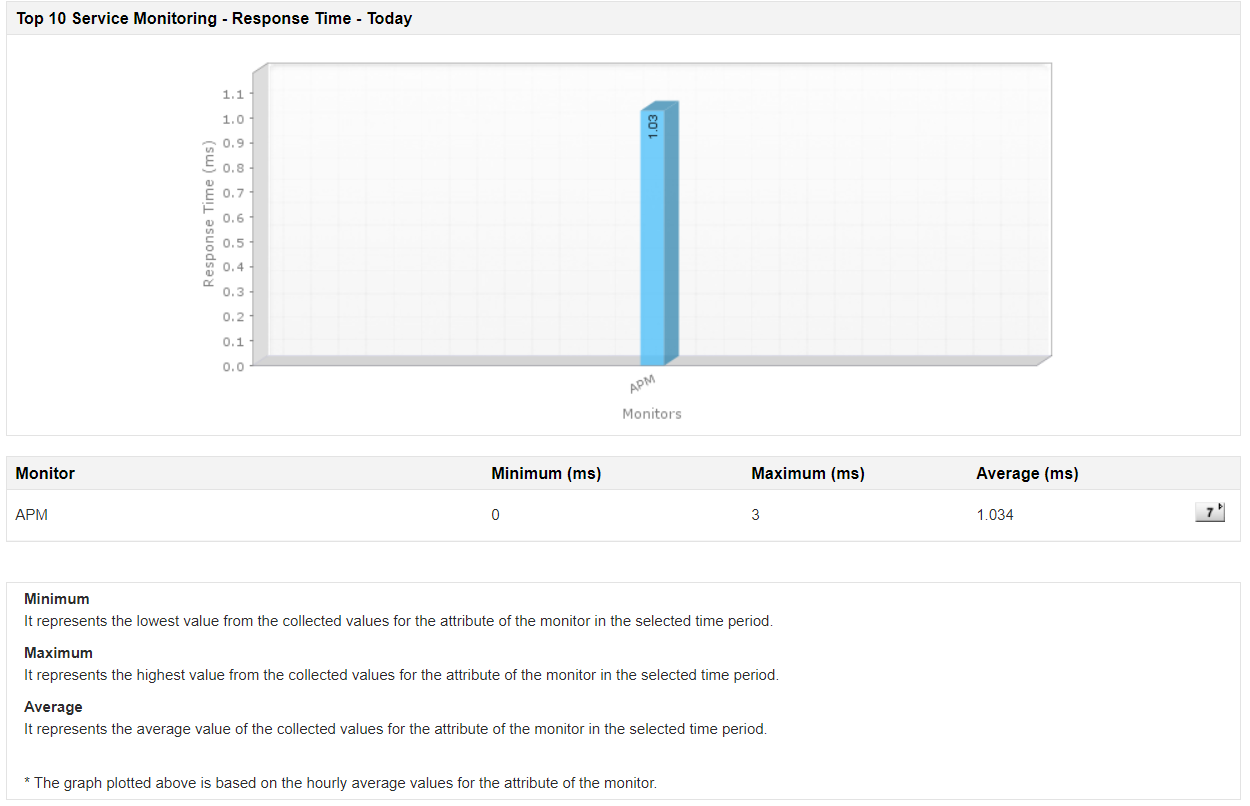
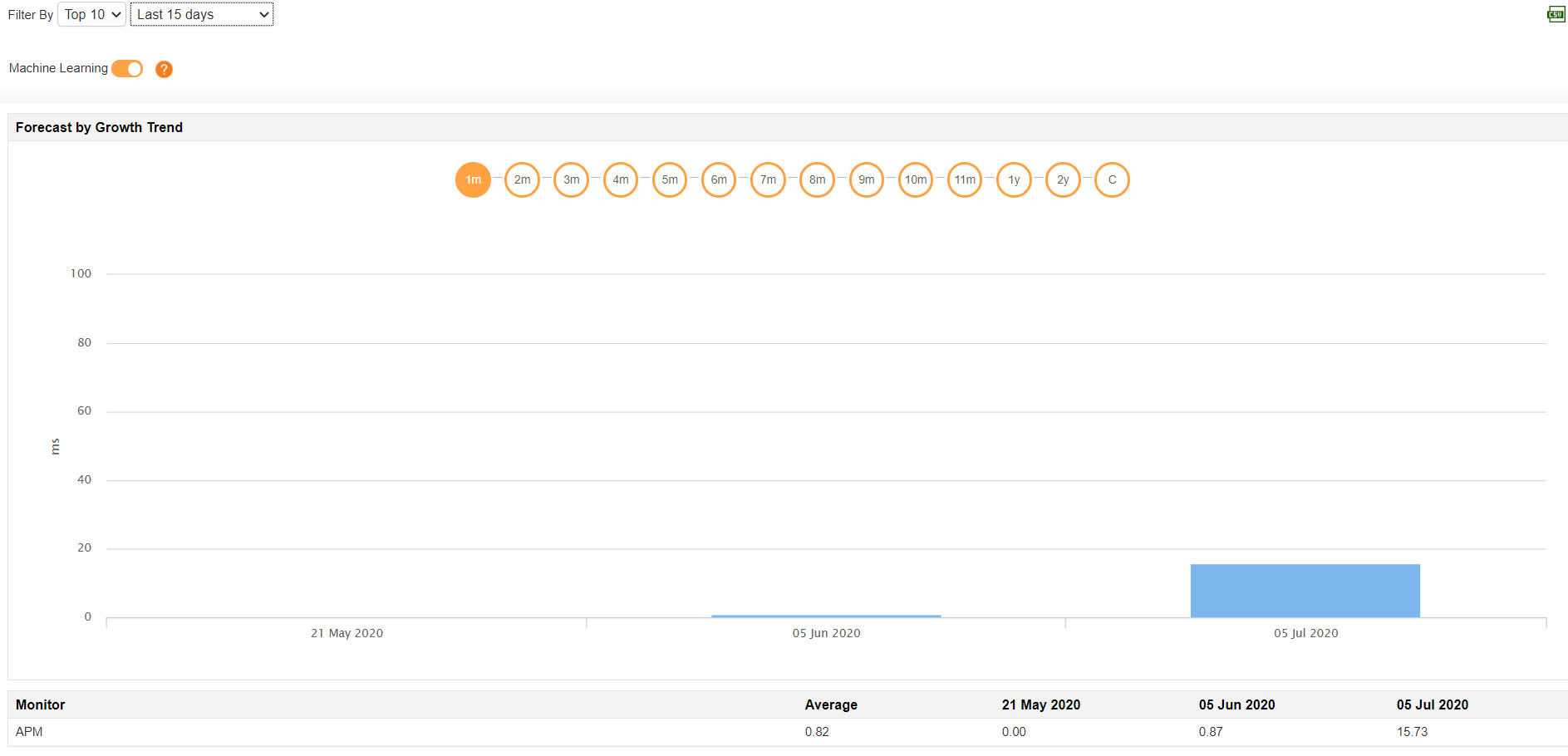
With Applications Manger's port monitor tool, optimize the performance of your services by anticipating trends using Forecast Reports, which employ machine learning techniques to predict response time for up to three years.
Applications Manager supports the following Service Ports:

It allows us to track crucial metrics such as response times, resource utilization, error rates, and transaction performance. The real-time monitoring alerts promptly notify us of any issues or anomalies, enabling us to take immediate action.
Reviewer Role: Research and Development

"I like Applications Manager because it helps us to detect issues present in our servers and SQL databases."
Carlos Rivero
Tech Support Manager, Lexmark
Trusted by over 6000+ businesses globally