
Downtime doesn’t just frustrate IT—it costs you money, customers, and credibility. Traditional monitoring tools are expensive, complex, and hard to maintain. Every minute of server downtime means lost productivity, delayed transactions, and a growing backlog of complaints. The longer issues stay hidden, the higher the risk to your business.
Our affordable server monitoring solution gives you real-time insights, proactive alerts, and full control—so you prevent problems before they impact your business.
Monitor server performance metrics such as CPU utilization & Disk Utilization are critical attributes to keep an eye on to extrapolate the load on your CPU and assess the overall server memory utilization. You can understand the amount of load on the server by tracking parameters such as traffic, utilization and number of packets sent/received in the network interface.
Applications Manager's server performance monitoring provides thorough real time server monitoring for various important metrics such as:

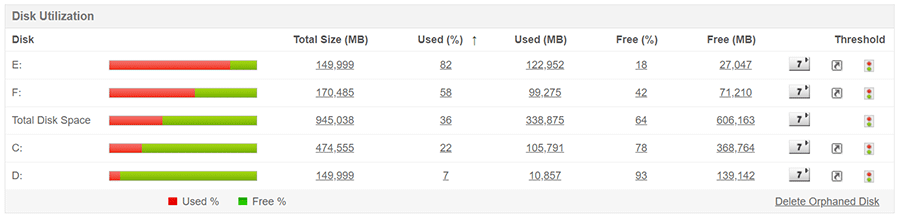
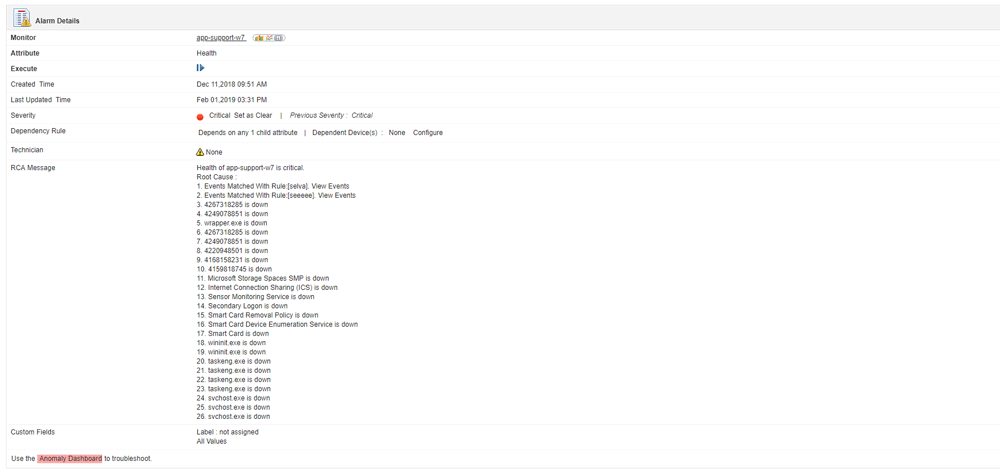
Applications Manager's server performance monitoring tool lets you keep a vigilant eye on the abnormalities occurring within the server infrastructure. The server and application monitor allows you to set threshold limits for vital parameters that are important to maintain server uptime and to get instant notifications if the thresholds are violated. In addition, you can automate remedial actions such as starting or stopping a server or drill down to the root cause of the issue to understand and resolve them thoroughly.
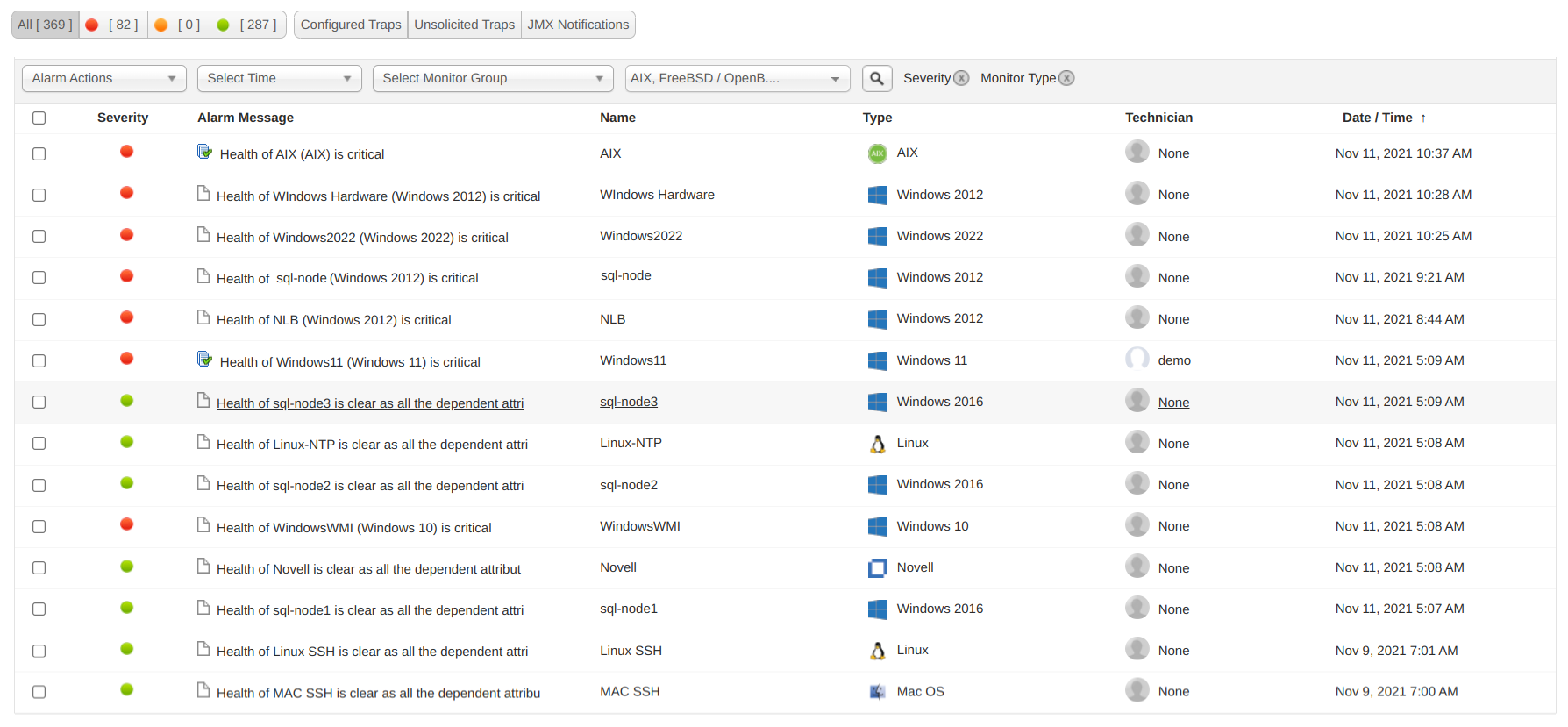

Learn how Applications Manager can help prevent server failures before they disrupt workflows
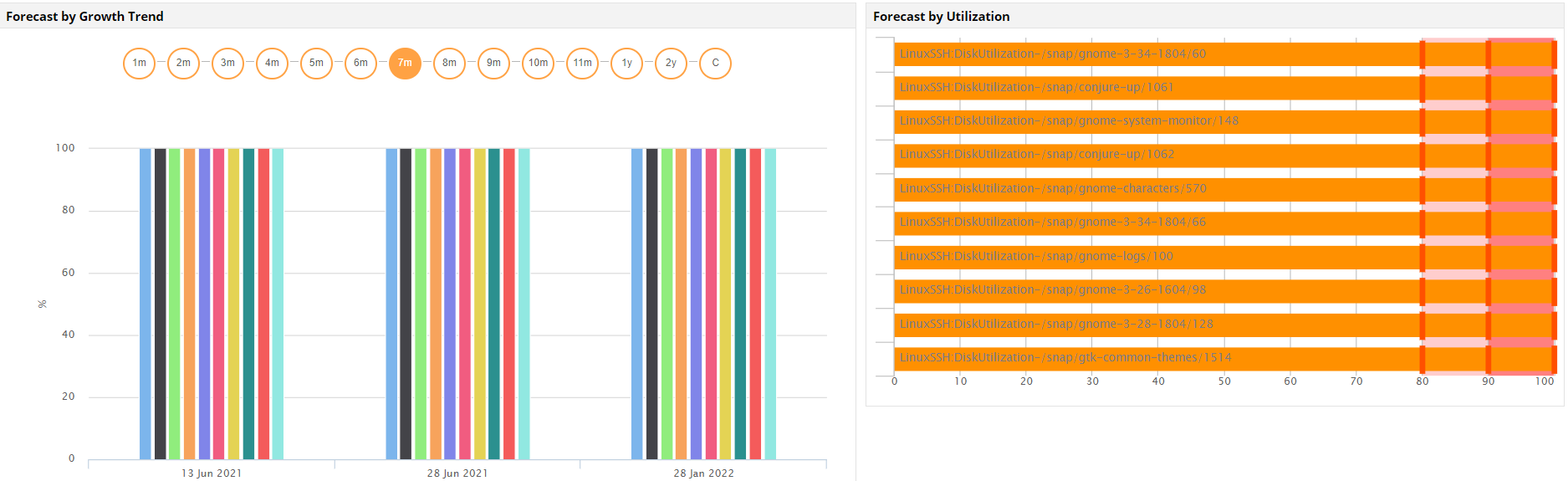
Apart from monitoring server performance, Applications Manager's server performance monitor offers numerous analytical capabilities to measure, track and predict your server's resource utilization and its performance trends. While Trend Analysis reports allows admins to understand the performance trends of different parameters in a server, the Forecast Reports makes use of Machine Learning algorithms to anticipate usage by predicting the disk utilization of your servers. The server and application monitor enables you to plan load distribution and resource allocation adequately by providing capacity planning reports that facilitates admins in identifying servers that are overutilized or underutilized. Additionally, you can create your own custom reports and schedule automatic report generation based on set intervals.
Applications Manager provides complete server monitoring solutions for the following servers:
Applications Manager's server performance monitor is the preferred server monitor solution for thousands of admins across the globe. While most server monitors provide performance statistics of your server infrastructure, Applications Manager's server monitoring software enables users to gain end to end visibility into the performance of your servers and provides complete enterprise server monitoring with its robust monitoring, alerting and analytical capabilities. Its ease of use and affordable pricing makes Applications Manager the best server monitoring system available today.

It allows us to track crucial metrics such as response times, resource utilization, error rates, and transaction performance. The real-time monitoring alerts promptly notify us of any issues or anomalies, enabling us to take immediate action.
Reviewer Role: Research and Development

"I like Applications Manager because it helps us to detect issues present in our servers and SQL databases."
Carlos Rivero
Tech Support Manager, Lexmark
Trusted by over 6000+ businesses globally