Multi-user Access
Work together with Applications Manager
With Applications Managers user management capabilities, you can login as an Admin and create new user roles such as Users, Operators, Managers, Admins and Delegated Admins based on the level of access you want them to have. With the help of multi-user access, service providers can easily manage all user accounts and can help multiple teams to collaborate effectively.
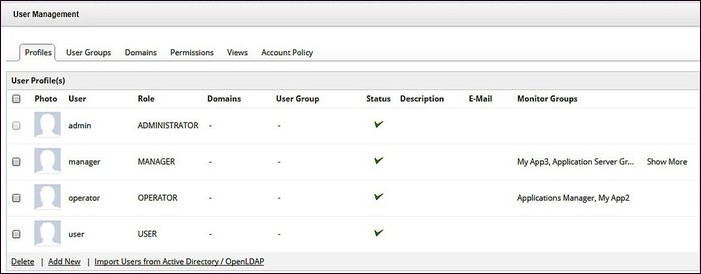
Administrator
Administrators have the privilege to access all the administration activities. You can configure mail and proxy servers, create/discover a new monitor, configure alarms and thresholds, set traps, perform polling, enable and disable reports, schedule reports, upload files/binaries, and so on. Administrators have control over the permissions given to the users and operators.
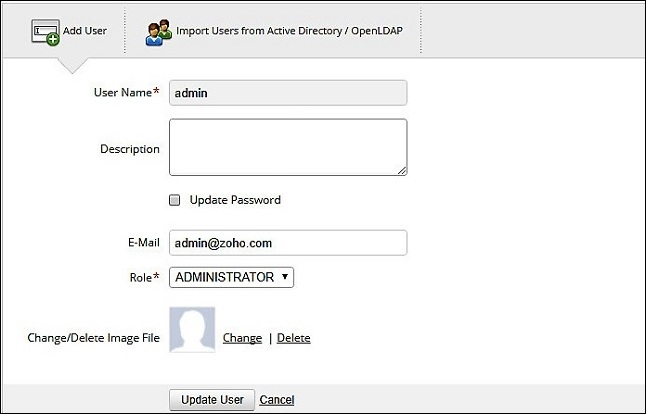
Delegated Admin
The delegated administration role is used to assign limited administrative privileges to users in your organization who aren't default administrators.
User
Users have read-only access to all the components of the product.They do not possess the privilege to add, edit or configure different components of the product.
Operator
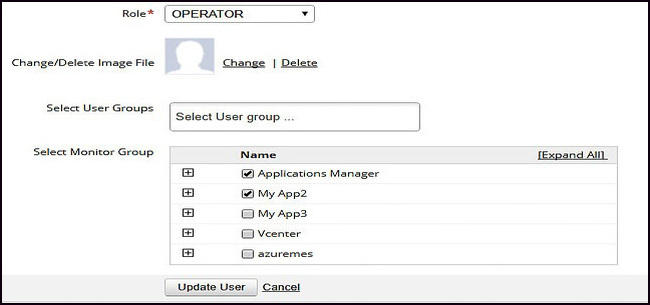
When compared to the users, Operators have limited access to the components of the product.They have read-only access to those parameters of the product that are assigned to them by the administrators.
Manager
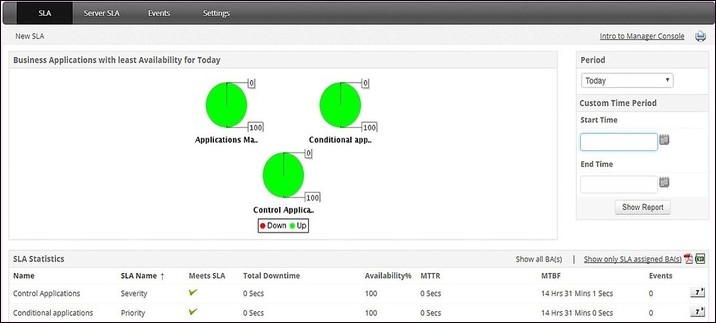
Managers don't possess administrator privileges. They manage Service Level Agreements (SLA) through the SLA console and have a high-level view of the Business infrastructure.They have limited access when compared to users and operators.
Easily import user groups from directories
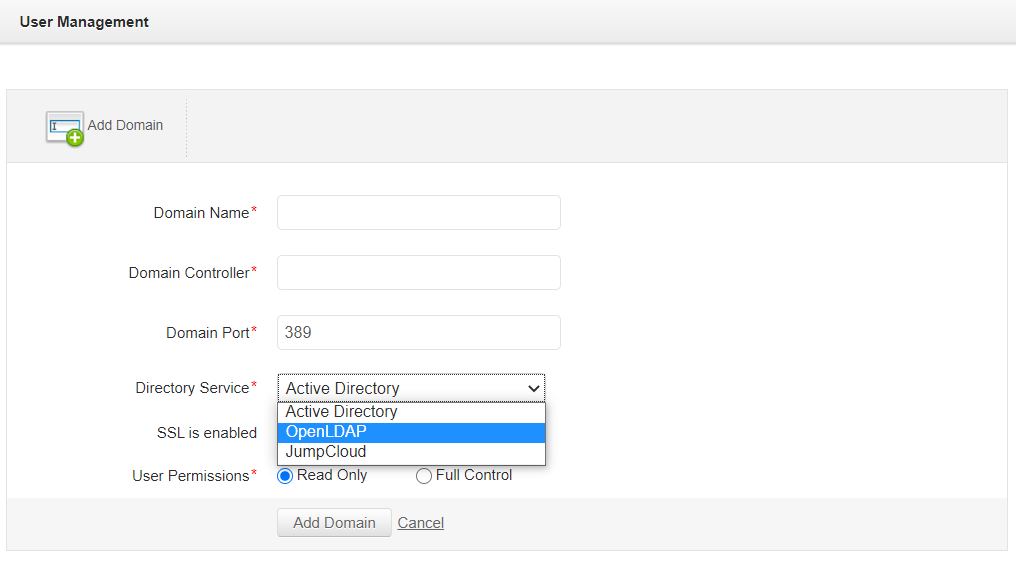
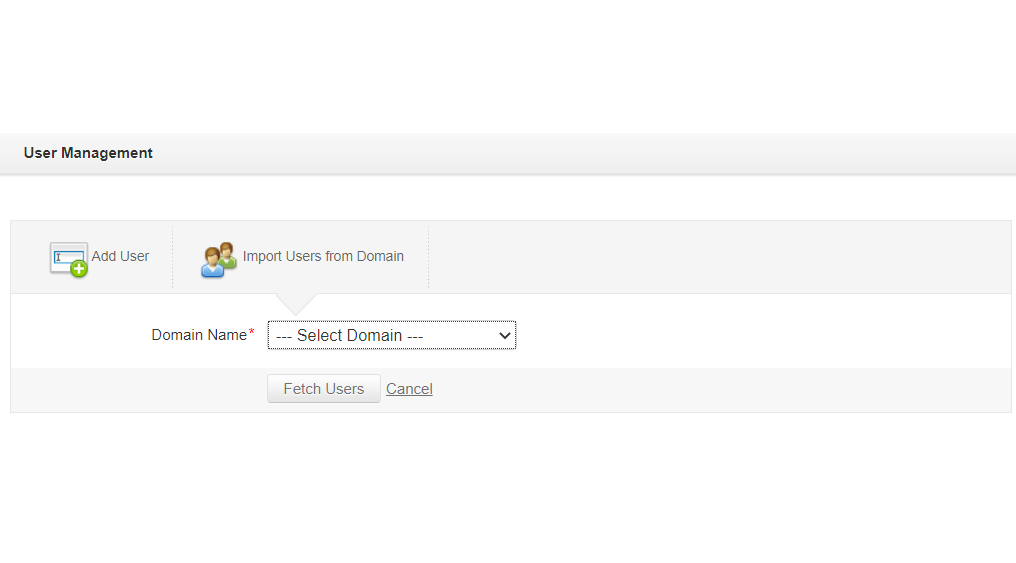
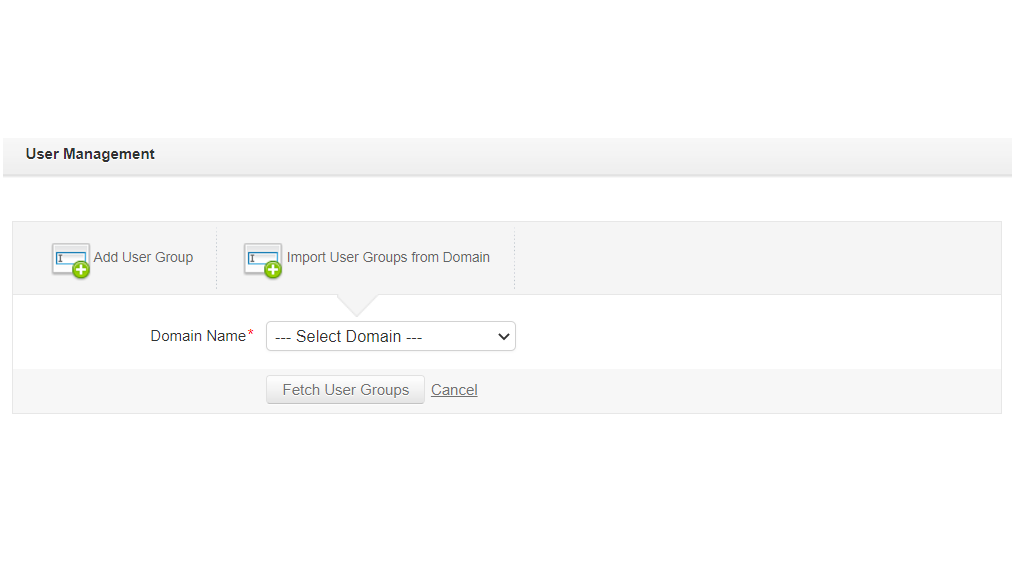
Group similar users together in the form of user groups. Assign various user roles to the user group. Add new domains and import users and user groups from the newly added domains using the authentication module. Supported directory service domains include Active Directory, OpenLDAP, and JumpCloud. You can then login to Applications Manager using Active Directory/LDAP/JumpCloud credentials by choosing the respective domains.
Give additional permissions to users
Grant special privileges to the administrators and operators using the "Permissions" tab.Allow operators to configure and view downtime schedules, personalize edit tabs, clear alarms and access Add-On products. Enable administrators to delegate admin preferences, start/stop/restart services, view/use all actions created by administrators and so on.
Secure your account
Configure account policies to enhance web client security.Access account policy tab in user management for password validation.Enforce account lockout if the set thresholds are violated.Set the value for idle session timeout. Enforce single user sessions and strong password rules.

