
The Evaluation customer feature in Log360 Cloud MSSP allows MSSPs the provision to add potential Customers on trial period alongside normal Customers. The feature enhances the MSSP's capability to manage their customer portfolio more effectively, offering flexibility in customer onboarding and management.
With this feature, MSSPs can leverage evaluation Customers to showcase their services and seamlessly transition them to regular Customers, optimizing their service offerings and customer satisfaction.
Listed below are some of the specifications for Evaluation Customers:
1. Trial Duration: The Evaluation Customers are granted a 30-day trial period. Post-trial, these Customers are automatically disabled and require a license to be re-enabled.
2. Storage Considerations: The storage utilized by the Evaluation Customers will not be included in the Storage Summary widget or reflected in the total storage and allocated storage metrics on the MSSP License page.
3. Evaluation Customer Limitation: At any given time, only two Evaluation Customers can be active. To add a new Evaluation customer beyond this limit, an existing Evaluation customer can be disabled/deleted or a customer add-on can be requested via support.
4. Eligibility: The option to add Evaluation Customers is exclusively available to paid MSSP customers.
MSSPs can effectively manage Evaluation Customers alongside their multiple regular Customers, allowing potential customers to experience the capabilities of Log360 Cloud MSSP before committing to a full license. They can add Evaluation Customers, convert them to regular Customers, and manage their license and storage allocation effectively.
MSSPs can add Evaluation Customers to their Log360 Cloud MSSP account with the following steps:
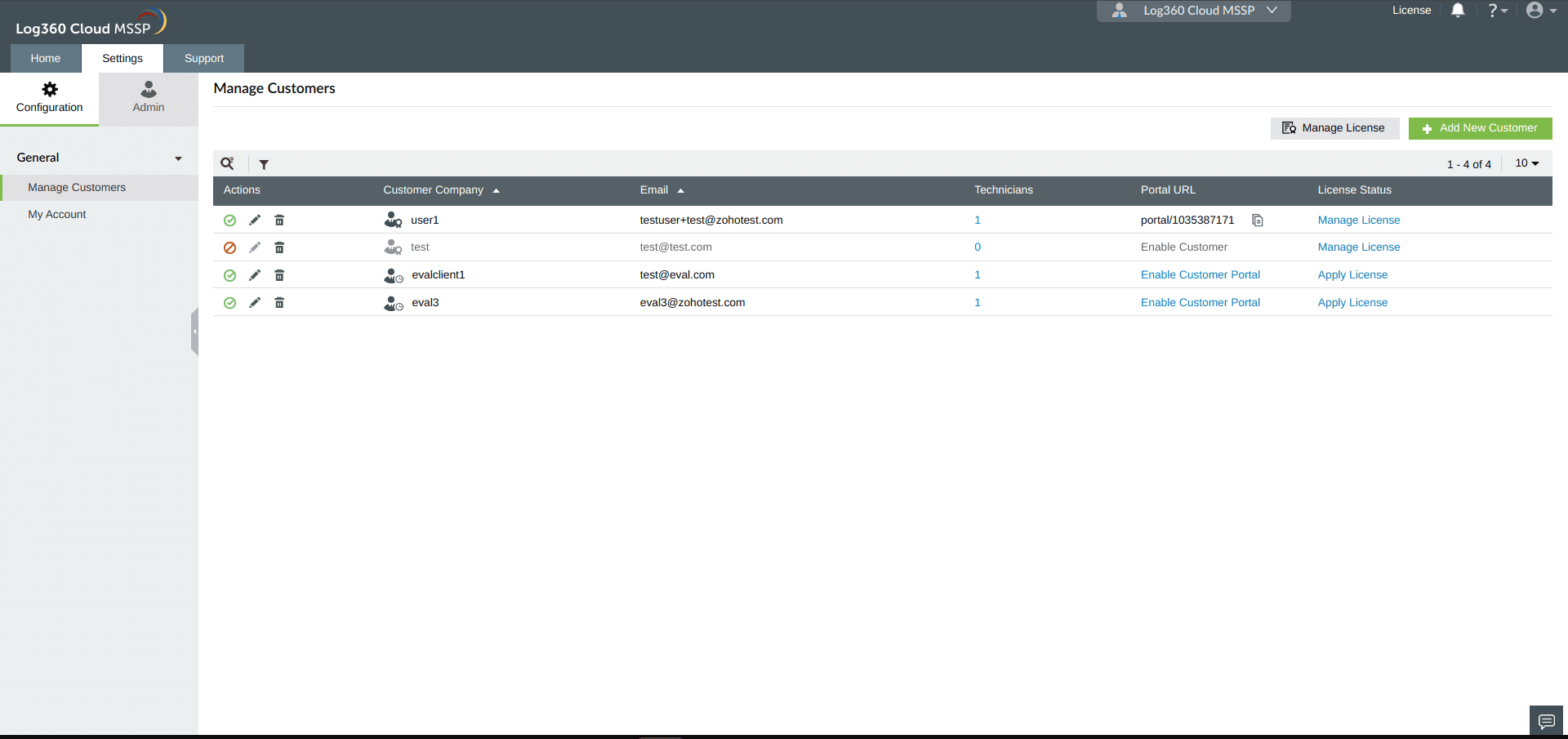
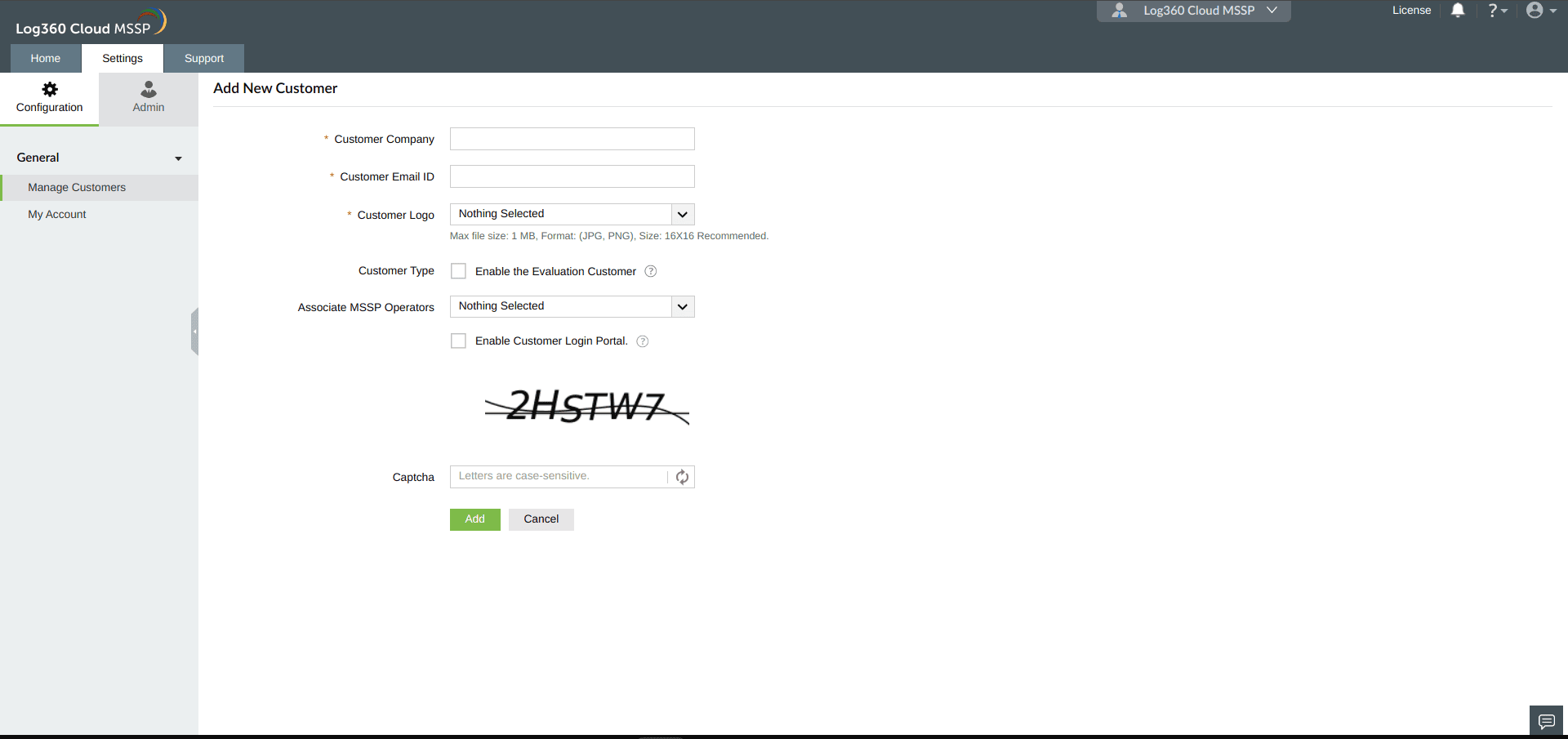
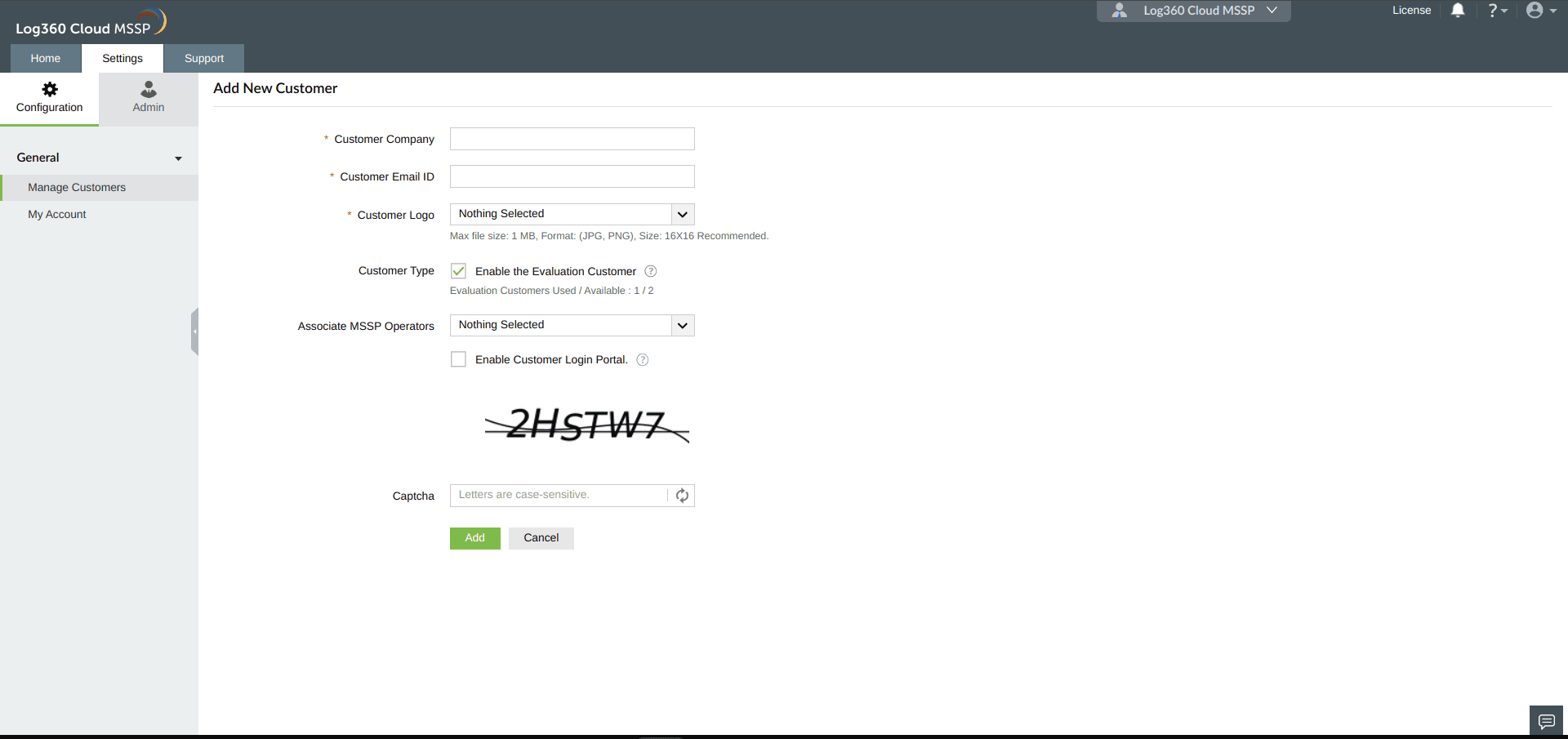
MSSPs can enable an Evaluation customer account in Log360 Cloud MSSP with the following steps:
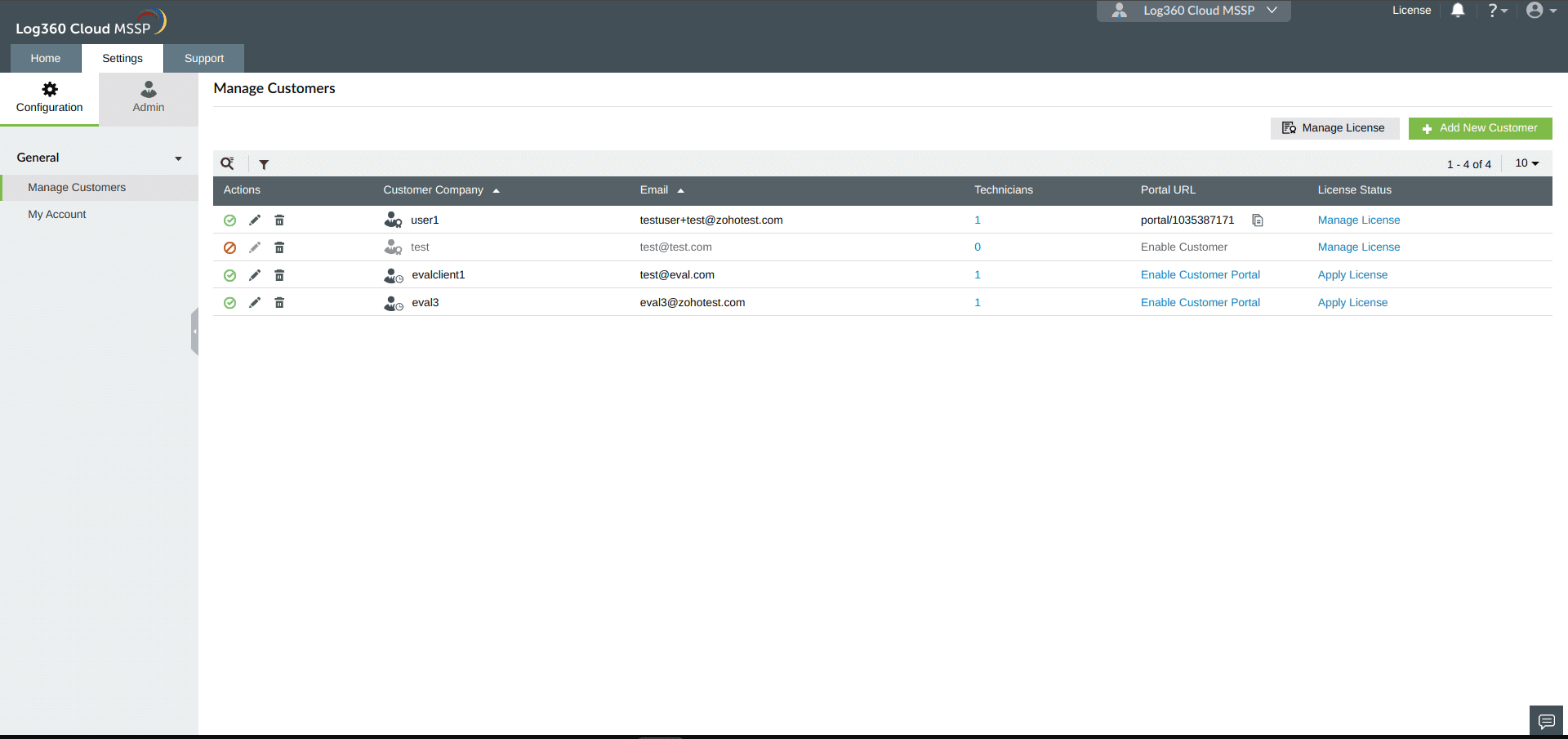
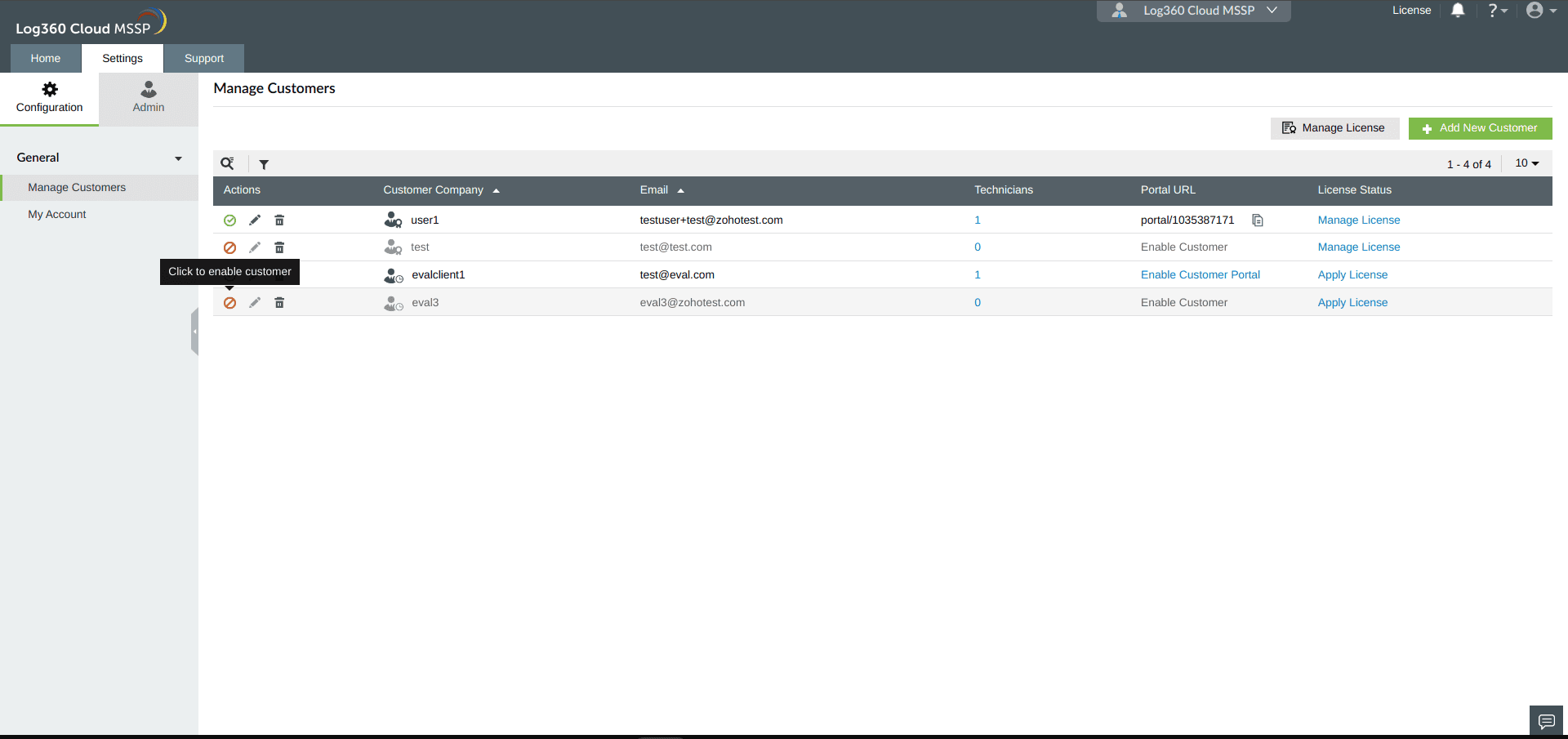
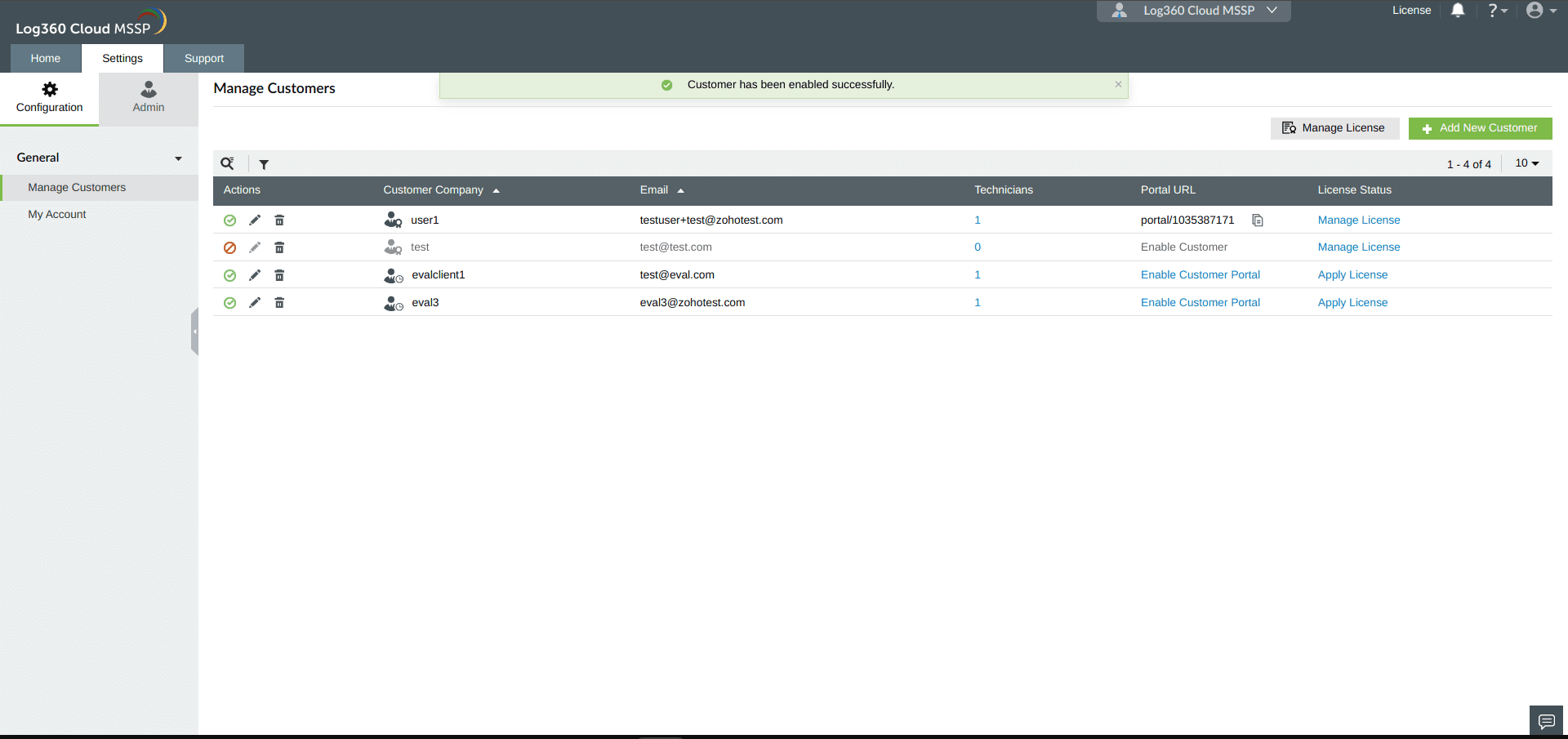
MSSPs can disable an Evaluation customer account in Log360 Cloud MSSP with the following steps:
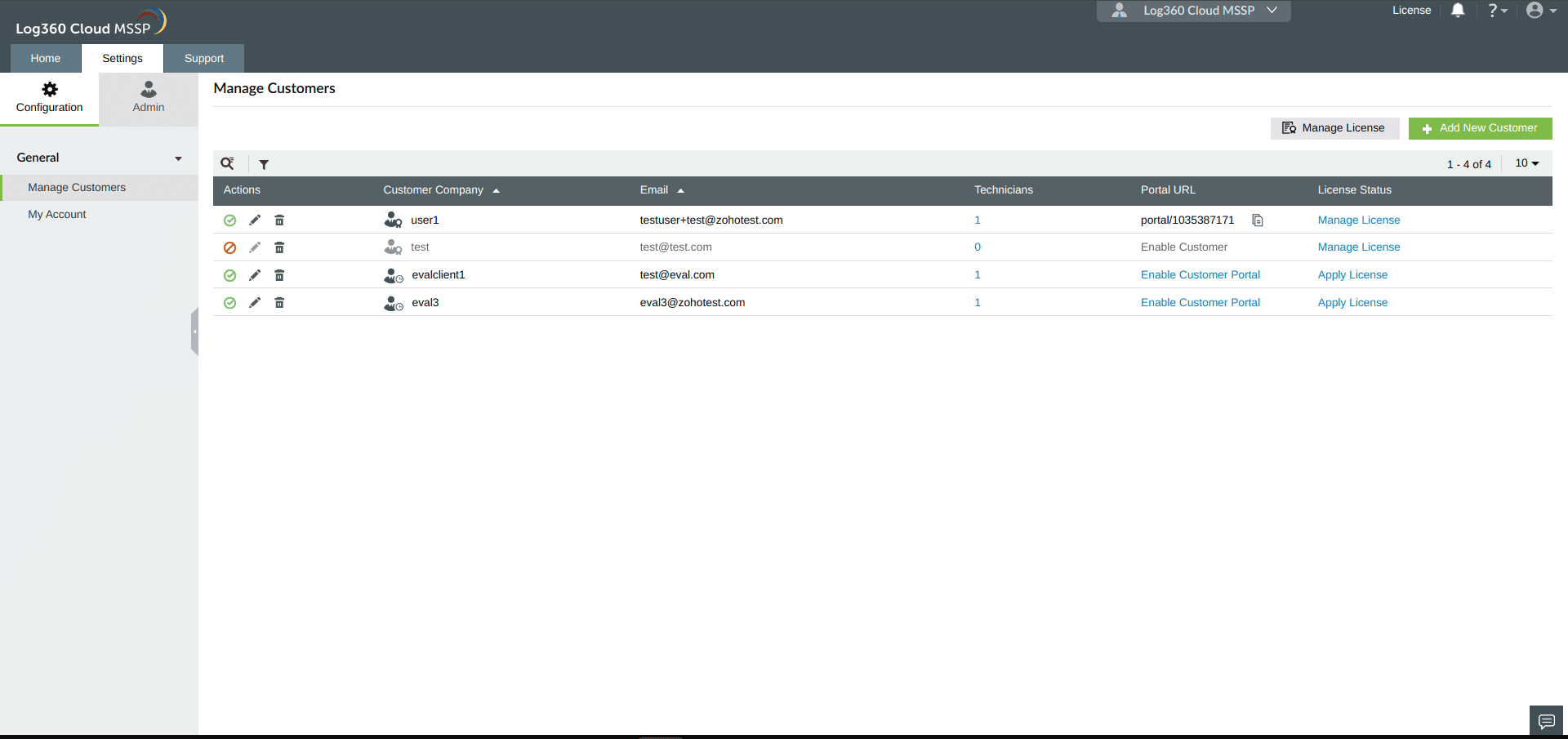
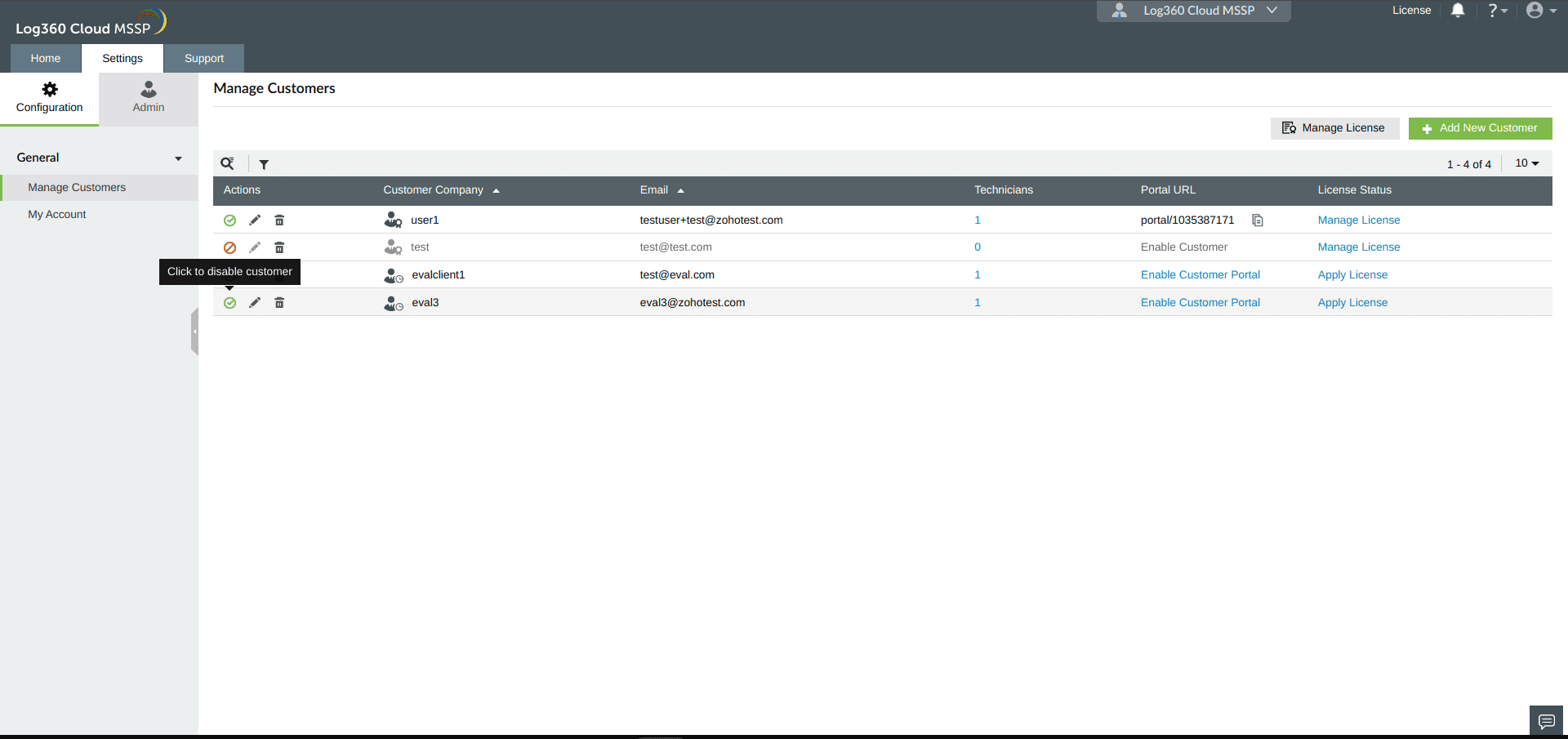
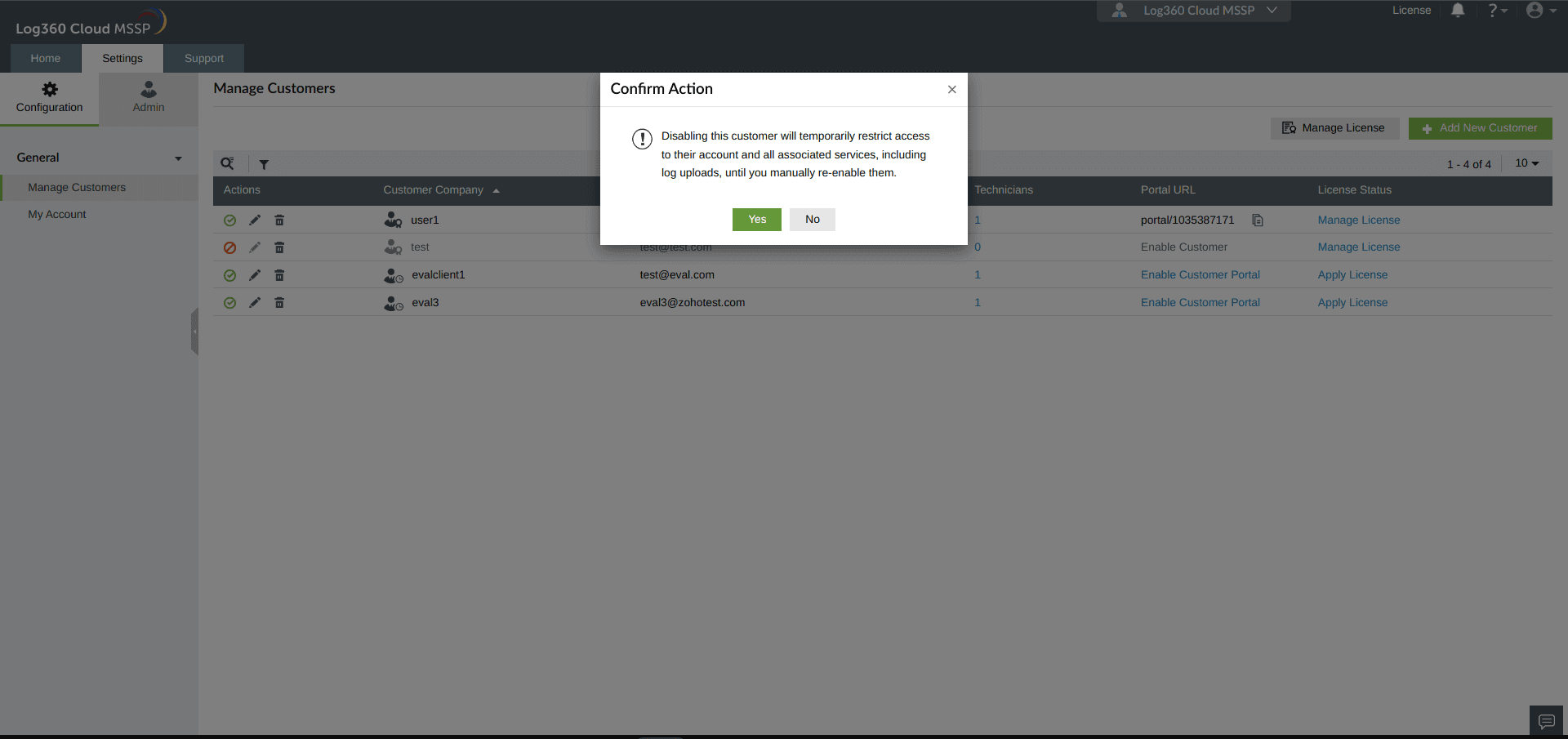
Note: By confirming to proceed, you forfeit access to the Evaluation customer and all other services, including log upload temporarily, until you manually enable the customer.
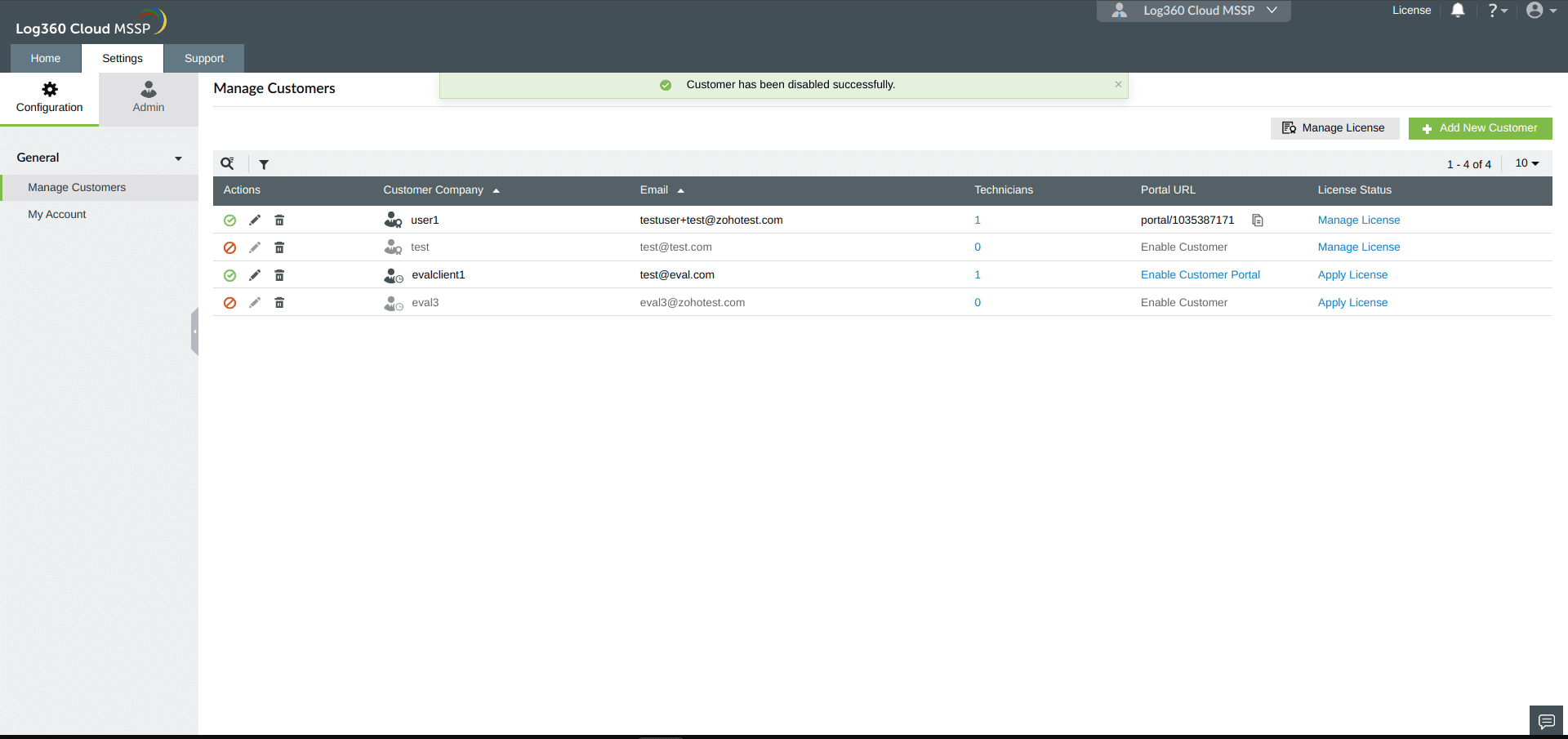
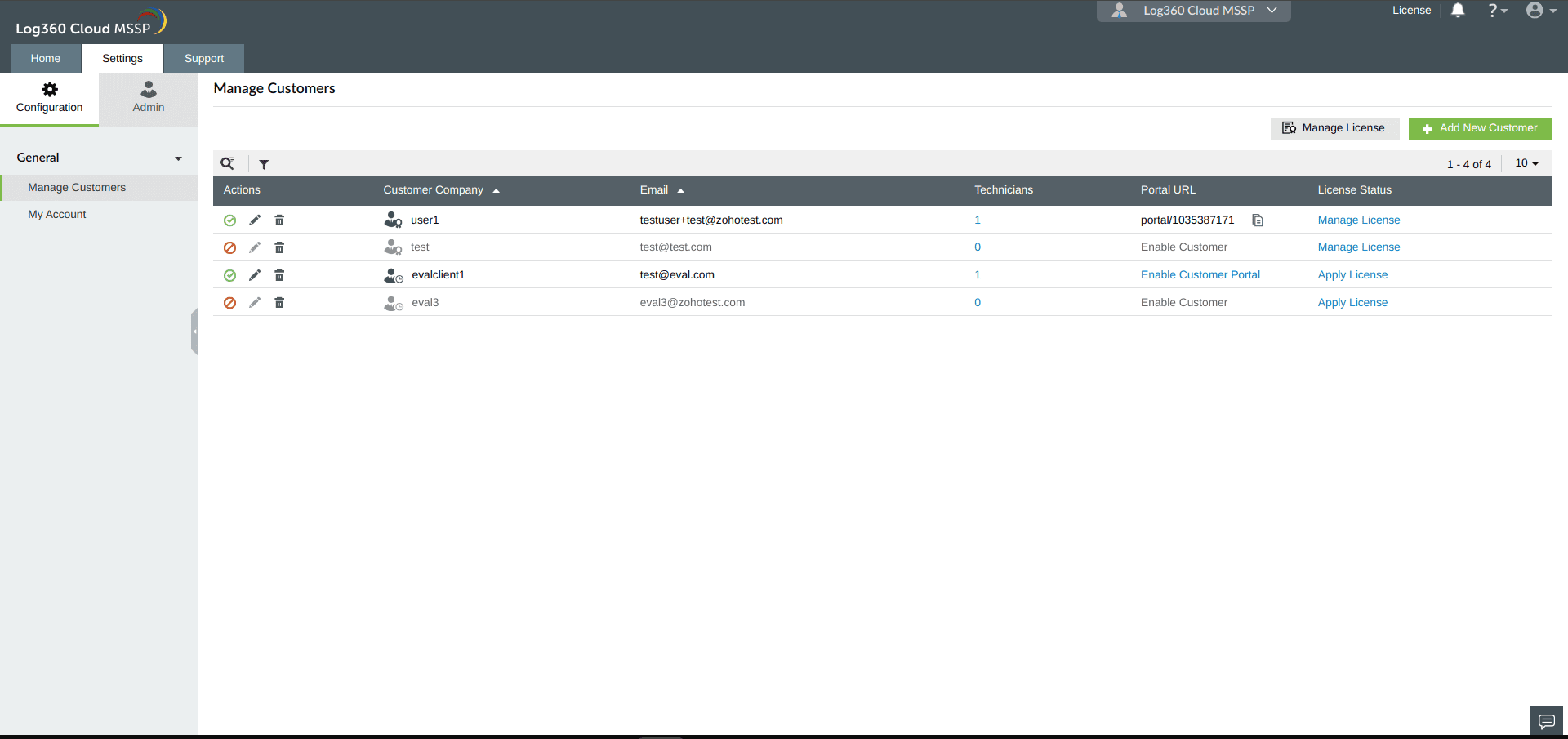
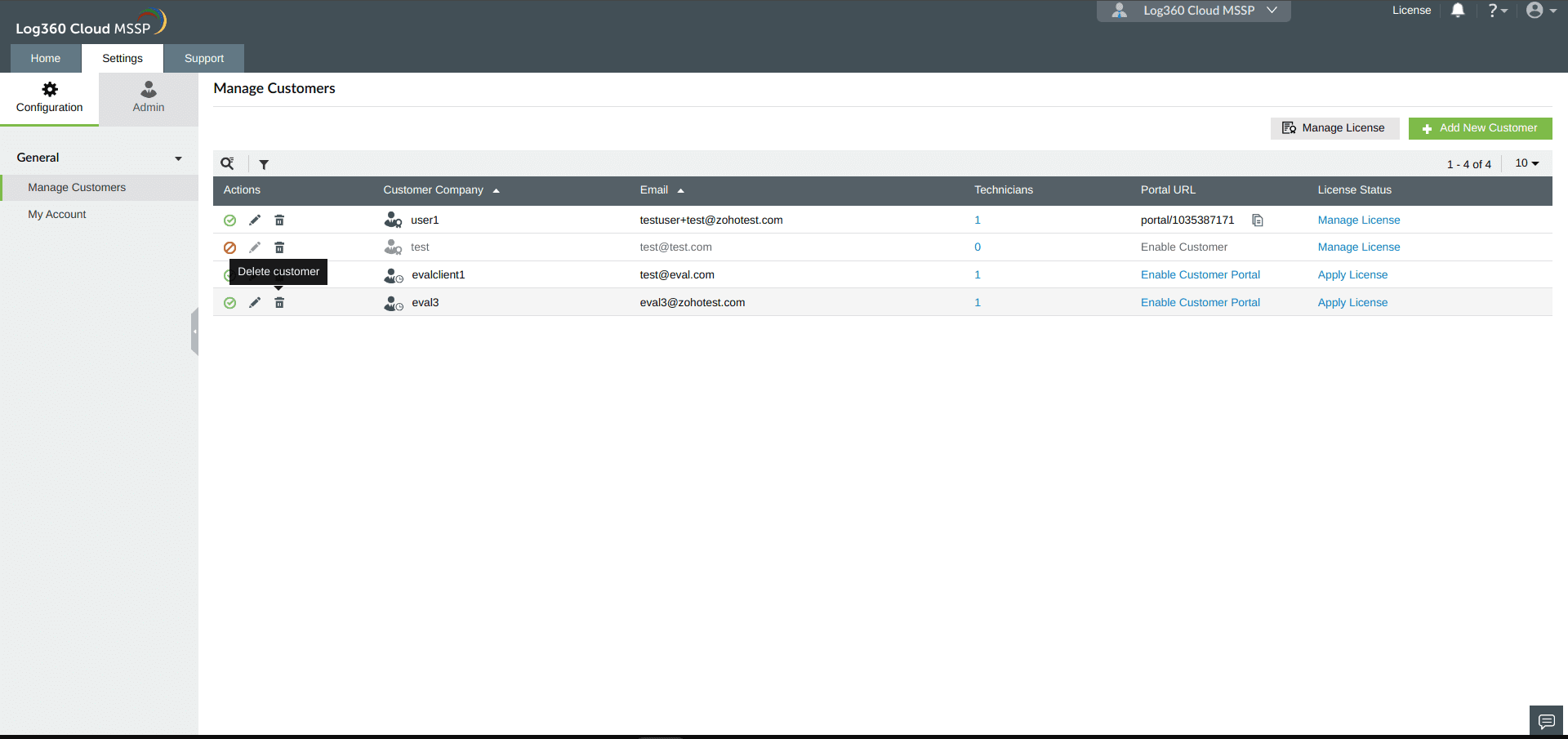
MSSPs can delete Evaluation Customers from their Log360 Cloud MSSP account with the following steps:
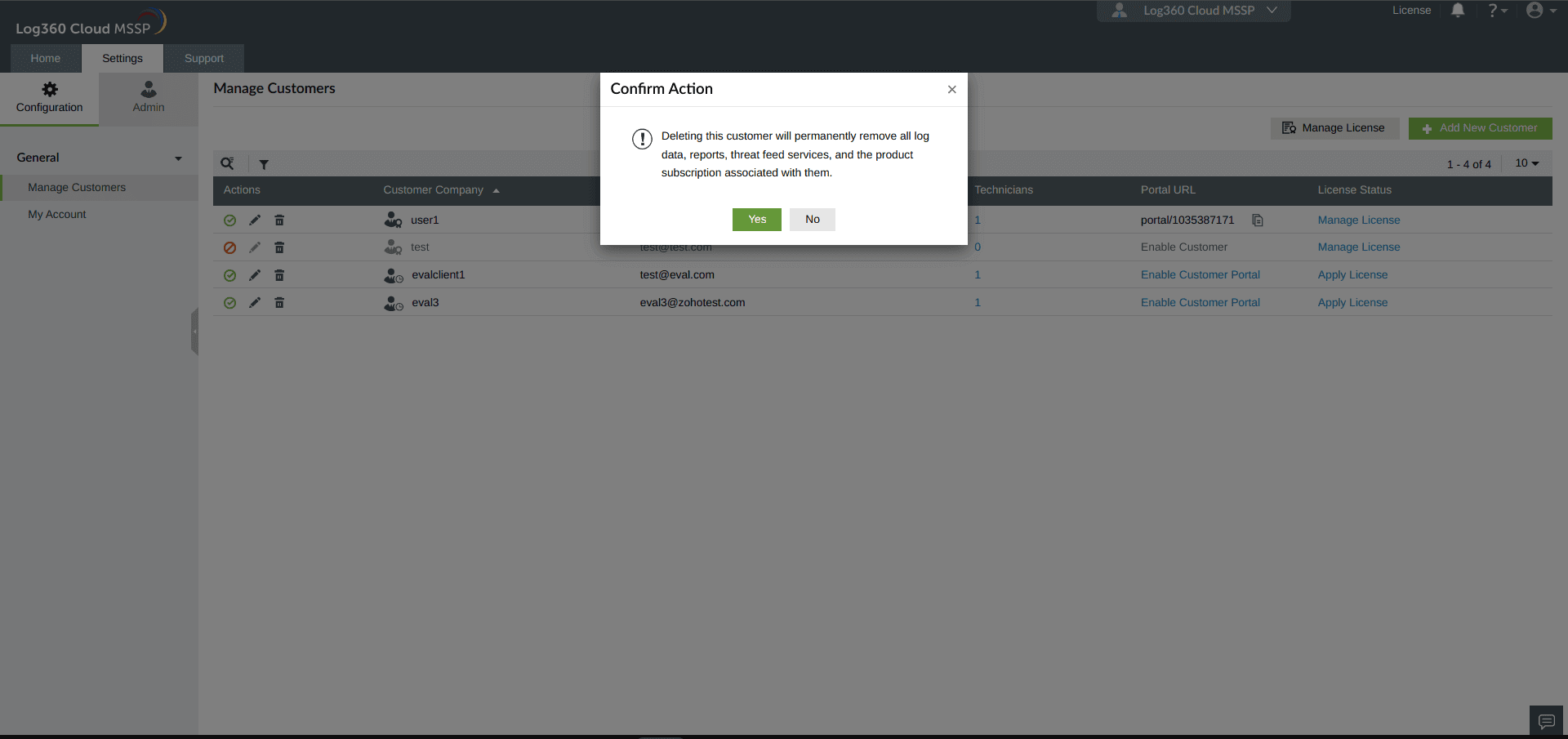
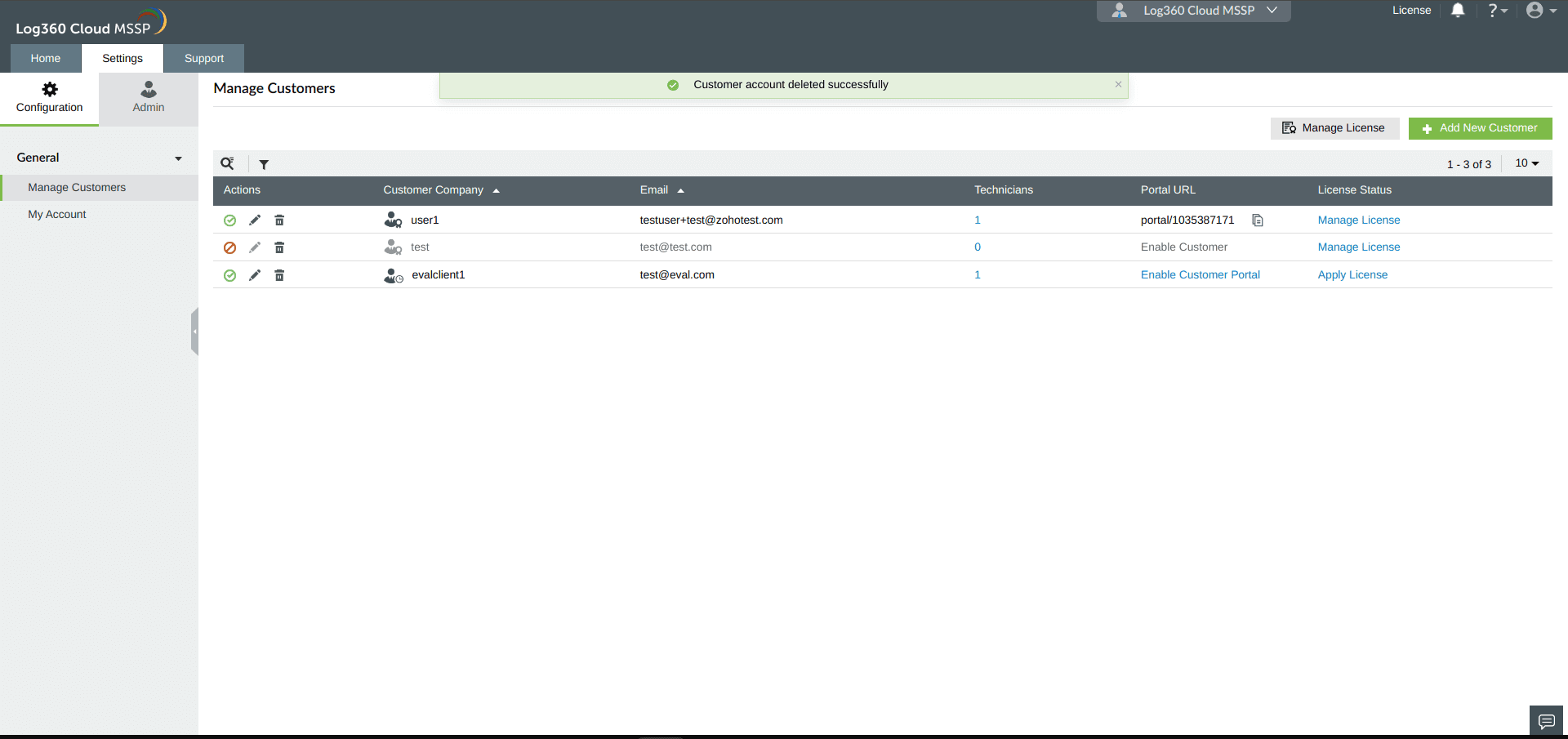
Evaluation Customers in Log360 Cloud MSSP are provided with the following features during their 30-day trial period, upon account creation.
| Feature | Per Evaluation customer |
|---|---|
| Storage | 50GB |
| Storage Retention | Customizable |
| Search Retention | 90 days |
| Correlation | 10 |
| Alert Profiles | 50 |
| Advanced Threat Analytics | Enabled |
Note: The storage allotted for Evaluation Customers does not reflect in dashboards.
MSSPs can convert Evaluation Customers to regular Customers in the Settings page with the following steps:
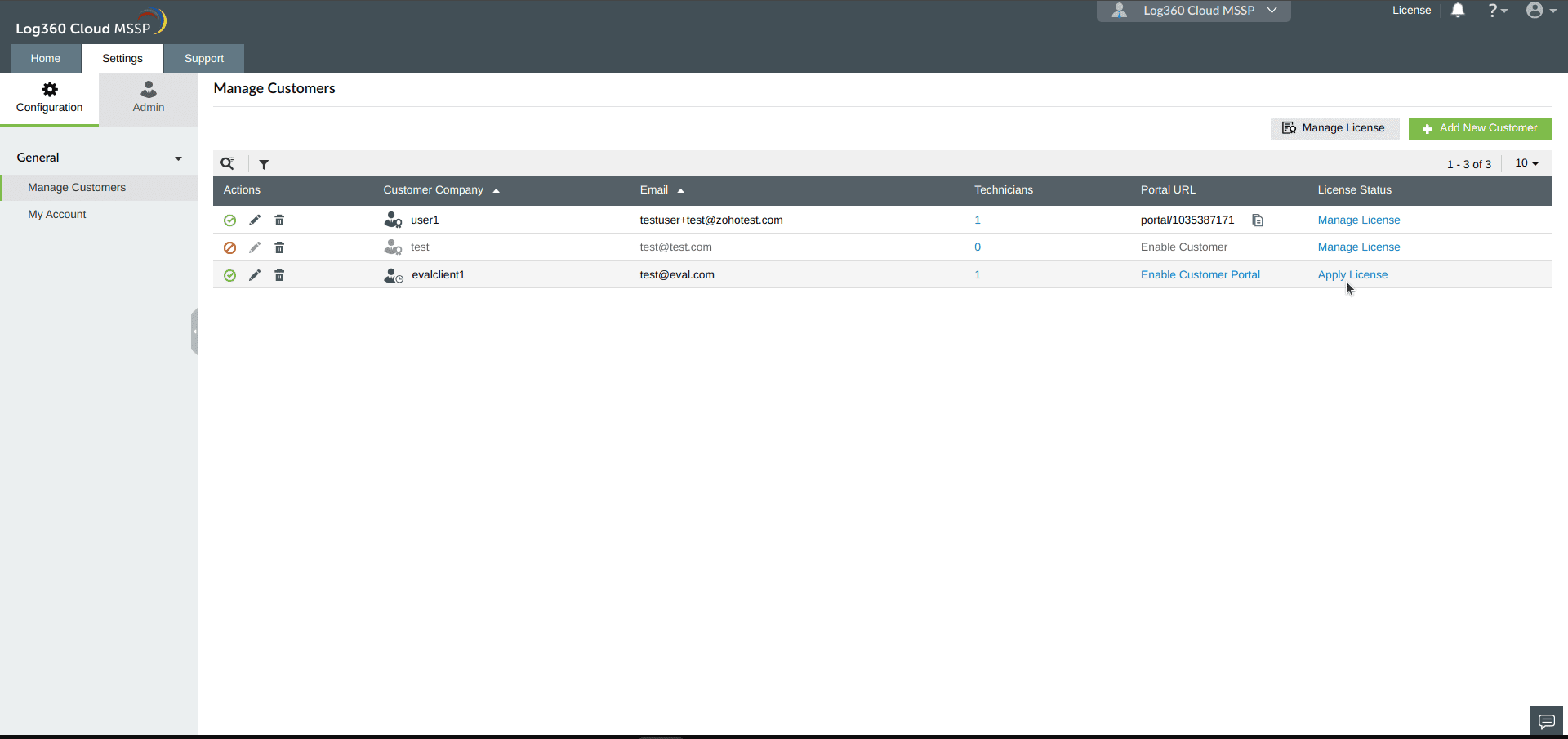
Note:
 icon and the regular Customers are indicated with a
  icon.
icon.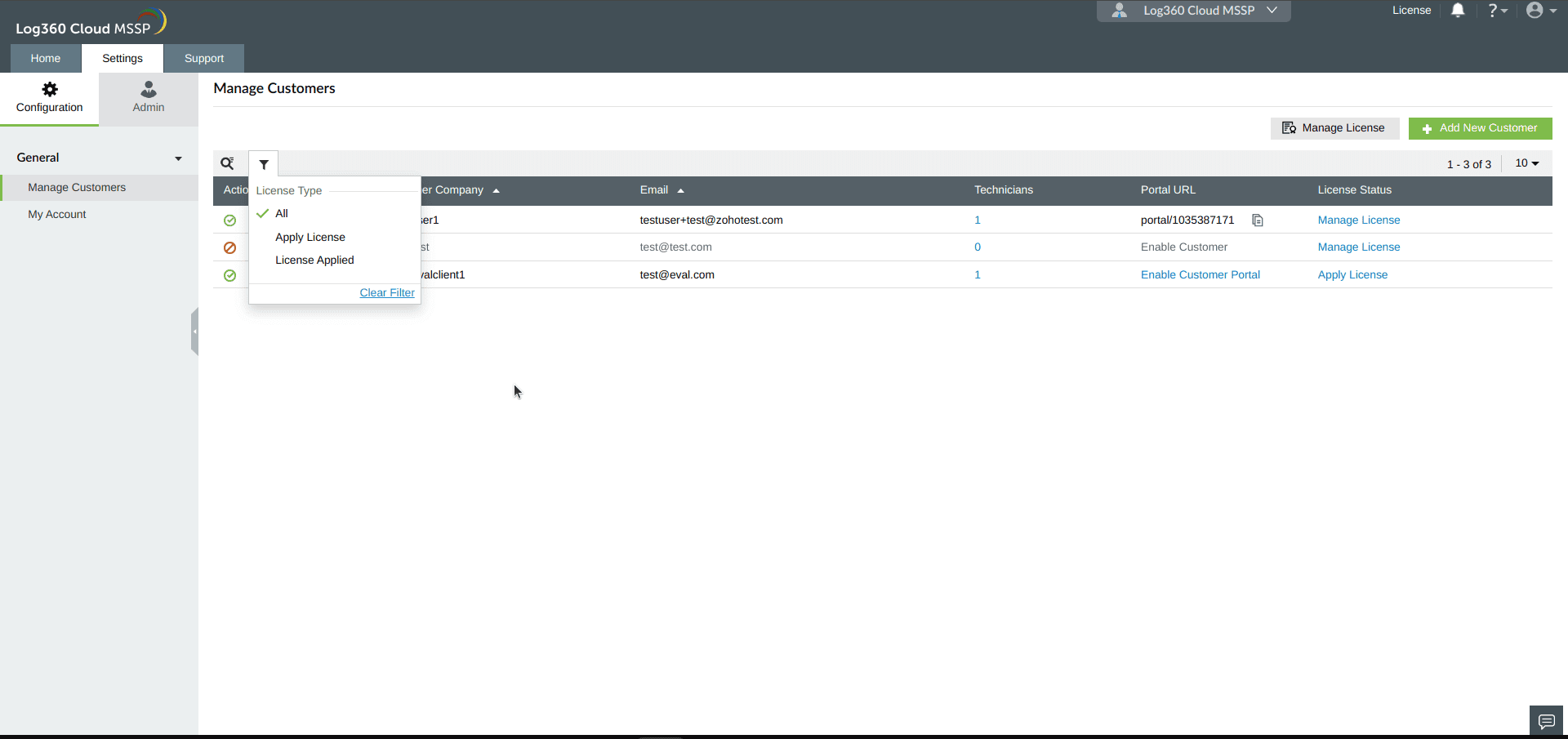
Note: By default, an MSSP account can have only three active regular Customers. To convert an Evaluation customer to a regular customer beyond this limit, the MSSP must purchase a customer add-on or an existing customer must be disabled or deleted.
Evaluation Customers can also be converted to regular Customers in the License page with the following steps:
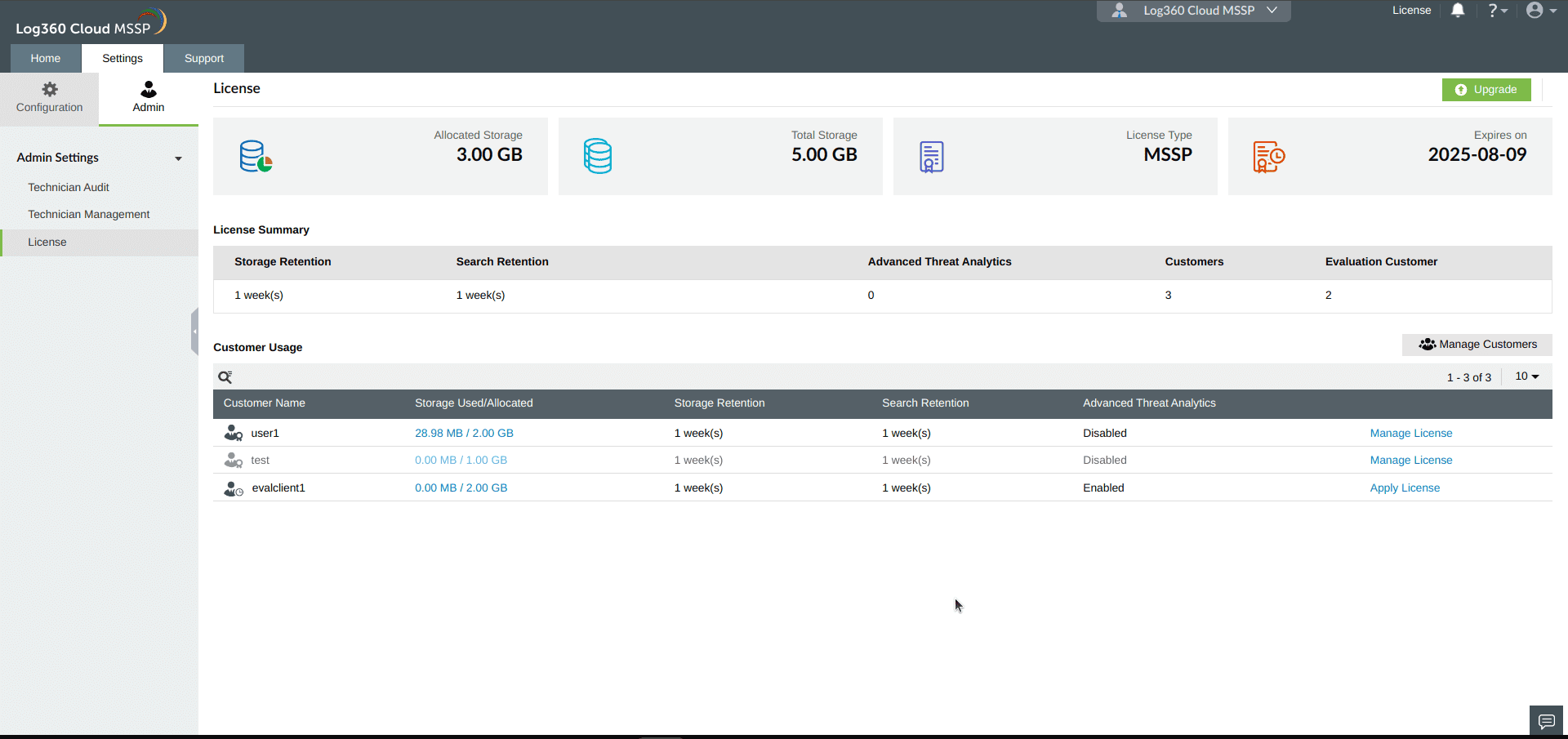
Note: When converting an Evaluation customer to a regular customer, the MSSP's storage availability is checked. If the MSSP has enough storage to match or exceed the Evaluation customer's used storage, the required amount is allocated from the MSSP's total storage pool. If not, the conversion is rejected, and the MSSP must purchase additional storage to proceed.