A hard drive is a hardware component used in both personal computers and servers to store digital data. Abrupt failure of a hard drive might result in permanent data loss. Most hard drives use self-monitoring, analysis, and reporting technology (SMART) to track various performance metrics and analyze their own health. However, not all SMART attributes are effective at detecting a failing hard drive, so network and server admins must monitor hard drive to ensure proper server performance and maintain network availability by avoiding sudden unanticipated failures and errors in hard drives.
Hard drives are widely regarded as dependable components because their mean time to failure ranges from one million to 1.5 million hours, which suggests a low annual failure rate. However, hard drives are the hardware component that’s changed most often in large-scale IT infrastructure, and in most data centers, a large percent of known failures have been caused by failed hard drives. Monitoring hard drive with a comprehensive hardware monitor to detect a failing one is critical for any business to ensure data availability and avoid irreversible data loss.
Let's take a closer look at different aspects of server hard drive monitoring.
Challenges in hard drive monitoring
Most IT networks and data centers use large numbers of hard drives as data storage devices, and it is increasingly challenging to monitor and maintain a storage system's dependability as the number of hard drives grows exponentially. The following are some of the challenges in hard drive monitor.
- Establishing a centralized control and monitoring system for worldwide, multi-vendor networks.
- Proactive hard drive monitor to detect defective hardware before it brings down the network.
- Analyzing the top alerts by alert type and determining if fixing hard drive issues will lower the frequency of these alerts.
- Being able to support upgraded devices to ensure the network infrastructure’s growth is not constrained.
- Providing comprehensive disk space trends and reports using historical data so the IT team can make an informed choice regarding hard drive requirement changes.
- Pinpointing the cause of hard drive performance issues to shorten the meantime to repair and minimize downtime.
Hard drive monitoring software with ManageEngine OpManager
OpManager is a simple, comprehensive network monitoring solution with over 12,000 device templates to quickly identify hard drives and link hard drive monitoring performance monitors to them. It displays the performance of your server and network gear using graphs, alarms, and reports. When a hard disk issue is identified, OpManager allows you to automate remote troubleshooting activities.
Hard drive health monitor
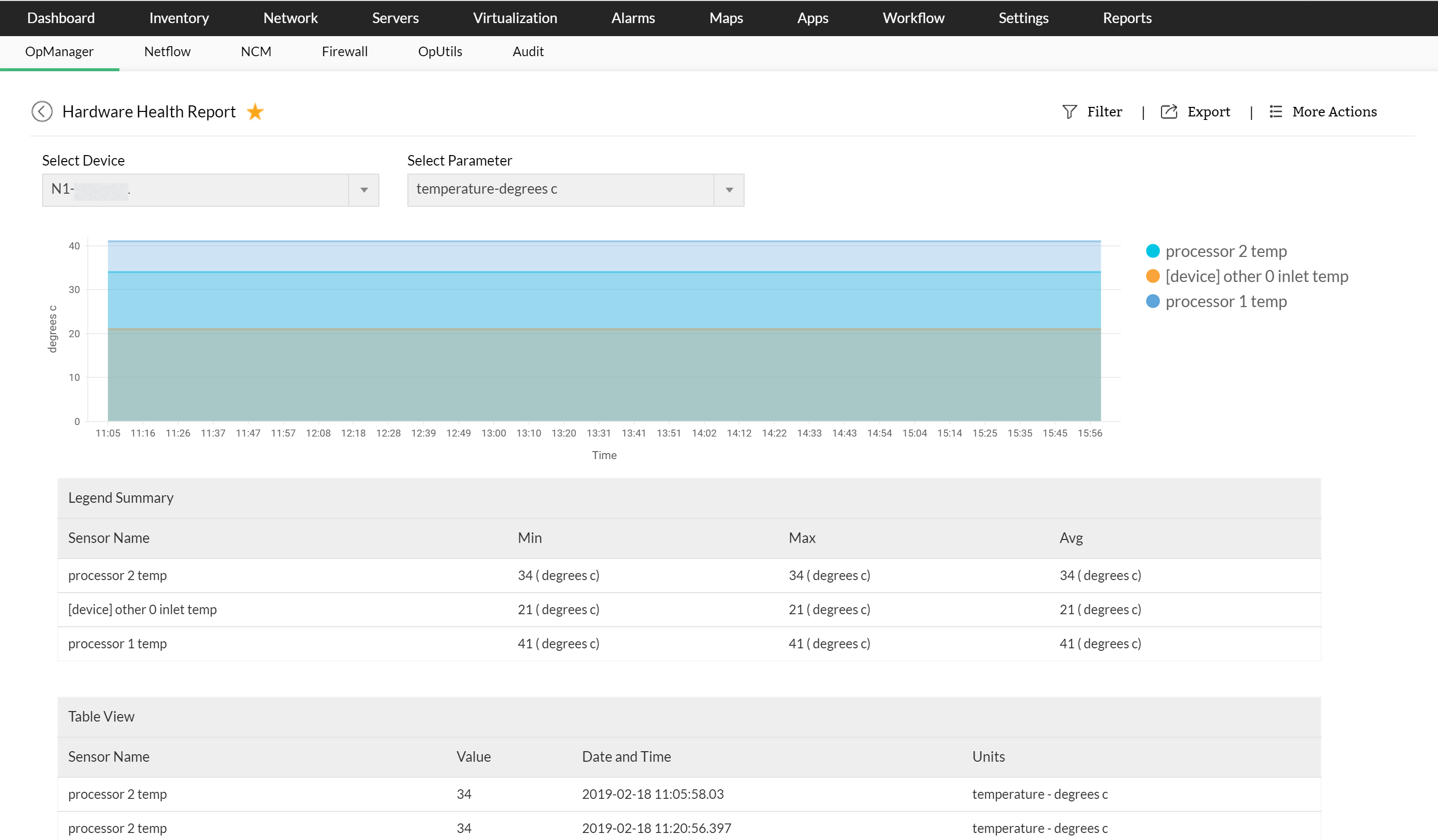
It's critical to maintain hard drive health so you don't lose data or have unexpected problems. You need to know that your hard drive is failing before it fails. With OpManager, you can select a monitored hardware parameter such as temperature, power consumption, or spin speed in the hardware health monitoring reports to see the parameter’s value together with a date, allowing you to evaluate the data for performance, uptime, and availability.
Hard disk space monitor
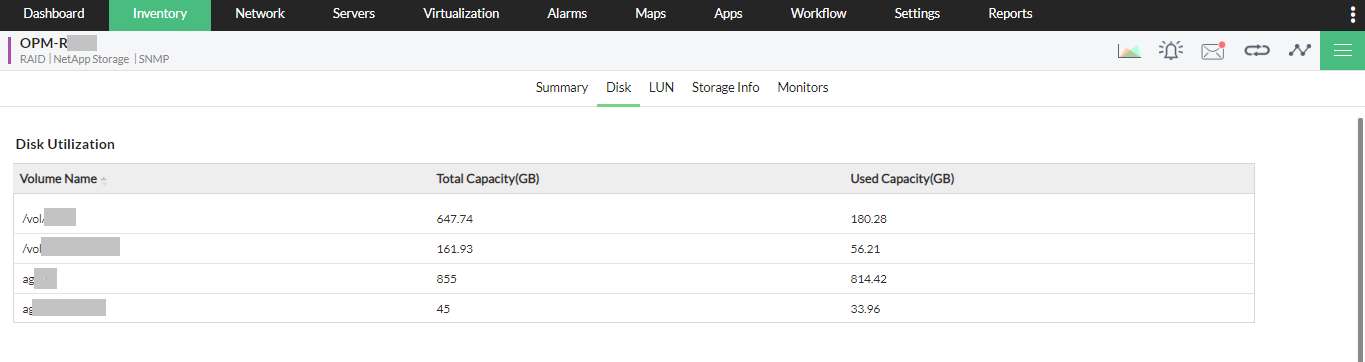
To give a fast overview of the disk space status in your storage devices, OpManager includes numerous disk space monitor metrics and over 230 dashboard widgets to monitor every important metric. OpManager examines the device's current usage rate and growth trend to estimate how long till its storage runs out. Disk read latency, disk write latency, disk space usage, disk I/O usage, and many other disk space performance monitors are included in OpManager.
Fault management
OpManager polls devices on a regular basis to verify their health, availability, and disk space usage. It detects issues early and generates alarms to notify you of drive failures. Alarm management features such as assign owner, annotate, clear, and delete are included in OpManager. Based on configurable rules, OpManager sends alarms to network admins through email or SMS messages. It also offers predefined rules for escalating unattended alarms to higher-ups.

Reports
You can configure the built-in reports in OpManager to show the interfaces or devices with the greatest disk utilization. OpManager also generates prediction forecasts for disk consumption for all devices in your network based on historical usage trends. In addition, detailed storage reports for all hard drives are provided. Reports can be created instantly or scheduled to be generated in PDF or HTML formats for all disk space performance indicators.

Download our free, fully functional, 30-day trial today and learn everything about hard drive monitor in OpManager all by yourself or sign up for a personalized demo and talk with one of our product experts.
Make your network monitoring simple and efficient!
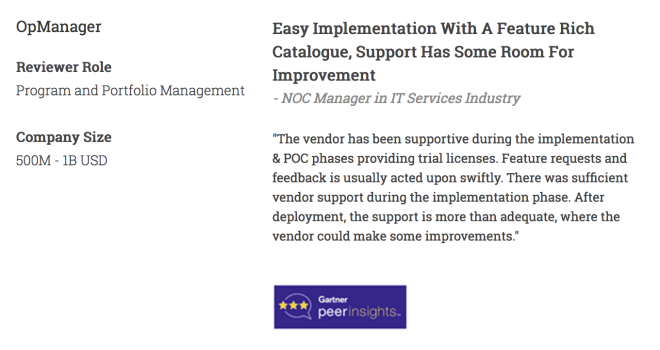
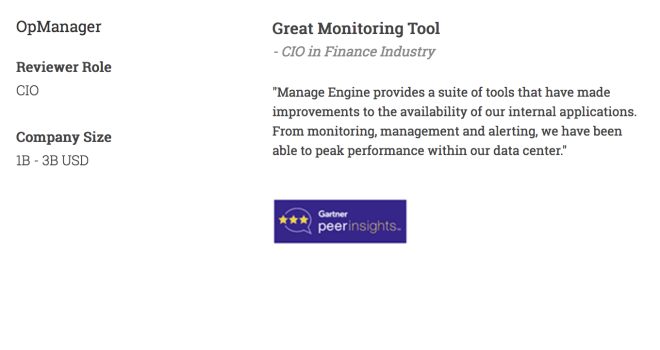
Customer reviews
More than 1,000,000 IT admins trust ManageEngine ITOM solutions to monitor their IT infrastructure securely


Case Studies - OpManager
Awards & Honors
- Recognized as a May 2019 Gartner Peer Insights Customers' Choice for Network Performance Monitoring and Diagnostics Software
- Recognised as an April 2019 Gartner Peer Insights Customers' Choice for IT Infrastructure Monitoring Tools.
- Network Management and Monitor Vendor of the Year 2018, 2019
- Entered the 2019 Gartner NPMD Magic Quadrant.
- Ranked #2 in the Infotech Research Software Reviews Data Quadrant 2018.