End your network device discovery woes with Discovery Profile
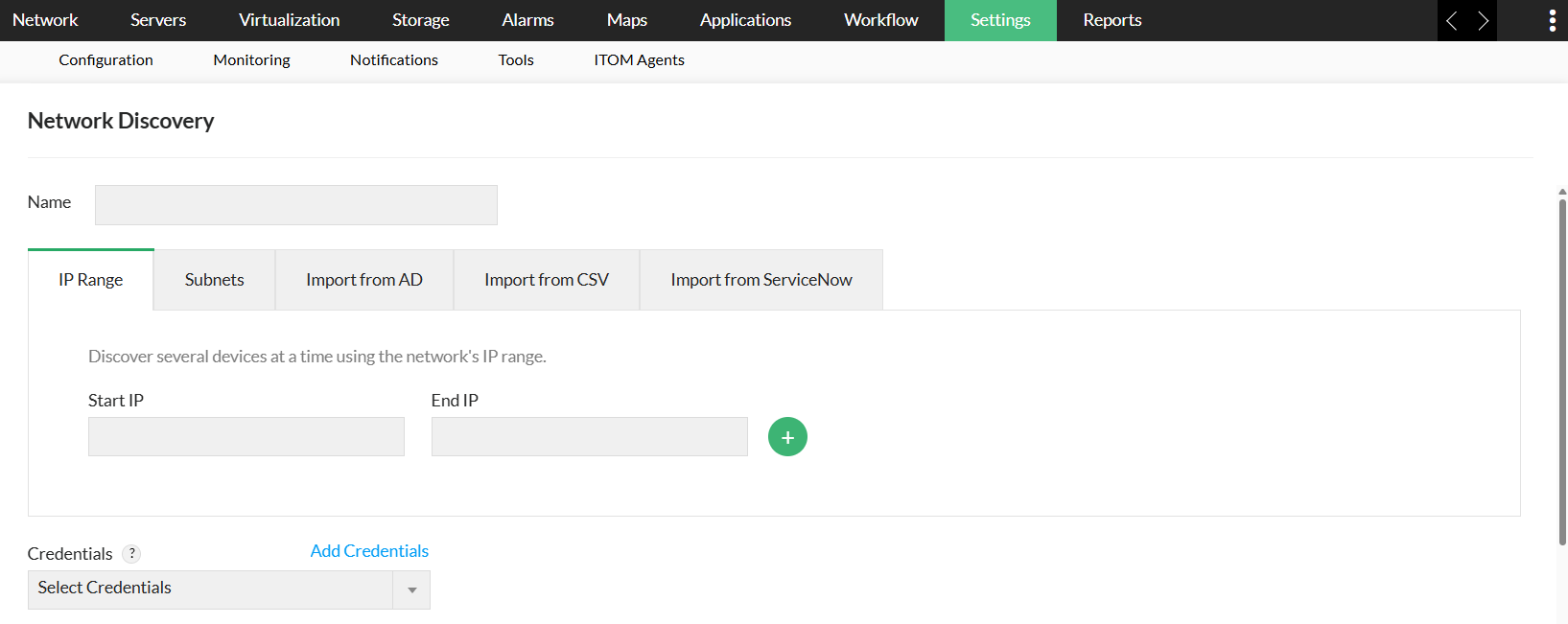
Discovery Profile in OpManager is the one-stop solution for all your network device discovery needs. It allows you to discover an individual or a set of devices with only their name or IP address. You can add a variety of devices, like VMware, Hyper-V, UCS, and Xen servers as well as other storage devices like RAID drives, tape libraries, and Fibre Channel switches. OpManager's network device discovery maps devices, renders the logical network topology diagram (Layer2 map) of the devices, and their seed router, and also allows bulk discovery of devices via an IP range, CSV file, subnet, or through Active Directory (AD) discovery.
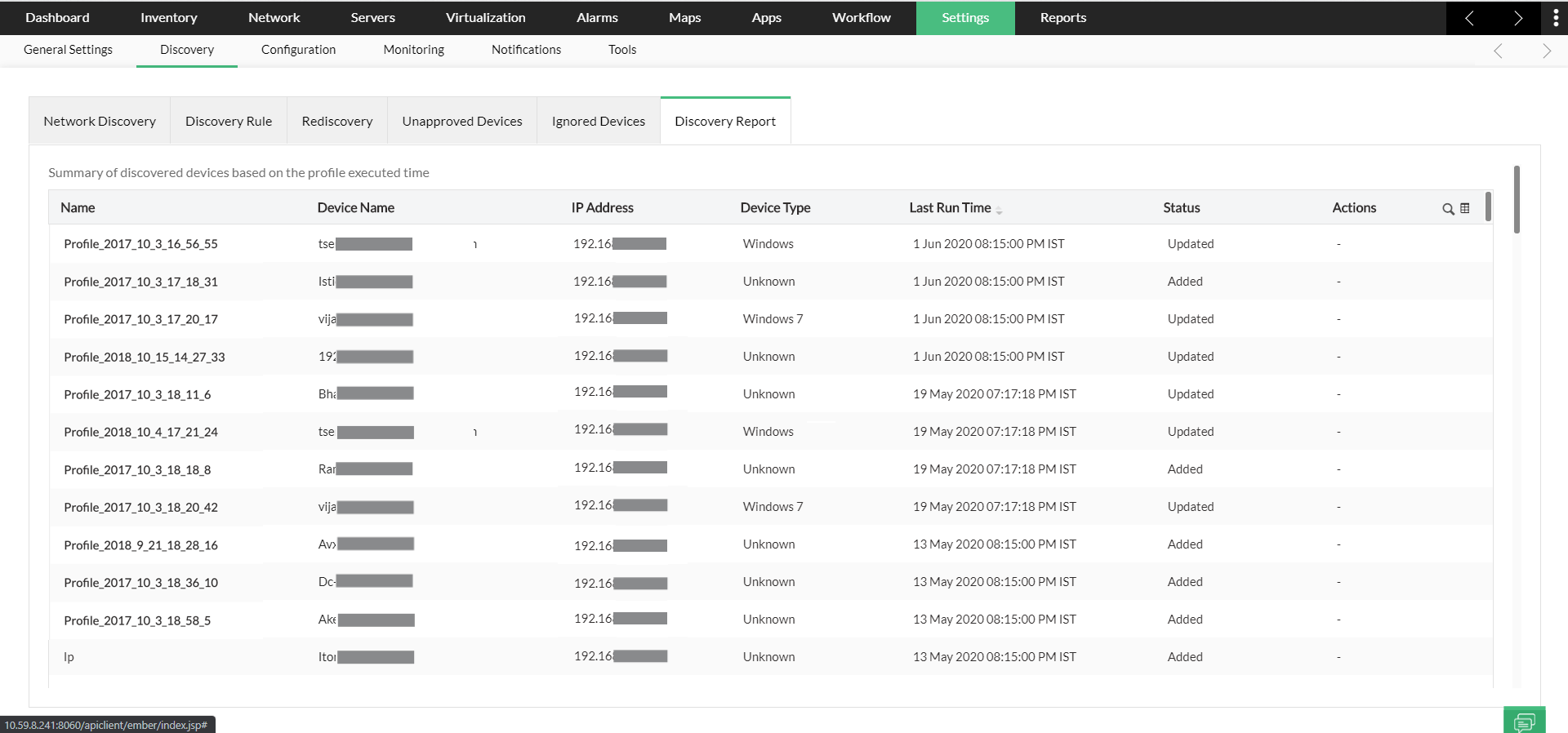
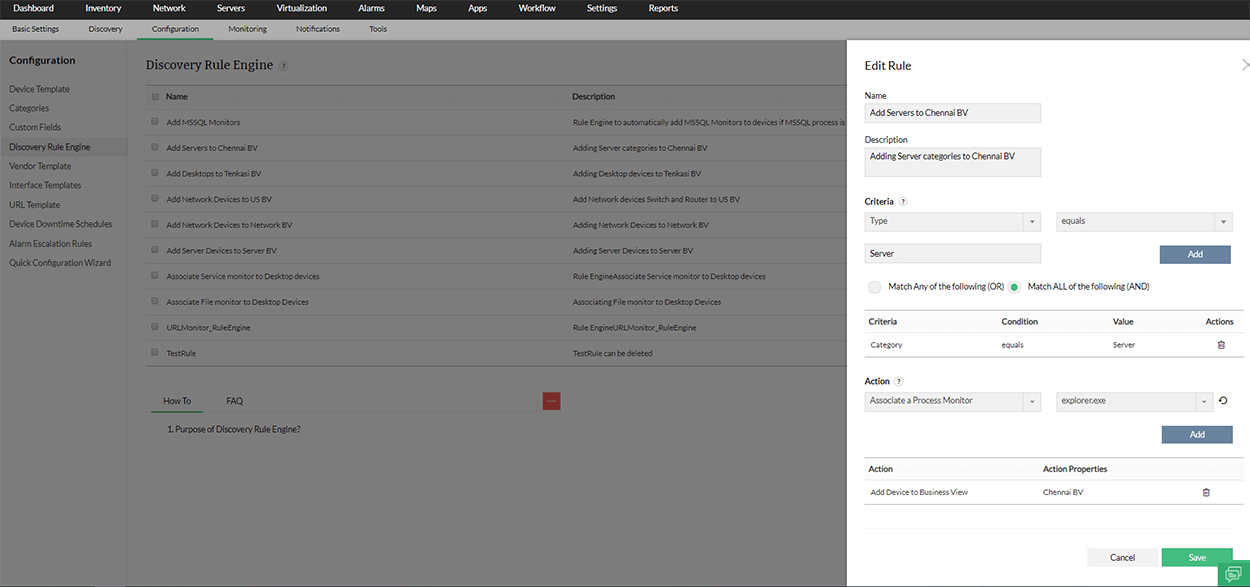
The new update in OpManager's device discovery also allows you to approve or ignore devices once they are discovered. Approved devices will be monitored, while ignored devices will be restricted even during rediscovery or scheduled discovery.
Interface Discovery: Effectively discover the interfaces associated with your network devices
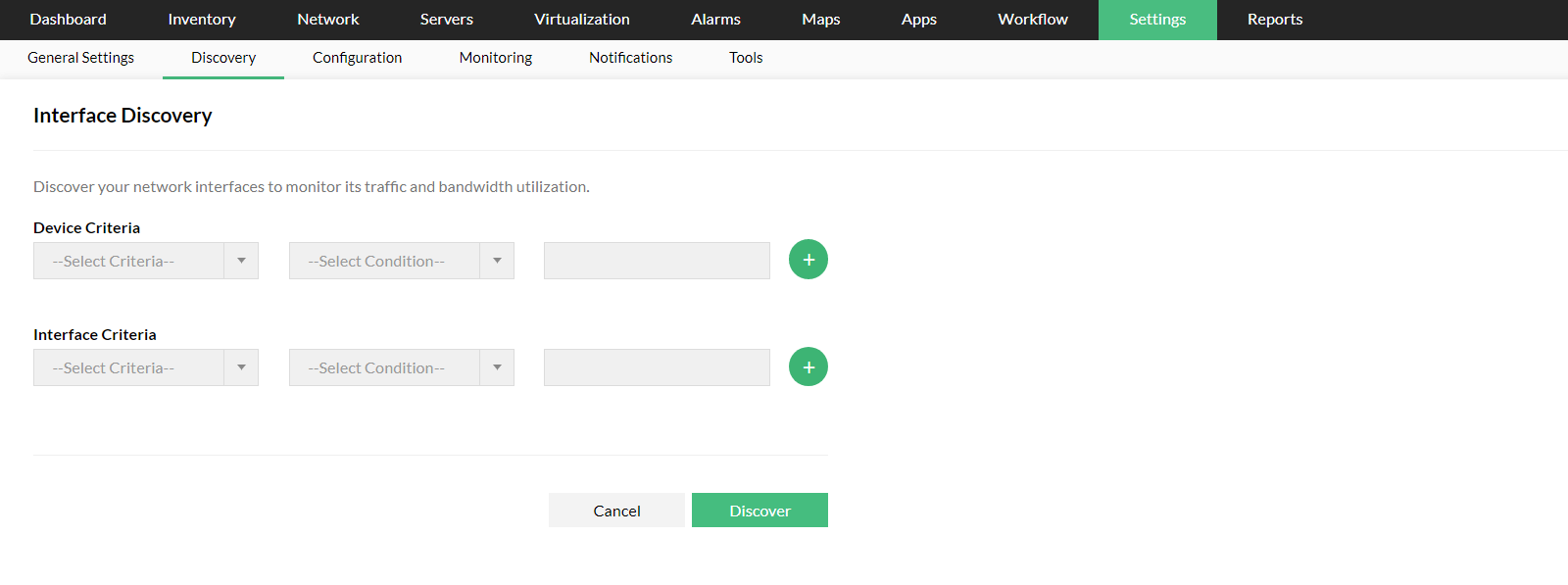
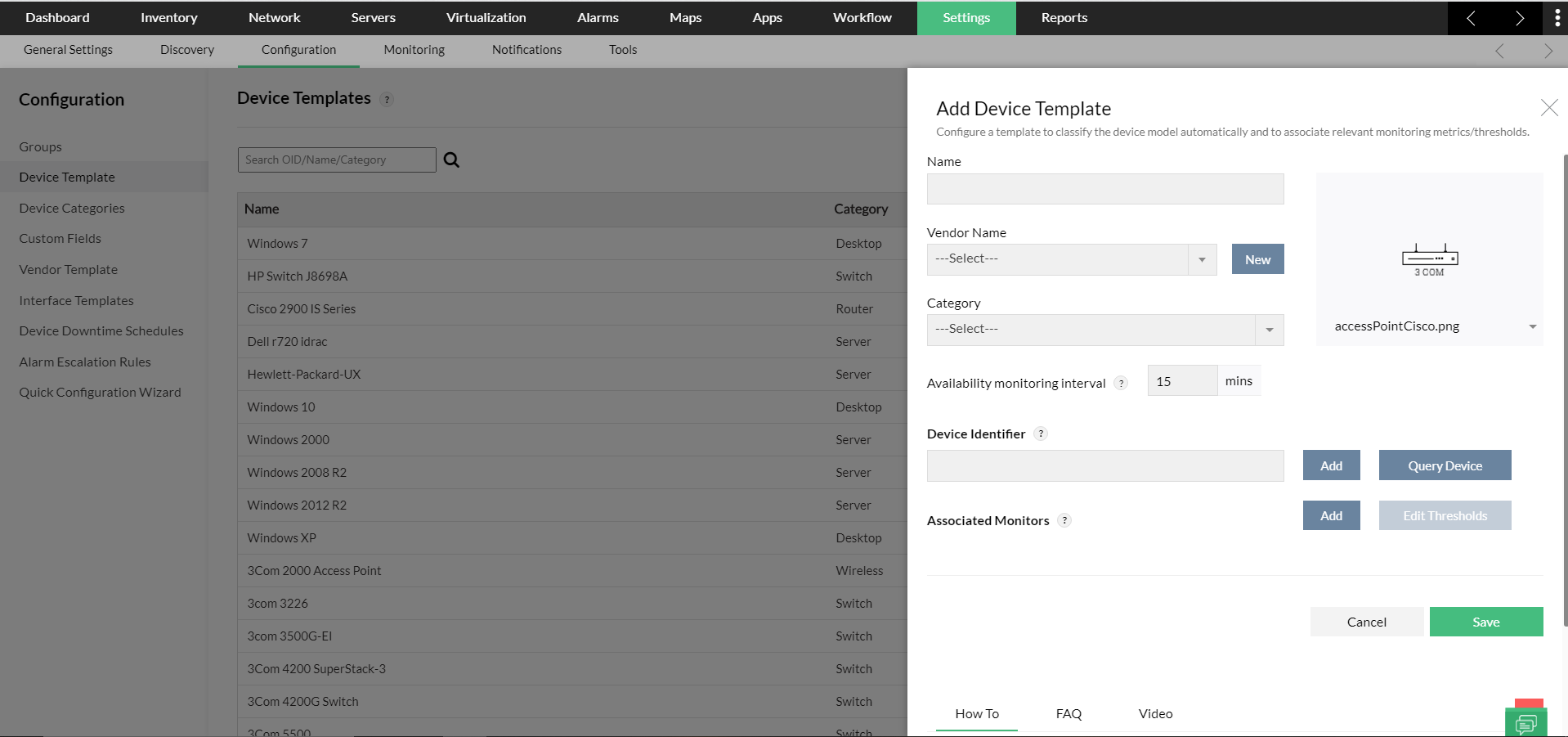
The Interface Discovery feature in OpManager helps you quickly discover and monitor your network interfaces. Interfaces are automatically classified based on predefined interface templates bundled with the product. Currently, OpManager has around 300 interface templates (or interface types) that help successfully classify interface types and categories. Similar to device discovery, interfaces can be discovered in bulk by specifying a condition or rule. Bulk discovery of interfaces can be performed while adding the associated devices to OpManager (if the device is discovered via Add Device) or post-discovery. You can also:
- Individually discover interfaces associated with network devices and monitor them effectively.
- Generate reports and configure notifications for individual or a set of interfaces and analyze the performance if necessary.
- Generate violation alerts with the help of predefined interface thresholds. By default, alerts will be raised when the interface is down or when the thresholds have been violated. You can also customize these thresholds according to your environment.
- Continuously monitor the key metrics such as bandwidth, utilization, and errors/discard rate and troubleshoot the issues with your network interfaces.
- Schedule interface rediscovery at regular intervals.
Discovery Profile: For a seamless network device discovery experience
- Bulk device discovery: Need to discover multiple devices but hate typing them one by one? No worries! Just enter the start and end IP of a range of IP addresses and OpManager will discover network devices in that range. You can also choose to ignore certain devices in the specified IP range.
- Discover various types of devices: OpManager's network discovery tool supports multiple authentication credentials, including SNMP v1, v2, and v3; WMI; SSH; and Telnet. This helps in the discovery of different types of network devices, such as Windows servers, VMware devices, Xen servers, and RAID storage devices. You can add more than one credential to a discovery profile to discover different types of devices in one go.
- Discover interfaces: While configuring a discovery profile for an interface, you can configure OpManager to discover the interfaces associated with the respective device(s).
- Discovery based on a subnet (CIDR): You can use either the v4 or v6 scheme to discover devices using CIDR.
- Bulk discovery using CSV: Have the IP addresses or DNS names of devices that need to be discovered? Just add them to a CSV file (along with other optional device information) and upload it. OpManager will take care of the rest!
- AD-based discovery: Discover the devices in your domain in one go. AD discovery allows you to import devices in your domain into OpManager and monitor them. This saves a substantial amount of time and also decreases the chance of overlooking devices in your network. This AD LAN discovery is automatically performed during product startup. OpManager immediately identifies the domain controller and discovers the devices associated with it. Once they’re discovered, you can approve or reject devices based on your preference.
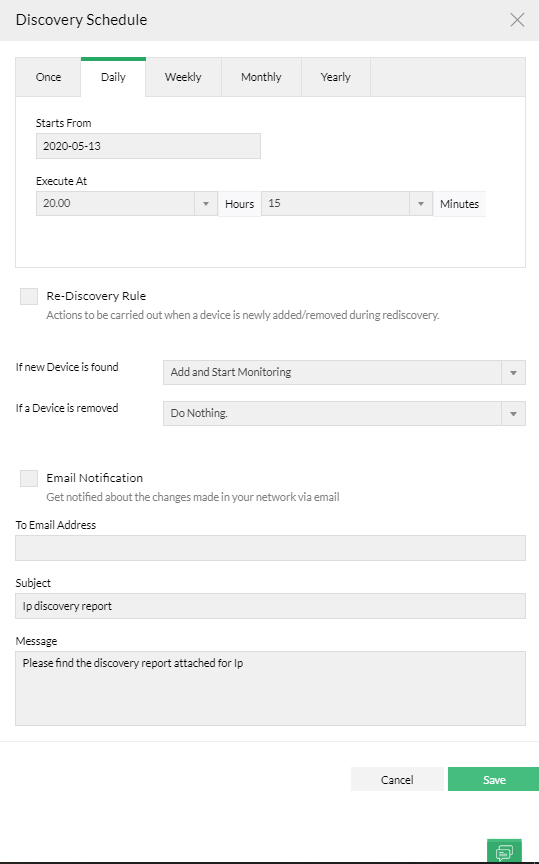
- Rediscover devices: If your server just went through a hardware upgrade (such as a change to its RAM, HDD, interface speed, or ifAlias), you need not remove it from the monitoring tool and add it again for the changes to be updated. OpManager's network device discovery allows you to rediscover a device and its associated interfaces when changes are made. This process automatically updates the device and interface properties without the need for reconfiguration.