How to Integrate OpManager with PAM360
OpManager integrates with PAM360 to automate privileged access management, enhancing network security by streamlining credential handling. Below, you'll find detailed how-to questions and answers that guide you through configuring this integration for optimal performance
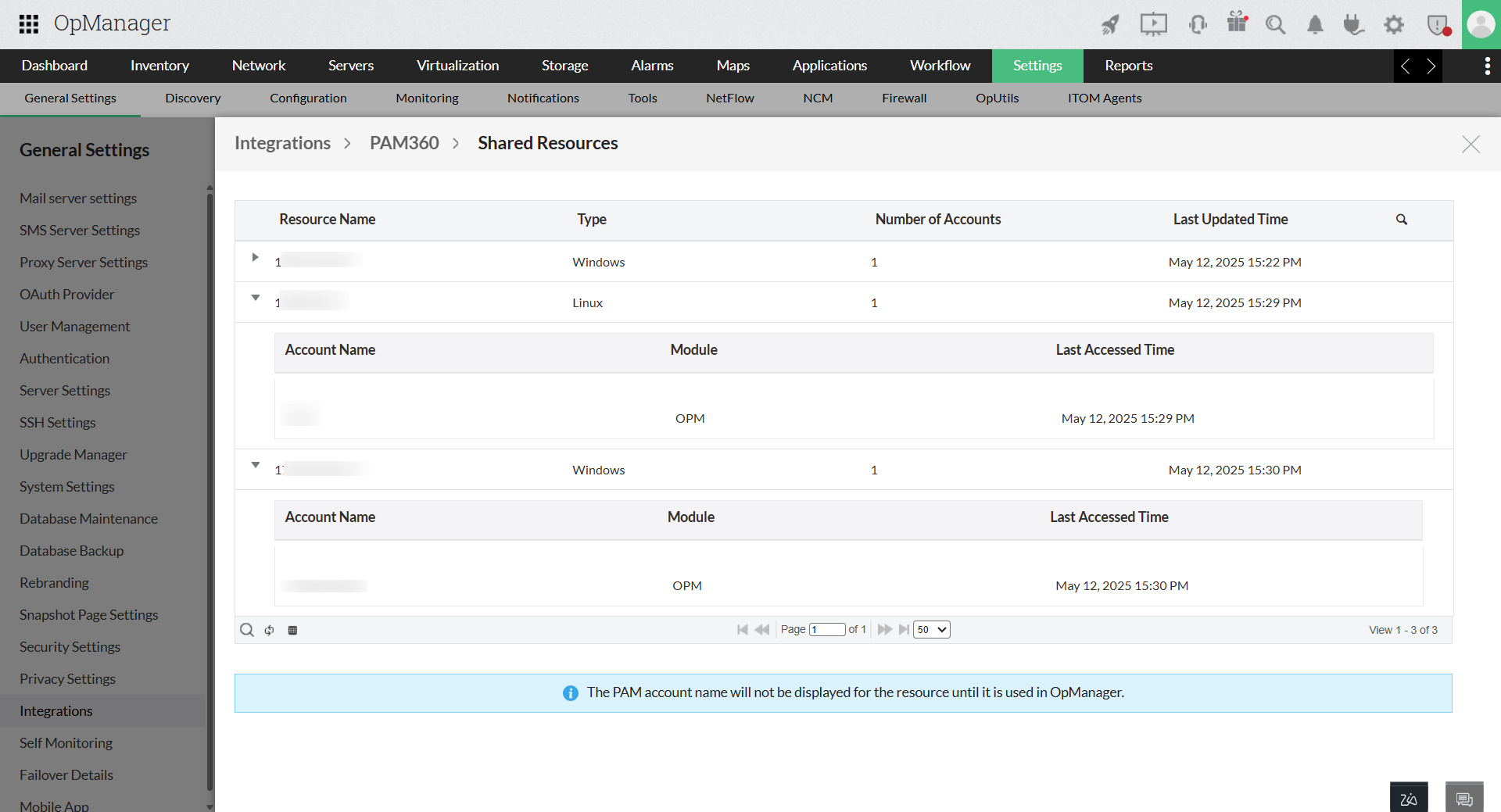
How to view the shared resources or devices from PAM360?
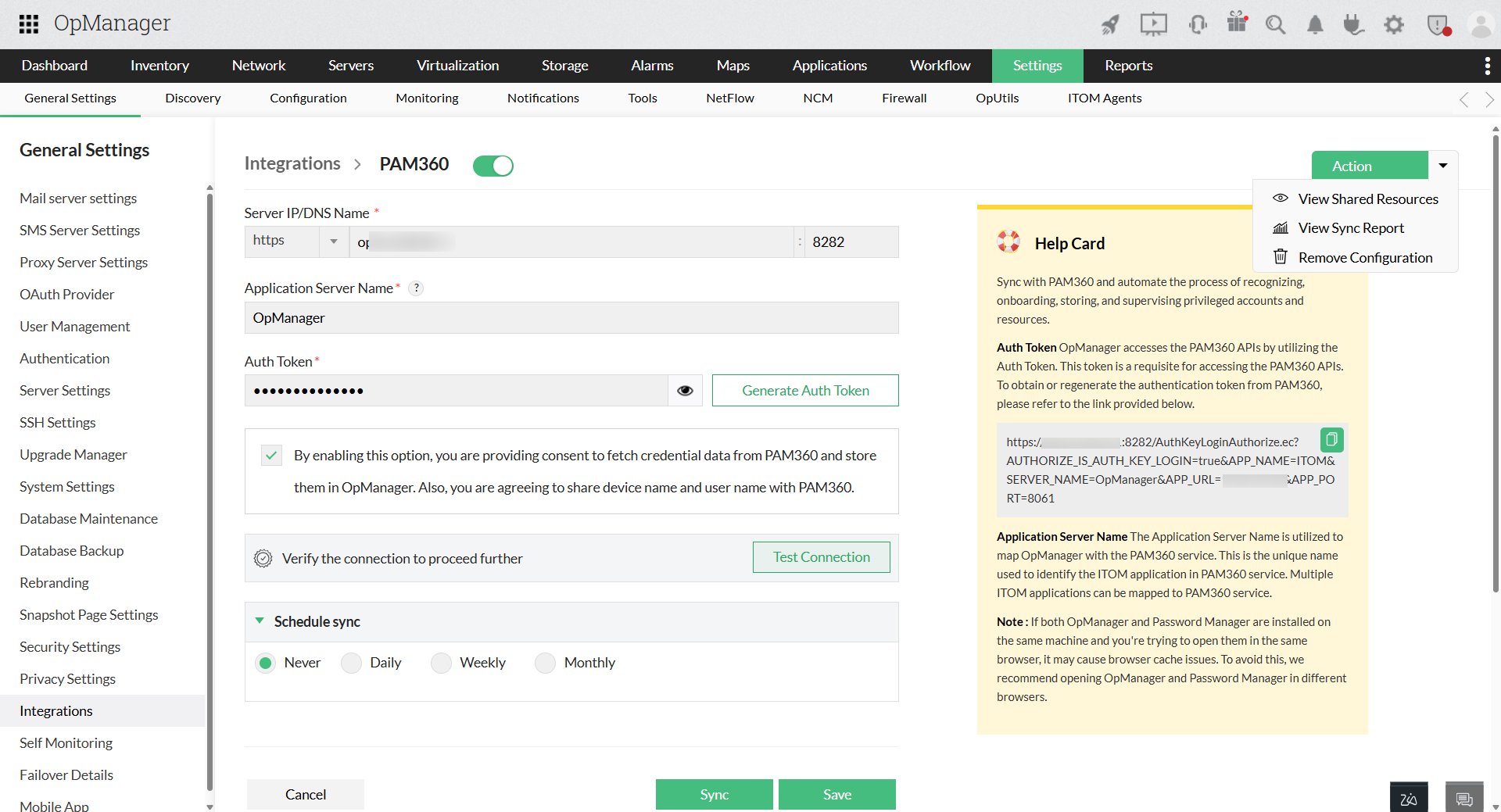
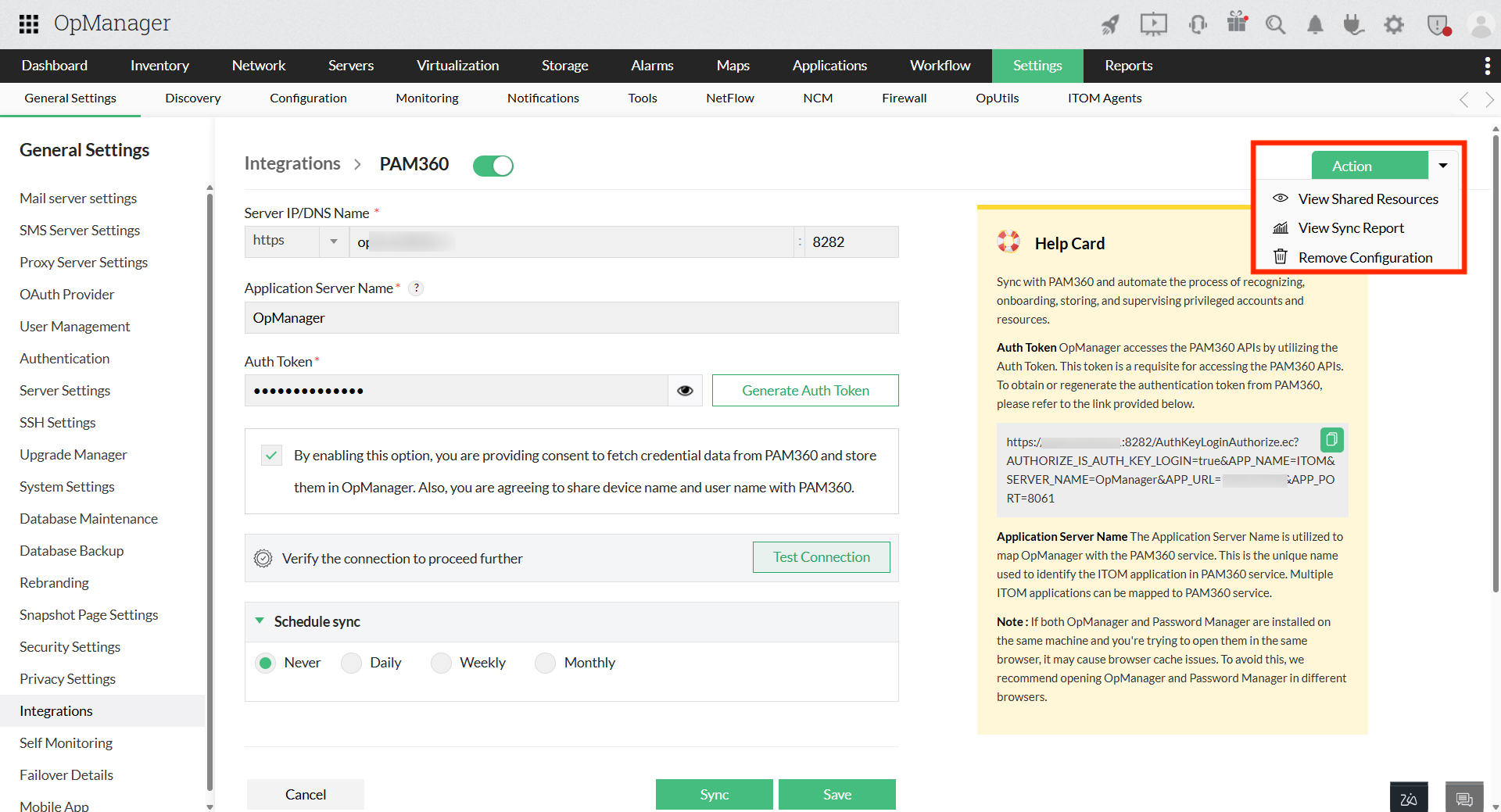
- Within the Configure page of PAM360, locate the Actions button at the top-right corner.
- From the drop-down menu of the Actions button, select "View Shared Resources". This will display the shared resources.
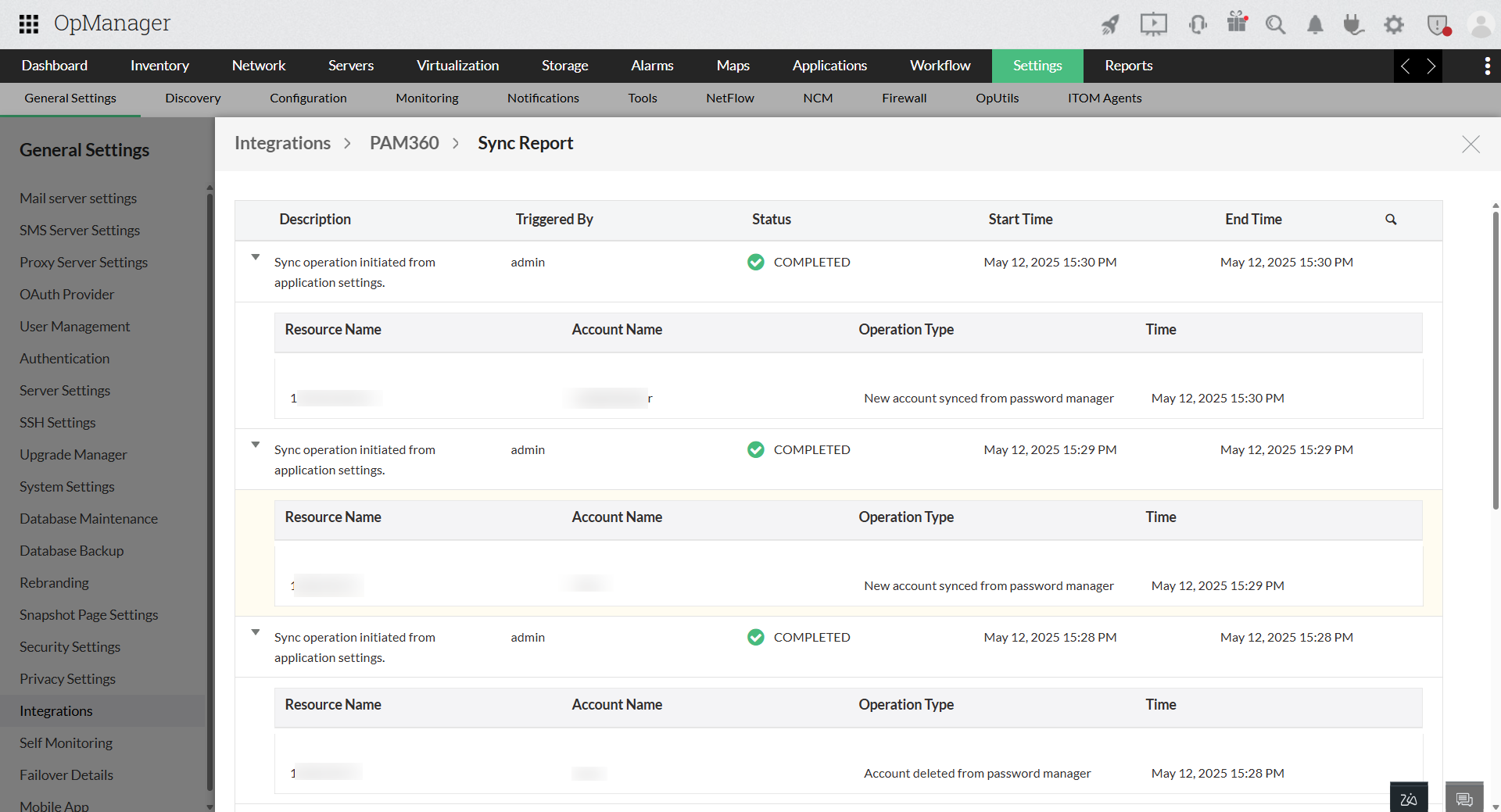
How to view the operations performed (audit) in PAM360?
- Within the Configure page of PAM360, locate the Actions button at the top-right corner.
- From the drop-down menu of the Actions button, select "View Sync Report". This will display the audit.
How to enable/disable PAM360 configuration?
How to remove PAM360 configuration from OpManager?
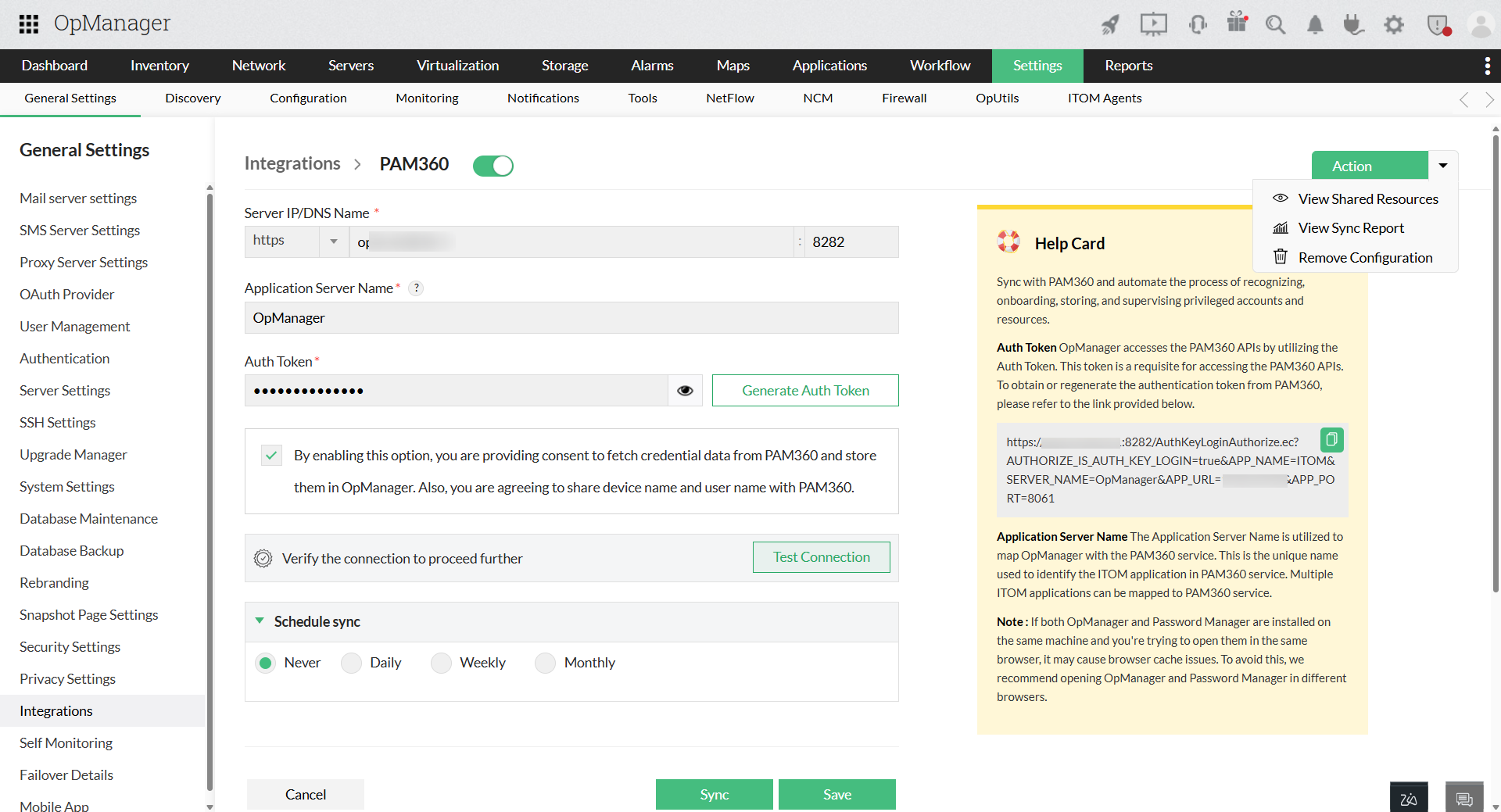
- Within the Configure page of PAM360, locate the Actions button at the top-right corner.
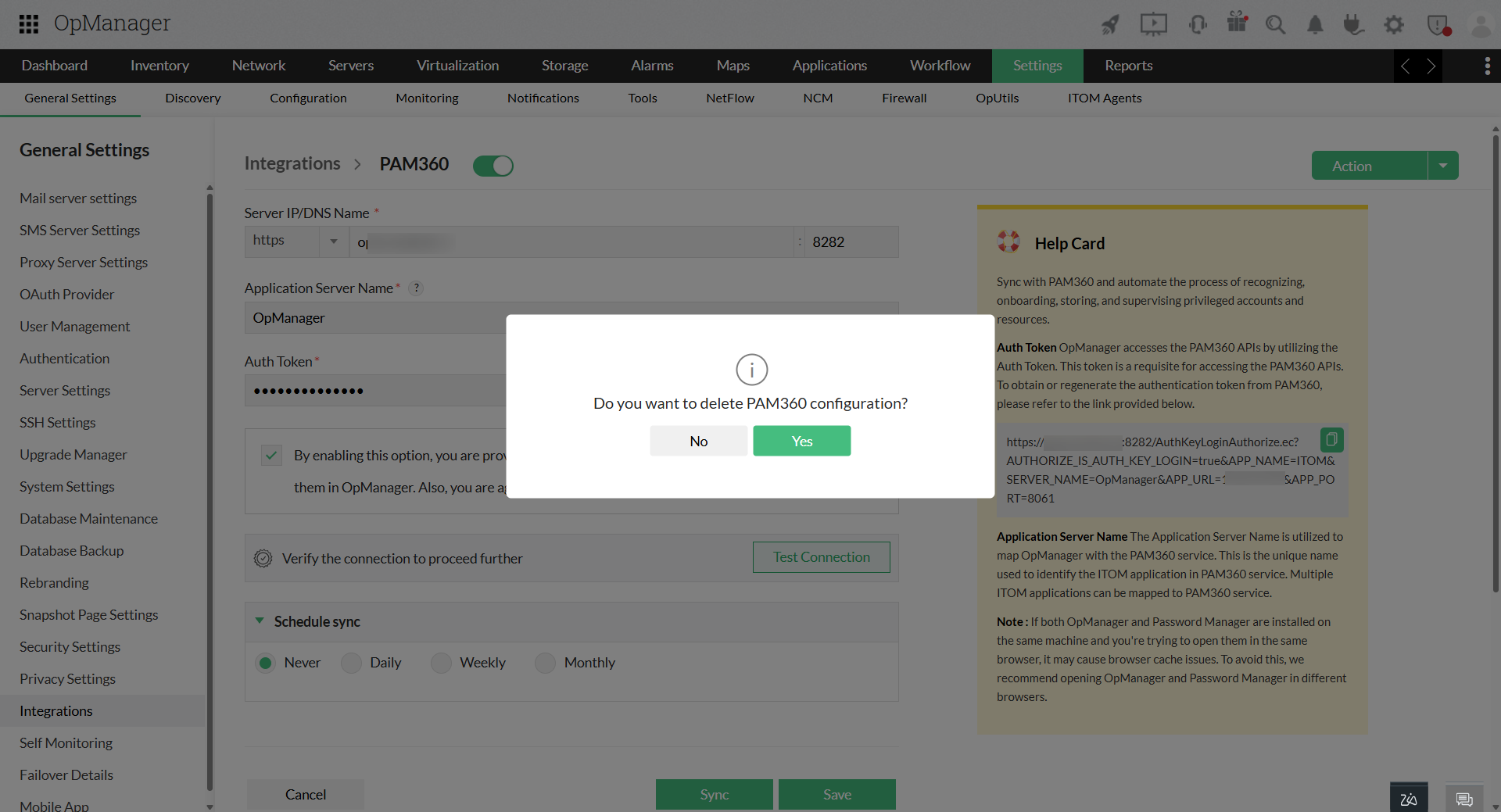
- From the drop-down menu of the Actions button, select "Remove Configuration". This will permanently delete the configuration.