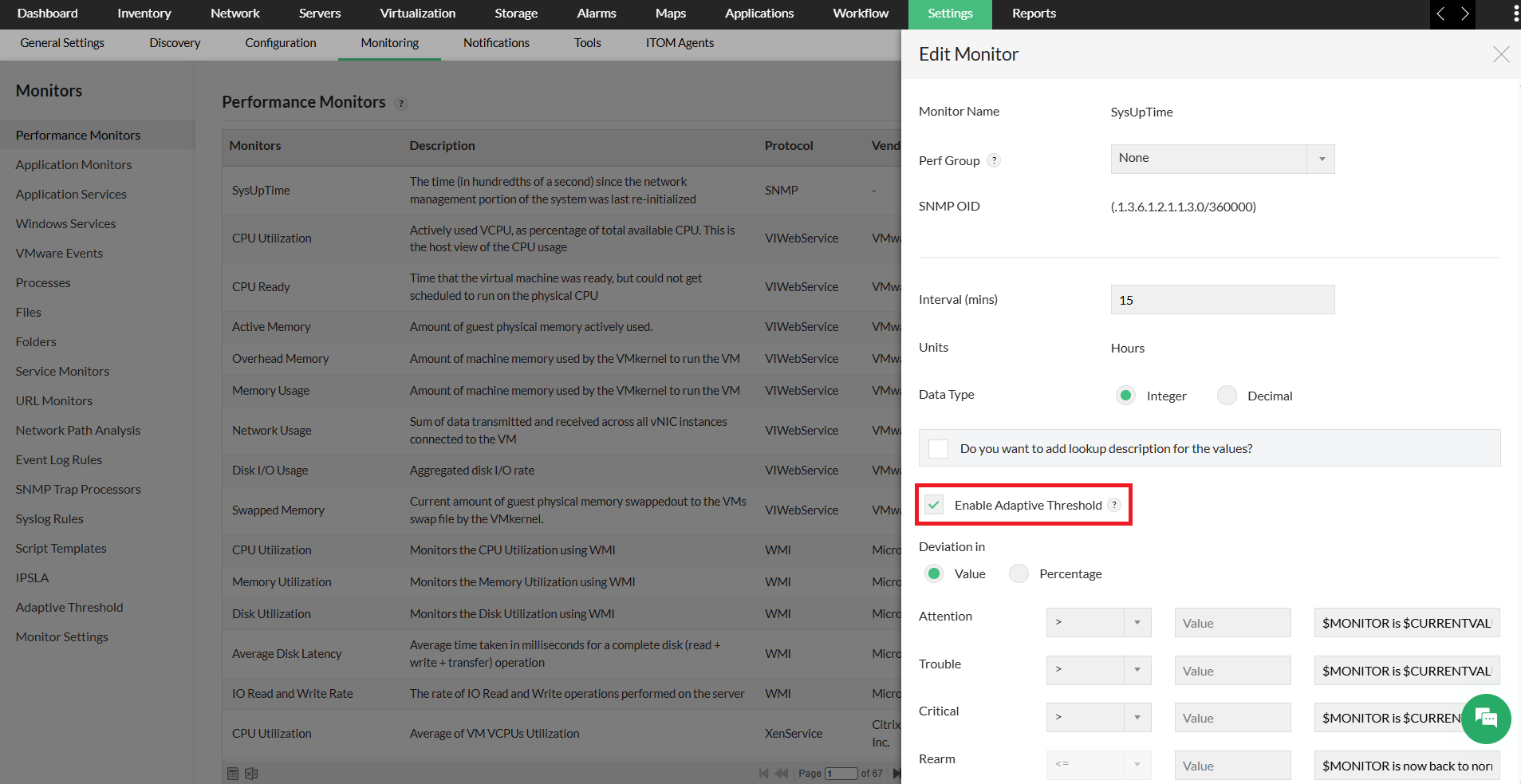
OpManager's Adaptive thresholds feature allows you to automate the threshold configuration process, with the help of AI and ML algorithms. So instead of manually combing through mountains of historical data and device usage patterns, you can now automate the threshold configuration process at the click of a button. Know more about how to configure adaptive thresholds in OpManager.
Yes. The adaptive thresholds feature is enabled by default and is available for trial users.
To raise alerts using the adaptive thresholds feature, we need a minimum of 14 days of monitor data for the AI to compute thresholds. If fourteen days of monitor data is readily available, you can instantly receive alerts. If not, it will take fourteen days for the data collection post which you will receive alerts.
Yes, it is possible to enable Adaptive threholds for all performance monitors including custom CPU utilization monitors.
All the adaptive thresholds associated with the device, monitor and template levels will be deleted promptly.
Yes. Once the adaptive threshold feature is disabled, all its learnings (Model data) are removed. A new model will be created once the adaptive threshold feature is enabled again.
We use Manage Engine's in-house developed ML algorithm that uses multiple techniques such as regression, STL Decomposition cascaded with Spectral and Regression models, ETS (Explicit handling of Trend and Seasonality) and ARIMA (Auto-Regressive Integrated Moving Average).
Once you apply the standard/lite edition licnese, the Adaptive threshold feature will automatically be disabled, and you can no longer enable it.
No. Read-only users can view Adaptive threshold settings but, they cannot update or associate them.
Using Machine Learning, we will forecast the value of the metric for Twenty-four hours. These forecasted values will act as a baseline. The deviation values which are configured in the UI will be added to these baseline values to know the exact threshold value. If a user wants narrowed thresholds, they can decrease the deviation values for each severity. These user-assigned deviation values will indirectly give the user some control in defining stricter or lenient thresholds based on their requirements. Deviation can be set as Values or as Percentage.
No. For now, this information is stored within the database itself. However, we are planning to add this feature to our upcoming versions.
Yes. You can configure adaptive thresholds for performance monitors, allowing different deviation values to be applied to different performance monitors as required.
This can be achieved by opening the device template, enabling the adaptive threshold feature and associating the same with the devices.
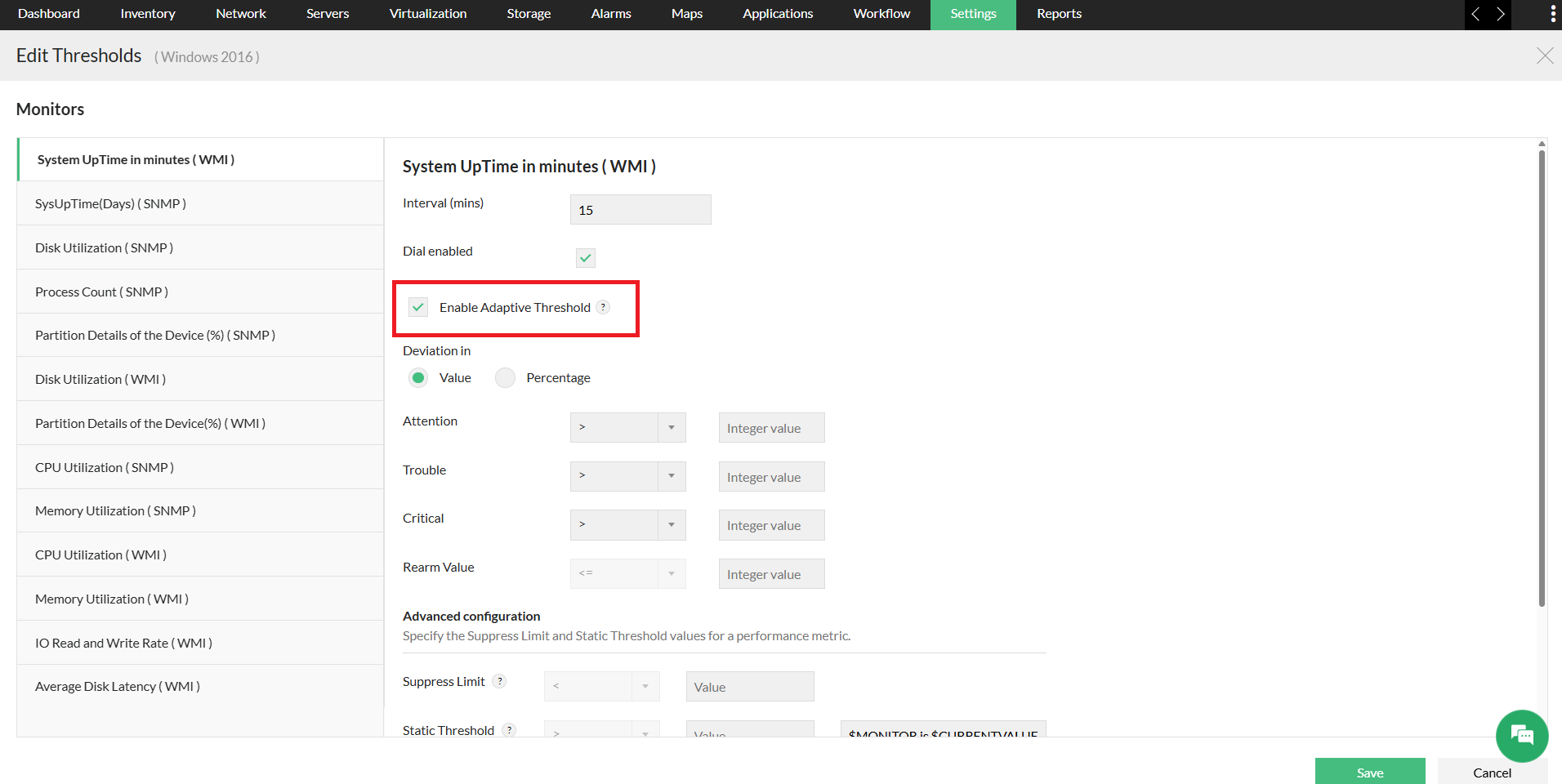
You can also achieve the same in the performance monitoring page under the monitoring option of the settings tab. (Settings -> Monitoring -> Performance Monitors)